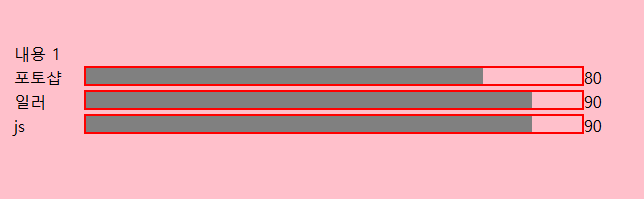
-회전메뉴 아이템
라이브러리를 쓰지 않고 css만으로도 가능하다
-fullpage, mouseanchor
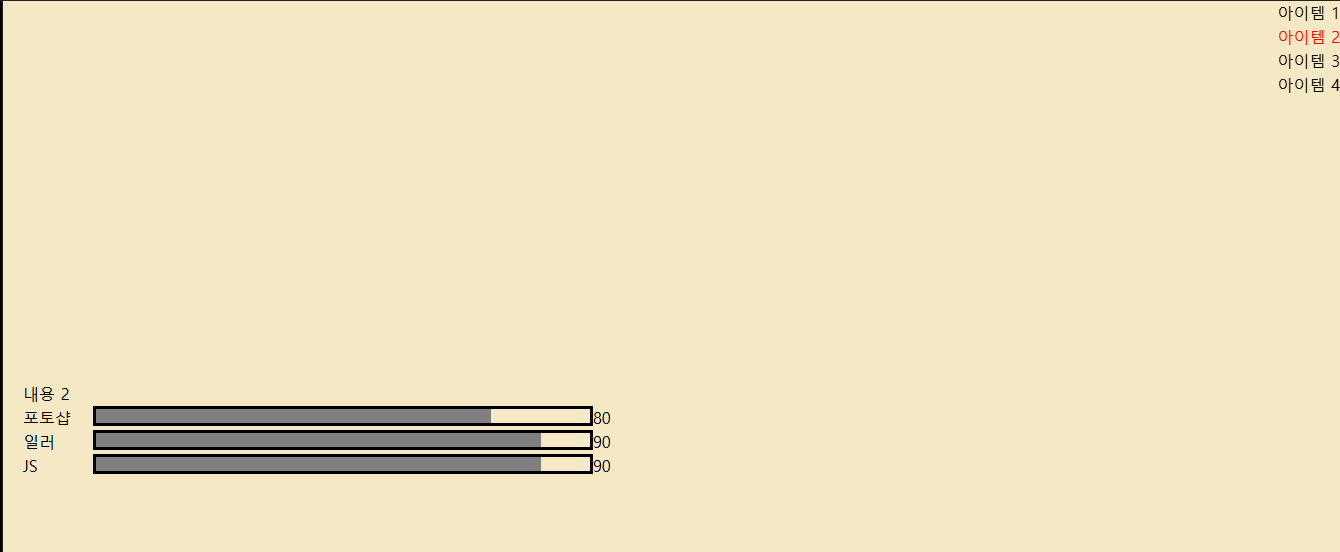
상단 위에 있는 아이템을 1,2,...를 누르면 해당페이지로 이동됨(아이템 1=section-1)
해당페이지(내용2)로 이동하면 delay가 있다가 왼쪽 끝에서부터 회색바가 차오르게 됨
맨 오른쪽에 있는 숫자도 80,90까지 차오르는 애니메이션 있음
@property --num-to-80{
  syntax:"<integer>"; //숫자타입
  initial-value:0; //속성이 정수값만 허용한다(기본값)
  inherits:false;  //상위 요소로부터 상속을 안하겠다
}
@property:
css에서 사용자 정의 속성에 대한 메타데이터를 정하는 것
사용자 정의 속성 타입, 초기값, 상속여부을 명시적으로 설정할 수 있음
@keyframes num-to-80 {
    from {
        --num-to-80: 0;
    }

    to {
        --num-to-80: 80;
    }
}
keyframes를 다른식으로 쓸 수 있는 방법
.section.active .progress-bar-box-80 {
    animation-name: num-to-80;
    animation-duration: 1s;
    animation-delay: 1s;
    animation-iteration-count: 1;
    animation-timing-function: ease-in-out;
    animation-fill-mode: both;
    counter-reset: num var(--num-to-80);
}
animation
console.clear();

function Fullpage__init(){
  new fullpage("#fullpage", {
    sectionsColor:['pink','#fa57ae','#e32088','#ad0e63'],//각 섹션의 배경색 변경
    scrollOverflow:true, //스크롤 가능한 콘텐츠가 있을 경우 오버플로우 활성

    verticalCenterd:false, // 콘텐츠의 수직 중앙 정렬 비활성화
    menu:".top-bar .menu-box-1 > ul" //지정한 메뉴를 사용하여 네비게이션 설정
});
}
Fullpage__init();
라이브러리 js 수정한 것인데 그냥 거의 처음부터 다시 씀