
개요
- Git에서 되돌리기는 작업 상태에 따라 크게 세가지로 분류
- Working Directory 작업 단계
- Staging Area 작업 단계
- Repository 작업 단계
- Working Directory 작업 단계
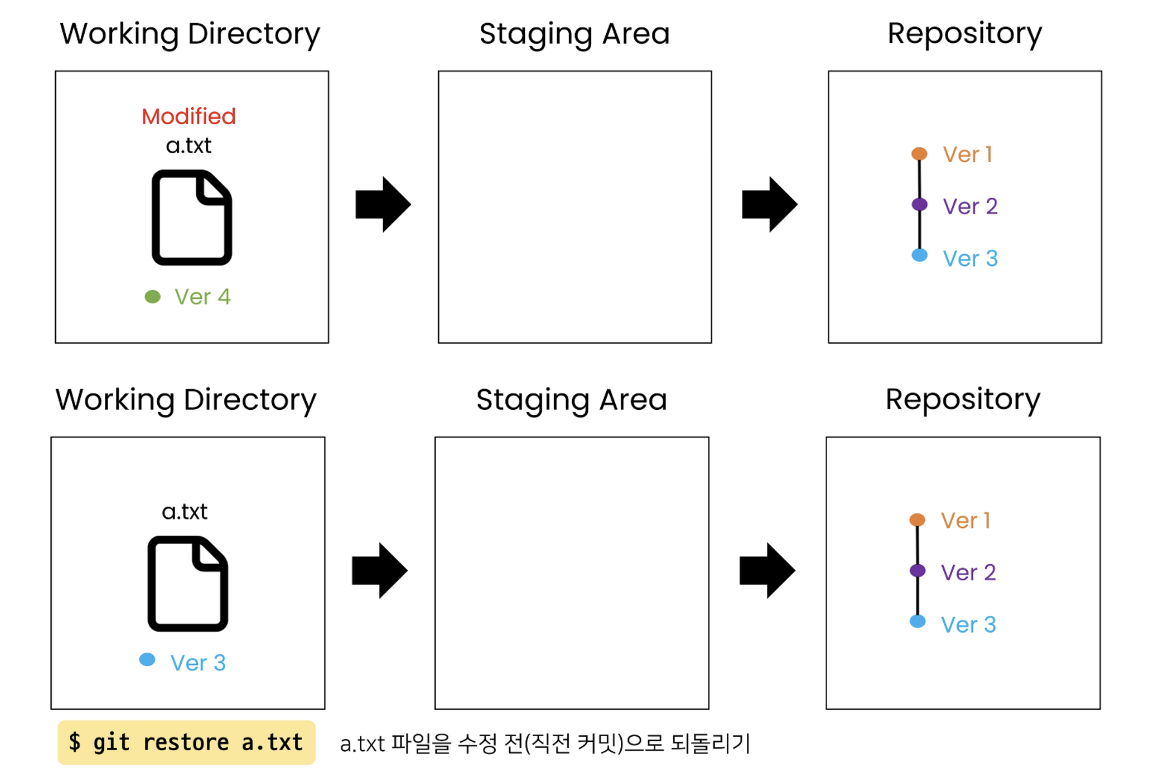
- Working Directory에서 수정한 파일 내용을 이전 커밋 상태로 되돌리기
git restore
- Staging Area 작업 단계
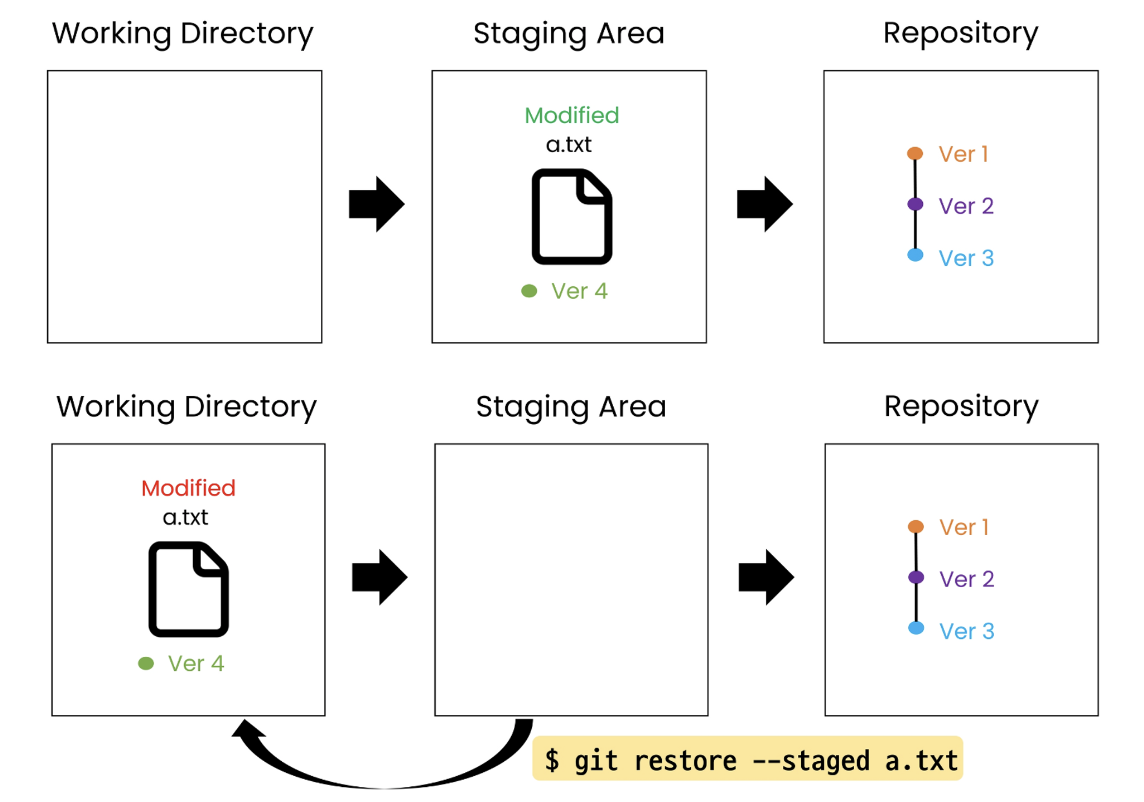
- Staging Area에 반영된 파일을 Working Directory로 되돌리기
git rm --cachedgit restore --staged
- Repository 작업 단계
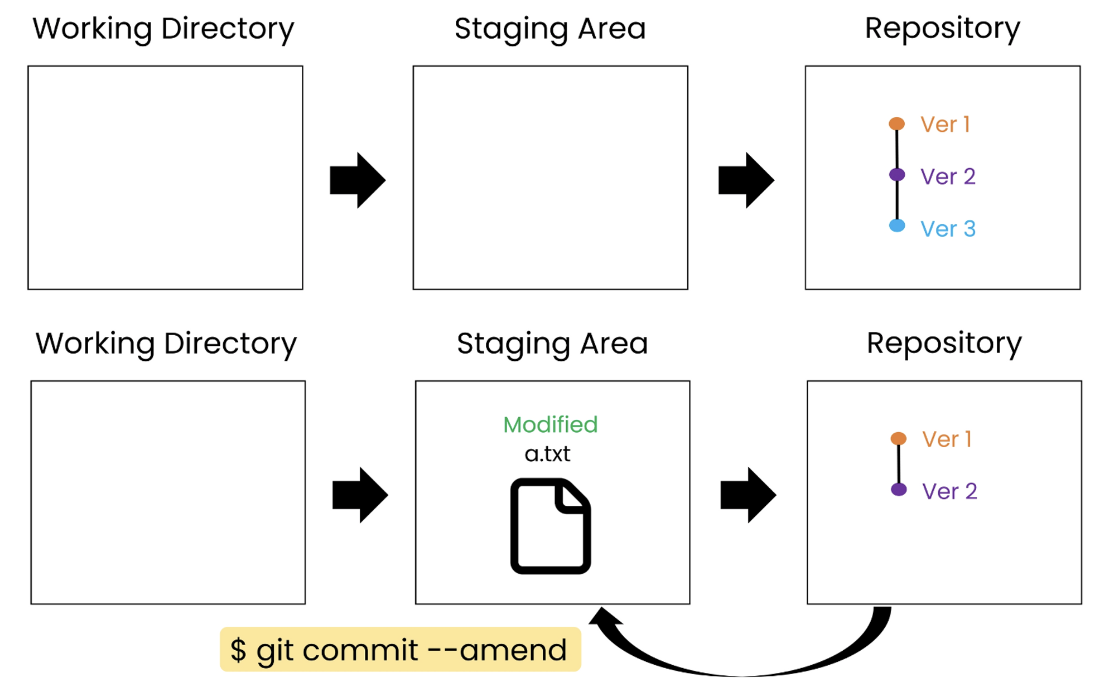
- 커밋을 완료한 파일을 Staging Area로 되돌리기
git commit --amend
Working Directory 작업 단계 되돌리기
git restore
git restore {파일 이름}- Working Directory 에서 수정한 파일을 수정 전(직전 커밋)으로 되돌리기
- 이미 버전 관리가 되고 있는(Repo에 push한 적이 한번이라도 있는) 파일만 되돌리기 가능
- git restore을 통해 되돌리면, 해당 내용을 복원할 수 없으니 주의할 것
연습하기
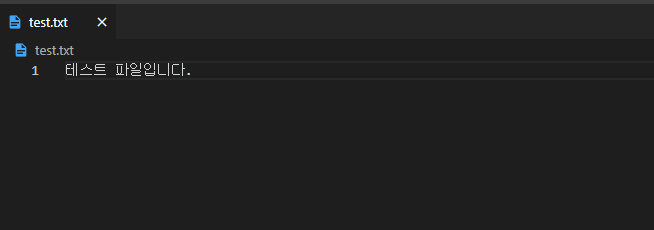
- 이미 버전 관리가 되고 있는 기존 파일
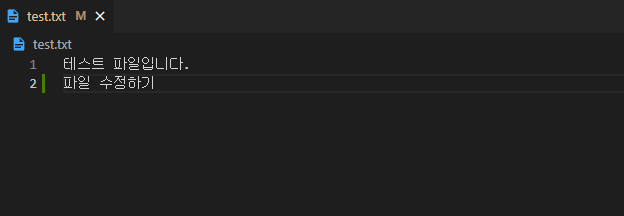
- 파일을 수정하면 파일이 modified 상태로 있게 된다.
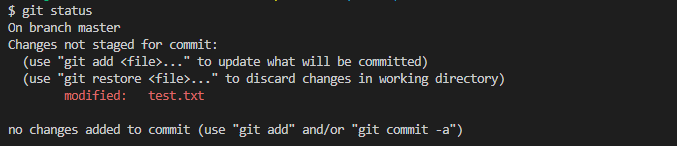
git restore {파일 이름}명령어를 통해 수정 전(직전 커밋)으로 되돌아 갈 수 있다.
$ git restore test.txt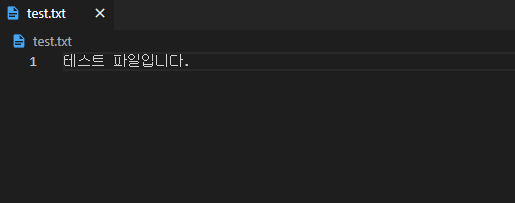
Staging Area 작업 단계 되돌리기
- Staging Area에 반영된 파일을 Working Directory로 되돌리기 (==Unstage)
- root-commit 여부에 따라 두 가지 명령어로 나뉨
- root-commit 이 없는 경우 :
git rm --cached - root-commit이 있는 경우 :
git restore --staged
- root-commit 이 없는 경우 :
git rm --cached
git rm --cached {파일 이름}- root-commit이 없는 경우 사용 (Git 저장소가 만들어지고 한번도 커밋을 안한 경우)
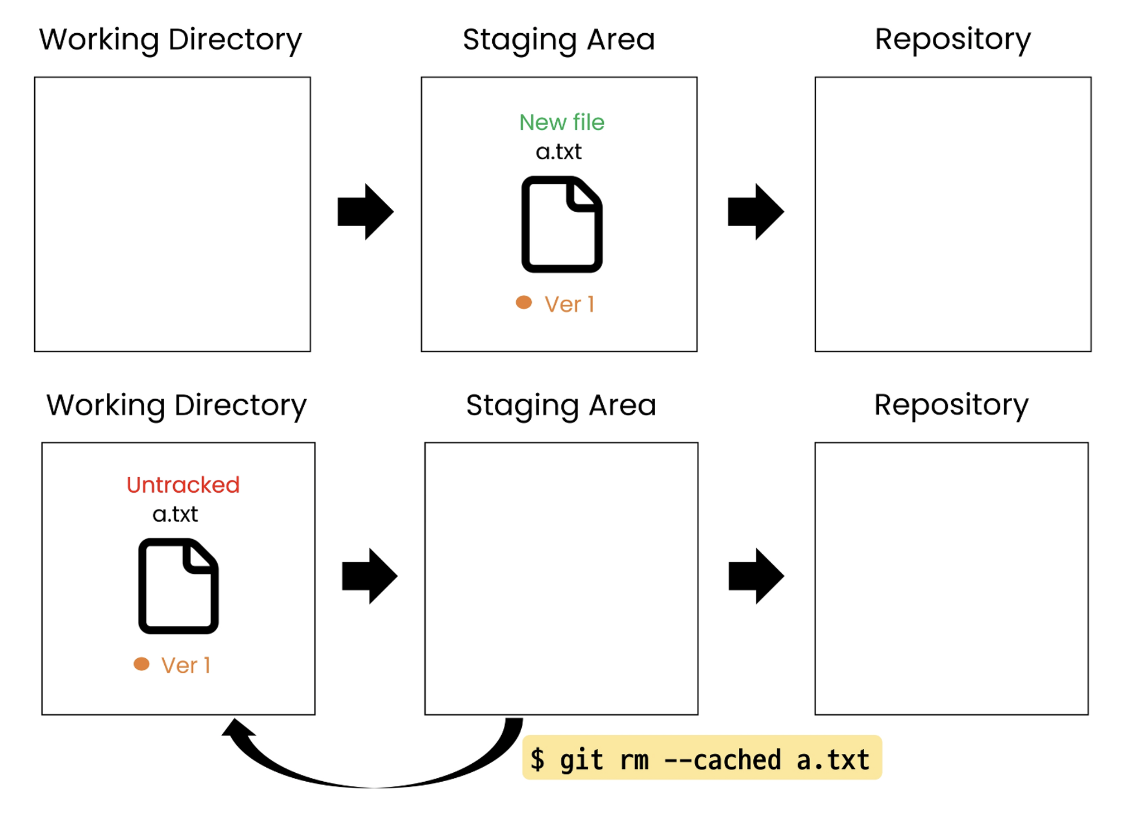
연습하기
- 커밋 한적 없고, StagingArea에 반영된 파일
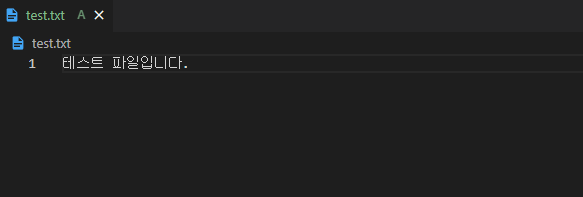
git rm --cached {파일 이름}명령어를 통해 Working Directory로 되돌릴 수 있음 (Unstaged == add 취소)
$ git rm --cached test.txt 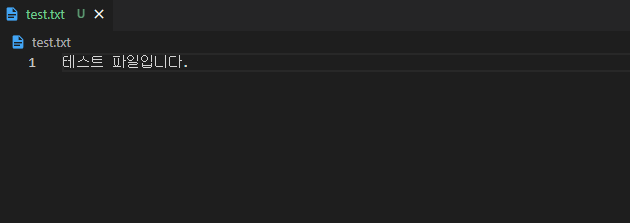

git restore --staged
git restore --staged {파일 이름}- root-commit이 있는 경우 사용 (Git 저장소에 한 개 이상의 커밋이 있는 경우)
연습하기
- 한 개 이상의 commit이 있는 파일
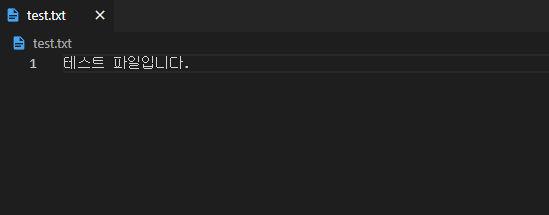
- 파일 수정 후 add하면 수정된 파일이 Staging Area에 올라간다.
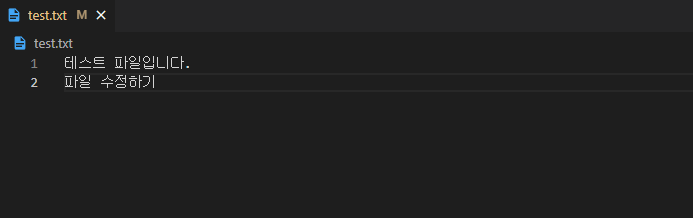

git restore --staged {파일 이름}명령어를 통해 Working Directory로 되돌릴 수 있음 (Unstaged == add 취소)- 파일이 수정 전으로 변경되는 것이 아니라 단지 상태를 working directory로 되돌리는 것!!!
$ git restore --staged test.txt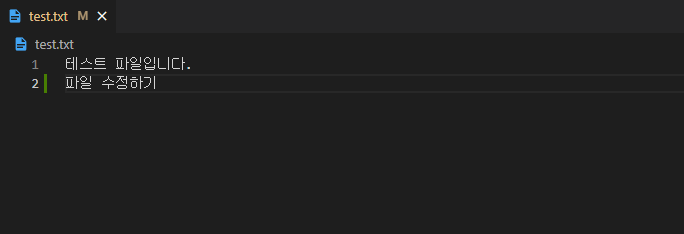

Repository 작업 단계 되돌리기
git commit --amend
- 커밋을 완료한 파일을 Staging Area로 되돌리기
- 상황 별로 두 가지 기능으로 나뉨
- 첫 번째 상황 : Staging Area에 새로 올라온 내용이 없다면, 직전 커밋의 메세지만 수정
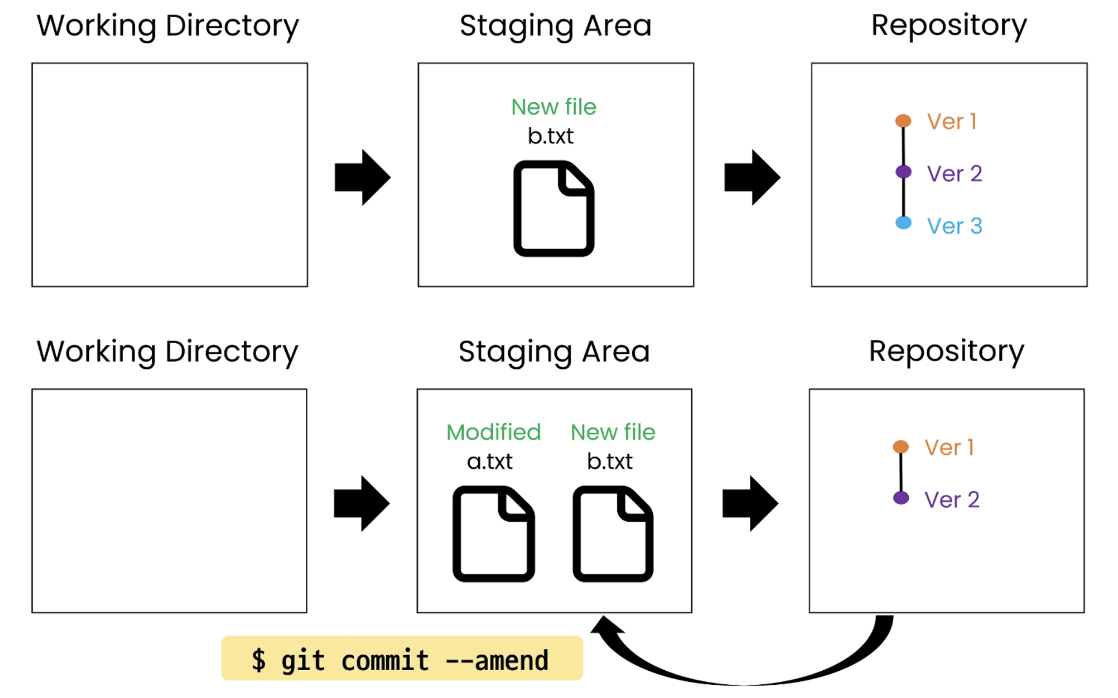
- 두 번째 상황 : Staging Area에 새로 올라온 내용이 있다면, 직전 커밋을 덮어쓰기
- amend(수정하다) 즉, 이전 커밋을 수정해서 새 커밋으로 남김
- 커밋 내용을 수정하거나 수정 사항을 새로 커밋에 추가하고 싶을 때 사용
- 수정 사항을 반영하기 위해 새로운 커밋을 생성하지 않아도 됨
첫 번째 상황
-
Staging Area에 새로 올라온 내용이 없다면, 직전 커밋의 메시지만 수정
-
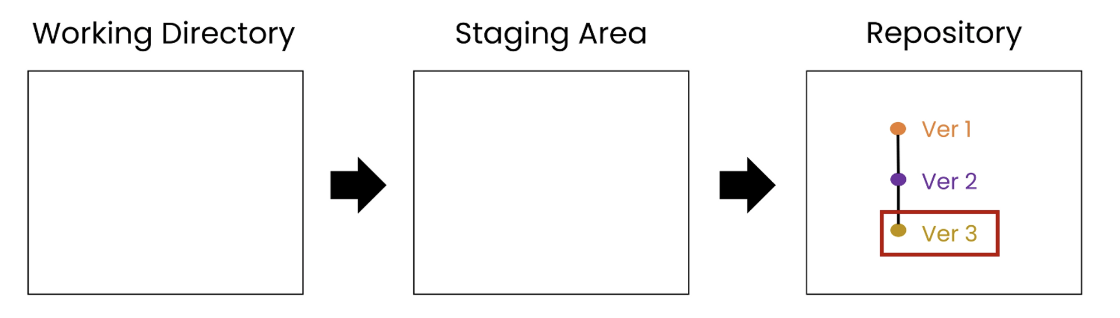
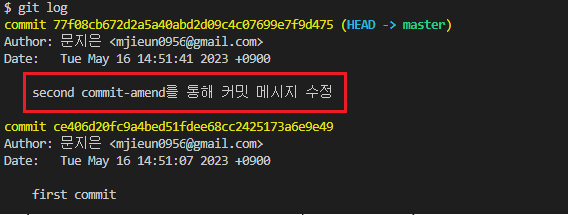
커밋 메시지가 변경되며 직전 커밋은 삭제되고 새로운 커밋이 생성됨
연습하기
- Staging Area에 올라온 내용이 없는 파일
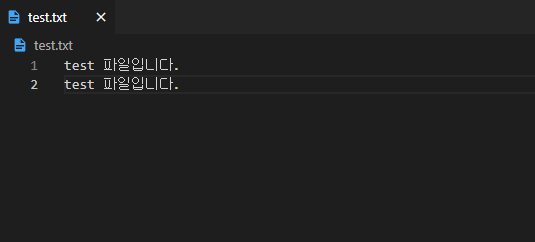

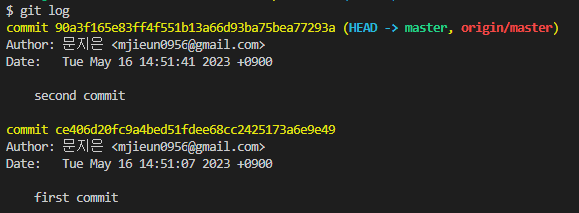
git commit --amend명령어를 통해 직전 커밋 메세지를 수정할 수 있다.i를 눌러 입력 모드로 변경하고 커밋 메시지 수정esc를 눌러 명령모드로 변경하고:wq입력 후 엔터를 누르면 커밋메세지가 저장된다.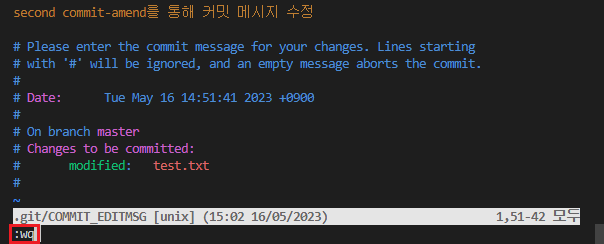
- Vim을 사용하지 않고
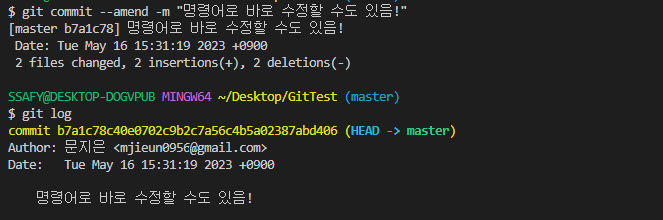
$ git commit --amend -m {커밋 메시지}명령어로 바로 메시지를 수정할 수도 있다.
Vim 간단 사용법
- 입력 모드(i) : 문서 편집 가능
- 명령 모드(esc)
- 저장 및 종료 (
:wq) - 강제 종료 (
:q!)
- 저장 및 종료 (
두 번째 상황
-
Staging Area에 새로 올라온 내용이 있다면, 직전 커밋 덮어쓰기
-
직전 커밋은 삭제되고 새로 생성된 내용까지 포함한 새로운 커밋이 생성됨
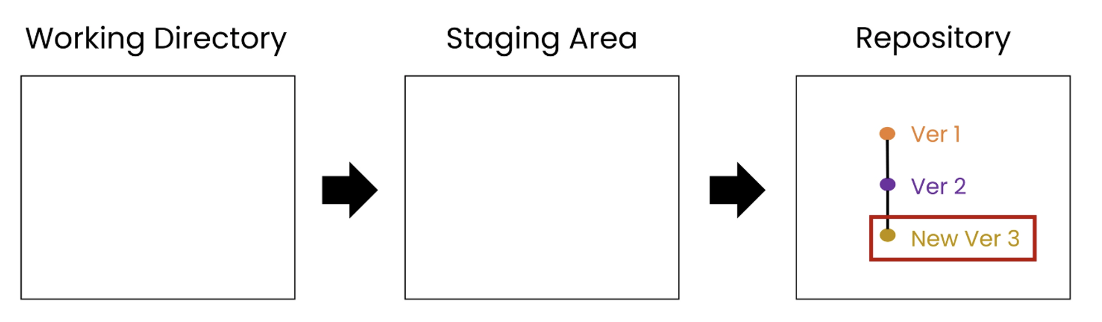
연습하기
-
Staging Area에 올라온 내용이 있는 파일


-
git commit --amend명령어를 통해 직전 커밋 메세지를 수정할 수 있다.- 이 때, 새로 생성된 내용까지 포함한 새로운 커밋이 생성된다. (StagingArea에 있던 것이 Repo에 push 됨!)
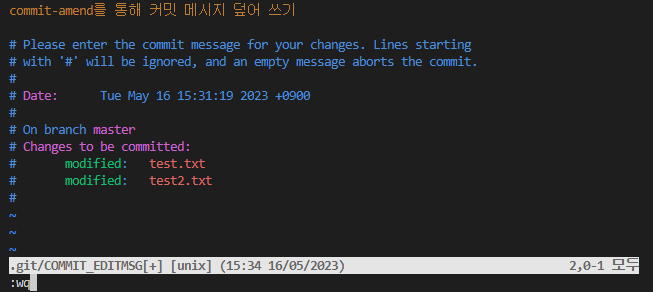
- 이 때, 새로 생성된 내용까지 포함한 새로운 커밋이 생성된다. (StagingArea에 있던 것이 Repo에 push 됨!)



코드로 꿈을 펼치는 개발자의 이야기, 노력과 열정이 가득한 곳 🌈

이런 글은 진짜 멋있다,,