아래와 같이 테이블 헤더가 수평으로 있는 경우, 수직으로 있는 경우, 그리고 둘 다 있는 경우를 구현해보자!
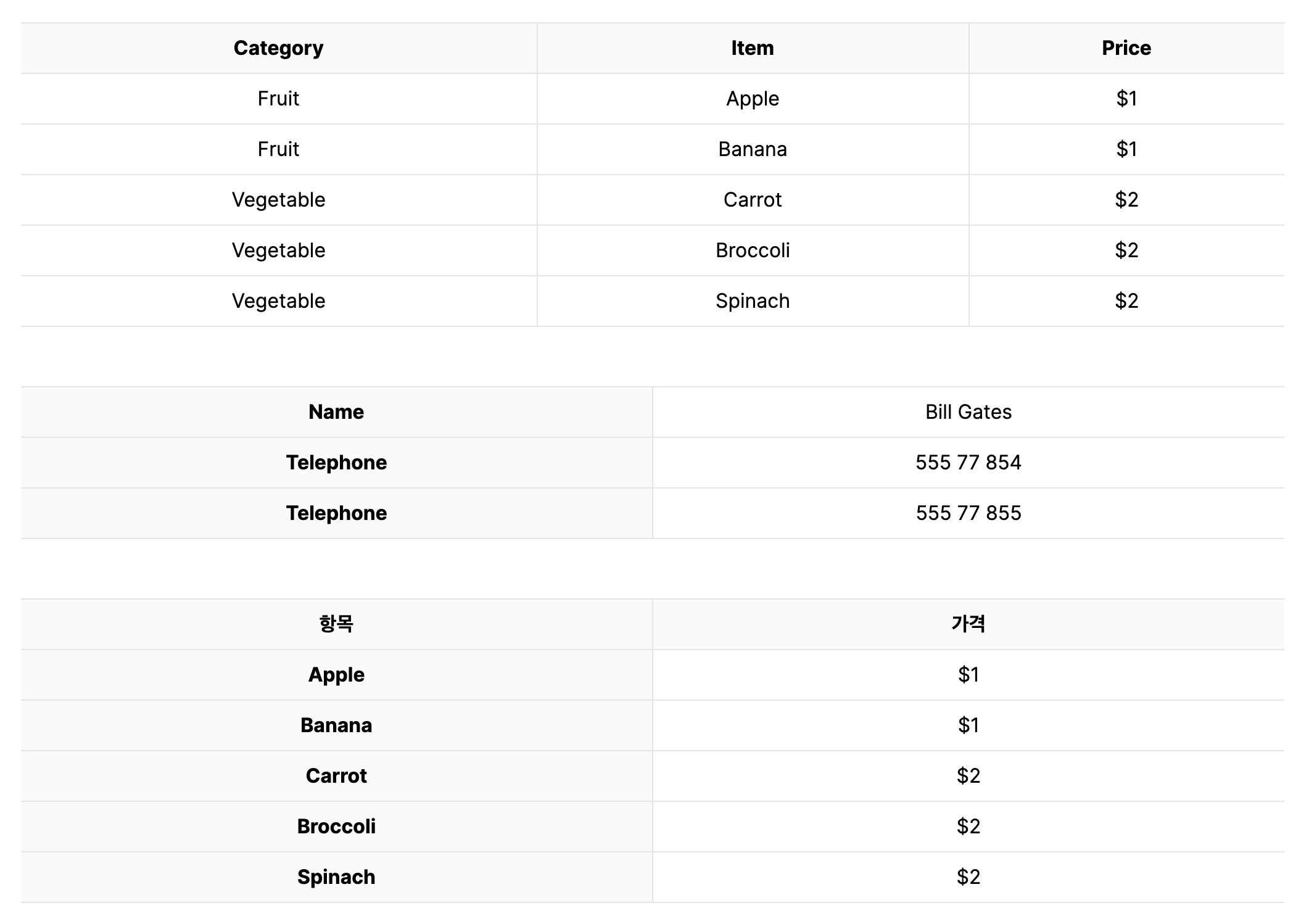
HTML Table - Horizontal Headings
- 먼저
<table>태그와 이를 구성하는<thead>,<tbody>,<tr>,<th>,<td>태그에 대해 알아보자.<table>: 테이블의 시작과 끝을 정의<thead>: 테이블의 헤더 섹션을 정의<tbody>: 테이블의 본문 섹션을 정의<tr>: 테이블의 행을 정의<th>: 테이블 헤더 셀을 정의<td>: 테이블 데이터를 정의
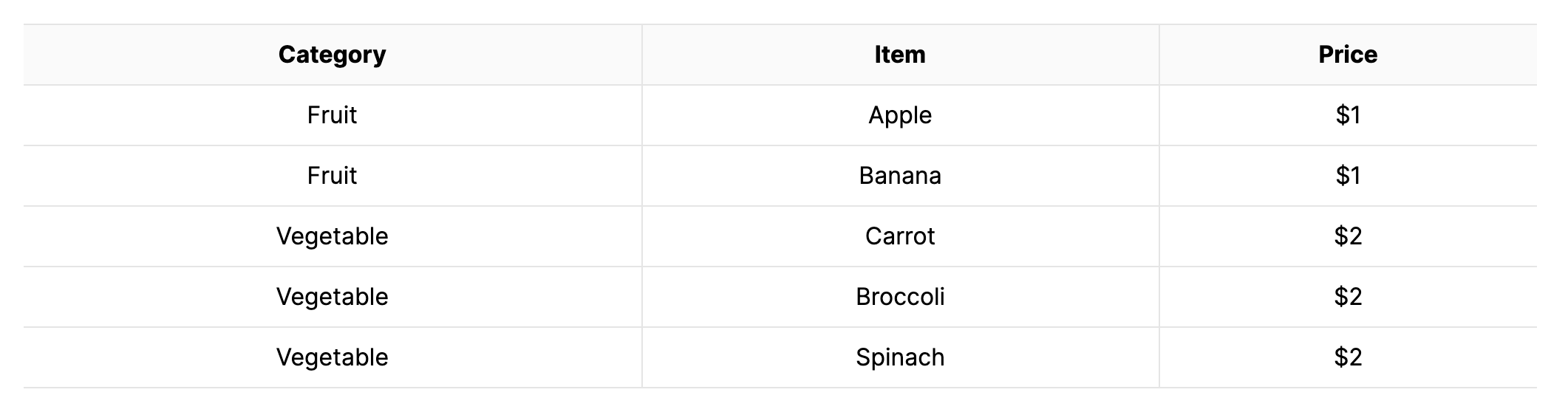
- 기본적으로 작성하는 html table의 기본 구조는 수평 헤더 구조이다.
<div className="horizontal-headings">
  <table>
    <thead>
      <tr>
        <th>Category</th>
        <th>Item</th>
        <th>Price</th>
      </tr>
    </thead>
    <tbody>
      <tr>
        <td>Fruit</td>
        <td>Apple</td>
        <td>$1</td>
      </tr>
      <tr>
        <td>Fruit</td>
        <td>Banana</td>
        <td>$1</td>
      </tr>
      <tr>
        <td>Vegetable</td>
        <td>Carrot</td>
        <td>$2</td>
      </tr>
      <tr>
        <td>Vegetable</td>
        <td>Broccoli</td>
        <td>$2</td>
      </tr>
      <tr>
        <td>Vegetable</td>
        <td>Spinach</td>
        <td>$2</td>
      </tr>
    </tbody>
  </table>
</div>- 아래는 스타일링을 위한 SCSS 코드이다.
- 표 내부에만 border 속성을 주기 위해
last-child요소를 사용하였다.
- 표 내부에만 border 속성을 주기 위해
$border-color: #e5e5e5;
$header-background-color: #fafafa;
$table-padding: 8px;

.horizontal-headings {
  width: 100%;
  table {
    width: 100%;
    thead {
      width: 100%;
      tr {
        border-top: 1px solid $border-color;
        border-bottom: 1px solid $border-color;
        th {
          background-color: $header-background-color;
          padding: $table-padding;
          text-align: center;
          border-right: 1px solid $border-color;
          &:last-child {
            border: none;
          }
        }
      }
    }
    tbody {
      width: 100%;
      tr {
        border-bottom: 1px solid $border-color;
        td {
          padding: $table-padding;
          text-align: center;
          border-right: 1px solid $border-color;
          &:last-child {
            border: none;
          }
        }
      }
    }
  }
}- 결과
Vertical Headings
- 수직으로 헤더를 주고 싶은 경우,
<thead>를 제외하고,<tbody>안에 셀과 데이터를 정의하면 된다.
<div className="vertical-headings">
  <table>
    <tbody>
      <tr>
        <th>Name</th>
        <td>Bill Gates</td>
      </tr>
      <tr>
        <th>Telephone</th>
        <td>555 77 854</td>
      </tr>
      <tr>
        <th>Telephone</th>
        <td>555 77 855</td>
      </tr>
    </tbody>
  </table>
</div>- 기본 html은
theader에만 배경색이 지정되어 있기 때문에 수직 헤더를 구현할 때에는 추가적으로 스타일 코드를 작성해야한다.
$border-color: #e5e5e5;
$header-background-color: #fafafa;
$table-padding: 8px;

.vertical-headings {
  width: 100%;
  table {
    width: 100%;
    tbody {
      tr {
        border-top: 1px solid $border-color;
        border-bottom: 1px solid $border-color;
        th {
          width: 50%;
          padding: $table-padding;
          border-right: 1px solid $border-color;
          background: $header-background-color;
        }
        td {
          padding: $table-padding;
          text-align: center;
        }
      }
    }
  }
}- 결과

- 아래와 같이
<tbody>태그를 제외할 경우 NextJS 에서는 hydration failed 오류가 나므로, 반드시<tbody>안에 셀과 데이터를 작성해야 한다.
<div className="vertical-headings">
  <table>
    <tr>
      <th>Name:</th>
      <td>Bill Gates</td>
    </tr>
    <tr>
      <th>Telephone:</th>
      <td>555 77 854</td>
    </tr>
    <tr>
      <th>Telephone:</th>
      <td>555 77 855</td>
    </tr>
  </table>
</div>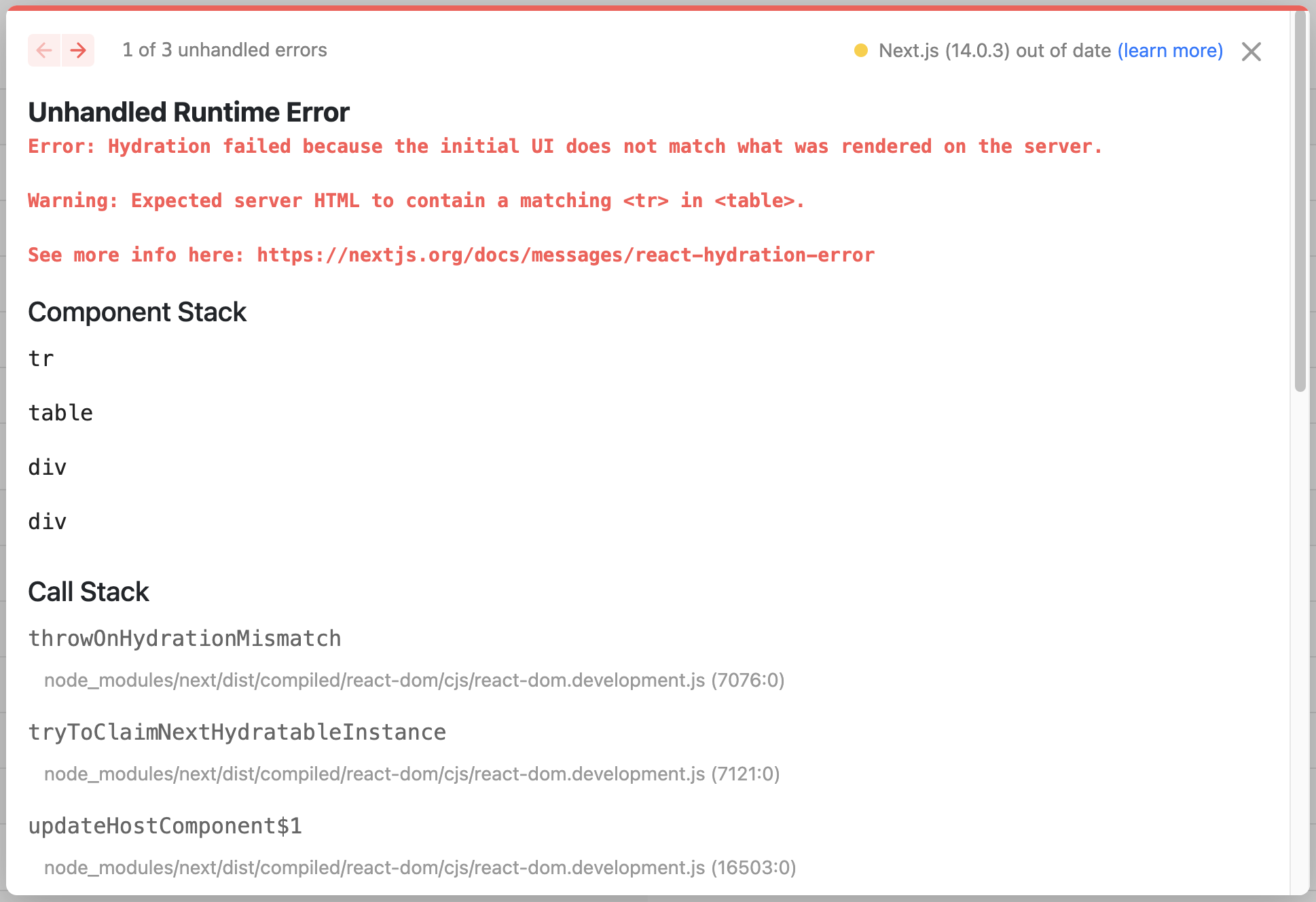
Multi Headings
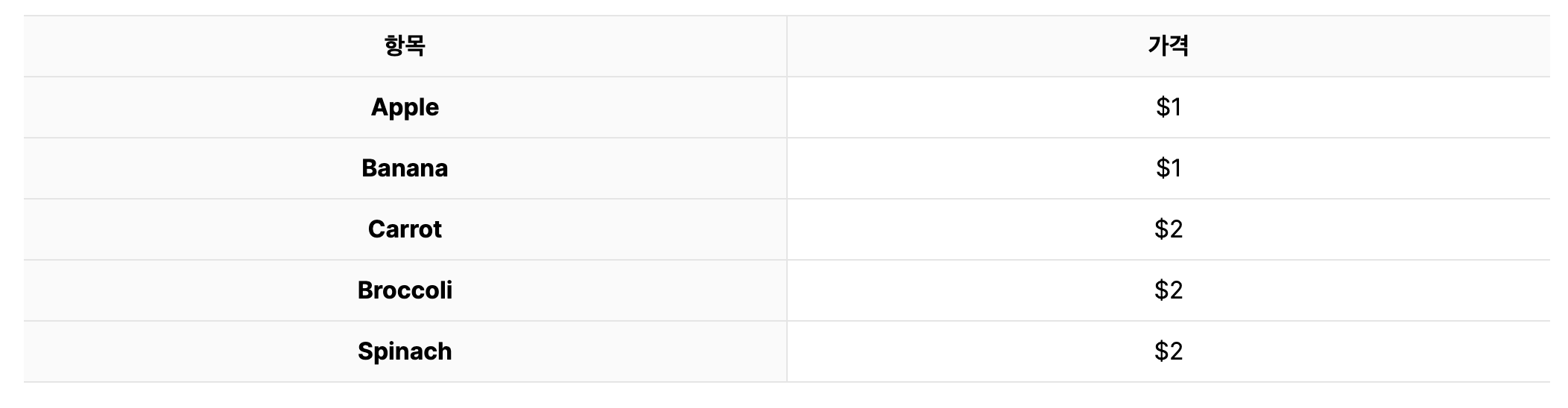
- 수직과 수평 헤더를 둘다 주고 싶은 경우 위에서 작성한 두 경우를 합치면 된다.
<div className="multi-headings">
  <table>
    <thead>
      <tr>
        <th>항목</th>
        <th>가격</th>
      </tr>
    </thead>
    <tbody>
      <tr>
        <th>Apple</th>
        <td>$1</td>
      </tr>
      <tr>
        <th>Banana</th>
        <td>$1</td>
      </tr>
      <tr>
        <th>Carrot</th>
        <td>$2</td>
      </tr>
      <tr>
        <th>Broccoli</th>
        <td>$2</td>
      </tr>
      <tr>
        <th>Spinach</th>
        <td>$2</td>
      </tr>
    </tbody>
  </table>
</div>- 스타일을 위해 작성한 SCSS 코드는 다음과 같다.
$border-color: #e5e5e5;
$header-background-color: #fafafa;
$table-padding: 8px;

.multi-headings {
  width: 100%;
  table {
    width: 100%;
    thead {
      tr {
        border-top: 1px solid $border-color;
        border-bottom: 1px solid $border-color;
        th {
          width: 50%;
          padding: $table-padding;
          background: $header-background-color;
          border-top: 1px solid $border-color;
          border-bottom: 1px solid $border-color;
          border-right: 1px solid $border-color;
          &:last-child {
            border: none;
          }
        }
      }
    }
    tbody {
      tr {
        border-top: 1px solid $border-color;
        border-bottom: 1px solid $border-color;
        th {
          width: 50%;
          padding: $table-padding;
          background: $header-background-color;
          border-top: 1px solid $border-color;
          border-bottom: 1px solid $border-color;
          border-right: 1px solid $border-color;
          &:last-child {
            border: none;
          }
        }
        td {
          padding: $table-padding;
          text-align: center;
        }
      }
    }
  }
}
- 결과
References

코드로 꿈을 펼치는 개발자의 이야기, 노력과 열정이 가득한 곳 🌈