
** 안드 설치 및 환경설정 생략
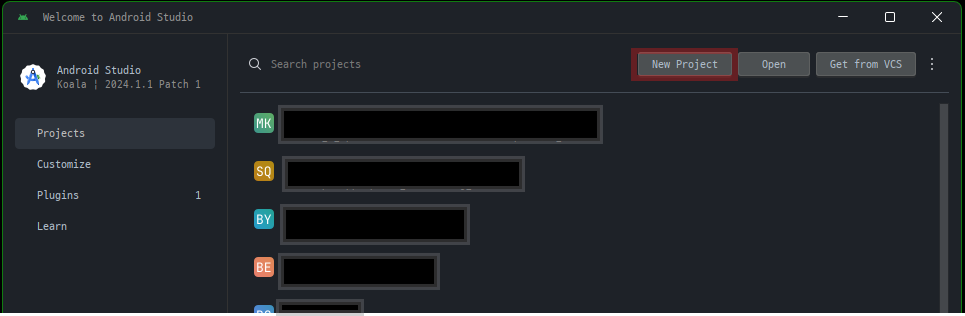
1. New Project 선택
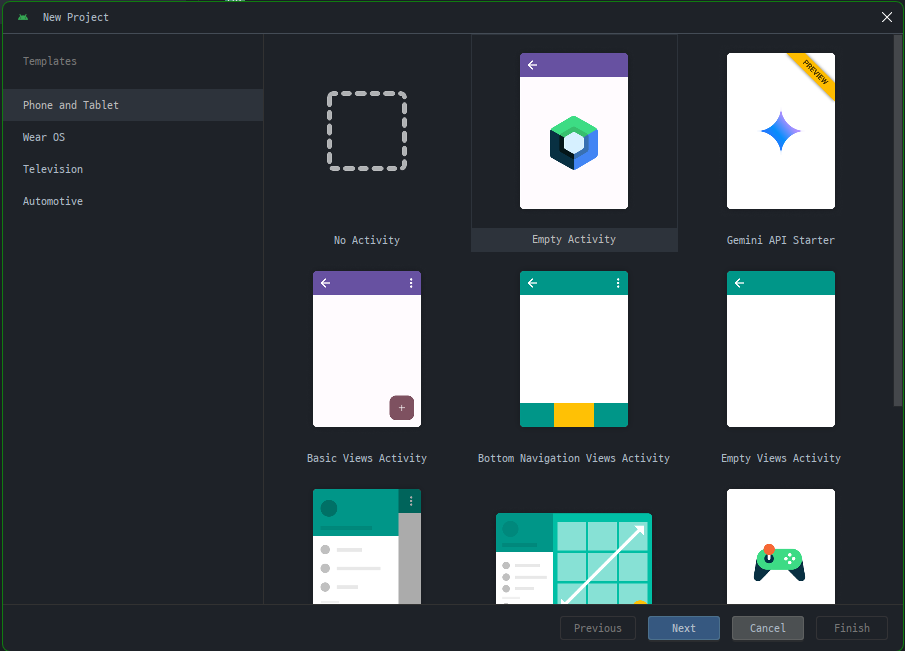
2. Empty Activity 선택
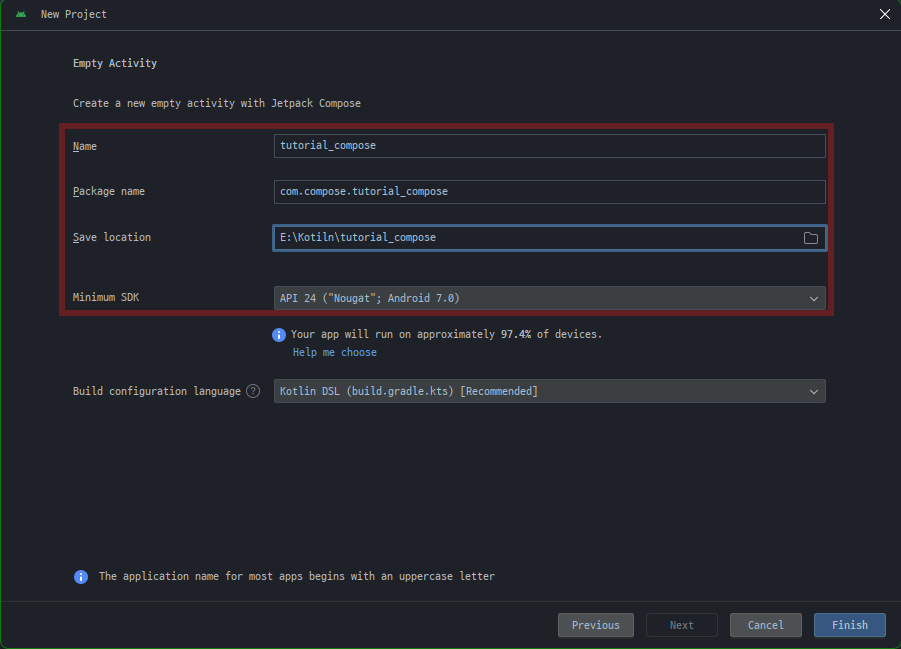
3.프로젝트 명/패키지 명/저장위치 설정
( Language 드롭다운 메뉴에서는 Kotlin 옵션만 사용할 수 있음.
Jetpack Compose는 Kotlin으로 작성된 클래스에서만 작동하기 때문)
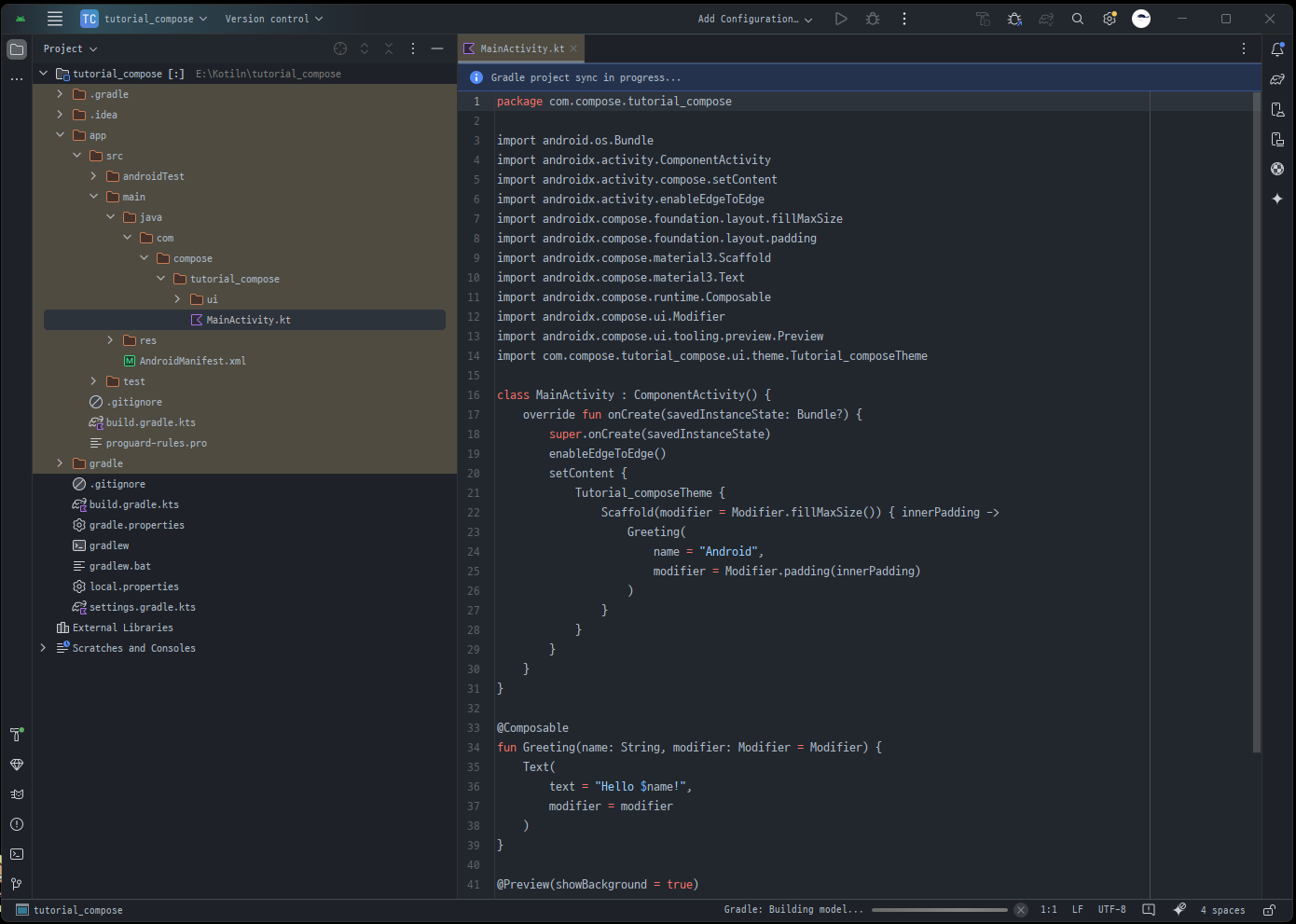
4. bild 대기
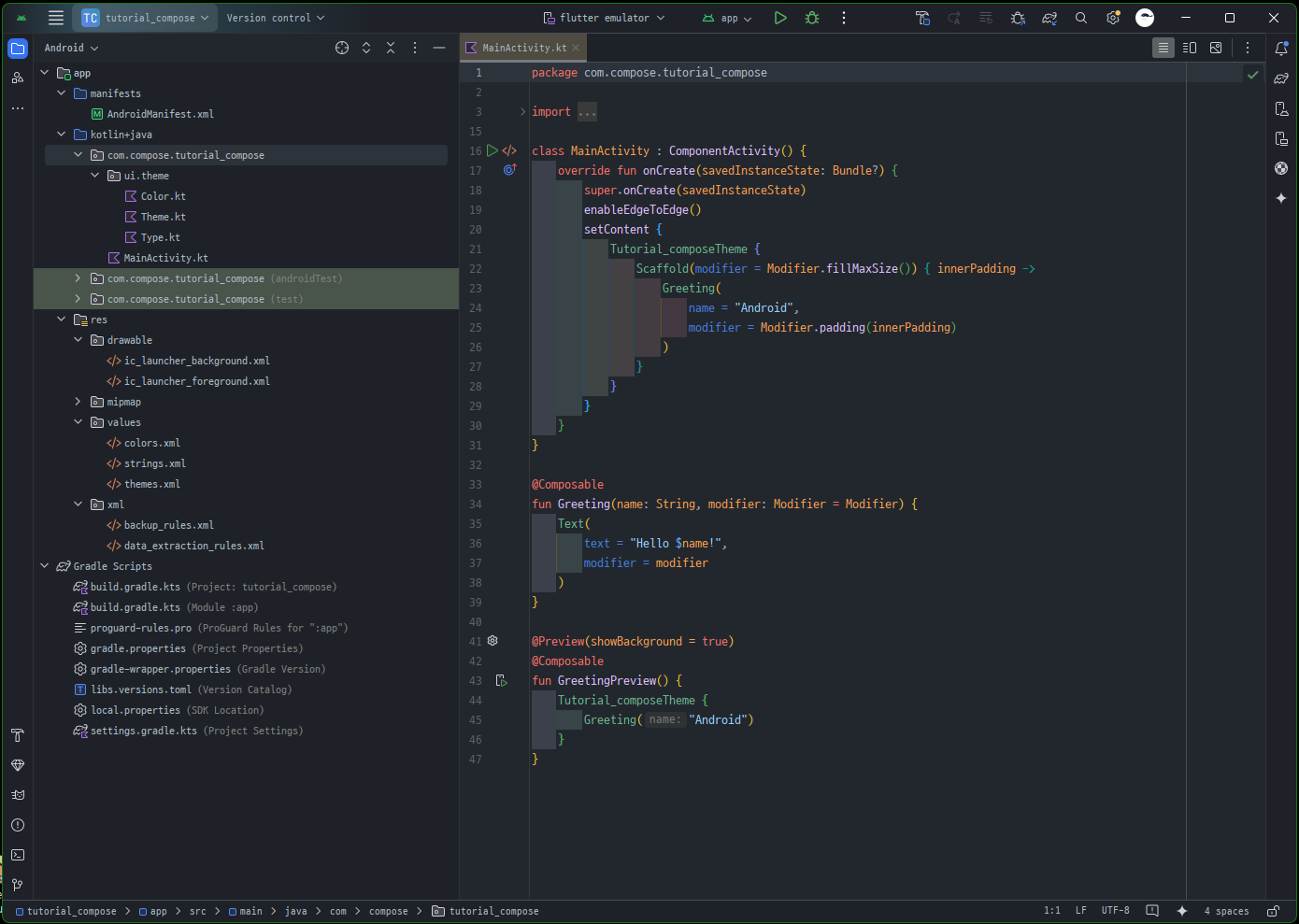
5. compose 시작 준비 완료
- 기존 앱에서 하려면
build.gradle 파일에 다음 정의 추가
android {
    buildFeatures {
        compose = true
    }
}
Compose BOM과 필요한 Compose 라이브러리 종속 항목의 하위 집합을 다음 블록의 종속 항목에 추가
dependencies {

    val composeBom = platform("androidx.compose:compose-bom:2024.10.01")
    implementation(composeBom)
    androidTestImplementation(composeBom)

    // Choose one of the following:
    // Material Design 3
    implementation("androidx.compose.material3:material3")
    // or Material Design 2
    implementation("androidx.compose.material:material")
    // or skip Material Design and build directly on top of foundational components
    implementation("androidx.compose.foundation:foundation")
    // or only import the main APIs for the underlying toolkit systems,
    // such as input and measurement/layout
    implementation("androidx.compose.ui:ui")

    // Android Studio Preview support
    implementation("androidx.compose.ui:ui-tooling-preview")
    debugImplementation("androidx.compose.ui:ui-tooling")

    // UI Tests
    androidTestImplementation("androidx.compose.ui:ui-test-junit4")
    debugImplementation("androidx.compose.ui:ui-test-manifest")

    // Optional - Included automatically by material, only add when you need
    // the icons but not the material library (e.g. when using Material3 or a
    // custom design system based on Foundation)
    implementation("androidx.compose.material:material-icons-core")
    // Optional - Add full set of material icons
    implementation("androidx.compose.material:material-icons-extended")
    // Optional - Add window size utils
    implementation("androidx.compose.material3.adaptive:adaptive")

    // Optional - Integration with activities
    implementation("androidx.activity:activity-compose:1.9.2")
    // Optional - Integration with ViewModels
    implementation("androidx.lifecycle:lifecycle-viewmodel-compose:2.8.5")
    // Optional - Integration with LiveData
    implementation("androidx.compose.runtime:runtime-livedata")
    // Optional - Integration with RxJava
    implementation("androidx.compose.runtime:runtime-rxjava2")

}
출처 : Android Developers > Develop > Core areas > UI > Docs

공장자동화와 웹 개발을 핥아 먹다 앱 개발로 전향한 개발자의 키보드의 낡은 키캡⛑️