
firebase란??
파이어베이스는 2011년 파이어베이스사가 개발하고 2014년 구글에 인수된 모바일 및 웹 애플리케이션 개발 플랫폼이다.
파이어베이스의 Authentication를 이용하면 구글 로그인뿐 아니라 페이스북 , 깃허브 등등의 로그인을 구현할 수 있다.
firebase의 장점
- 어느정도 용량까지 무료로 사용이 가능
- 간편한 설정만으로도 사용 가능
- IOS , Android , web , flutter 등등 다양한 플랫폼 지원
진행과정
- Firebase 프로젝트 생성 및 설정
- 로그인 및 로그아웃 기능 구현
1. Firebase 프로젝트 생성 및 설정
https://console.firebase.google.com/u/0/?hl=ko&pli=1
파이어베이스 홈페이지에 접속하여 새로운 프로젝트를 생성하면 된다.
/ Import the functions you need from the SDKs you need
import {initializeApp} from 'firebase/app';
// TODO: Add SDKs for Firebase products that you want to use
// https://firebase.google.com/docs/web/setup#available-libraries

// Your web app's Firebase configuration
const firebaseConfig = {
  apiKey: '',
  authDomain: '',
  projectId: '',
  storageBucket: '',
  messagingSenderId: '',
  appId: '',
생성과정에서 firebase 구성 코드가 주어지는 데 이걸 프로젝트에 적용하면 된다.
npm i firebase위의 명령어로 firebase를 설치해주면 firebase를 사용할 수 있게 된다.
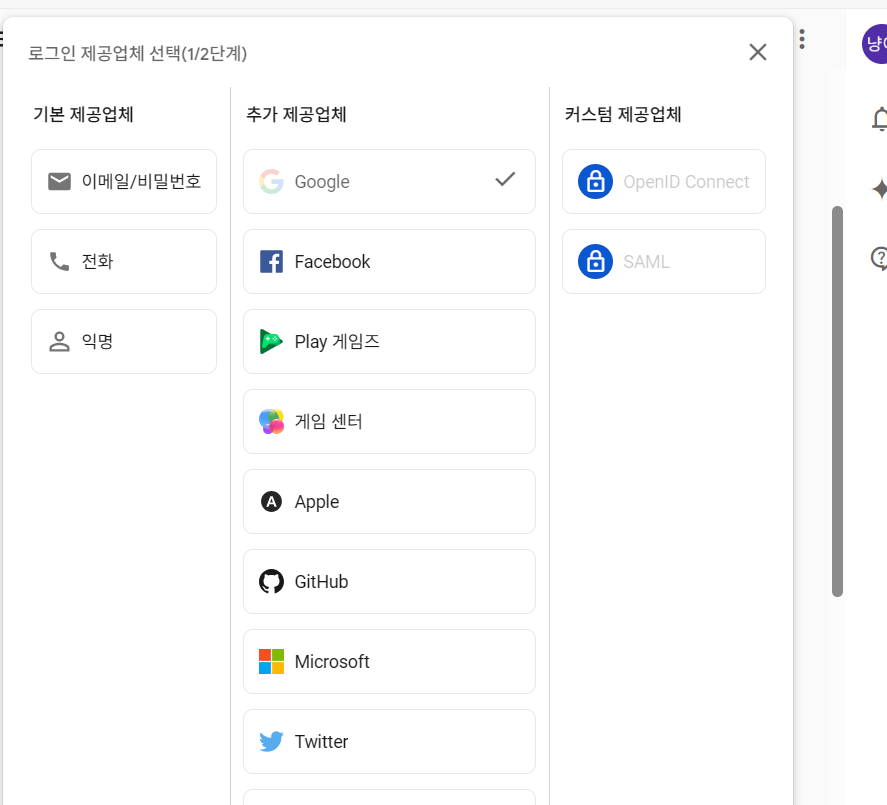
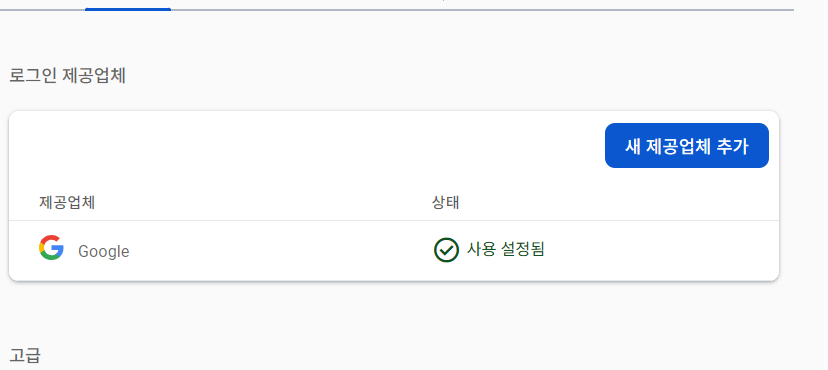
그 후 Authentication로 가서 구글을 선택해주면 된다.
2. 로그인 및 로그아웃 기능 구현
이 프로젝트에는 Redux를 사용중이기에 Redux에 적용시키는 방법이다.
2-1. createSlice
사용자 정보를 담고 삭제할 Slice를 만들어준다.
// userSlice.ts
import {createSlice} from '@reduxjs/toolkit';

const initialState = {
  email: '',
  id: '',
};

const userSlice = createSlice({
  name: 'user',
  initialState,
  reducers: {
    setUser: (state, action) => {
      state.email = action.payload.email;
      state.id = action.payload.id;
    },
    deleteUser: state => {
      (state.email = ''), (state.id = '');
    },
  },
});

export const {setUser, deleteUser} = userSlice.actions;
export const userReducer = userSlice.reducer;
2-2. redux store 저장
기존 사용하던 store에 위에서 만든 리듀서를 저장해주면 된다.
// reducers.ts
import {userReducer} from '../slices/userSlice';

const reducer = {
 //...
  user: userReducer, //추가
};

export default reducer;
2-3. login , logout
이제 기능을 구현해주면 된다.
const dispatch = useTypedDispatch();

// firebase 사용
const auth = getAuth(app);
  const provider = new GoogleAuthProvider();
  const {isAuth} = useAuth(); // 현재 인증 상태

// 로그인
  const handleLogin = () => {
    // firebase에서 제공해주는 기능
    signInWithPopup(auth, provider)
    // 사용자 정보가 담겨 있음
      .then(userCredential => {
        console.log(userCredential.user.displayName);

        dispatch(
          // Redux의 사용자 부분 state 업데이트
          setUser({
            email: userCredential.user.email,
            id: userCredential.user.uid,
          }),
        );
      })
      .catch(e => {
        console.error(e);
      });
  };

//로그아웃
  const handleSignOut = () => {
    // firebase가 제공해준 로그아웃 메서드
    signOut(auth)
      .then(() => {
      // Redux 상태 업데이트
        dispatch(deleteUser());
        alert('signOut');
      })
      .catch(e => {
        console.error(e);
      });
  };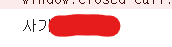
console.log(userCredential.user.displayName);로그인에 성공하여 위의 콘솔이 잘 출력되는 모습
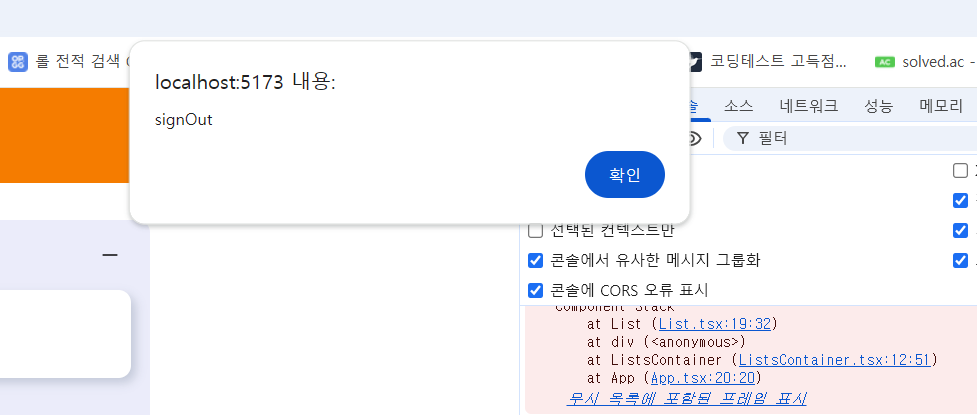
로그아웃에 성공하여 Alert()가 잘 동작하는 모습
📝참고
https://ko.wikipedia.org/wiki/%ED%8C%8C%EC%9D%B4%EC%96%B4%EB%B2%A0%EC%9D%B4%EC%8A%A4

웹 개발자가 되고픈