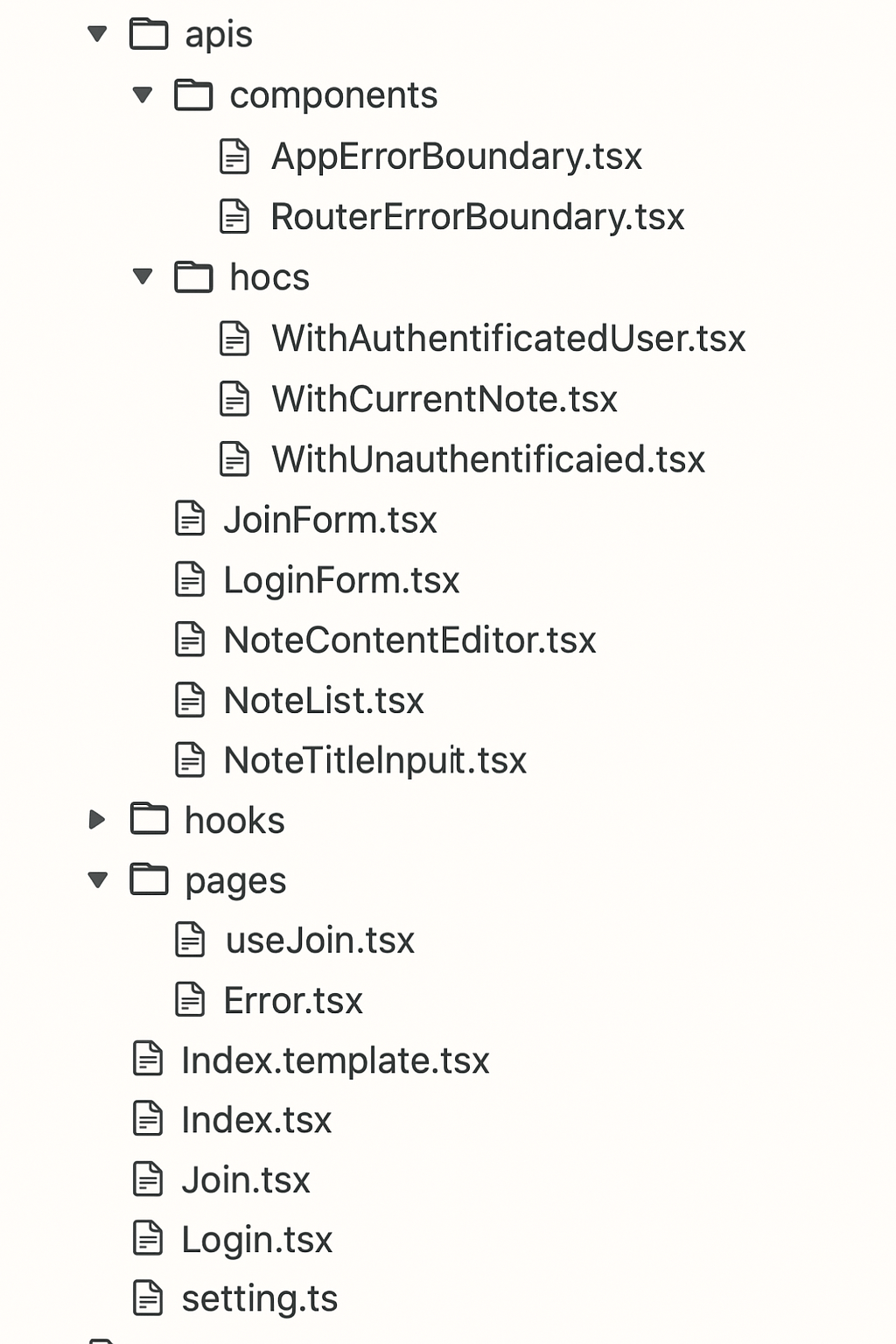
저번 폿팅에 적었던 대로 사용자 요구사항에 맞게
프로젝트를 구현하기 위해 패키지 구조를 설계해 보겠다.
패기지 구조
📦src
┣ 📂apis
┃ ┗ 📜requsetJoin.ts
┣ 📂components
┃ ┣ 📂boundaries
┃ ┃ ┣ 📜AppErrorBoundary.tsx
┃ ┃ ┗ 📜RouterErrorBoundary.tsx
┃ ┣ 📂hocs
┃ ┃ ┣ 📜WithAuthenticatedUser.tsx
┃ ┃ ┣ 📜WithCurrentNote.tsx
┃ ┃ ┗ 📜WithUnauthenticaied.tsx
┃ ┣ 📜JoinForm.tsx
┃ ┣ 📜LoginForm.tsx
┃ ┣ 📜NoteContentEditor.tsx
┃ ┣ 📜NoteList.tsx
┃ ┗ 📜NoteTitleInput.tsx
┣ 📂hooks
┃ ┗ 📜useJoin.ts
┣ 📂pages
┃ ┣ 📂notes
┃ ┃ ┣ 📜Detail.tsx
┃ ┃ ┗ 📜index.tsx
┃ ┣ 📜Error.tsx
┃ ┣ 📜Index.template.tsx
┃ ┣ 📜Index.tsx
┃ ┣ 📜Join.tsx
┃ ┗ 📜Login.tsx
┣ 📂types
┣ 📂utils
┃ ┣ 📜getStatusFromError.ts
┃ ┗ 📜http.ts
┣ 📜App.css
┣ 📜App.tsx
┣ 📜index.tsx
┣ 📜react-app-env.d.ts
┣ 📜router.tsx
┣ 📜setting.ts
┗ 📜setupTests.ts
주요 패지키 구조는 다음과 같다
-
api
- api 요청과 관련된 폴더
- 요구사항 중 모든 사항이 여기서 이루어짐
-
components
- UI를 구성하는 컴포넌트 모음
-
hooks
- 커스텀 훅을 통한 기능 구현
-
pages
- 요구사항에 맞는 화면 렌더링을 위한 폴더
- ex) notes : 노트 관련 페이지
-
types
- 안정성을 위한 타입 정의 파일 모음
-
utils
- 유틸리티 함수들 모음
- ex) HTTP 요청 관련 함수
이렇듯 각 역할별로 폴더를 구분해야
유지보수에 용이하며 개발 시 코드 재사용성도 증가하며
오류 발생 시 오류를 쉽게 찾을 수 있다.
