
🫂 팀 프로젝트 진행!
오늘은 개발한 View의 버튼 이벤트를 구현했다.
그리고 View 간 이동이 잘 되는지 확인했고, 네이버 지도 SDK를 사용하는 법 더 공부했다!
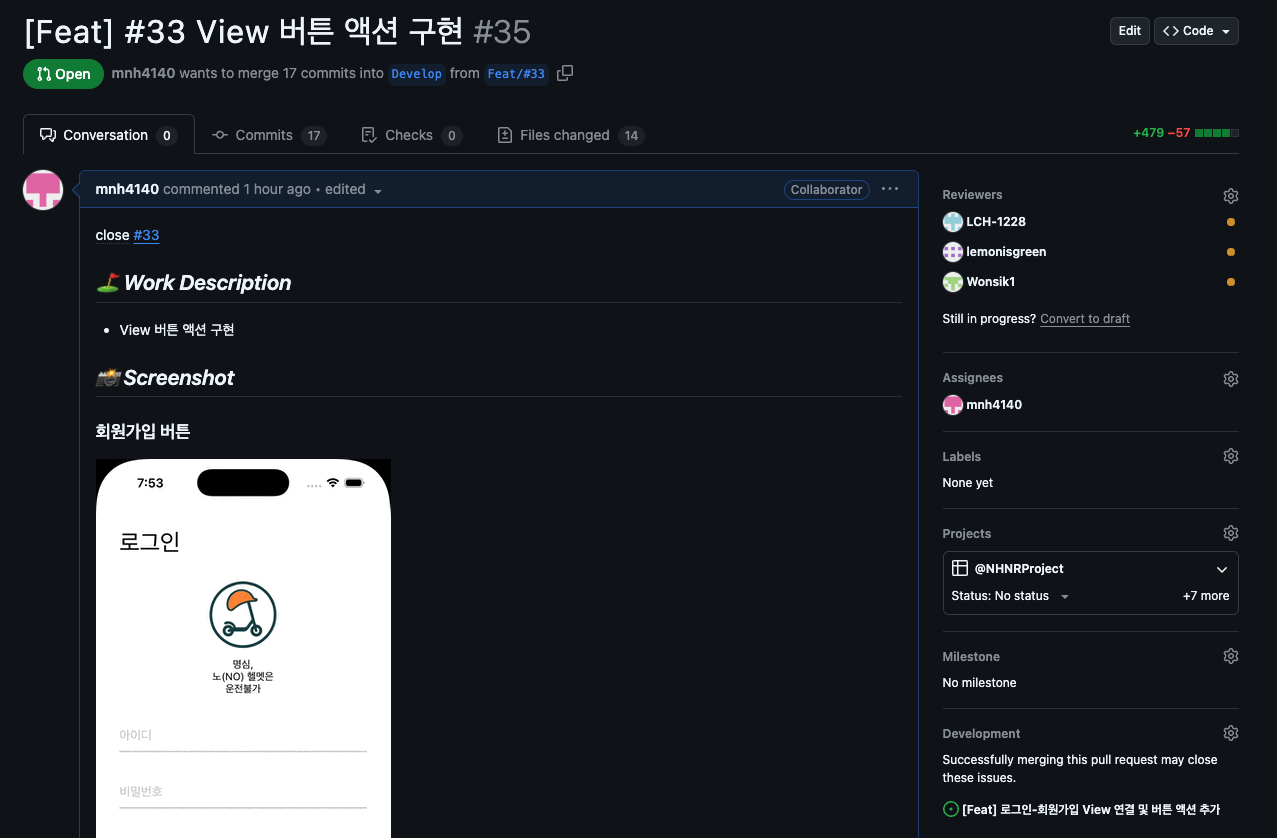
🤔 PR 작성
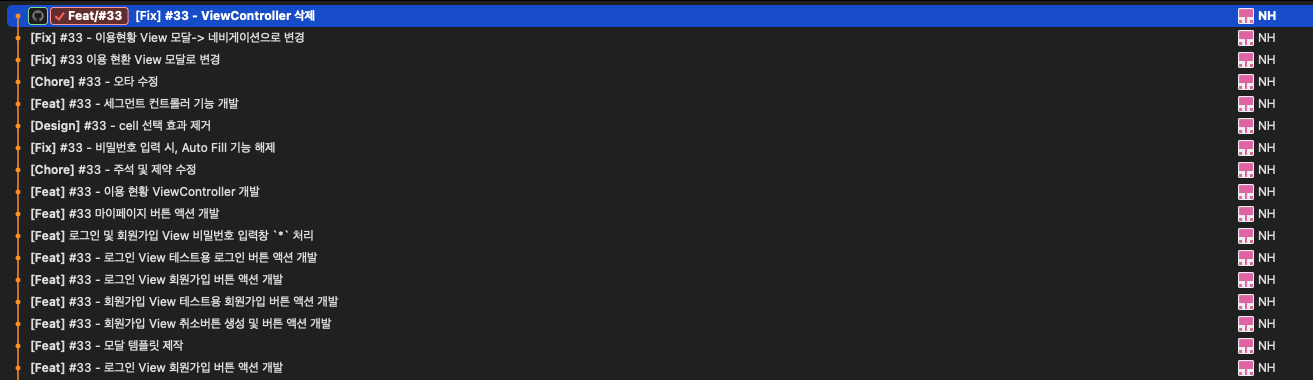
🤝 커밋 앤 푸시~
- 오늘 커밋을 무려 16개나 해버렸다~!!
오늘 구현한 기능들~
📸 Screenshot
🔹 회원가입 버튼
🔹 로그인 버튼 + 세그먼티드 컨트롤
🔹 마이페이지 이용 내역
🔹 마이페이지 이용 현황
🔹 마이페이지 등록된 킥보드
🔹 마이페이지 로그아웃
🗺️ 네이버 지도 SDK 기능 분석
🔹 현재 위치 표시 버튼 활성화
- 참고 링크 : https://2island.tistory.com/35
CoreLocation - info.plist 셋팅
<?xml version="1.0" encoding="UTF-8"?>
<!DOCTYPE plist PUBLIC "-//Apple//DTD PLIST 1.0//EN" "http://www.apple.com/DTDs/PropertyList-1.0.dtd">
<plist version="1.0">
<dict>
    <!-- 네이버 인증키 추가 -->
    <key>NMFClientId</key>
    <string>14njmv01hz</string>
    <!-- 끝 -->
    <!-- 유저 위치정보 가져오기 -->
    <key>NSLocationAlwaysUsageDescription</key>
    <string>사용자의 위치를 받습니다.</string>
    <key>NSLocationAlwaysAndWhenInUseUsageDescription</key>
    <string>위치정보 권한이 필요합니다.</string>
    <key>NSLocationWhenInUseUsageDescription</key>
    <string>위치정보 권한이 필요합니다.</string>
    <!-- 끝 -->
    .
    .
    .
</dict>
</plist>
코드 추가
import UIKit
import NMapsMap
import CoreLocation

class ViewController: UIViewController {
    var locationManager = CLLocationManager()

    override func viewDidLoad() {
        super.viewDidLoad()

				locationManager.delegate = self
        locationManager.desiredAccuracy = kCLLocationAccuracyBest
        locationManager.requestWhenInUseAuthorization()

        if CLLocationManager.locationServicesEnabled() {
            print("위치 서비스 On 상태")
            locationManager.startUpdatingLocation()
            guard let location = locationManager.location else { return }
            print(location.coordinate)
        } else {
            print("위치 서비스 Off 상태")
        }
		}
}

extension ViewController: NMFMapViewTouchDelegate {
    func mapView(_ mapView: NMFMapView, didTapMap latlng: NMGLatLng, point: CGPoint) {
        print("탭: \(latlng.lat), \(latlng.lng)")
    }
}

extension ViewController: CLLocationManagerDelegate {

}
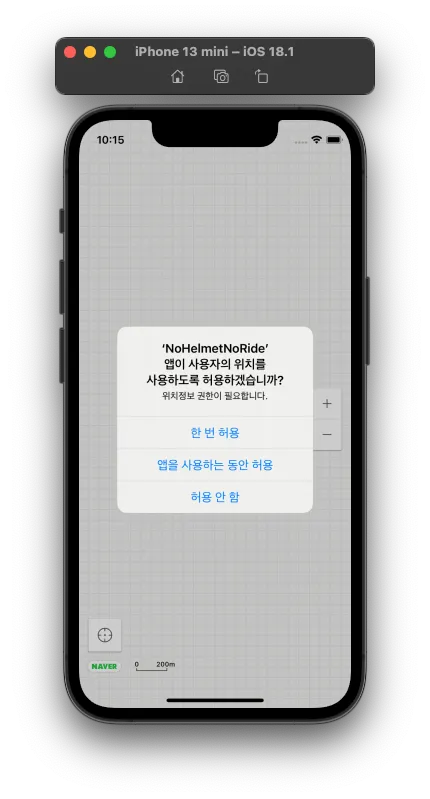
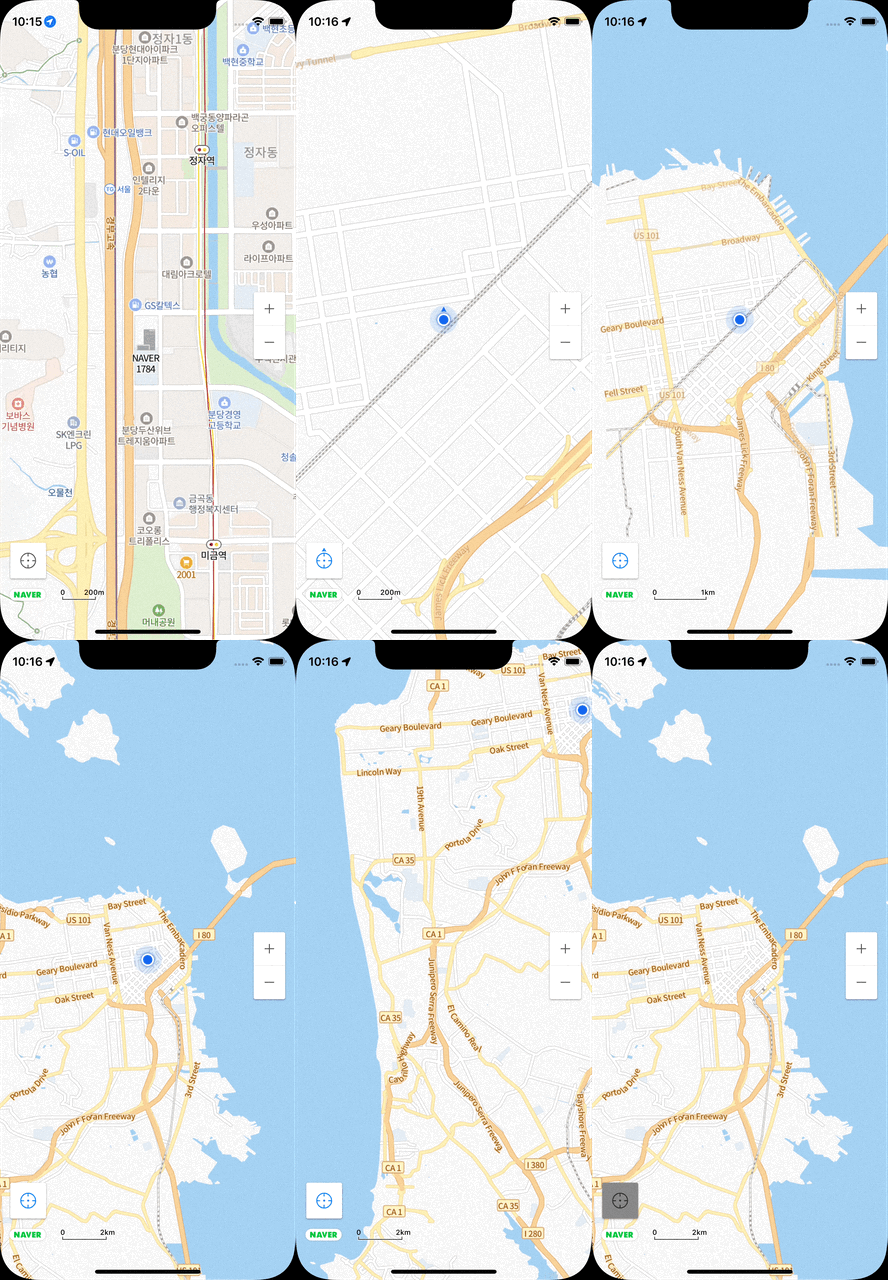
빌드 후 모습
- 앱 시작 시, 위치 사용 여부를 묻는다.
- 현재 위치 버튼 클릭 시, 현재 위치로 이동
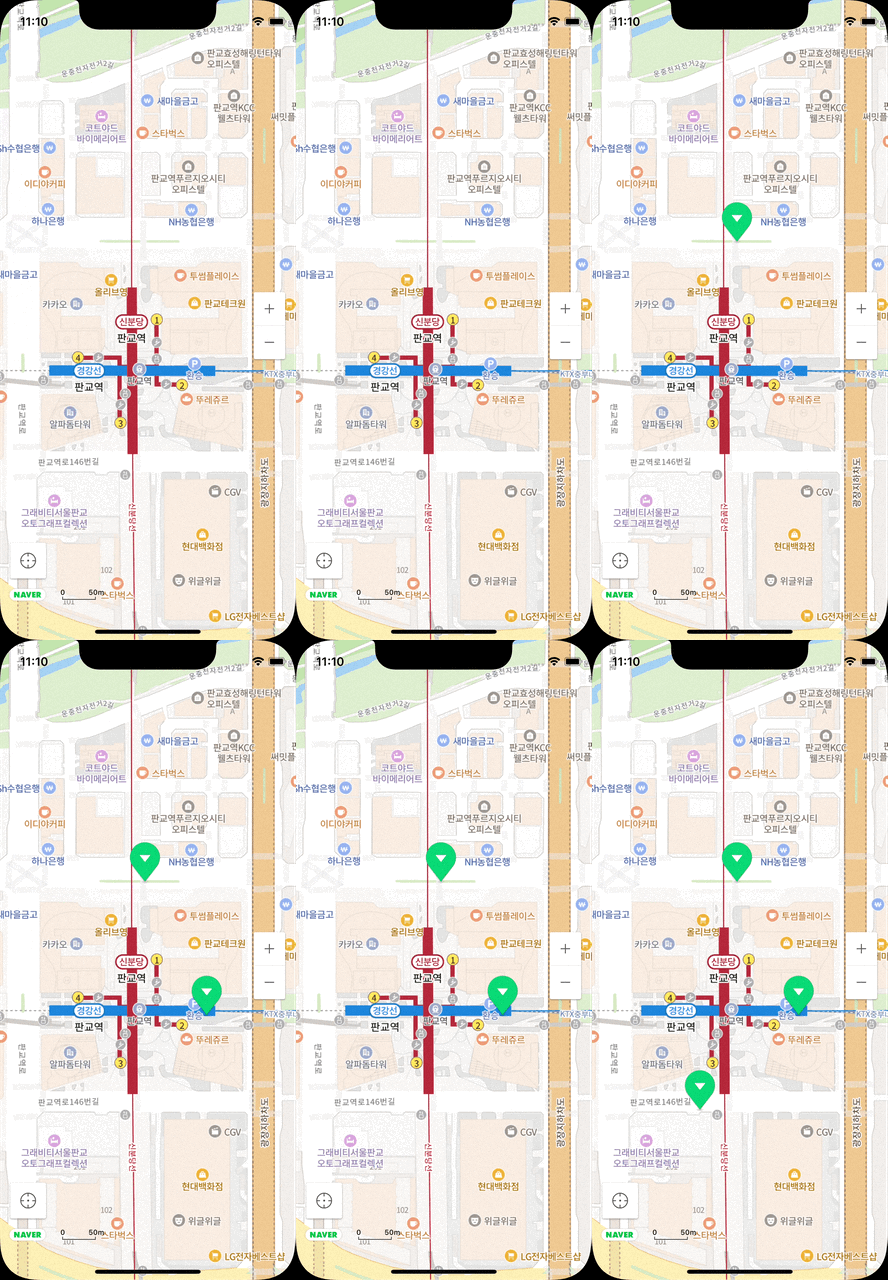
🔹 마커 생성하기
코드 추가
import UIKit
import NMapsMap
import CoreLocation

class ViewController: UIViewController {
    var locationManager = CLLocationManager()
    var lat: Double = 0.0
    var lng: Double = 0.0
    lazy var naverMapView = NMFNaverMapView(frame: view.frame)

    override func viewDidLoad() {
        super.viewDidLoad()

        view.backgroundColor = .red

        naverMapView.showLocationButton = true
        naverMapView.showCompass = true

        view.addSubview(naverMapView)

        naverMapView.mapView.touchDelegate = self

        locationManager.delegate = self
        locationManager.desiredAccuracy = kCLLocationAccuracyBest
        locationManager.requestWhenInUseAuthorization()

        if CLLocationManager.locationServicesEnabled() {
            print("위치 서비스 On 상태")
            locationManager.startUpdatingLocation()
            guard let location = locationManager.location else { return }
            print(location.coordinate)
        } else {
            print("위치 서비스 Off 상태")
        }
    }
}

extension ViewController: NMFMapViewTouchDelegate {
    func mapView(_ mapView: NMFMapView, didTapMap latlng: NMGLatLng, point: CGPoint) {
        print("탭: \(latlng.lat), \(latlng.lng)")
        // 추기힌 코드
        lat = latlng.lat
        lng = latlng.lng

        let marker = NMFMarker()
        marker.position = NMGLatLng(lat: lat, lng: lng)
        marker.mapView = naverMapView.mapView
    }
}

extension ViewController: CLLocationManagerDelegate {

    func locationManager(_ manager: CLLocationManager, didUpdateLocations locations: [CLLocation]) {
        guard let location = locations.last else { return }

        print("현재 위치: \(location.coordinate.latitude), \(location.coordinate.longitude)")

        let cameraUpdate = NMFCameraUpdate(scrollTo: NMGLatLng(lat: location.coordinate.latitude, lng: location.coordinate.longitude))
        cameraUpdate.animation = .easeIn
        naverMapView.mapView.moveCamera(cameraUpdate)

        locationManager.stopUpdatingLocation()
    }
}
빌드!!!
- 지도 특정 위치 탭 시, 마커 생성됨

iOS 개발 블로그