CH8
Git History
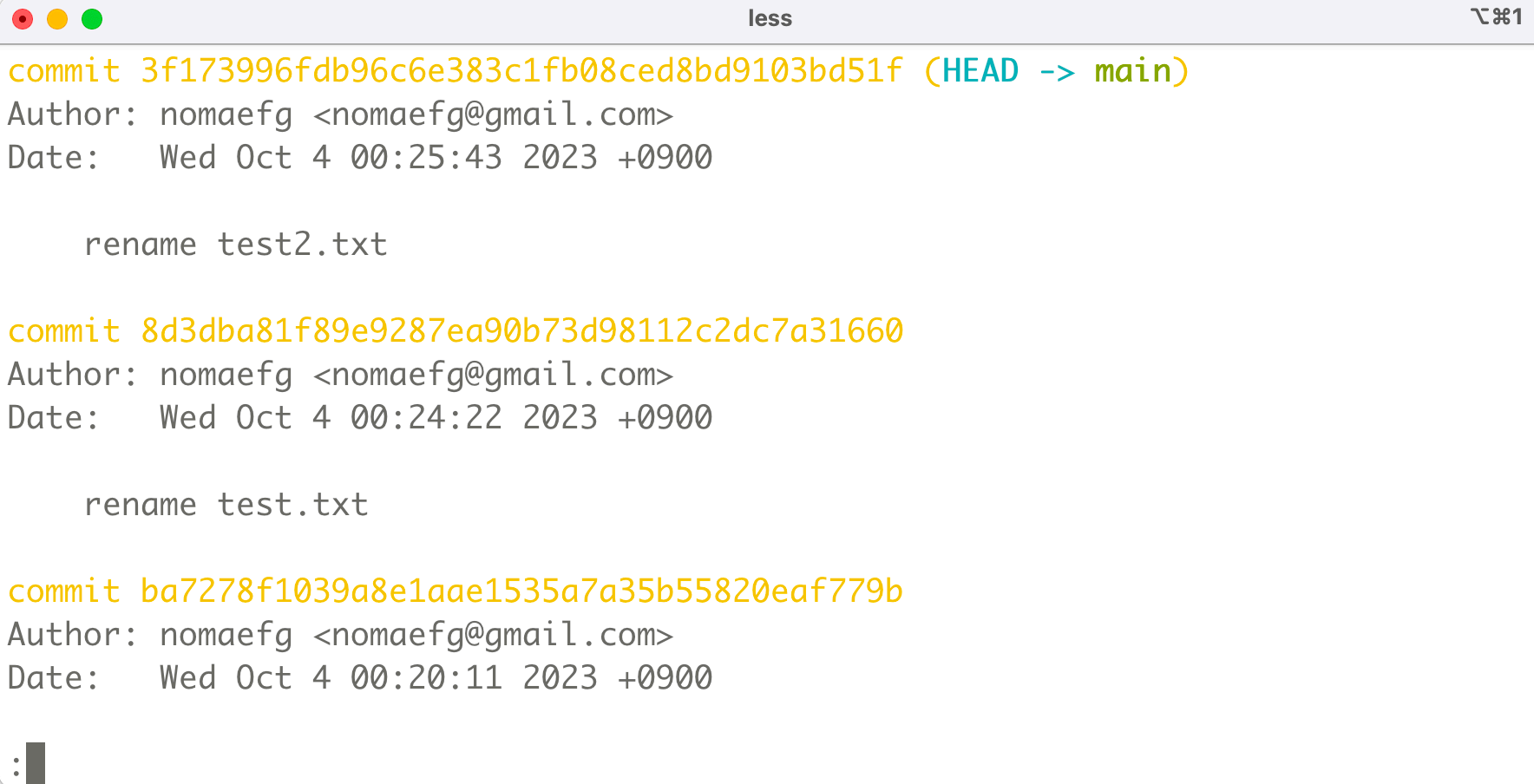
Git Log - 저장소의 Commit 이력을 시간순으로 보여준다
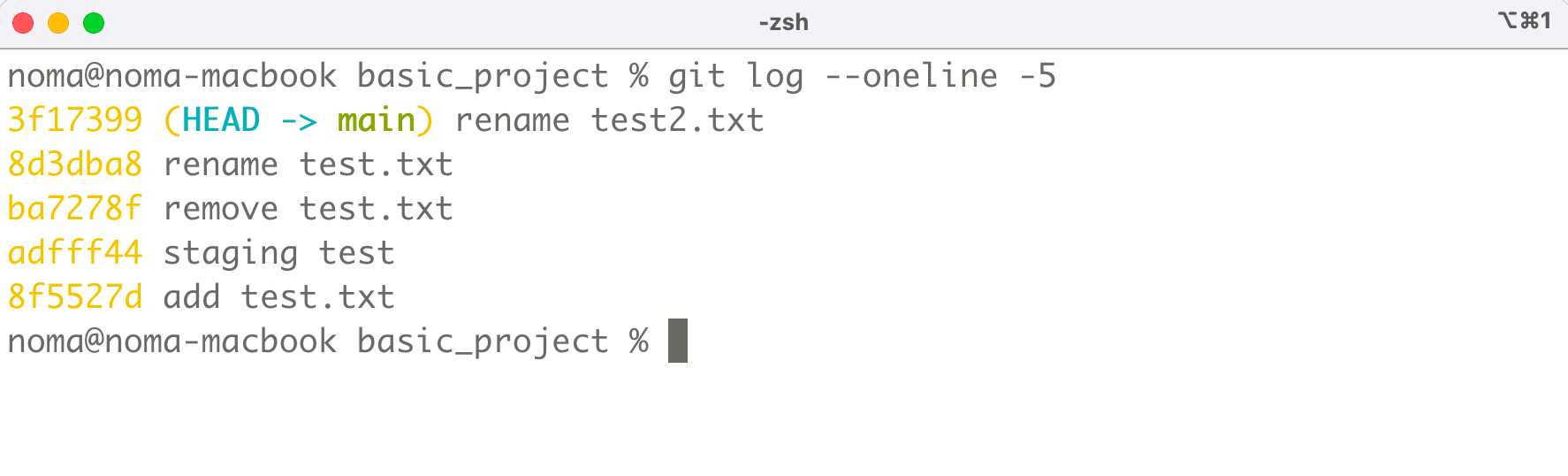
Git Log - 한줄로 출력
git log --oneline
실습
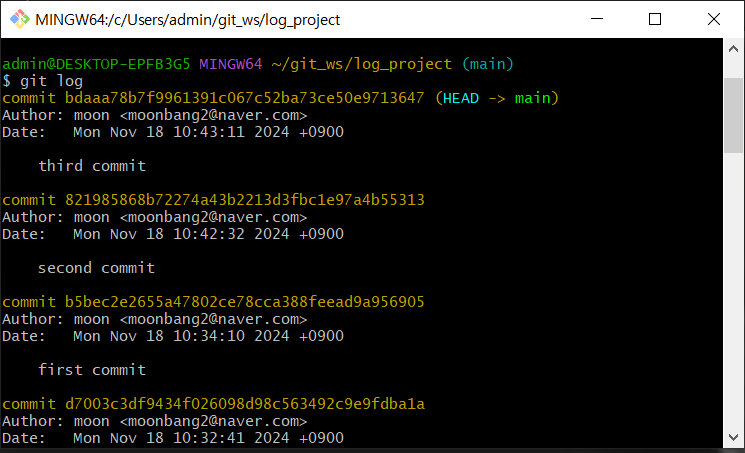
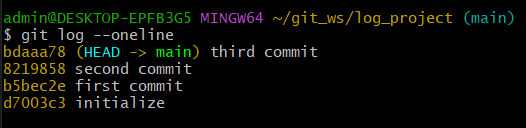
git log 통해 시간순으로 이력을 보여 줄 수 있다.
CH 9
Remote Repository
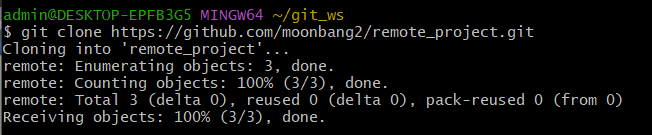
• 우리는 GitHub 에서 Remote 저장소를 생성한다.
• 앞에서 Git Clone 하여 사용해봤다.
• Local Repository 에서 Push, Pull (Fetch) 하여 동기화 할 수 있다.
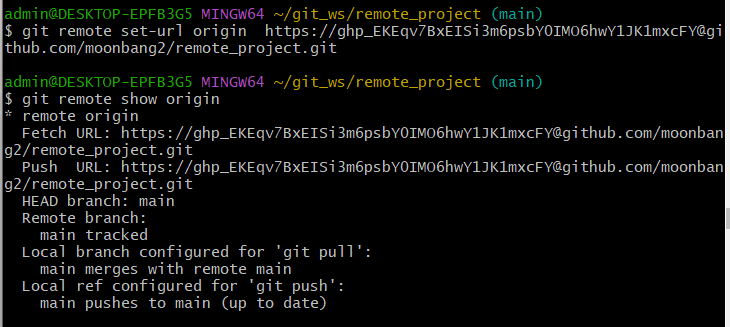
remote 저장소 주소
git remote set-url origin http:// 토큰 깃 허브 주소
Remote 저장소 정보 확인
git remote -v
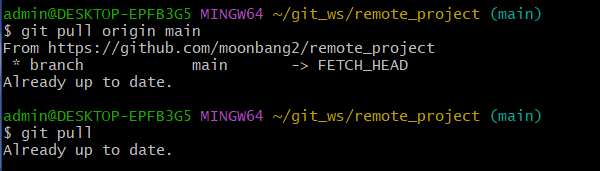
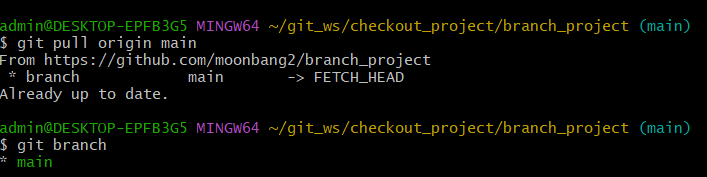
Pull
git pull origin main
• Remote Repository 의 작업 내용을 Local Repository 에 동기화 하기
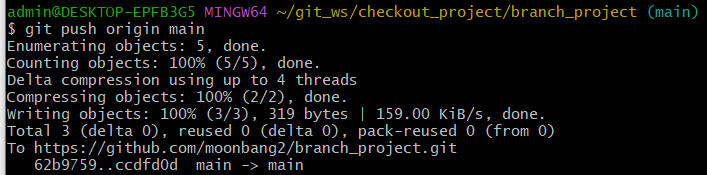
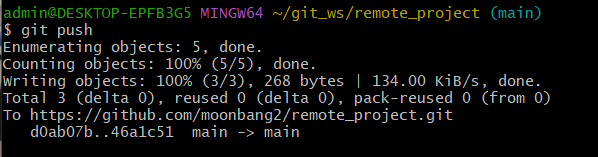
Push
git push origin main
•Local Repository 에서 작업한 내용을 Remote Repository 에 배포하고 싶을 때
remote set-url - -v - push -![]

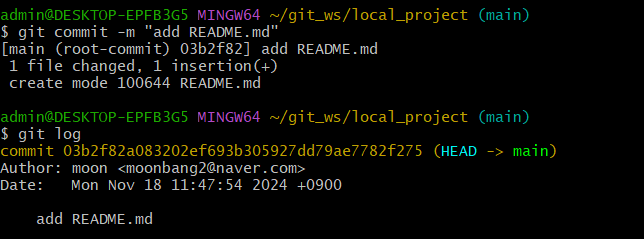

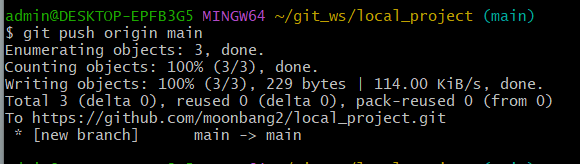
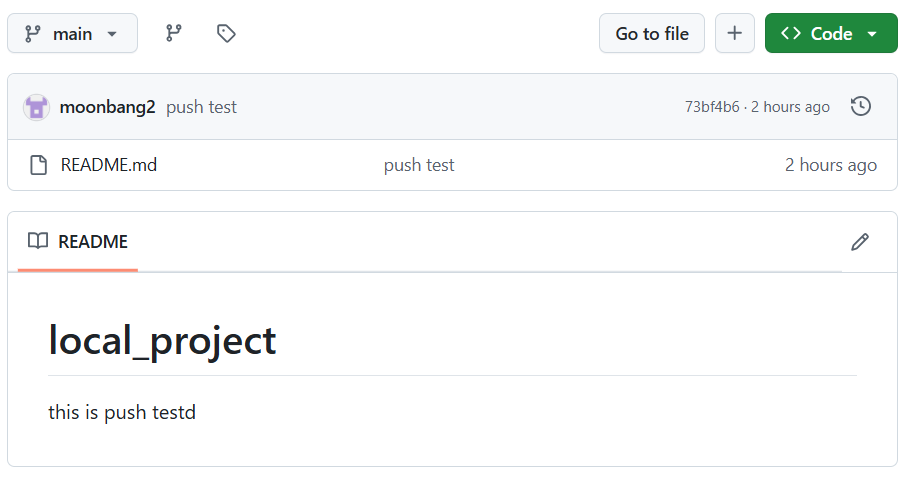
remote
CH10
Git Checkout
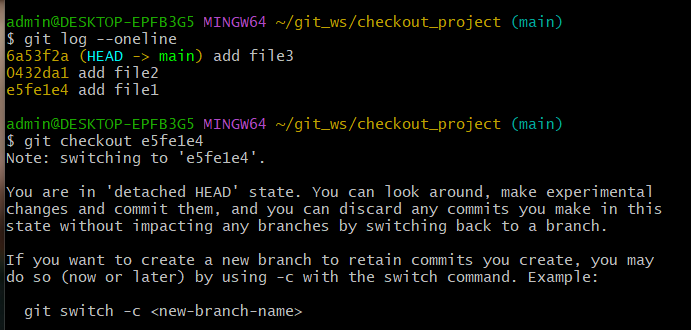
git checkout <commit_id>
• 특정 버전으로 이동
Git Barnch 배포 - Remote
git push origin <branch_name>
Git Barnch 삭제 - Local
git branch —delete <branch_name>
file1 checkout
git log --oneline id 확인
git checkout id번호
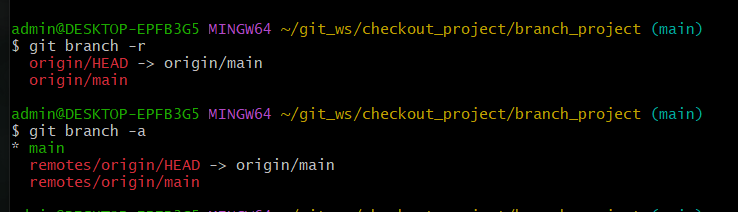
branch list 확인
main remote 동기화
main remote 배포