
SVN 연결
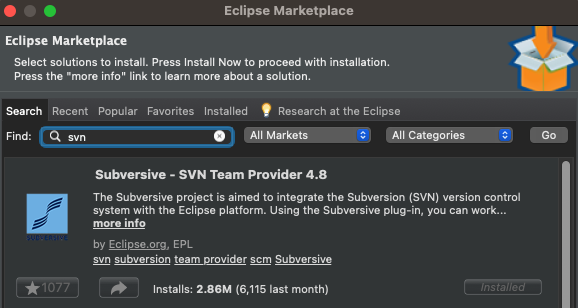
1. help → Eclipse MarketSpace → SVN 설치
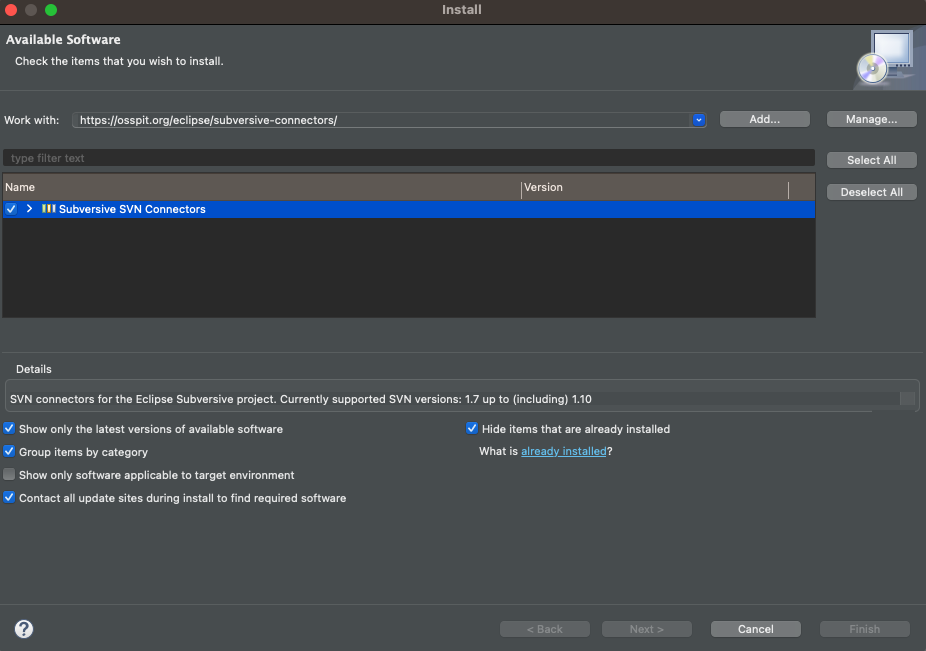
2. svn connector 설치
help → install new software → Work with에 https://osspit.org/eclipse/subversive-connectors/ 해당 경로 입력 → 설치
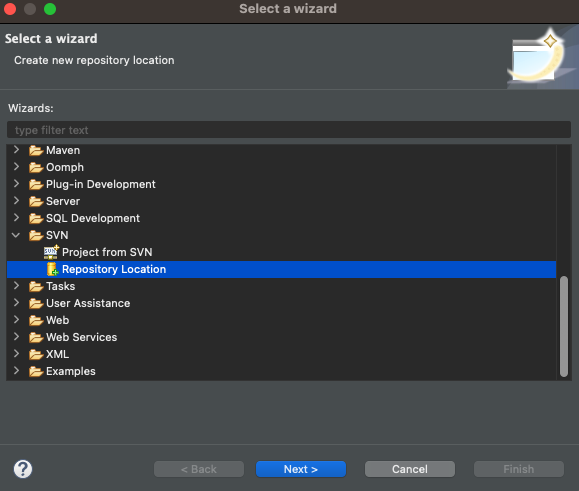
3. File → other → SVN → Repository Location 클릭하여 레포지토리 정보 입력
help → install new software → Work with에 https://osspit.org/eclipse/subversive-connectors/ 해당 경로 입력 → 설치