// Visual Studio Code ?
Visual Studio Code is a lightweight but powerful source code editor
which runs on your desktop and is available for Windows, macOS and Linux.
It comes with built-in support for JavaScript, TypeScript and Node.js and has a rich ecosystem of extensions for other languages and runtimes (such as C++, C#, Java, Python, PHP, Go, .NET).
Node.js 애플리케이션 개발을 위해서는 Visual Studio Code 같은 IDE를 사용할 수 있음.
// 설치
- 다운로드
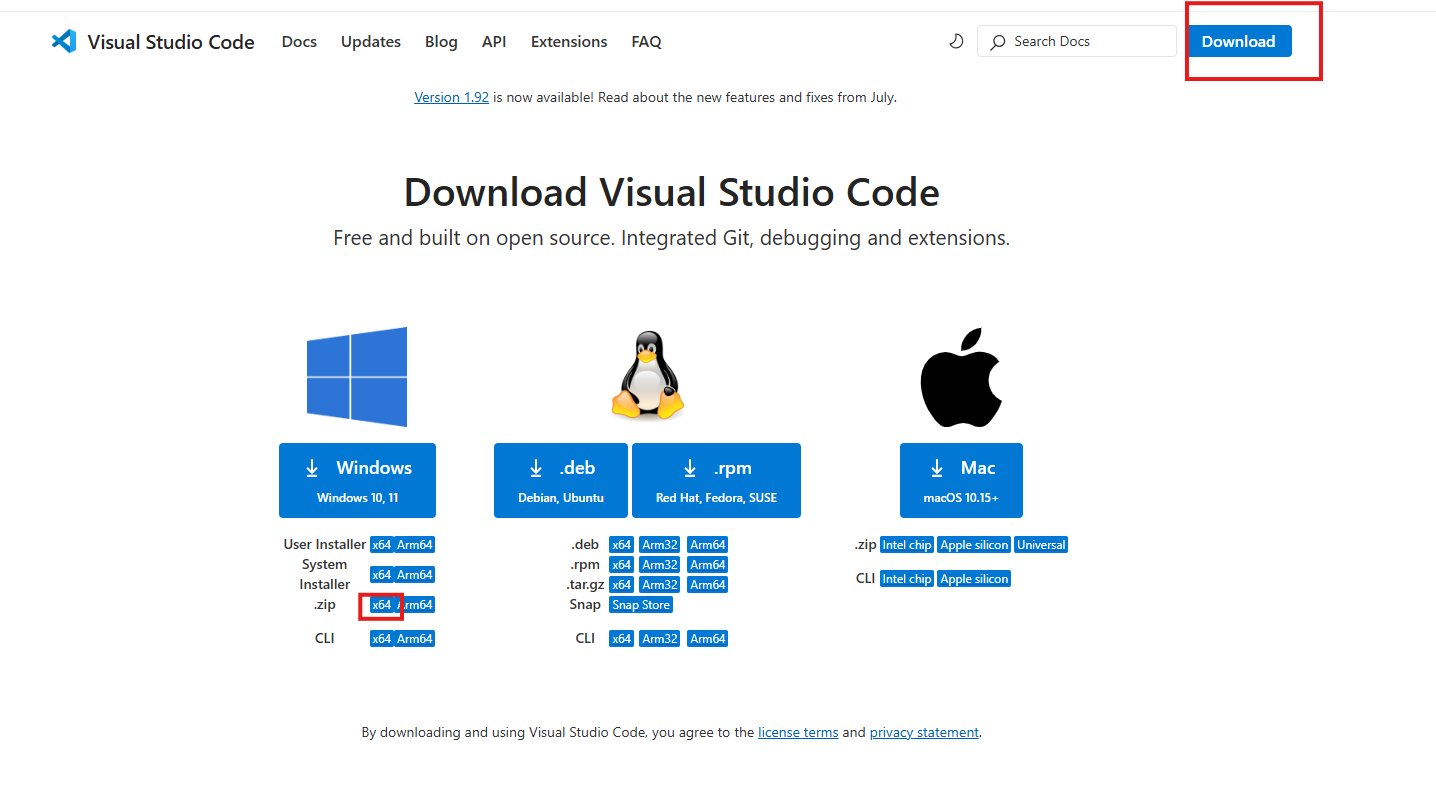
- 다운받고 로컬디스크(C:)에 VSCode 라는 폴더 만듦
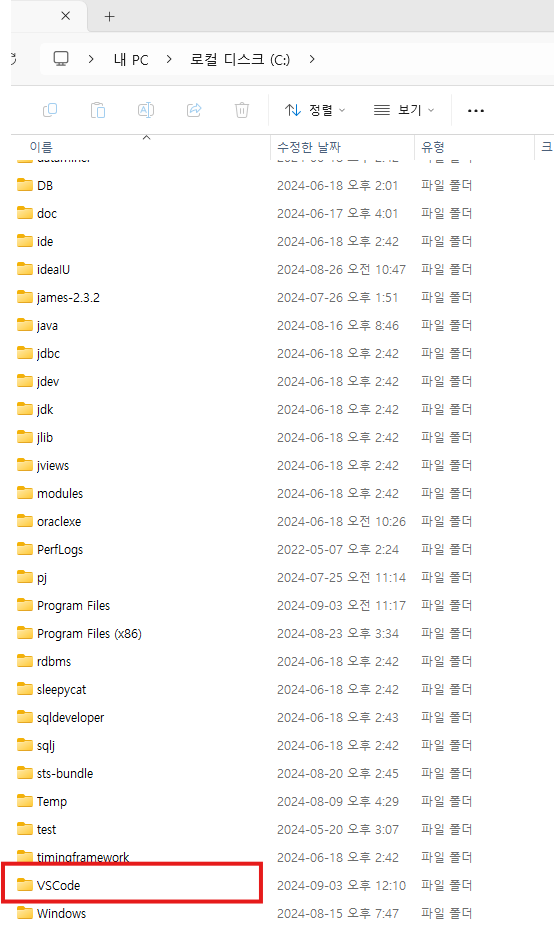
- 압축 파일 VSCode-win32-x64-1.92.2.zip더블 클릭하고 전부 VSCode 폴더 에 넣으면 됨
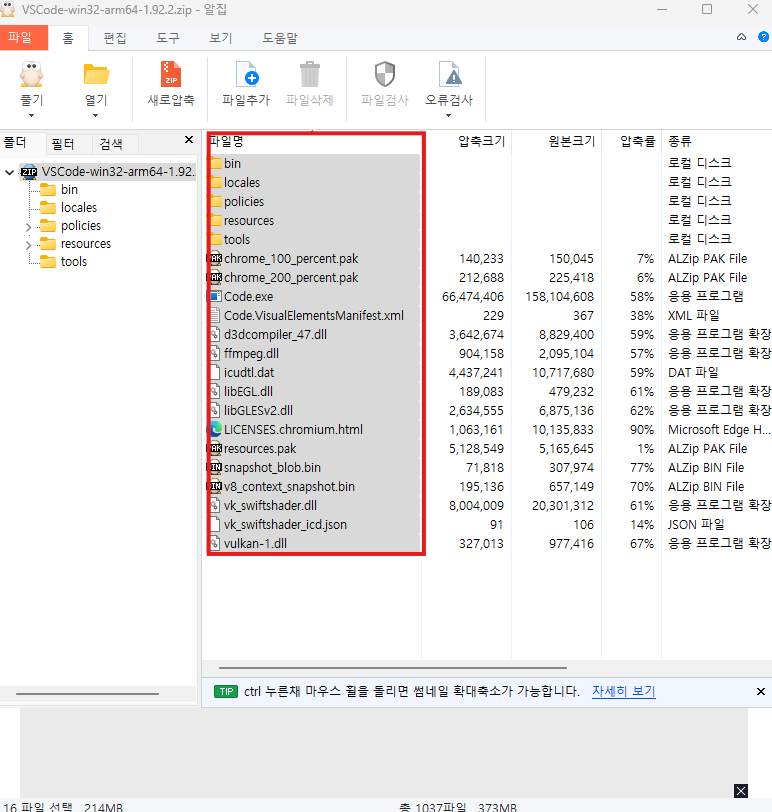
- VSCode 폴더에 node 폴더 하나 만듦 - 작업파일이 여기에 저장되도록
- 바탕화면에 바로가기 만들기
해당 프로그램 우클릭 -> 추가옵션 클릭 -> 보내기 -> 바탕화면에 바로가기 만들기
// 환경 설정
컬러테마 light mode로 함 (개인취향)
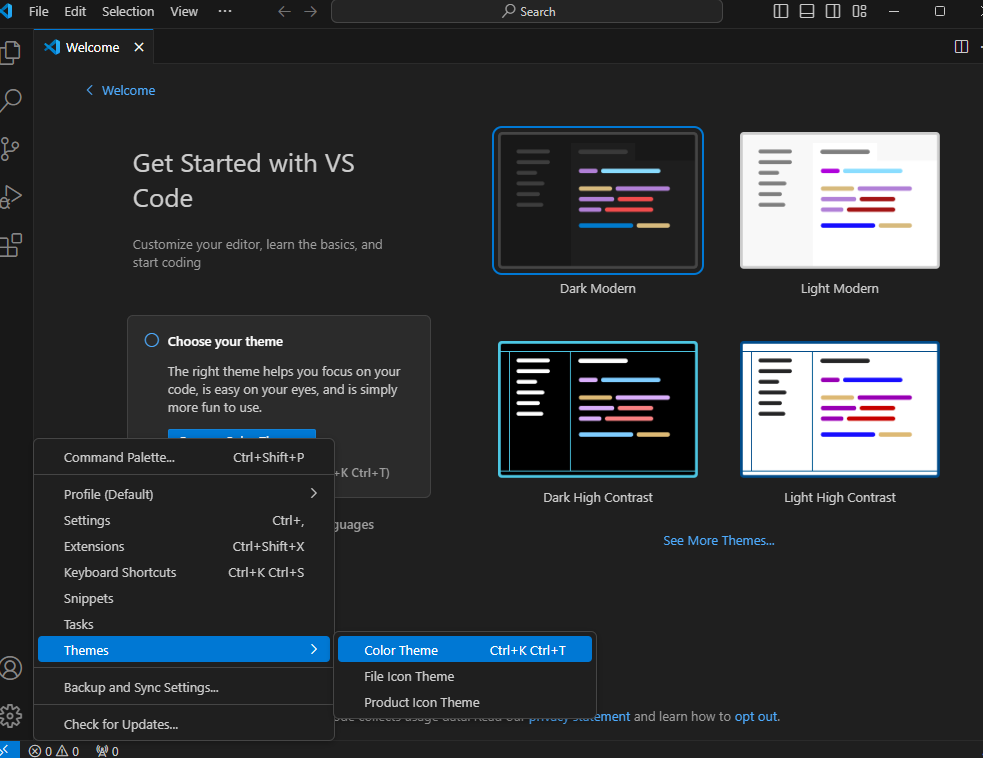
필요한 확장팩 받기
- 한글 패치, node extension pack , vscode-icons , auto complete tag, html css support 받음
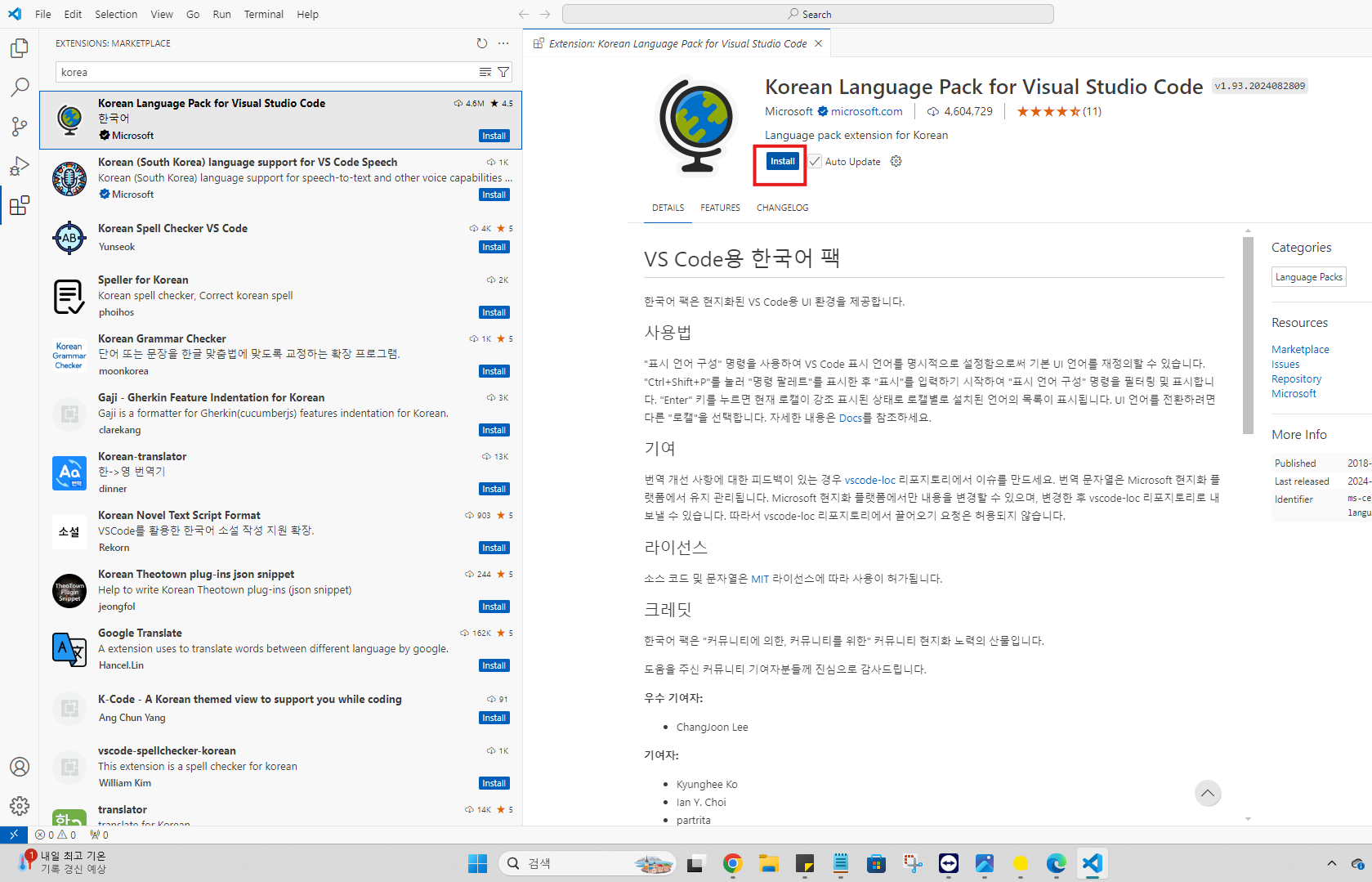
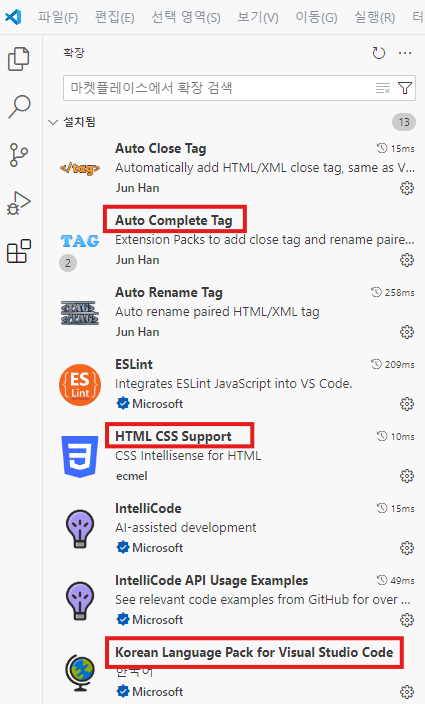
vscode-icons 설정

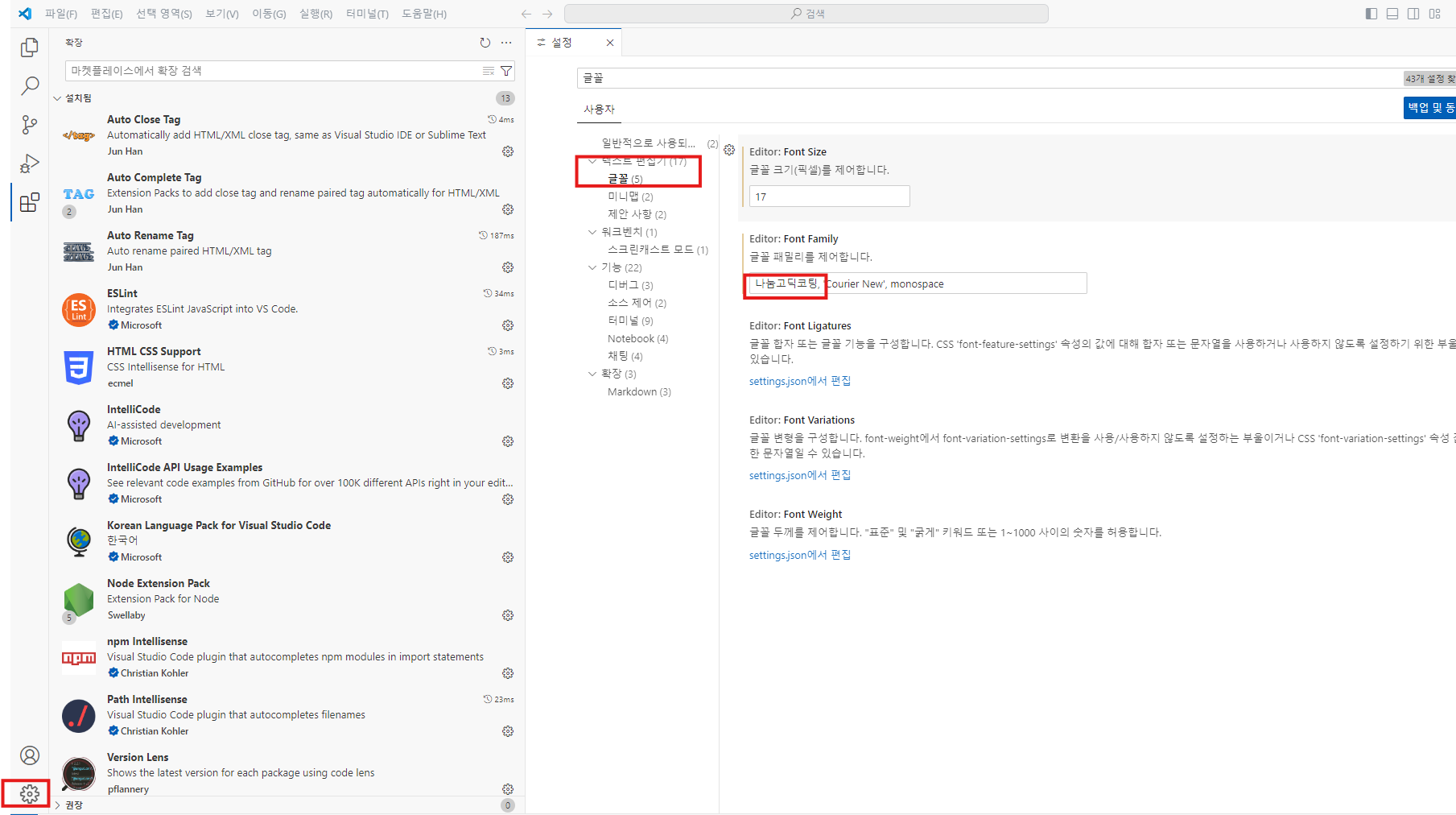
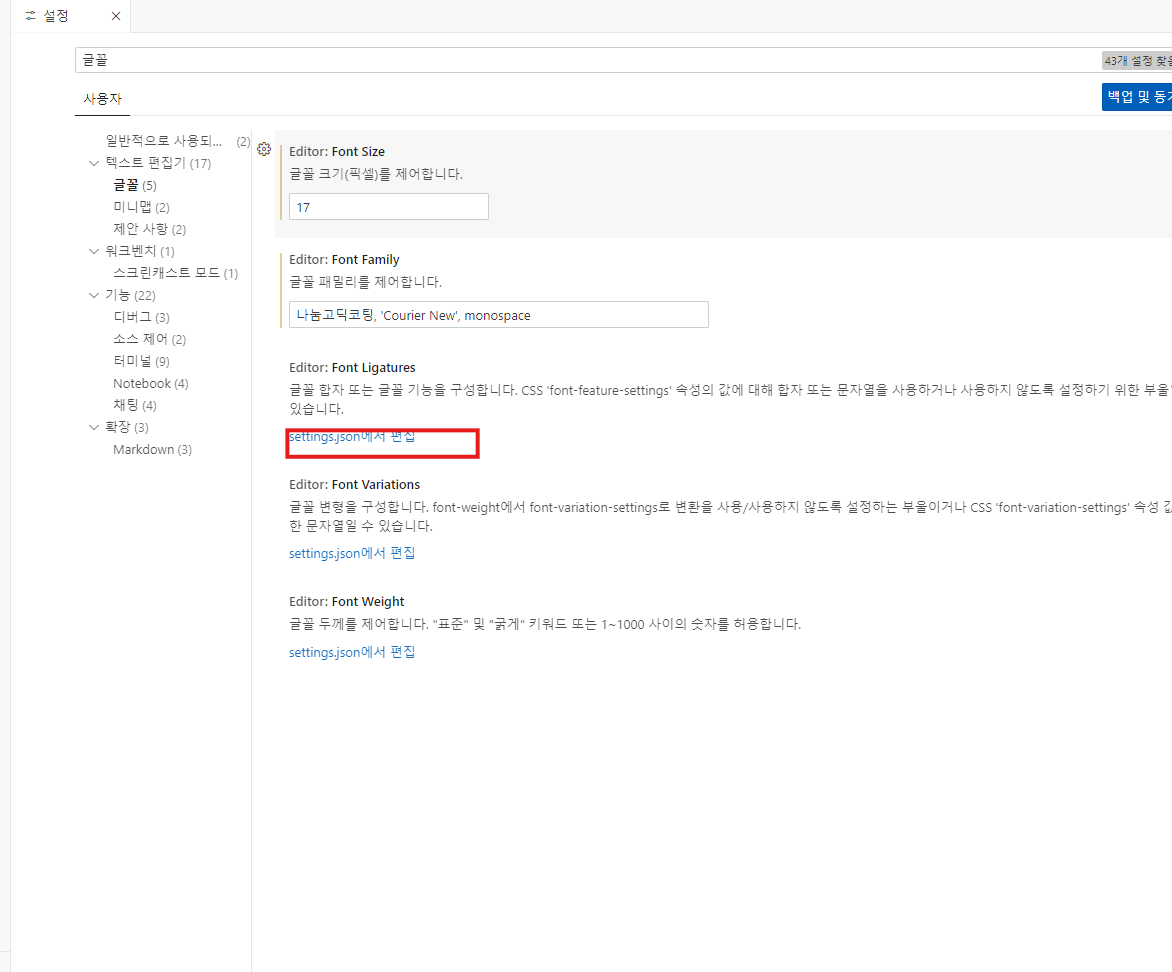
글꼴 설정
톱니바퀴 -> 설정 -> 텍스트편집기 -> 글꼴 나눔고딕코딩 추가
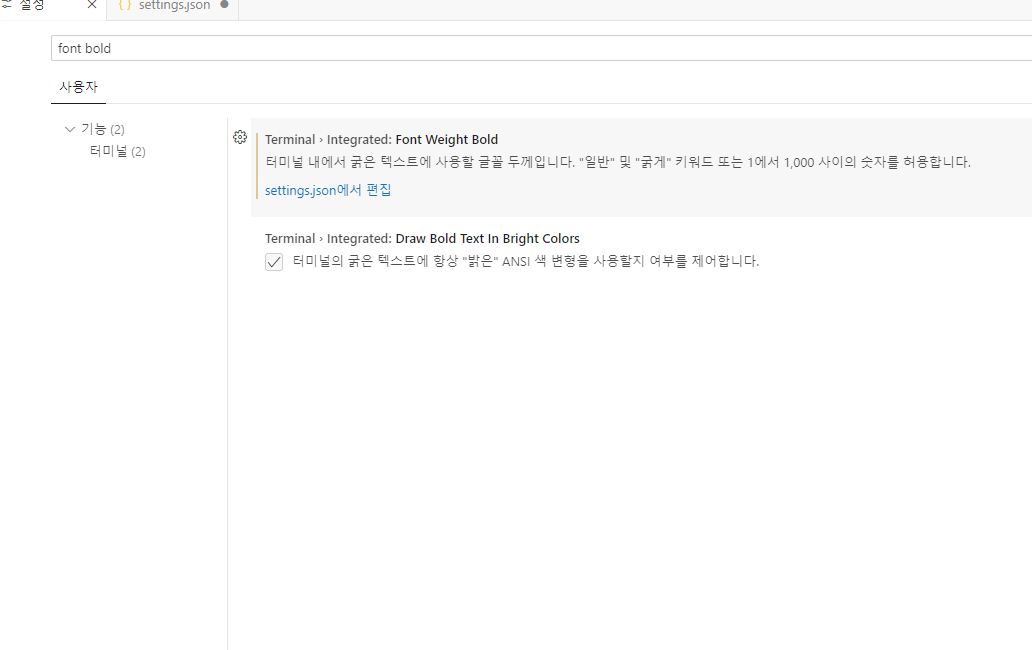
font bold 굵게
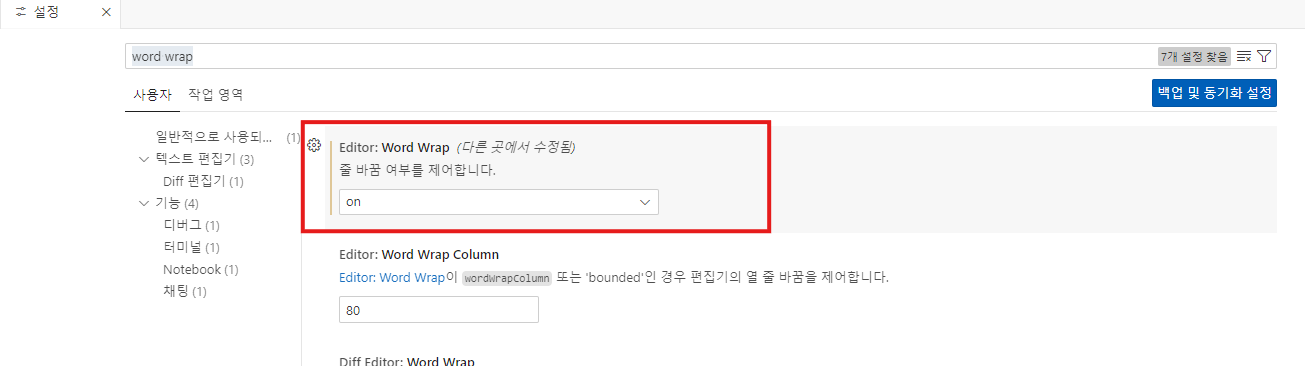
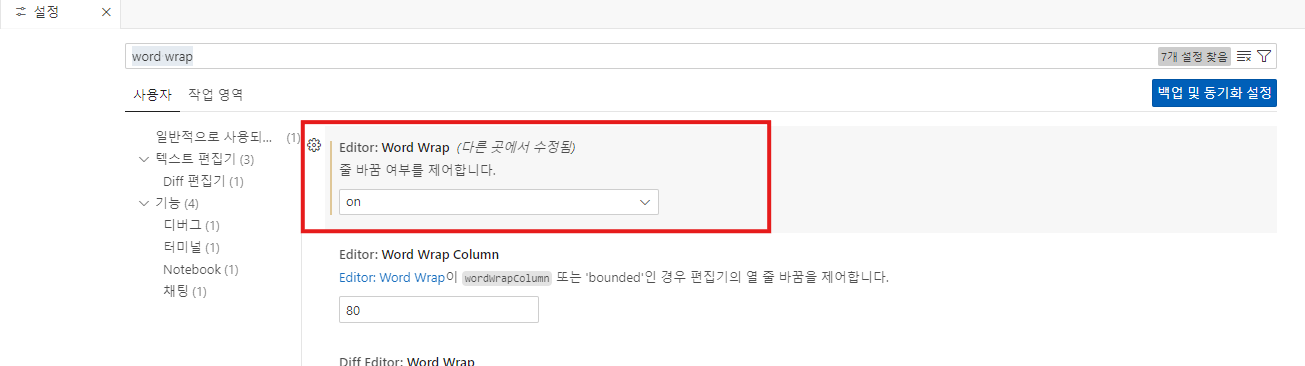
줄바꿈 제어 (일렬로 쭉 가는게 아니라 화면 크기에 따라 자동으로 줄 바꿔줌)
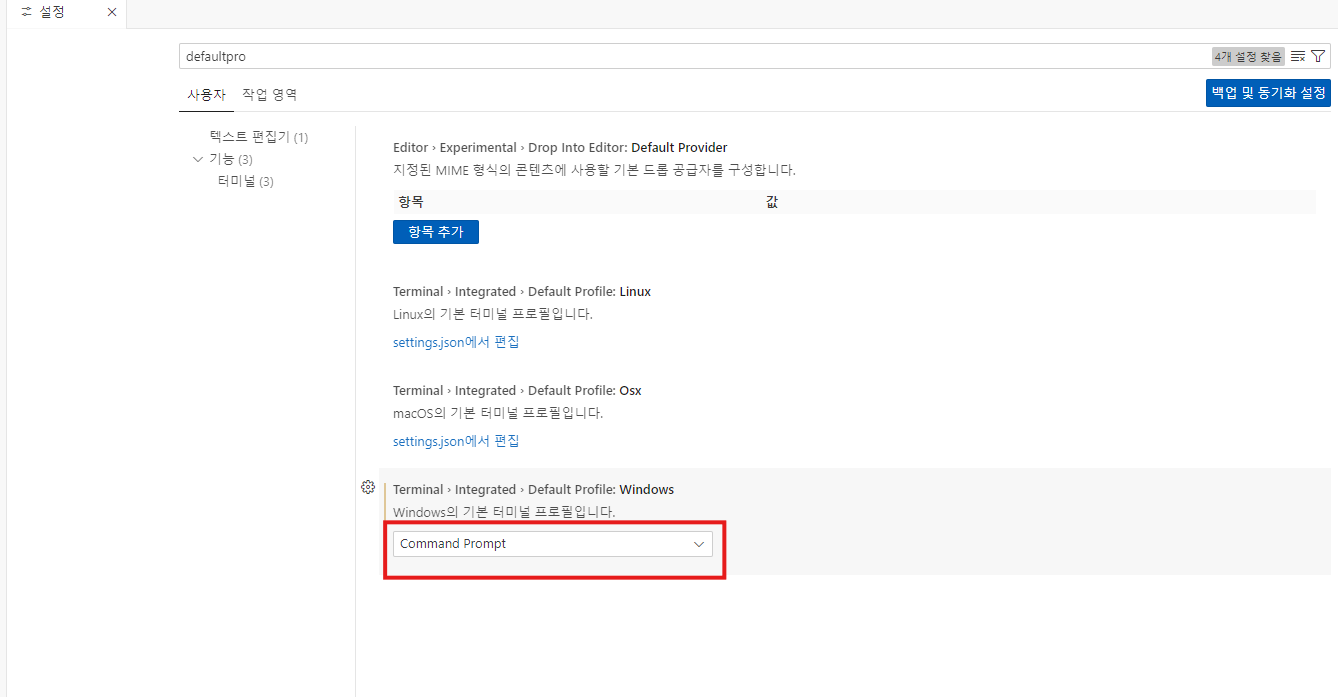
cmd창 고정 (내부에 cm 이용 가능 )
- ctrl+j 누르면 터미널 창 나옴 , 추가로 나오려면 ctrl+shift+`

powershell 삭제하고, cmd 창 나오게 하기 (defaultpro)
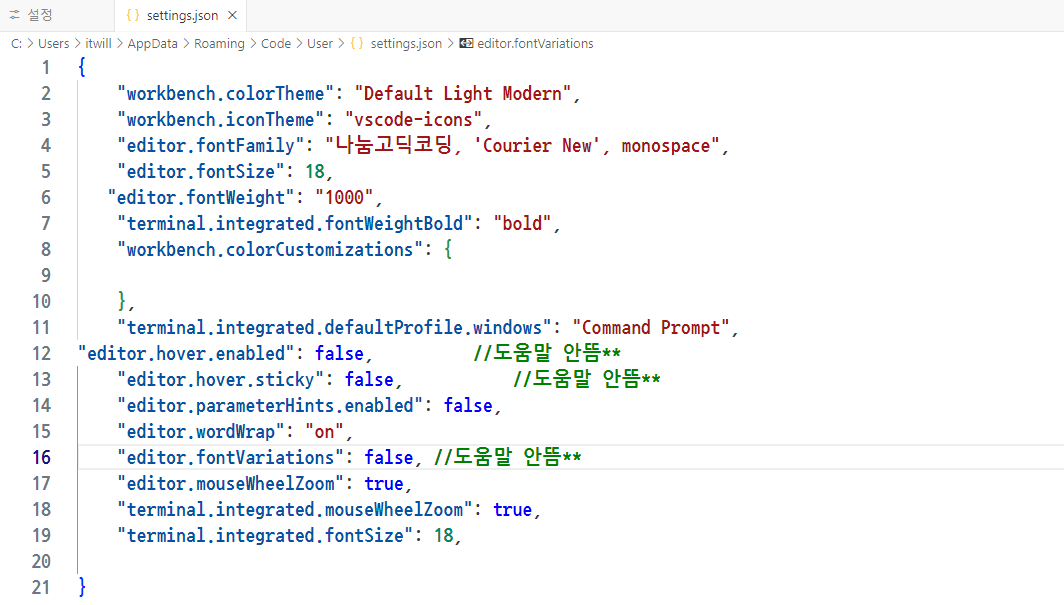
settings.json 확인 가능
{
    "workbench.colorTheme": "Default Light Modern",
    "workbench.iconTheme": "vscode-icons",
    "editor.fontFamily": "나눔고딕코딩, 'Courier New', monospace",
    "editor.fontSize": 18,
   "editor.fontWeight": "1000",
    "terminal.integrated.fontWeightBold": "bold",
    "workbench.colorCustomizations": {

    },
    "terminal.integrated.defaultProfile.windows": "Command Prompt",
"editor.hover.enabled": false,			//도움말 안뜸**
    "editor.hover.sticky": false,			//도움말 안뜸**
    "editor.parameterHints.enabled": false,
    "editor.wordWrap": "on",
    "editor.fontVariations": false, //도움말 안뜸**
    "editor.mouseWheelZoom": true,
    "terminal.integrated.mouseWheelZoom": true,
    "terminal.integrated.fontSize": 18,

}
// visualstudio 단축키
https://code.visualstudio.com/shortcuts/keyboard-shortcuts-windows.pdf
//한글 패치, node extension pack , vscode-icons ,auto complete tag,hrml css support
- maven 이나 gradle 같은 개념
다른점은 이것들은 필수 설치가 아님
(노드를 편하게 사용하기 위한 확장팩 )
vscode-icons : 아이콘 모양 바꿈
Auto Complete Tag :HTML/XML 태그 자동 완성 기능 통합 버전
-Auto Rename Tag : HTML/XML 태그의 이름을 자동으로 변경
-Auto Close Tag : HTML/XML 닫기 태그를 자동으로 추가
-Auto Import