IOS Error 정리, Invariant Violation: No callback found with cbID 2 and 1 ~~~
3일간 고생한 에러에 대한 정리.
-
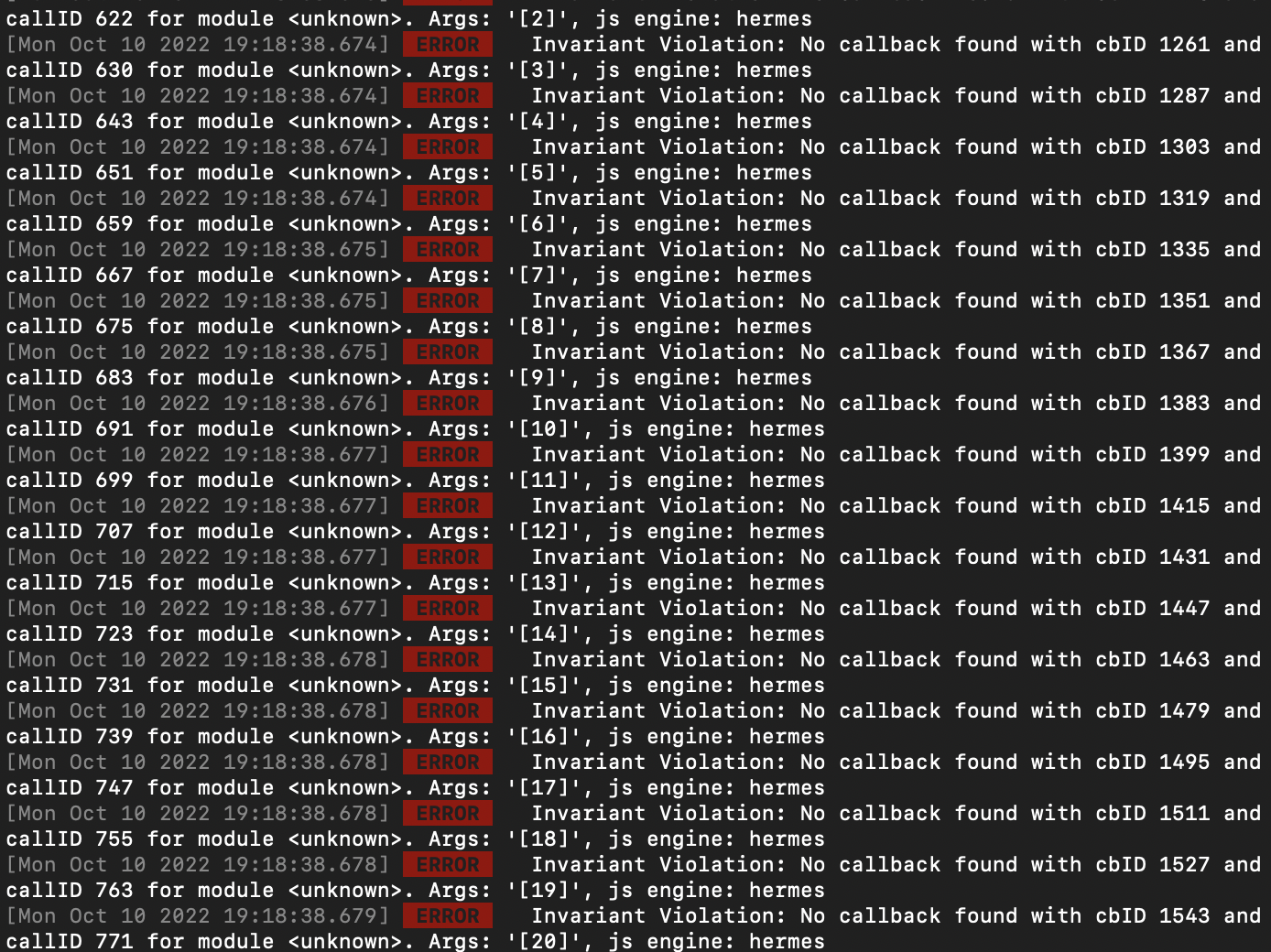
npm run ios 실행 시 위와같은 에러 메세지가 무한히 발생.
-
가장 많이 보이는 메세지인
'Invariant Violation: No callback found with cbID and callID for module . Args: '[2180]', js engine: hermes'
문구로 검색해 봤을 때 나온 결과 ->
https://stackoverflow.com/questions/68987545/invariant-violation-no-callback-found-with-cbid-for-moduleunknown주된 내용은 react-native의 버전과 dependencies에 입력된 react-native 버전이 달라서 나오는 에러 라는 내용인데, 확인해 보니 아니었음.
(추가로 react-native 버전 업그레이드 방법에 관한 자료를 찾음 : https://eso0609.tistory.com/97
버전을 관리할 일이 있다면 참고하기 위해 기록.)
-
무한히 내려오는 에러들에서는 단서를 찾기 어려워서 첫번째 에러를 보기 위해, VSCode에서 Metro 서버를 실행시키지 않고, npm run ios를 실행 (zsh에서 기록이 진행되어 첫번째 에러를 볼 수 있음)
-
첫 번째 에러 문구 :
'Invariant Violation: Module AppRegistry is not a registered callable module (calling runApplication), js engine: hermes'
해당 에러를 검색 했을 때, 가장 많이 나온 문구는react-native start --reset-cache였지만 먹히지 않음.
-
마지막에 찾은 블로그 :
https://coding-hyeok.tistory.com/29
에서 알려준kill -9 node npm start --reset-cache react-native run-ios or react-native run-android처음에 node 그대로 쳤지만 먹히지 않았음.
kill -9 명령어 검색 결과 포트를 죽이는 명령어인 점을 확인하여 Metro서버인 8081서버를 죽이기 위해kill -9 8081 npm start --reset-cache react-native run-ios or react-native run-android을 실행 하였고, 그 결과
'Error: ENOENT: no such file or directory, open '/Users/jaeheeyun/Documents/bluy29-front/http:/localhost:8081/index.bundle?platform=ios&dev=true&minify=false&modulesOnly=false&runModule=true&app=org.reactjs.native.example.Bluy29App'
at Object.openSync (node:fs:590:3)
at Object.readFileSync (node:fs:458:35)
at getCodeFrame (/Users/jaeheeyun/Documents/bluy29-front/node_modules/metro/src/Server.js:1028:18)
at Server._symbolicate (/Users/jaeheeyun/Documents/bluy29-front/node_modules/metro/src/Server.js:1101:22)
at async Server._processRequest (/Users/jaeheeyun/Documents/bluy29-front/node_modules/metro/src/Server.js:458:7) {
errno: -2,
syscall: 'open',
code: 'ENOENT',
path: '/Users/jaeheeyun/Documents/bluy29-front/http:/localhost:8081/index.bundle?platform=ios&dev=true&minify=false&modulesOnly=false&runModule=true&app=org.reactjs.native.example.Bluy29App'
}
'
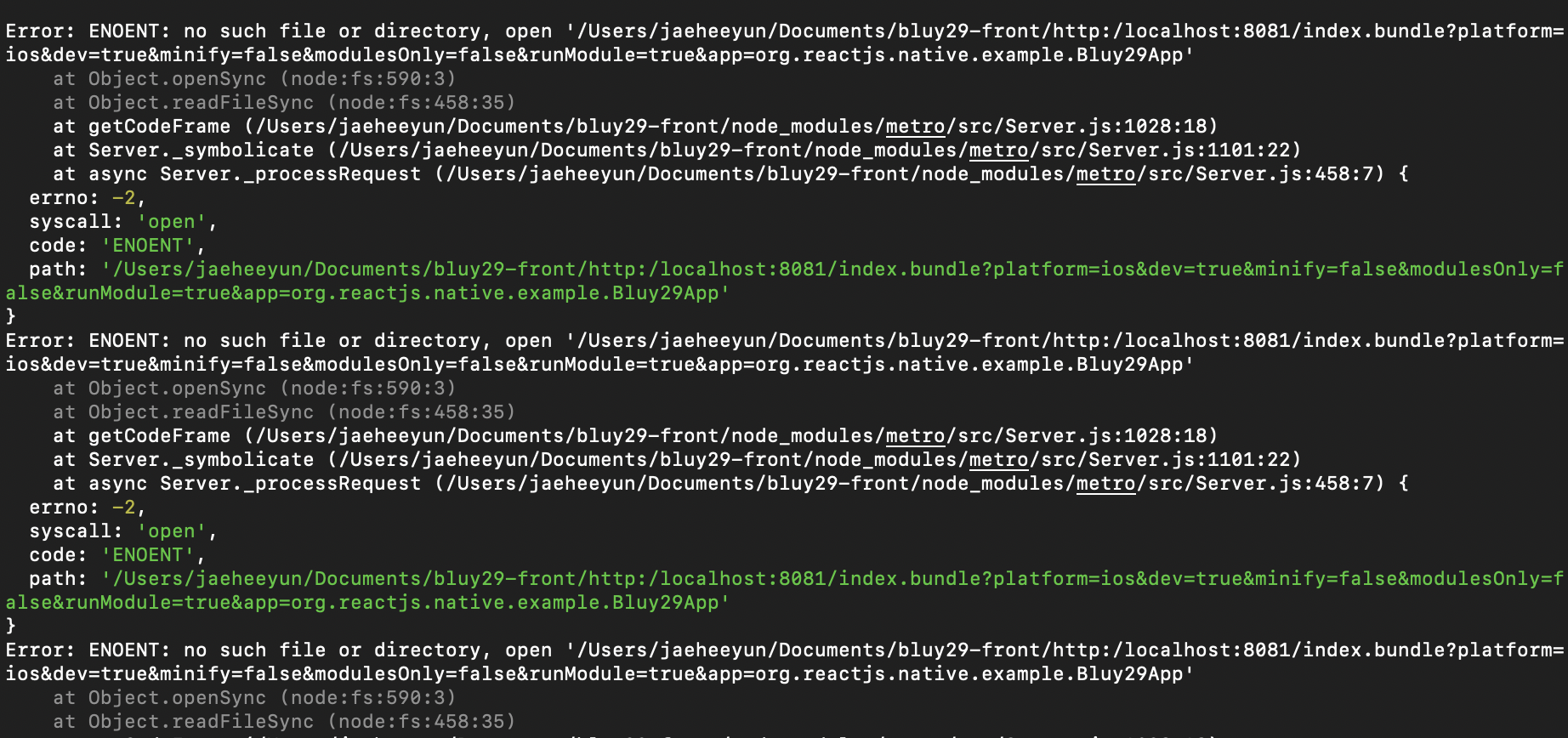
해당 에러가 무수히 올라왔지만,
다시 한번
npm start --reset-cache
react-native run-ios
	or
react-native run-android
작업을 실행하고 문제를 해결하였음!
3일 뒤 같은에러가 반복됨 ㅠㅠ
kill -9 8081 이 먹히지 않음!!
새로운 방법 :
	npm start -- --reset-cache
	npx react-native start --reset-cache
참고 : https://github.com/facebook/react-native/issues/32952
잘 모르겠다 이제....
추가로 메트로 안내 메세지로
watchman watch-del '(프로젝트 경로)' ; watchman watch-project '(프로젝트 경로)' 를 입력하라는 메세지가 나와서 실행하였다.