1. 리눅스서버 Redis 설치
레디스는 설치시 자동으로 시작된다.
sudo apt-get update

# 레디스 설치
sudo apt-get install redis-server

# 버전 확인
redis-server --version

# 레디스 상태 확인
sudo systemctl status redis-server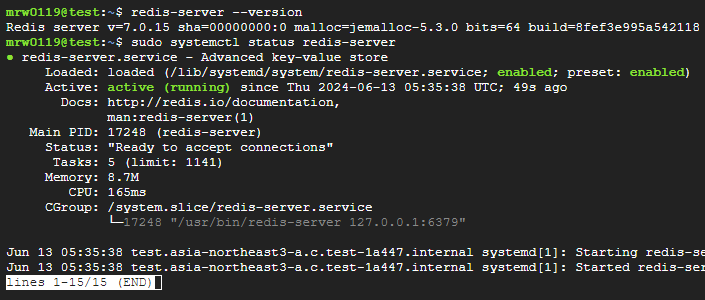
2. 리눅스서버 Redis 설정
상황에 따라 외부접속 등을 설정한다.
# 레디스 설정파일 열기
sudo vi /etc/redis/redis.conf

# 외부 접속 허용
# bind 127.0.0.1 -::1
bind 0.0.0.0

# 보호 모드 해제
protected-mode no

# 외부 접속시 비번 설정
# requirepass 1234
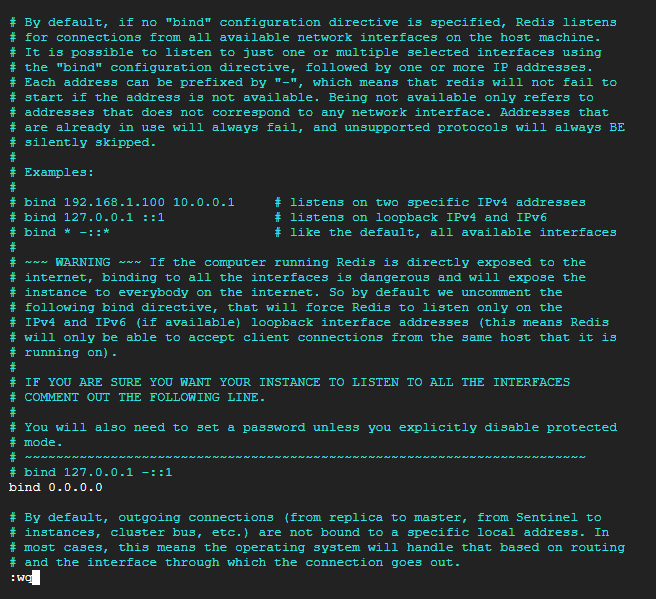
# 레디스 재시작 (설정 적용)
sudo systemctl restart redis

# 포트 수신대기 확인
ss -an | grep 6379
3. Redis 패키지 설치
npm install redis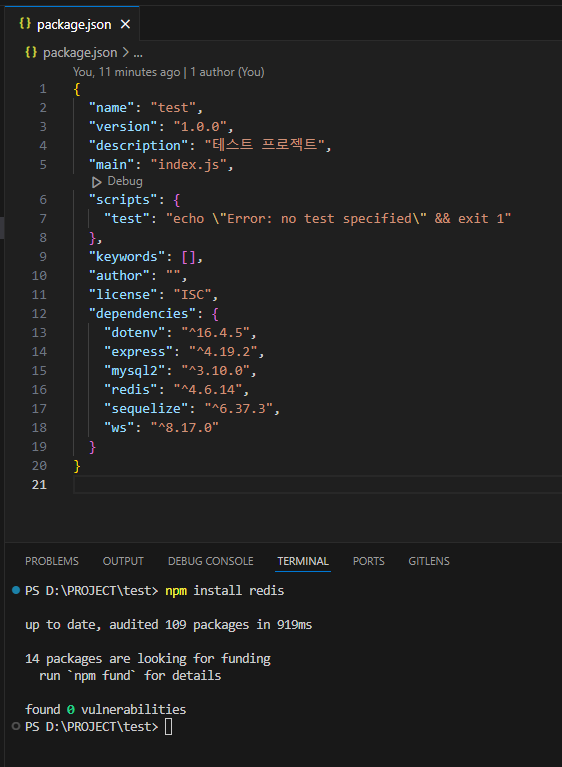
4. redis.js 작성
const { createClient } = require("redis");

const redis = {};

redis.client = createClient(
    process.env.REDIS_PORT || 6379,
    process.env.REDIS_HOST || "localhost"
);
redis.client.on("connect", () => console.log("[REDIS]", "CONNECTED"));
redis.client.on("error", (err) => console.log("[REDIS ERROR]", err));

redis.connect = async function()
{
    await redis.client.connect();
};

redis.disconnect = async function()
{
    await redis.client.disconnect();
};

redis.flushAll = async function()
{
    await redis.client.FLUSHALL();
};

redis.set = async function(key, value)
{
    await redis.client.SET(key, value);
};

redis.get = async function(key)
{
    return await redis.client.GET(key);
};

redis.hSetJson = async function(key, field, value)
{
    await redis.client.HSET(key, field, JSON.stringify(value));
};

redis.hGetJson = async function(key, field)
{
    const value = await redis.client.HGET(key, field);
    return value ? JSON.parse(value) : null;
};

redis.hGetAllJson = async function(key)
{
    const value = await redis.client.HGETALL(key);
    if (value)
    {
        for (const key in value) value[key] = JSON.parse(value[key]);
        return value;
    }
    return null;
};

module.exports = redis;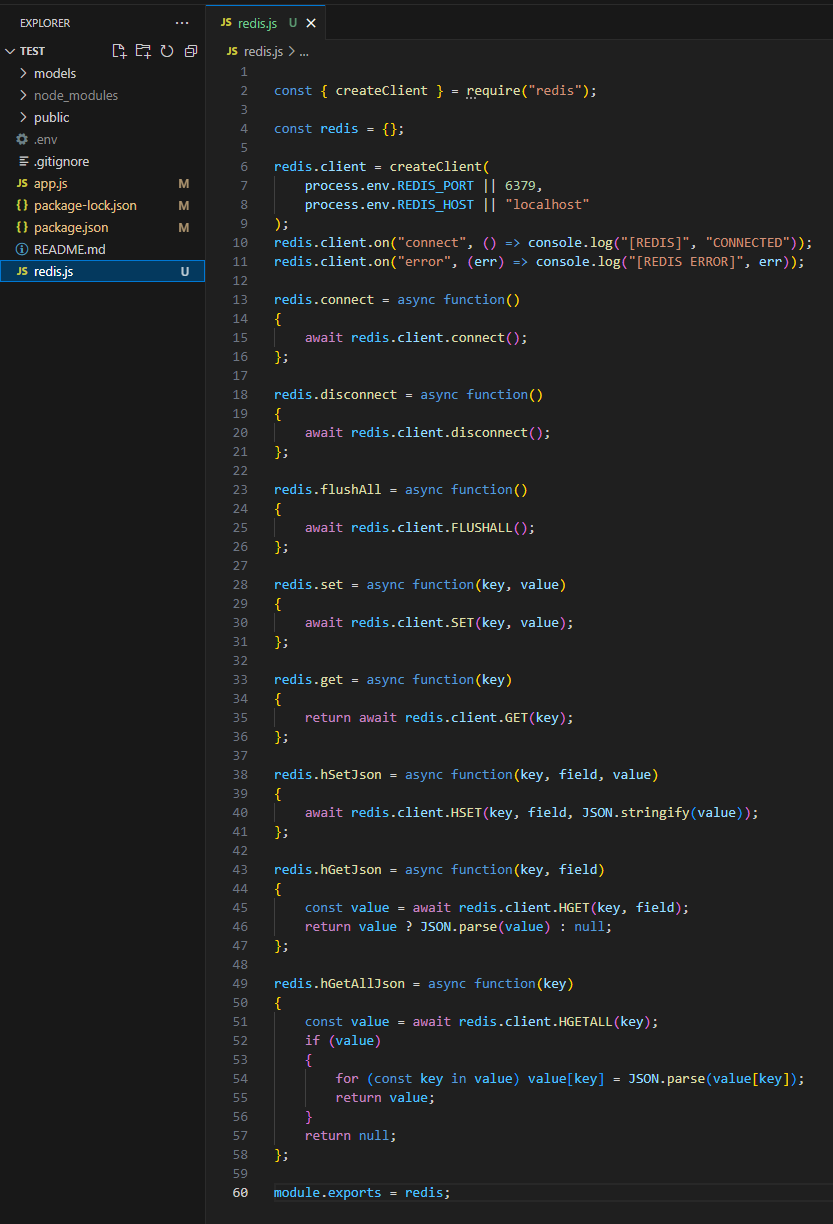
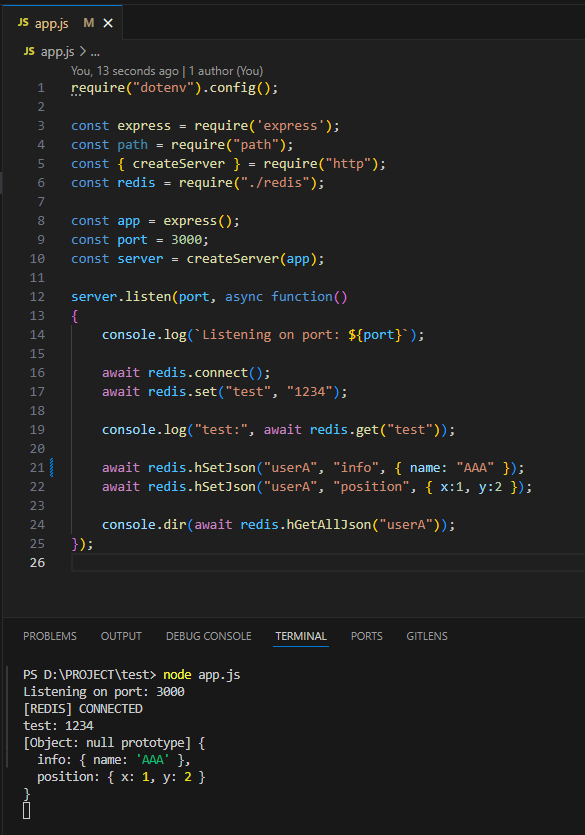
5. app.js 편집후 실행
require("dotenv").config();

const express = require('express');
const path = require("path");
const { createServer } = require("http");
const redis = require("./redis");

const app = express();
const port = 3000;
const server = createServer(app);

server.listen(port, async function()
{
    console.log(`Listening on port: ${port}`);

    await redis.connect();
    await redis.set("test", "1234");

    console.log("test:", await redis.get("test"));

    await redis.hSetJson("userA", "info", { name: "홍길동" });
    await redis.hSetJson("userA", "position", { x:1, y:2 });

    console.dir(await redis.hGetAllJson("userA"));
});
6. Git Push
git add .
git status
git commit -m "Redis"
git push origin main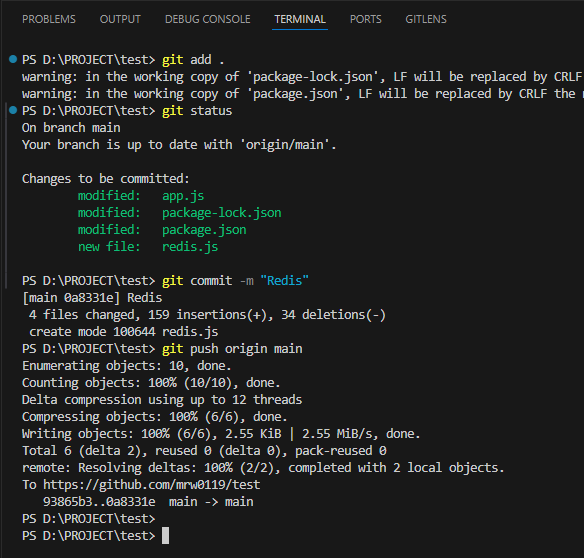
7. Git Pull & Pm2 Reload
git pull origin main
npm i
pm2 reload server
pm2 log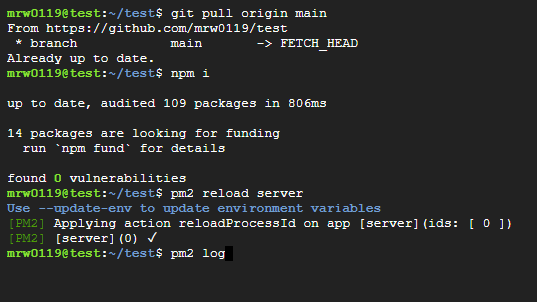
8. 레디스 데이터 확인
# 레디스 클라이언트 접속
redis-cli

get test
hget userA info
hget userA position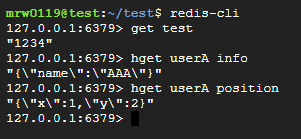

..