Getting Started
Auto Layout Without Constraints
properties속성
- axis: (UIStackView only) 스택뷰가 가로방향인지 세로방향인지
- orientation: (NSStackView only) 스택뷰의 방향이 가로인지 세로인지
distributio: defines the layout of the views along the axis. (UIStackView.Distribution) 사이즈alignmen: defines the layout of the views perpendicular to the stack view’s axis. (UIStackView.Alignment) 위치- spacing: defines the space between adjacent views.
To use a stack view, in Interface Builder drag either a vertical or horizontal stack view onto the canvas. Then drag out the content and drop it into the stack. (CGFloat)
https://developer.apple.com/documentation/uikit/uistackview/distribution
UIStackView.Distribution
- fill: hugging priority가 낮으면 늘어난다
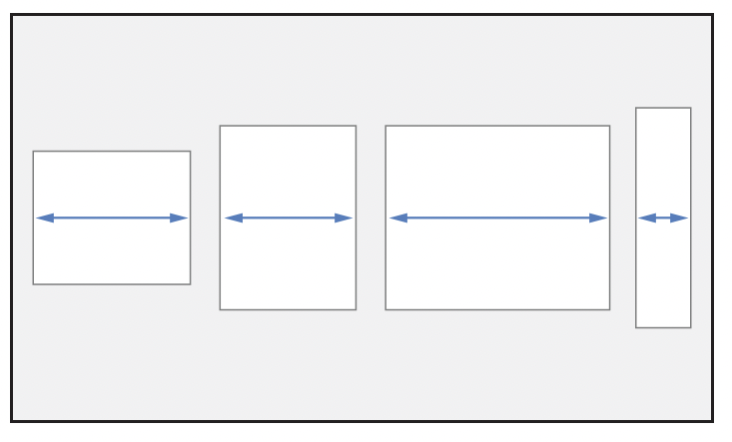
- fillEqually: 동일한
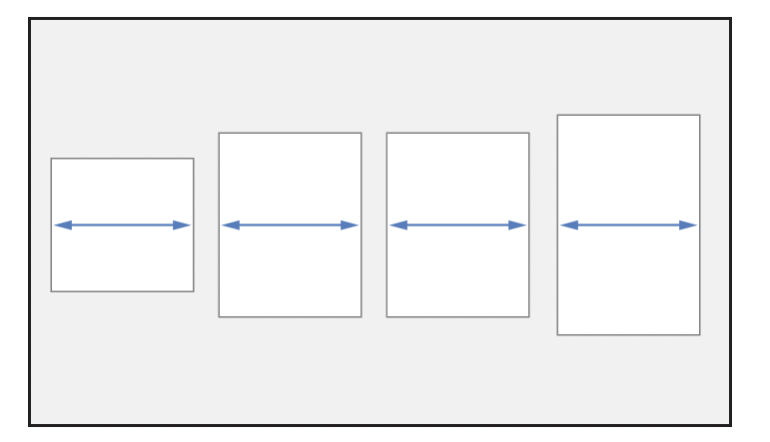
- fillProportionally: based on their intrinsic content size 원래 비율대로
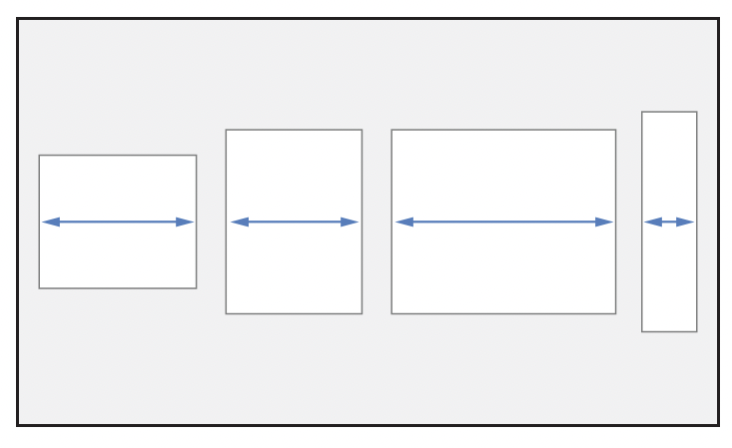
- equalSpacing: fill에서 동일한 공간만큼 떨어진다
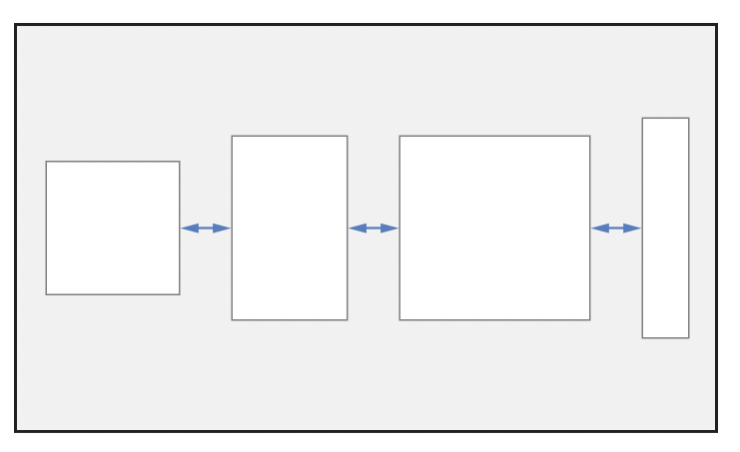
- equalCentering: center-to-center spacing
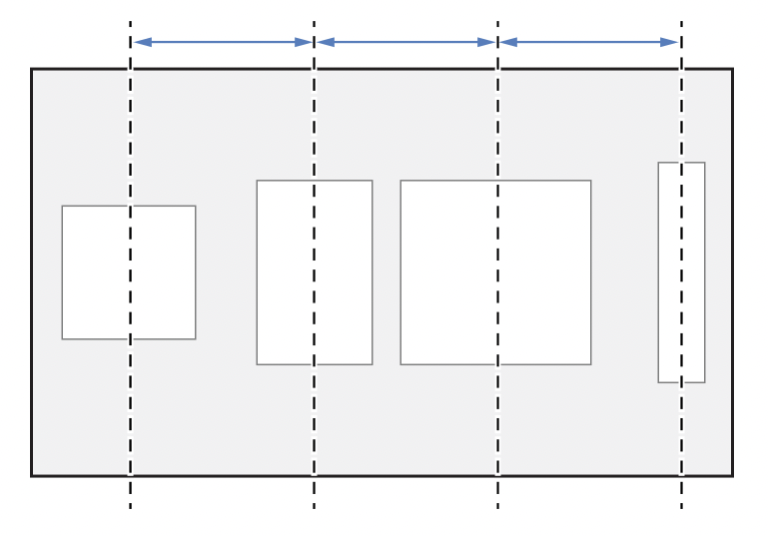
https://developer.apple.com/documentation/uikit/uistackview/alignment
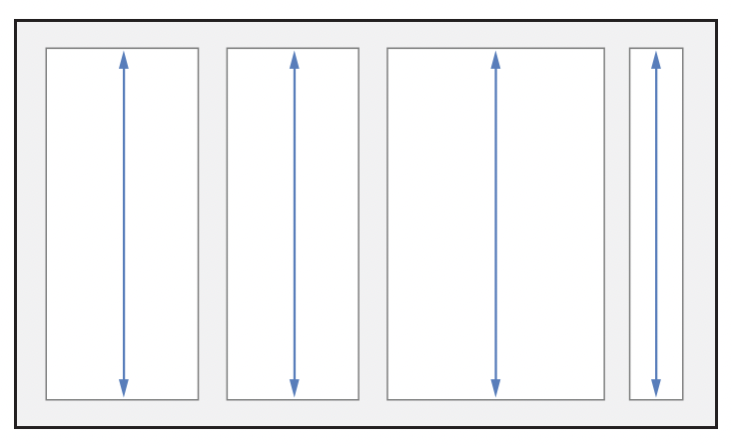
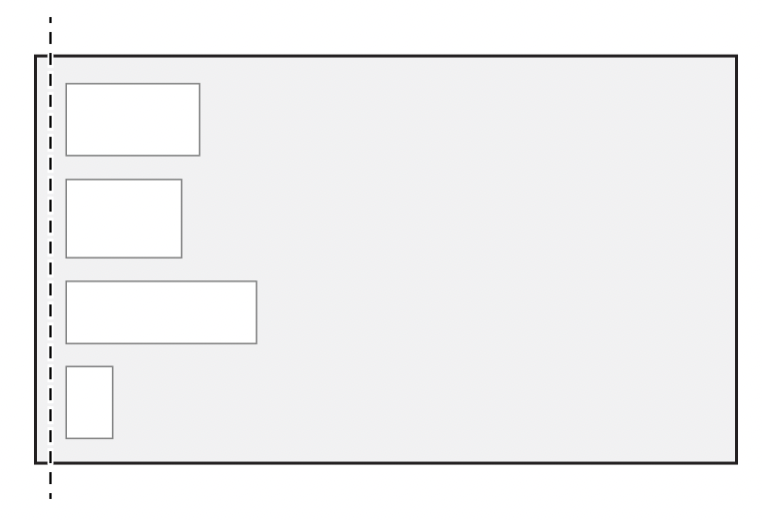
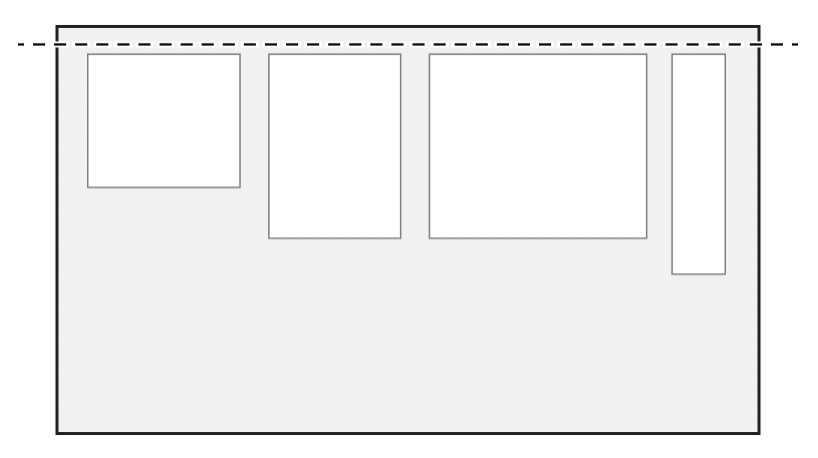
UIStackView.Alignment
- fill
- leading
- top
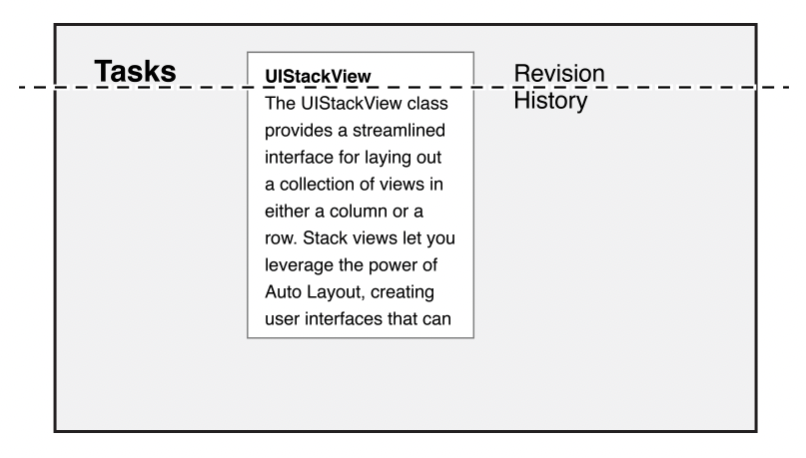
- firstBaseline: 텍스트의 첫째줄 베이스라인
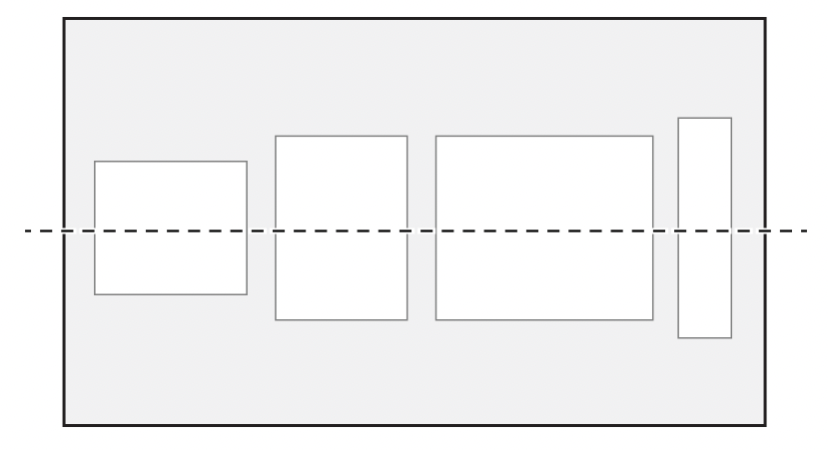
- center
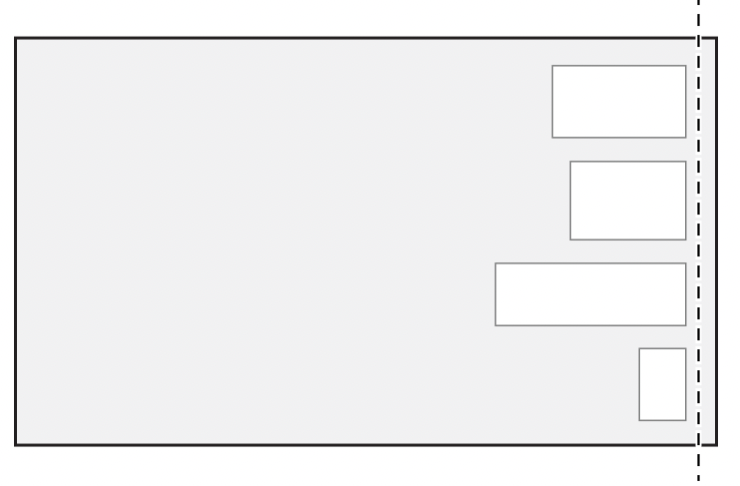
- trailing
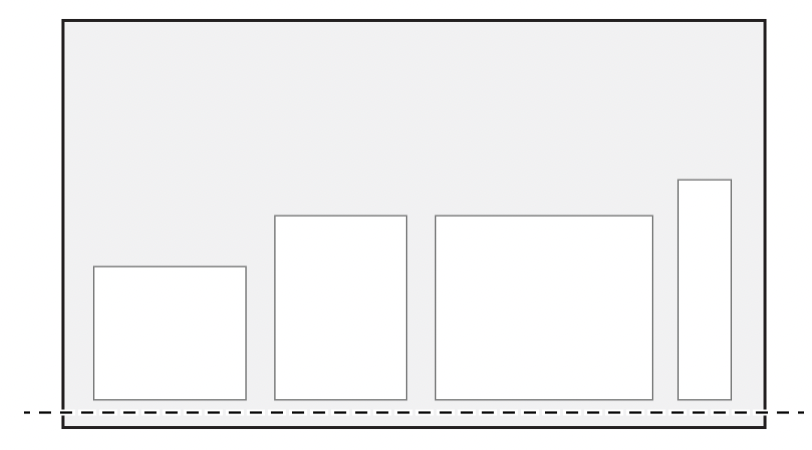
- bottom
- lastBaseline
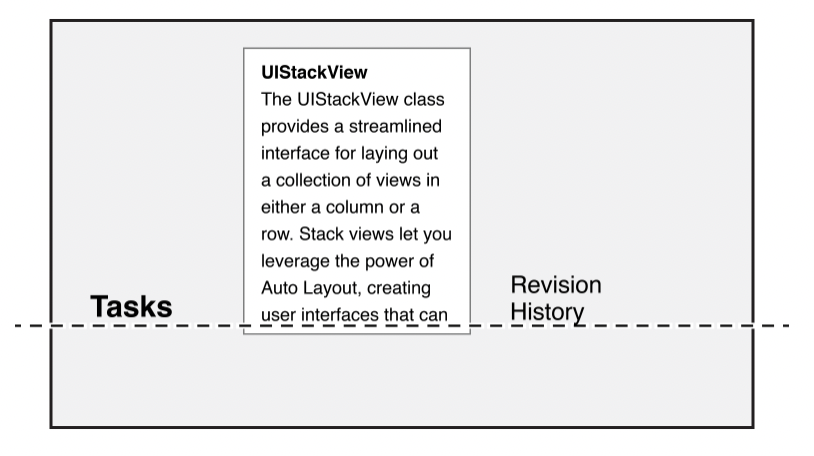
Auto Layout Cookbook
Stack Views
추가로 공부할 거
WWDC15 218세션

인생노잼