9/11 1, 2, 3세션
A. 경로 확인
- win 의 홈 디렉터리
C:\Users\User
A-1. pathlib 패키지
> from pathlib import Path

> print(Path.home())
Path 라이브러리
home(): 홈 디렉터리 확인cwd(): 현재 작업 디렉토리 확인cwd().glob('*'): 현재 작업 디렉터리 안의 모든 내용, 모든 확장자 확인
B. 파일 읽고 쓰기
B-1. 파일 쓰기 (w)
- w 모드로 파일을 열어 write() 메서드로 파일에 기록
- 이미 같은 이름의 파일이 있다면 제거되고 새 파일이 만들어짐
- 경로를 지정하지 않으면 현재 작업 디렉터리에 기록
# 파일 열기
> f = open('MyFile.txt', 'w')

# 파일 쓰기
> f.write('안녕하세요?\n')

# 파일 닫기
> f.close()
폴더(디렉터리) 만들기
- mkdir()를 사용해 현재 작업 디렉터리에 새로운 디렉터리를 만듬
- exist_ok=True를 지정하면 이미 폴더가 있는 경우 해당 폴더를 사용
> Path('Files').mkdir(exist_ok=True)B-2. 파일 읽기 (r)
- r 모드로 파일을 열어 read() 메서드로 파일을 읽을 수 있음
- 지정한 파일이 없으면 오류 발생
# 파일 열기
> f = open('MyFile.txt', 'r')

# 내용 읽기
> print(f.read())

# 파일 닫기
> f.close()
B-3. 파일 내용 추가 (a)
- a 모드로 파일을 열어 write() 메서드로 내용 추가
- 지정한 파일이 없으면 새 파일이 만들어짐
# 파일 열기
> f = open('MyFile.txt', 'a')

# 내용 추가
> f.write('만나서 반갑습니다!')

# 파일 닫기
> f.close()

안녕하세요?
만나서 반갑습니다!
B-4. 파일이 존재하는 지 확인 (x)
- x 모드로 파일을 열면 같은 파일이 있는 경우 오류 발생
- 파일이 없으면 w 모드로 파일은 연 결과와 동일
# 오류 핸들링
> try:
    f = open('MyFile.txt', 'x')
    f.write('만나서 반갑습니다!')
    f.close()
> except FileExistsError:     #  이미 파일이 있으면
    print('같은 이름의 파일이 있습니다.')
> else:                       # 그렇지 않으면
    print('파일 쓰기 성공했습니다.')
> finally:                    # 마무리
    print('수고하셨습니다.')
C. 파일 다루는 메서드
C-1) writelines() 메서드
- 리스트를 한번에 파일에 기록
> f.writelines(리스트)C-2) readlines() 메서드
- 모든 행을 한 번에 읽기
- 결과로 리스트 반환
- 리스트이므로 반복문으로 한 행씩 읽기 가능
> result = f.readlines()C-3) readline() 메서드
- 한 행 단위로 읽기
- 결과로 문자열 반환
D. 워드 클라우드 만들기
- 텍스트 파일로 저장
- 텍스트 전처리
- 워드 클라우드 그리기
wordcloud 패키지
# wordcloud 패키지 설치
!pip install wordcloud


# 텍스트 원문
text = 'I am happy to join with you today in what will go down in history as the greatest demonstration for '

# 공백을 구분자로 하여 단어 단위로 자르기
wordList = text.split()

# 중복 단어 제거, 딕셔너리에 단어별 개수 저장
worduniq = set(wordList)
wordCount = {}

for w in worduniq:
	wordCount[w] = wordList.count(w) # 중복이 있는 리스트에서 개수 가져오기

# 제외 대상 조사
del_word = ['the','a','is','are', 'not','of','on','that','this','and','be','to', 'from']

# 제외하기
for w in del_word:
    if w in wordCount:
        del wordCount[w]

# 라이브러리 불러오기
import matplotlib.pyplot as plt
from wordcloud import WordCloud
%config InlineBackend.figure_format='retina' #고해상도 설정

# 워드 클라우드 만들기
wordcloud = WordCloud(font_path = 'C:/Windows/fonts/HMKMRHD.TTF',
                      width=2000,
                      height=1000,
                      background_color='white').generate_from_frequencies(wordCount) #딕셔너리를 기반으로 그려주세요

# 표시하기
plt.figure(figsize=(12, 6))
plt.imshow(wordcloud)
plt.axis("off")
plt.tight_layout(pad=0)
plt.show()

# 파일로 저장
wordcloud.to_file('wordcloud1.png')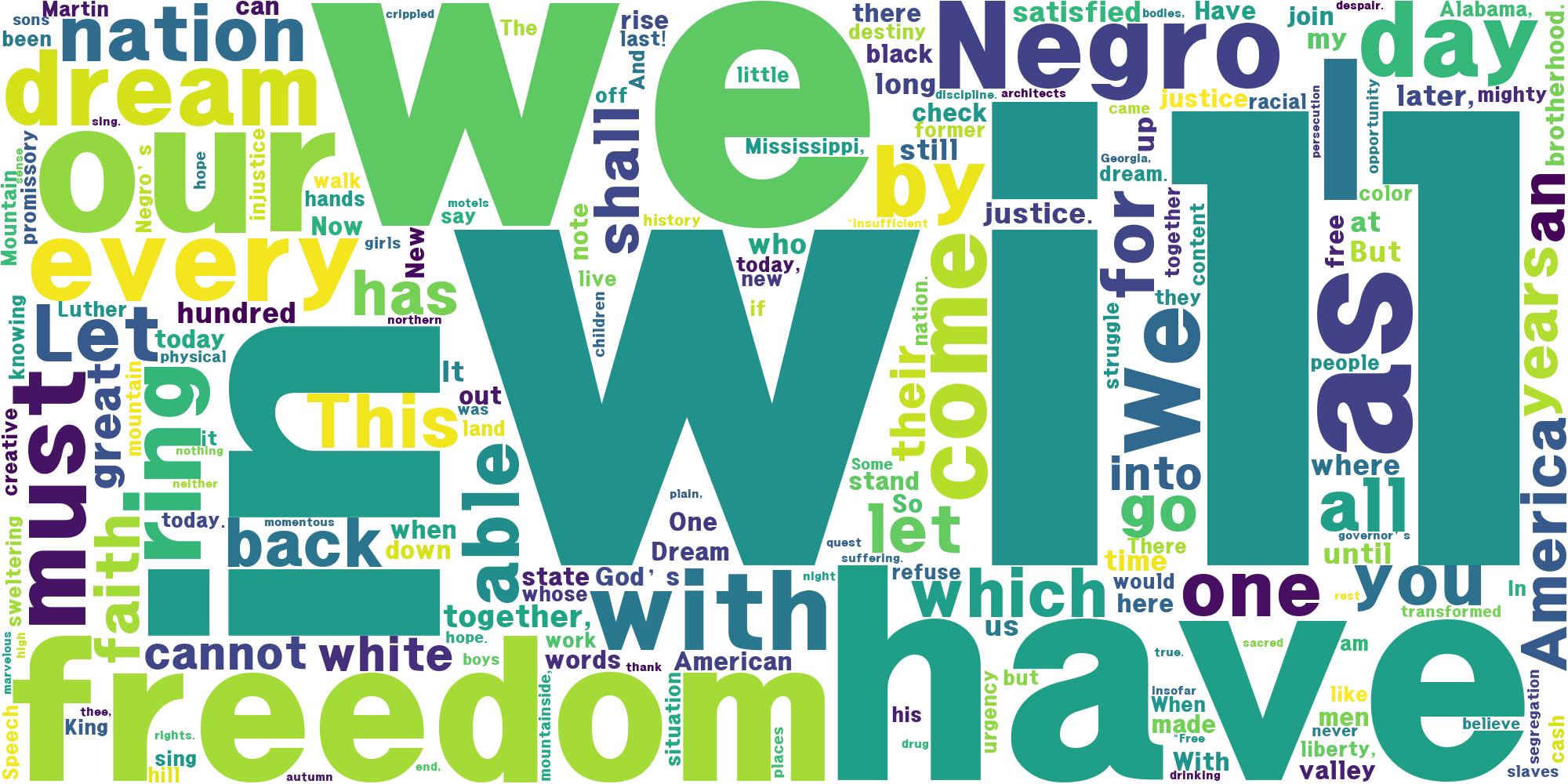
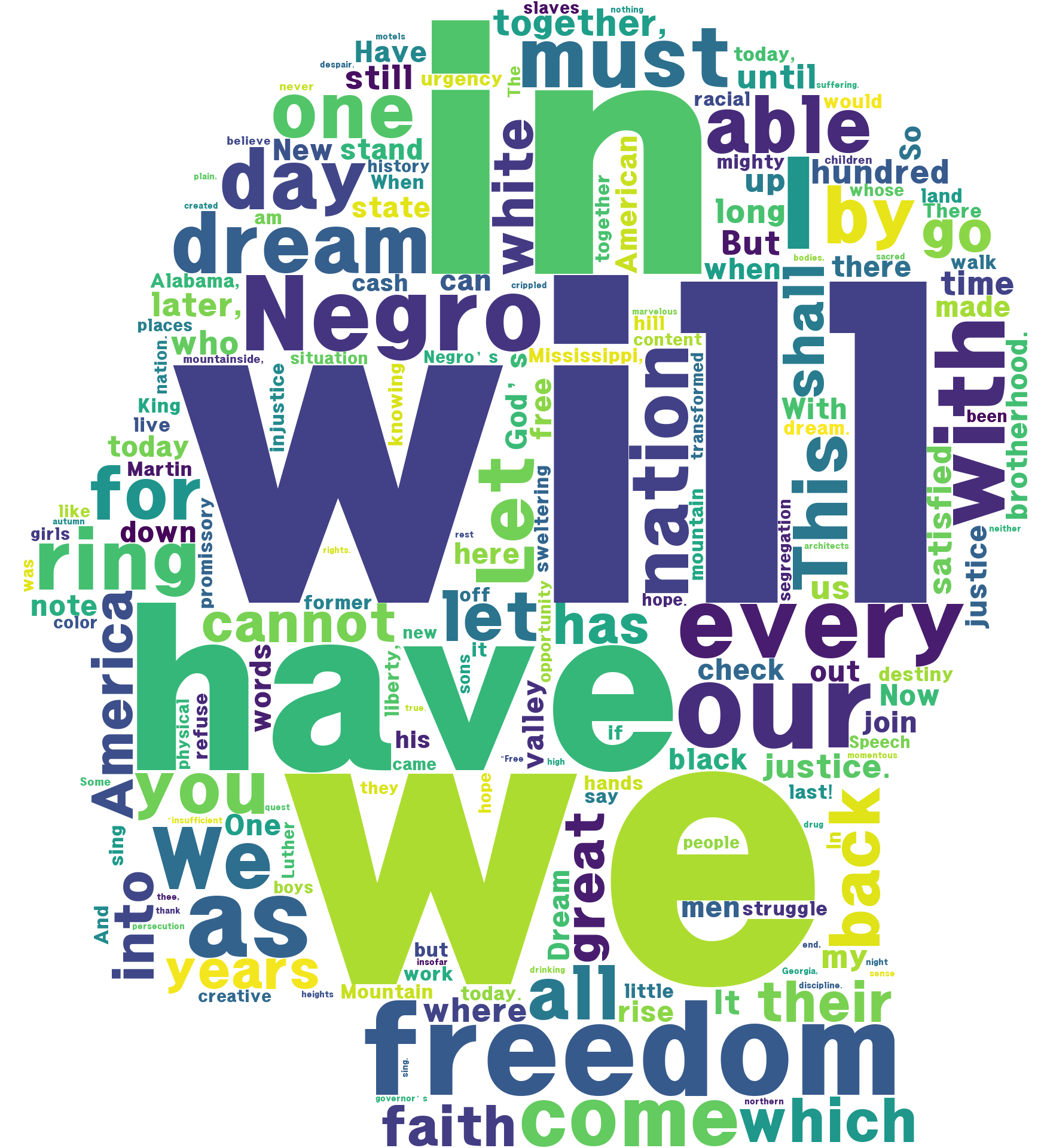
D-1. 이미지 마스크 사용
# 라이브러리 불러오기
import numpy as np
from PIL import Image

# 이미지 불러오기
masking_image = np.array(Image.open('human.jpg'))

WordCloud(mask=masking_image) 추가