<!DOCTYPE html>
<html lang="ko">
<head>
<meta name="viewport" content="width=device-width">
<meta charset="UTF-8">
<link rel="stylesheet" href="https://meyerweb.com/eric/tools/css/reset/reset.css">
<title>Toggle</title>
<style>
#step {
margin-bottom: 50px;
font-size: 3em;
font-weight: bolder;
}
#toggle {
width: 90px;
height: 30px;
}
</style>
</head>
<body>
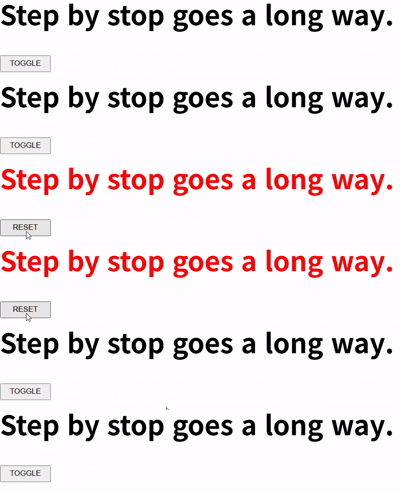
<h1 id="step">Step by stop goes a long way.</h1>
<p>
<button type="button" id="toggle">TOGGLE</button>
</p>
<script>
const string = document.getElementById('step');
document.getElementById('toggle').addEventListener('click', function () {
string.style.color = this.innerHTML === 'TOGGLE' ? 'red' : '';
this.innerHTML = this.innerHTML === 'TOGGLE' ? 'RESET' : 'TOGGLE';
});
</script>
</body>
</html>