Window에 Apt,
Mac에서는 Brew를 사용합니다.
이 프로그램은 소프트웨어를 쉽게 설치하고 관리할 수 있는 패키지 관리자이고, Brew를 이용하면 터미널에서 간단한 명령어로 다양한 개발 도구와 프로그램이 설치 가능합니다.
1. brew 설치 여부 확인
1) Mac -> 터미널 접속 -> brew 검색
MacBookAir ~ % brew
zsh: command not found: brew
2) 위와 같이 뜨면 설치 진행
2. Home Brew 접속
URL: https://brew.sh/
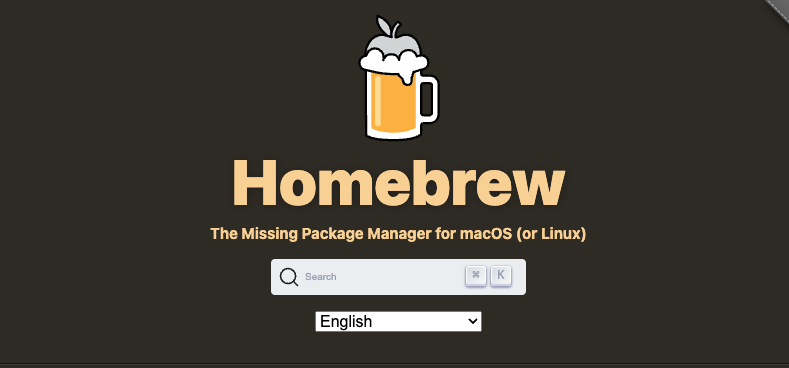
3. Install Homebrew 복사
/bin/bash -c "$(curl -fsSL https://raw.githubusercontent.com/Homebrew/install/HEAD/install.sh)"4. 터미널에 입력
5. 맥북 비밀번호 입력
MacBookAir ~ % /bin/bash -c "$(curl -fsSL https://raw.githubusercontent.com/Homebrew/install/HEAD/install.sh)"
==> Checking for `sudo` access (which may request your password)...
6. Enter 키 입력
==> This script will install:
/opt/homebrew/bin/brew
/opt/homebrew/share/doc/homebrew
/opt/homebrew/share/man/man1/brew.1
/opt/homebrew/share/zsh/site-functions/_brew
/opt/homebrew/etc/bash_completion.d/brew
/opt/homebrew
==> The following new directories will be created:
/opt/homebrew/bin
/opt/homebrew/etc
/opt/homebrew/include
/opt/homebrew/lib
/opt/homebrew/sbin
/opt/homebrew/share
/opt/homebrew/var
/opt/homebrew/opt
/opt/homebrew/share/zsh
/opt/homebrew/share/zsh/site-functions
/opt/homebrew/var/homebrew
/opt/homebrew/var/homebrew/linked
/opt/homebrew/Cellar
/opt/homebrew/Caskroom
/opt/homebrew/Frameworks
==> The Xcode Command Line Tools will be installed.

Press RETURN/ENTER to continue or any other key to abort:
7. 에러메시지
: 아래와 같이 문구 속에 적혀있을 때 하단의 명령어 1,2를 순서대로 입력하시면 됩니다.
Warning: /opt/homebrew/bin is not in your PATH.
- 명령어 1 : echo 'export PATH=/opt/homebrew/bin:$PATH' >> ~/.zshrc
- 명령어 2 : source ~/.zshrc
8. 설치 완료
: "brew" 검색 시 아래와 같은 문구가 나오면 나오면 완료 !
  brew search TEXT|/REGEX/
  brew info [FORMULA|CASK...]
  brew install FORMULA|CASK...
  brew update
  brew upgrade [FORMULA|CASK...]
  brew uninstall FORMULA|CASK...
  brew list [FORMULA|CASK...]

Troubleshooting:
  brew config
  brew doctor
  brew install --verbose --debug FORMULA|CASK

Contributing:
  brew create URL [--no-fetch]
  brew edit [FORMULA|CASK...]

Further help:
  brew commands
  brew help [COMMAND]
  man brew
  https://docs.brew.sh
- 내가 설치한 brew 버전 조회 명령어
brew --version

Backend 개발자로 거듭나는 그 날까지 !