ZeroClaw in Docker

ZeroClaw 를 설치해보려고 했습니다.
https://zeroclaw.org
https://github.com/openagen/zeroclaw
docker-compose 만들기
https://github.com/zeroclaw-labs/zeroclaw/blob/master/docker-compose.yml
샘플로 제공되는 docker-compose 파일에서
볼륨만 작업 디렉토리로 맞춰줍니다.
# ZeroClaw Docker Compose Example
#
# Quick start:
#   1. Copy this file and set your API key
#   2. Run: docker compose up -d
#   3. Access gateway at http://localhost:42617
#
# For more info: https://github.com/zeroclaw-labs/zeroclaw

services:
  zeroclaw:
    image: ghcr.io/zeroclaw-labs/zeroclaw:latest
    # For ARM64 environments where the distroless image exits immediately,
    # switch to the Debian compatibility image instead:
    # image: ghcr.io/zeroclaw-labs/zeroclaw:debian
    # Or build locally (distroless, no shell):
    # build: .
    # Or build the Debian variant (includes bash, git, curl):
    # build:
    #   context: .
    #   dockerfile: Dockerfile.debian
    container_name: zeroclaw
    restart: unless-stopped

    environment:
      # Required: Your LLM provider API key
      - API_KEY=${API_KEY:-}
      # Or use the prefixed version:
      # - ZEROCLAW_API_KEY=${ZEROCLAW_API_KEY:-}

      # Optional: LLM provider (default: openrouter)
      # Options: openrouter, openai, anthropic, ollama
      - PROVIDER=${PROVIDER:-openrouter}

      # Allow public bind inside Docker (required for container networking)
      - ZEROCLAW_ALLOW_PUBLIC_BIND=true
      # Default gateway port inside container
      - ZEROCLAW_GATEWAY_PORT=${ZEROCLAW_GATEWAY_PORT:-42617}

      # Optional: Model override
      # - ZEROCLAW_MODEL=anthropic/claude-sonnet-4-20250514

    volumes:
      # Persist workspace and config (must match WORKDIR/HOME in Dockerfile)
      - ./data:/zeroclaw-data # 여기 수정 🧐

    ports:
      # Gateway API port (override HOST_PORT if 42617 is taken)
      - "${HOST_PORT:-42617}:${ZEROCLAW_GATEWAY_PORT:-42617}"

    # Resource limits
    deploy:
      resources:
        limits:
          cpus: '2'
          memory: 512M
        reservations:
          cpus: '0.5'
          memory: 32M

    # Health check — uses lightweight status instead of full diagnostics.
    # For images with curl, prefer: curl -f http://localhost:42617/health
    healthcheck:
      test: ["CMD", "zeroclaw", "status", "--format=exit-code"]
      interval: 60s
      timeout: 10s
      retries: 3
      start_period: 10s
컨테이너 추가
docker compose up -d
실행하면

실행은 되는데...
http://localhost:42617 접속은 안되네요?
./data/.zeroclaw/config.toml 을 찾아서
[gateway]
port = 42617
host = "0.0.0.0"
require_pairing = true
allow_public_bind = true
host 를 127.0.0.1 에서 0.0.0.0 으로 바꾸고 allow_public_bind 도 true 해 줍니다.
재시작을 하니 이제 Gateway 에 접속 되네요.
그런데
OpenClaw 와 다르게 ZeroClaw 는 뭔가 기능 실행도 못하고 어설픈 느낌이 들어서 몇마디 대화만 나누고 종료 했습니다.
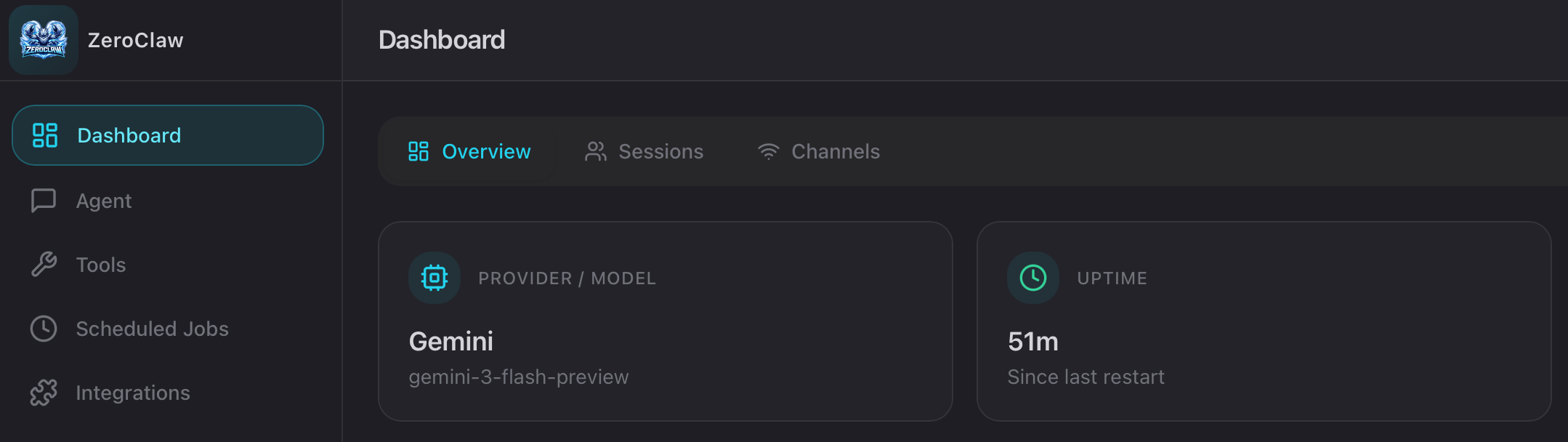
Gateway 웹 UI 는 깔끔하네요.

개발 놀이 중