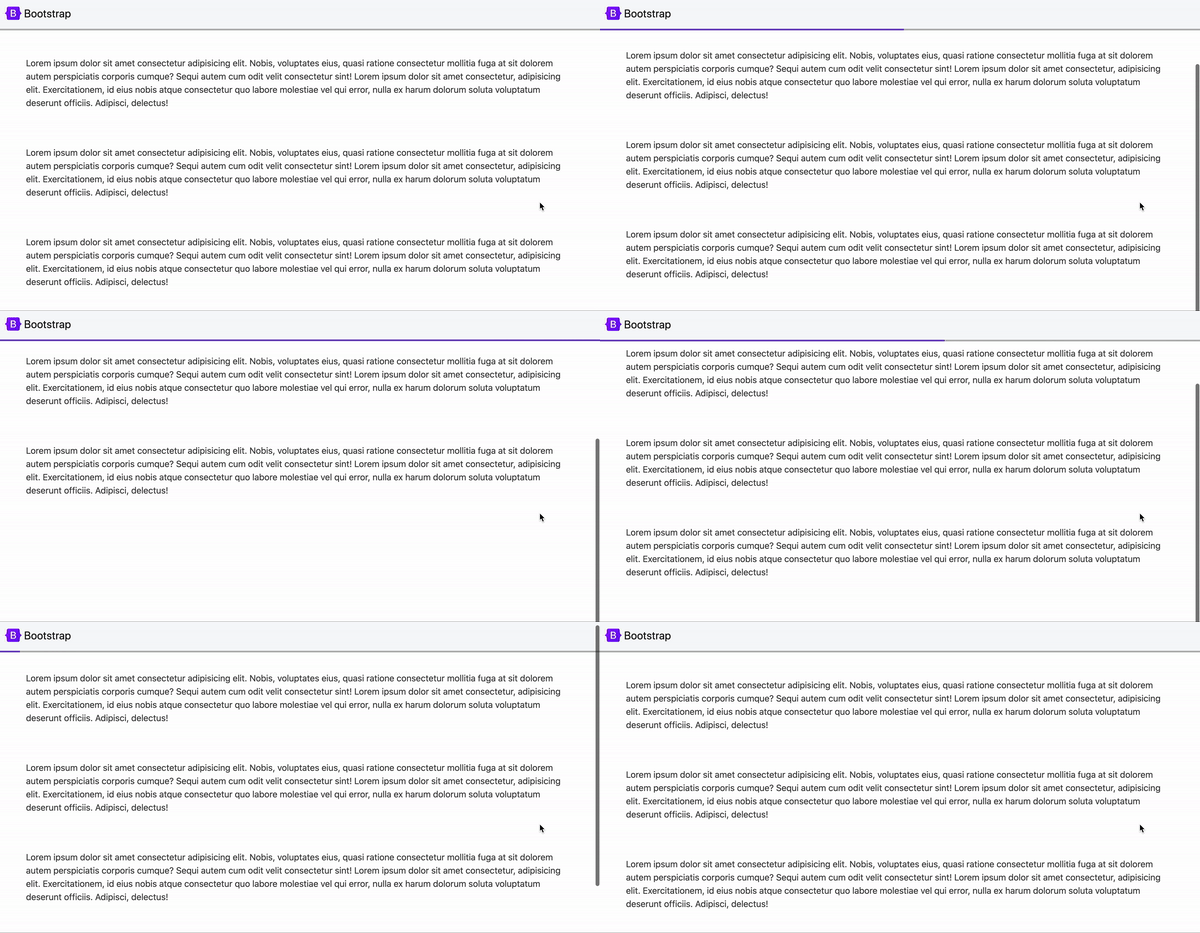
스크롤 이벤트리스너
window.addEventListener('scroll', function(){ });
스크롤바를 조작하면 scroll 이벤트가 발생하며, 페이지를 스크롤할 때마다 원하는 코드를 실행할 수 있다. 스크롤이벤트는 관습적으로 window에 붙임!
스크롤 관련 유용한 기능
- window.scrollY
위에서 부터 얼마나 스크롤 되었는지 px 단위로 알려주는 기능
window.addEventListener('scroll', function(){
  console.log( window.scrollY )
});
💡 window.scrollY = window.pageYOffset
둘이 같은 기능이나 pageYOffset이 호환성이 더 좋음
- window.scrollTo(x, y)
해당 좌표로 스크롤바를 강제 이동
// 위에서부터 100px 위치로 스크롤 해줌
window.scrollTo(0, 100)- window.scrollBy(x, y)
현재 위치에서부터 스크롤해줌
// 현재위치에서 +100px 만큼 스크롤 해줌
window.scrollBy(0, 100)
- scrollTop / scrollHeight / clientHeight
💡scrollY는 window에만 붙일수 있다. div와 같은 일반 html 요소의 스크롤 높이를 귀하기 위해서는 scrollTop을 이용해야 한다.
//현재 웹페이지 스크롤양
document.querySelector('html').scrollTop;
//현재 웹페이지의 스크롤 가능한 실제높이
document.querySelector('html').scrollHeight;
//현재 웹페이지에서 보이는 높이
document.querySelector('html').clientHeight;


// document.querySelector('html') = document.documentElement
bootstrap을 설치했을 경우
화면이 스무스하게 움직이는데 css 파일 상단에 :root { scroll-behavior : auto } 적어주면 스무스하게 움직이는 것을 막아준다.
응용) 스크롤 진행도를 보여주는 UI
🐥 완성
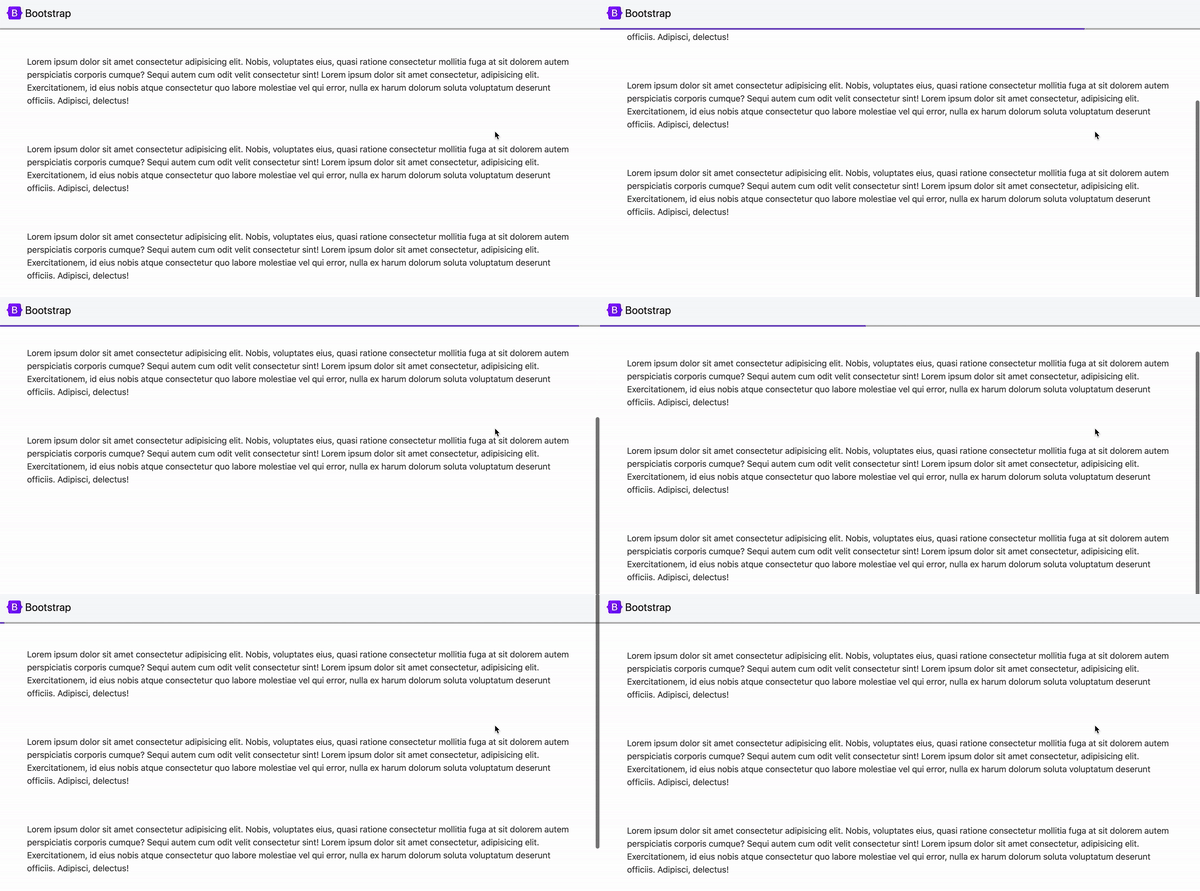
🐣 코드
  function currentPercentage() {
      let currY = document.documentElement.scrollTop;//스크롤한 높이
      let totalY = document.documentElement.scrollHeight - document.documentElement.clientHeight;//스크롤 가능한 높이
      let percentage = (currY / totalY) * 100;//퍼센트 값

      document.querySelector(".purple-line").style.width = percentage + "%";
    }

    window.addEventListener('scroll', currentPercentage);
스크롤의 %값 구하기
스크롤된 양 (scrollTop) / 스크롤 가능한 높이 (scrollHeight - clientHeight) * 100