Javascript2
console 창에서 html요소들을 보고 변경할 수도 있다.
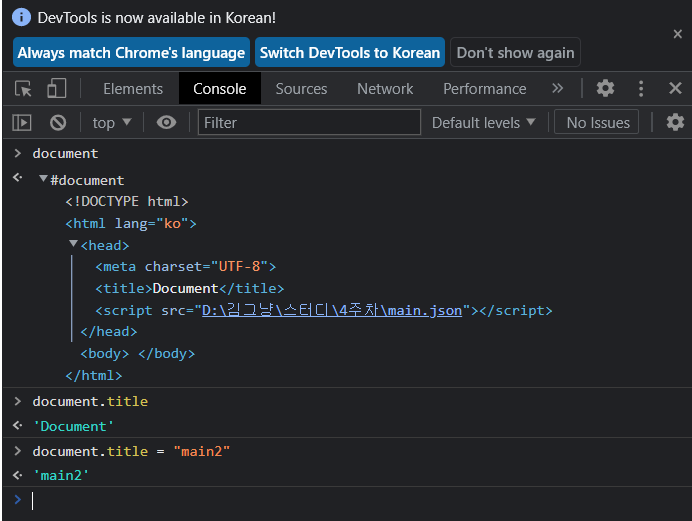
= 우리는 js에서 html object을 불러올수도 있다.
- javascript에서 html을 연결하기
const title = document.getElementById("title");
title.innerText = "got you";
console.log(title.id);
console.log(title.className);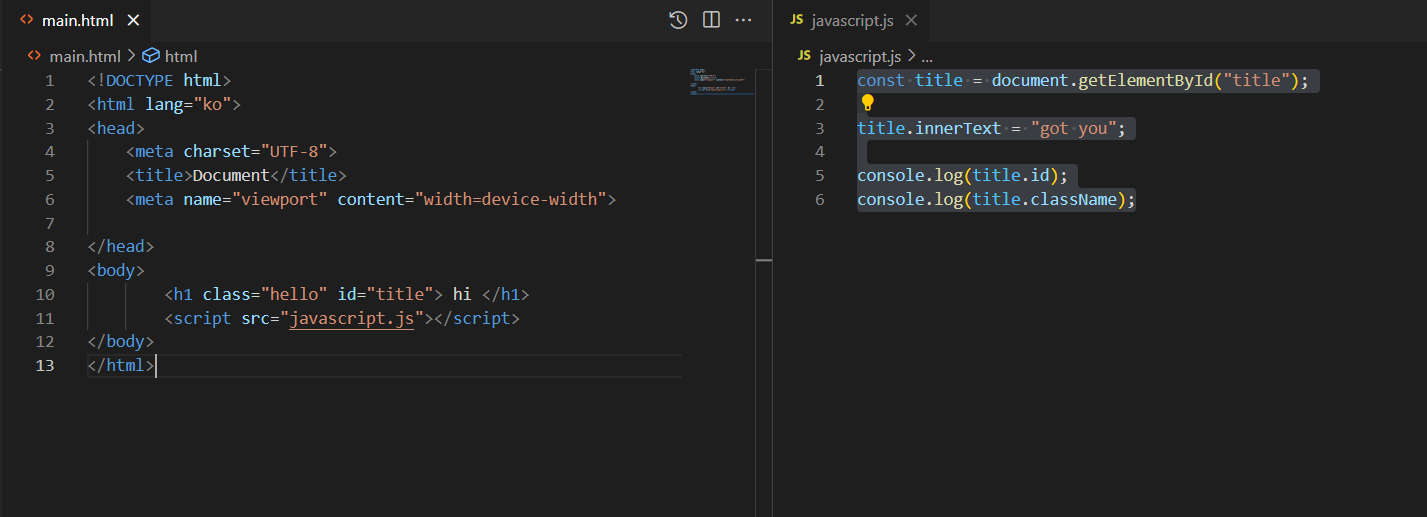
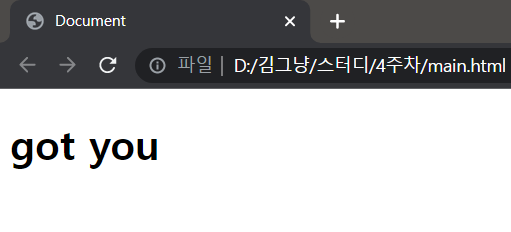
html의 hi를 js에서 got you로 변경하였다.
- querySelector : 선택기를 이용해 검색한다
- getElementById : 일치하는 ID를 찾는다
- EVENT
const title = document.querySelector("div.hello:first-child h1");

function TitleClick() {
    console.log("title was clicked");
}ㅂ

title.addEventListener("click", TitleClick);
const title = document.querySelector("div.hello:first-child h1");

function TitleClick() {
    console.log("title was clicked");
}

title.onclick = TitleClick;
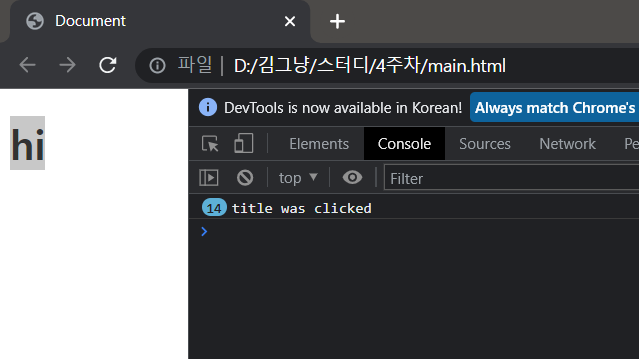
=> hi 를 클릭하면 'title was clicked'가 출력되는 코드이다. (두 코드는 결과가 같음)
event 종류를 찾는 방법
- https://developer.mozilla.org/en-US/docs/Web/API/HTMLElement
- console.dir(title) 을 자바스크립트에 입력 후 실행, 브라우저의 console에서 property와 event를 확인할 수 있다.