Helm으로 Jenkins 설치하기
설치
Helm Chart 설치
helm repo add jenkins https://charts.jenkins.io # Helm Repo 추가
helm pull jenkins/jenkins --untar # Chart 파일 다운로드
Helm install
helm install jenkins jenkins/jenkins  -f values.yaml


root@master01:~/jenkins/jenkins# helm install jenkins -n jenkins jenkins/jenkins  -f values.yaml
NAME: jenkins
LAST DEPLOYED: Wed Apr 30 15:49:36 2025
NAMESPACE: argocd
STATUS: deployed
REVISION: 1
NOTES:
1. Get your 'admin' user password by running:
  kubectl exec --namespace argocd -it svc/jenkins -c jenkins -- /bin/cat /run/secrets/additional/chart-admin-password && echo
2. Get the Jenkins URL to visit by running these commands in the same shell:
  echo http://127.0.0.1:8080
  kubectl --namespace argocd port-forward svc/jenkins 8080:8080

3. Login with the password from step 1 and the username: admin
4. Configure security realm and authorization strategy
5. Use Jenkins Configuration as Code by specifying configScripts in your values.yaml file, see documentation: http://127.0.0.1:8080/configuration-as-code and examples: https://github.com/jenkinsci/configuration-as-code-plugin/tree/master/demos

For more information on running Jenkins on Kubernetes, visit:
https://cloud.google.com/solutions/jenkins-on-container-engine

For more information about Jenkins Configuration as Code, visit:
https://jenkins.io/projects/jcasc/


NOTE: Consider using a custom image with pre-installed plugins
storageClass 설정
# jenkins data Persistent Volume Storage Class
  # If defined, storageClassName: <storageClass>
  # If set to "-", storageClassName: "", which disables dynamic provisioning
  # If undefined (the default) or set to null, no storageClassName spec is
  #   set, choosing the default provisioner (gp2 on AWS, standard on GKE, AWS & OpenStack)
  # -- Storage class for the PVC
  storageClass: nfs-client
nfs 프로비저너가 있는 환경이라 storageClass 지정해줘서 pvc가 바운딩 될 수 있게 해주었다
NodePort 설정
# For minikube, set this to NodePort, elsewhere uses LoadBalancer
  # Use ClusterIP if your setup includes ingress controller
  # -- k8s service type
  serviceType: NodePort
설치 확인
root@master01:~/jenkins/jenkins# kubectl get po -n jenkins
NAME        READY   STATUS    RESTARTS   AGE
jenkins-0   2/2     Running   0          12m
접속
초기비밀번호 확인
kubectl exec --namespace jenkins -it svc/jenkins -c jenkins -- /bin/cat /run/secrets/additional/chart-admin-password && echo웹페이지 접속
IP:NodePort로 접속
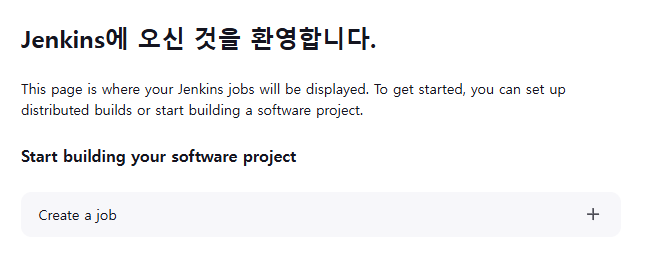
네, 뭐.. 환영한답니다..

네.. 뭐.. 김건호입니다...