JDBC란?
자바와 데이터베이스를 연결 시켜주는 라이브러리.

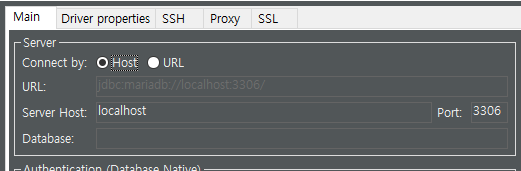
dbeaver는 마리아db의 3306포트 주소로 접속해야함을 말한다
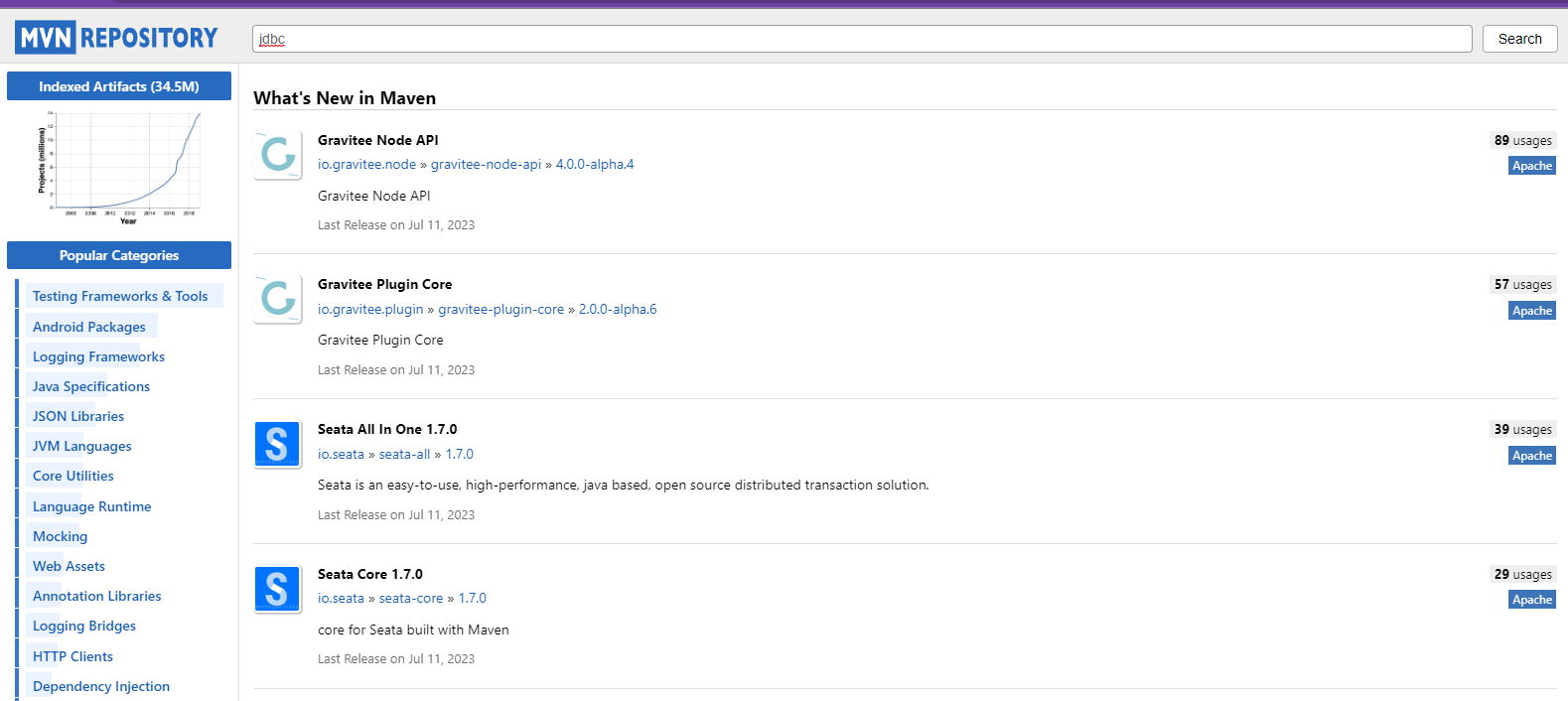
mvn에서 JDBC를 찾아서 설치해보자.
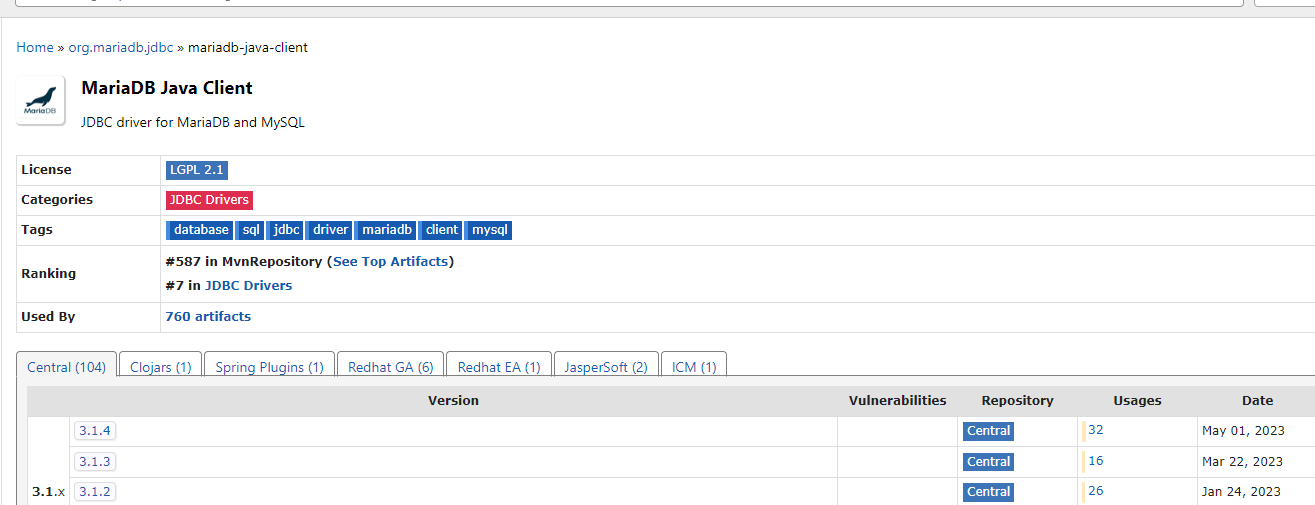
마리아DB의 자바 클라이언트, JAR을 다운받자.
LOL과 op.gg의 관계를 생각하면 편하다,
op.gg 엔 단 한번도 들어가지 않았지만, LOL의 스탯이 작성된것처럼!
Emp.java
package s6;

import lombok.AllArgsConstructor;
import lombok.Getter;
import lombok.NoArgsConstructor;
import lombok.Setter;
import lombok.ToString;

// employee 클래스
@Getter
@Setter
@AllArgsConstructor
@NoArgsConstructor
@ToString
public class Emp {
    private int employeeId;
    private String firstName;
    private int salary;
}
S01.java
package s6;

import java.sql.Connection;
import java.sql.DriverManager;
import java.sql.PreparedStatement;
import java.sql.ResultSet;
import java.sql.SQLException;

public class S01 {

    public static void main(String[] args) {
        // 자바와 DB를 연결하는 객체
        Connection connection = null;

        // 3306까지가 데이터베이스 시스템 / hr 위치가 데이터베이스
        String url = "jdbc:mariadb://localhost:3306/hr";


        //데이터베이스 연결하기
        try{
            connection = DriverManager.getConnection(
                url,
                "root",
                "1234"
            );
        } catch (SQLException e){
            System.out.println("DB 서버 연결 중 오류가 발생");
        }

        //쿼리문 날리기
        String sql = "select first_name from employees where employee_id = ?";
        // 마우스 가져다 대보면 sql 뭐라고 적혀있다. sql이 필요하단 소리다.
        PreparedStatement preparedStatement = null;
        // connection.prepareStatement(sql); 나는 되는데 안된다면..


        // 프리페어 스테이트 먼트가 쿼리문을 받아서.. 그 리셜트셋이
        try{
            preparedStatement = connection.prepareStatement(sql);
            preparedStatement.setInt(1, 100);

        } catch(SQLException e){
            System.out.println("디비 사용 중 오류가 발생");
            return;
        }

        ResultSet resultSet = null;

        try{
            resultSet = preparedStatement.executeQuery();
        } catch (Exception e) {
            System.out.println("쿼리 실행 중 오류가 발생");
            System.out.println(e.getMessage());
            return;
        }
        //데이터 자바로 변환
        try {
            if(resultSet.next()){
                System.out.println(resultSet.getString("first_name"));
            }
        } catch (Exception e) {
        }

        //연결 끊기, 계속해서 연결되어 있으니 의외로 중요하다.
        // connection2.close();

        try {
            // 널체크는 항상 해주어야 한다.
            if(connection != null){
                connection.close();
            }
            if(preparedStatement != null){
                preparedStatement.close();
            }
            if(resultSet != null){
                resultSet.close();
            }
        } catch (SQLException e) {
            System.out.println("연결 종료 후 오류가 발생했습니다.");
        }

    }
}
package s6;
import java.sql.Connection;
import java.sql.DriverManager;
import java.sql.PreparedStatement;
import java.sql.ResultSet;
import java.sql.SQLException;
import java.util.ArrayList;
import java.util.List;
public class S02 {
public static void main(String[] args) throws SQLException {
// try 밖에서도 쓸수 있게 선언만 해둠
Connection connection = null;
PreparedStatement preparedStatement = null;
ResultSet resultSet = null;
try {
// db 연결 주소
String url = "jdbc:mariadb://localhost:3306/hr";
// db 연결
connection = DriverManager.getConnection(url, "root", "1234");
// 쿼리문 준비
String sql = "select * from employees where salary > 10000";
preparedStatement = connection.prepareStatement(sql);
preparedStatement.setInt(1, 100);
// 쿼리문 실행
resultSet = preparedStatement.executeQuery();
// 결과값 확인
List<Emp> list = new ArrayList<>();
while (resultSet.next()) {
Emp emp = new Emp(
resultSet.getInt("employee_id"),
resultSet.getString("first_name"),
resultSet.getInt("salary"));
list.add(emp);
}
System.out.println(list);
} catch (Exception e) {
System.out.println(e.getMessage());
} finally {
// connection은 무조건 닫아줘야 한다
// null 체크
if (connection != null) {
connection.close();
}
if (preparedStatement != null) {
preparedStatement.close();
}
if (resultSet != null) {
resultSet.close();
}
}
}
}위의 것의 try catch문을 줄이고 필요한 것만 남긴 버전이다.