window 객체
브라우저 창 자체를 나타내는 객체
window 객체는 자바스크립트의 최상위 객체이며 DOM, BOM으로 분류된다
- DOM(Document Object Model) : document - html 문서를 가리킴
- BOM(Browser Object Model) : location, history, screen, navigator
window 객체는 창 자체를 나타내고 있으므로 어디서든 접근이 가능하다
그래서 window 라는 객체 호출부를 생략할 수 있다.
ex) window.alert() == alert()
style 태그
<style>
  #clock{
  border: 1px solid black;
  width: 300px;
  height: 300px;

  font-size: 50px;
  font-weight: bold;

  display: flex;
  justify-content: center;
  align-items: center;
  }
</style>
script 태그
외부 js 파일과 연결하는 태그
<script src="js/10_Window내장객체.js"></script>// window.setTimeout(함수, 지연시간(ms))
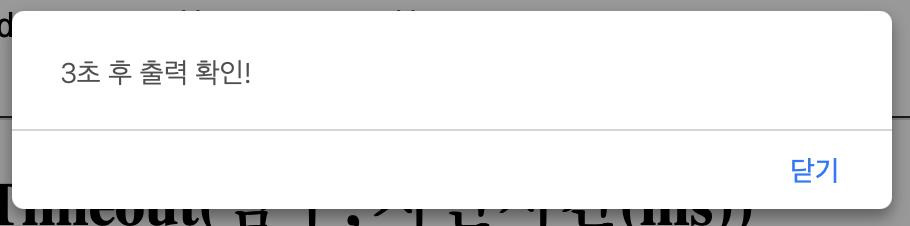
document.getElementById("btn1").addEventListener("click", function(){
setTimeout(function(){
alert("3초 후 출력 확인!");
}, 3000 );
})
// window.setInterval(함수, 지연시간(ms))
let interval; // setInterval을 저장하기 위한 전역 변수
// setInterval(함수, 지연시간(ms))
function clockFn(){
const clock = document.getElementById("clock");
clock.innerHTML = currentTime(); // 현재 시간 화면에 출력
// 지연 시간 마다 반복(첫 반복도 지연 시간 후에 시작)
// -> 페이지 로딩 후 1초 후부터 반복(지연 -> 함수 -> 지연 -> 함수)
interval = setInterval(function(){
clock.innerHTML = currentTime();
}, 1000);
}
// 현재 시간 문자열로 변환 함수
function currentTime(){
const now = new Date(); //
let hour = now.getHours();
let min = now.getMinutes();
let sec = now.getSeconds();
if(hour < 10) hour = "0" + hour;
if(min < 10) min = "0" + min;
if(sec < 10) sec = "0" + sec;
return hour + " : " + min + " : " + sec;
}
// clearInterval
document.getElementById("stop").addEventListener("click", function(){
clearInterval(interval);
})
clockFn(); // 함수 호출window.setTimeout(함수, 지연시간(ms))
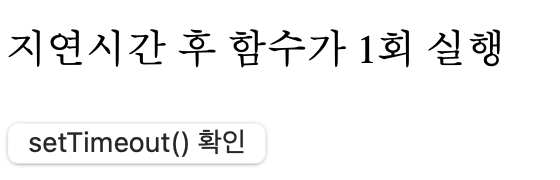
<h2>window.setTimeout(함수, 지연시간(ms))</h2>
<p>지연시간 후 함수가 1회 실행</p>
<button id="btn1">setTimeout() 확인</button>
window.setInterval(함수, 지연시간(ms))
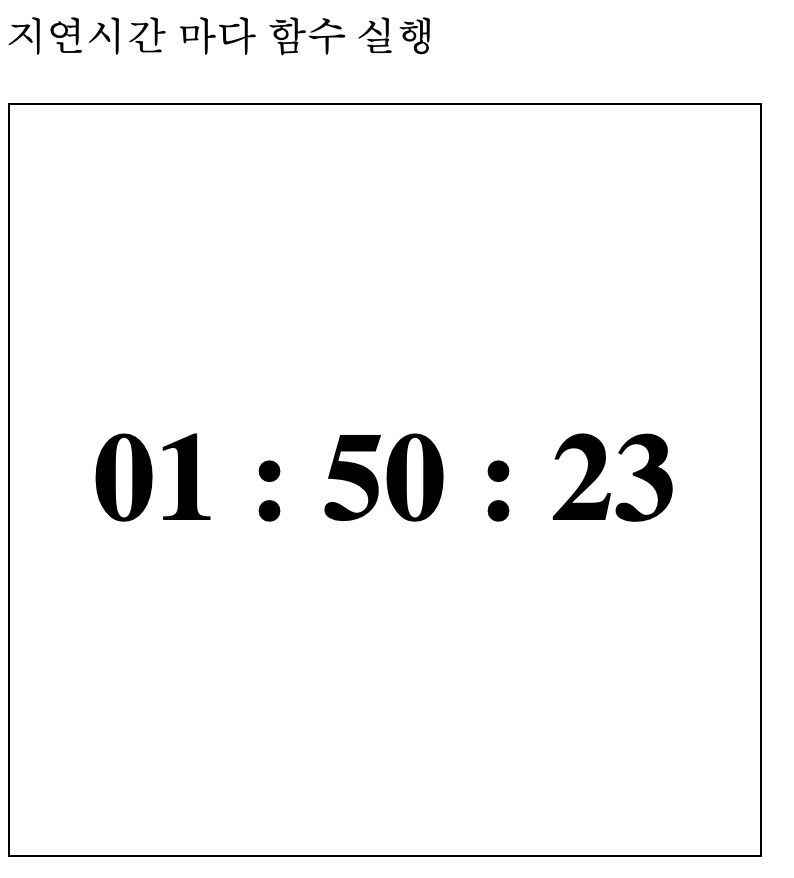
<h2>window.setInterval(함수, 지연시간(ms))</h2>
<p>지연시간 마다 함수 실행</p>

<div id="clock">09 : 21 : 19</div>
window.clearInterval(setInterval이 저장된 변수)
<h2>window.clearInterval(setInterval이 저장된 변수)</h2>
<button id="stop">STOP</button>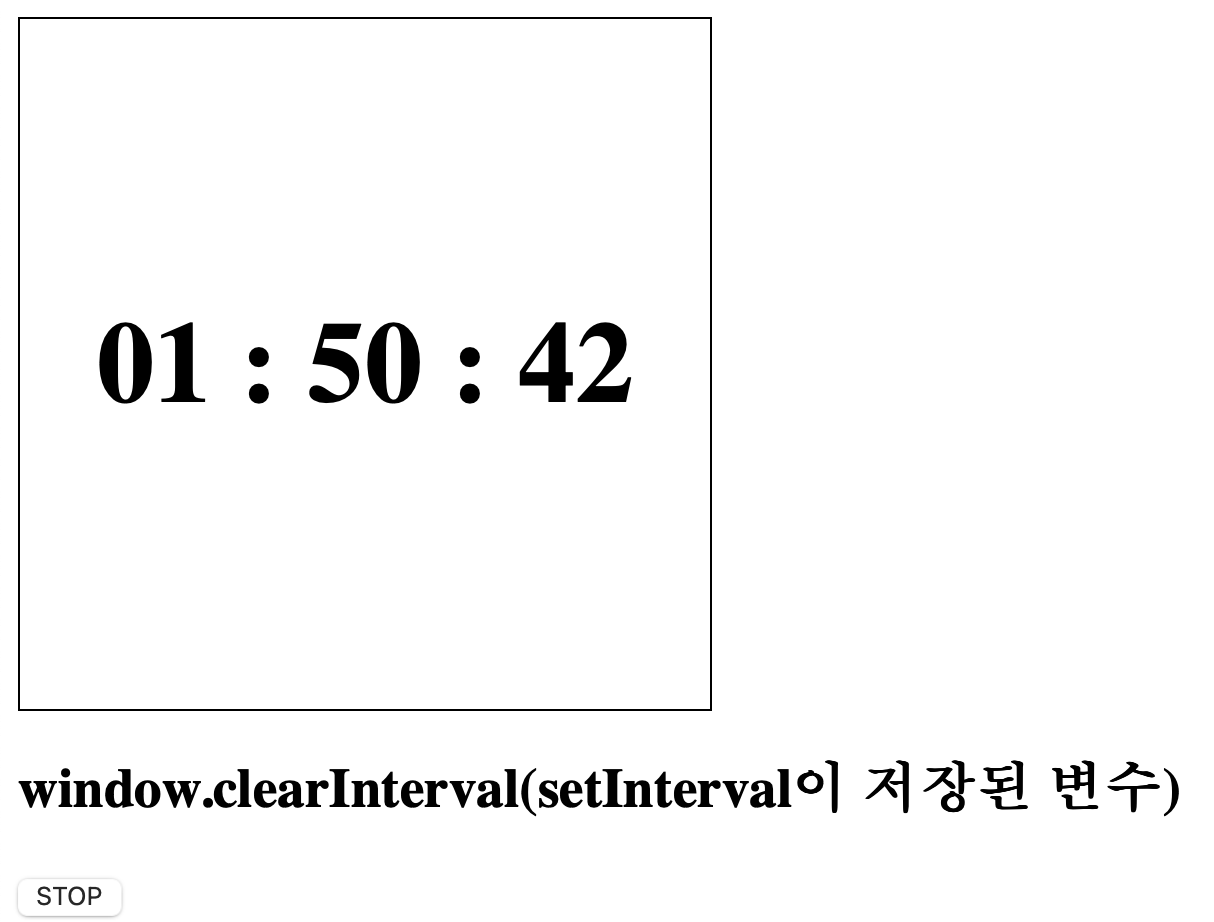
전체코드
<!DOCTYPE html>
<html lang="en">
<head>
    <meta charset="UTF-8">
    <meta name="viewport" content="width=device-width, initial-scale=1.0">
    <title></title>

    <style>
        #clock{
            border: 1px solid black;
            width: 300px;
            height: 300px;

            font-size: 50px;
            font-weight: bold;

            display: flex;
            justify-content: center;
            align-items: center;
        }
    </style>
</head>
<body>
    <h1>window 객체</h1>
    <pre>
        - 브라우저 창 자체를 나타내는 객체
        - window 객체는 자바스크립트의 최상위 객체이며
        DOM, BOM으로 분류된다

        DOM(Document Object Model) : document - html 문서를 가리킴
        BOM(Browser Object Model) : location, history, screen, navigator

        * window 객체는 창 자체를 나타내고 있으므로
        어디서든 접근이 가능하다
        그래서 window 라는 객체 호출부를 생략할 수 있다.
        ex) window.alert() == alert()
    </pre>
    <hr>

    <h2>window.setTimeout(함수, 지연시간(ms))</h2>
    <p>지연시간 후 함수가 1회 실행</p>
    <button id="btn1">setTimeout() 확인</button>

    <hr>

    <h2>window.setInterval(함수, 지연시간(ms))</h2>
    <p>지연시간 마다 함수 실행</p>

    <div id="clock">09 : 21 : 19</div>

    <h2>window.clearInterval(setInterval이 저장된 변수)</h2>
    <button id="stop">STOP</button>

    <script src="js/10_Window내장객체.js"></script>
</body>
</html>
Hello! My Name is oYJo