
CodeBase로 UI를 구성하고 싶다면 Xcode에서 프로젝트를 처음 생성했을 때 초기 세팅이 필요하다.
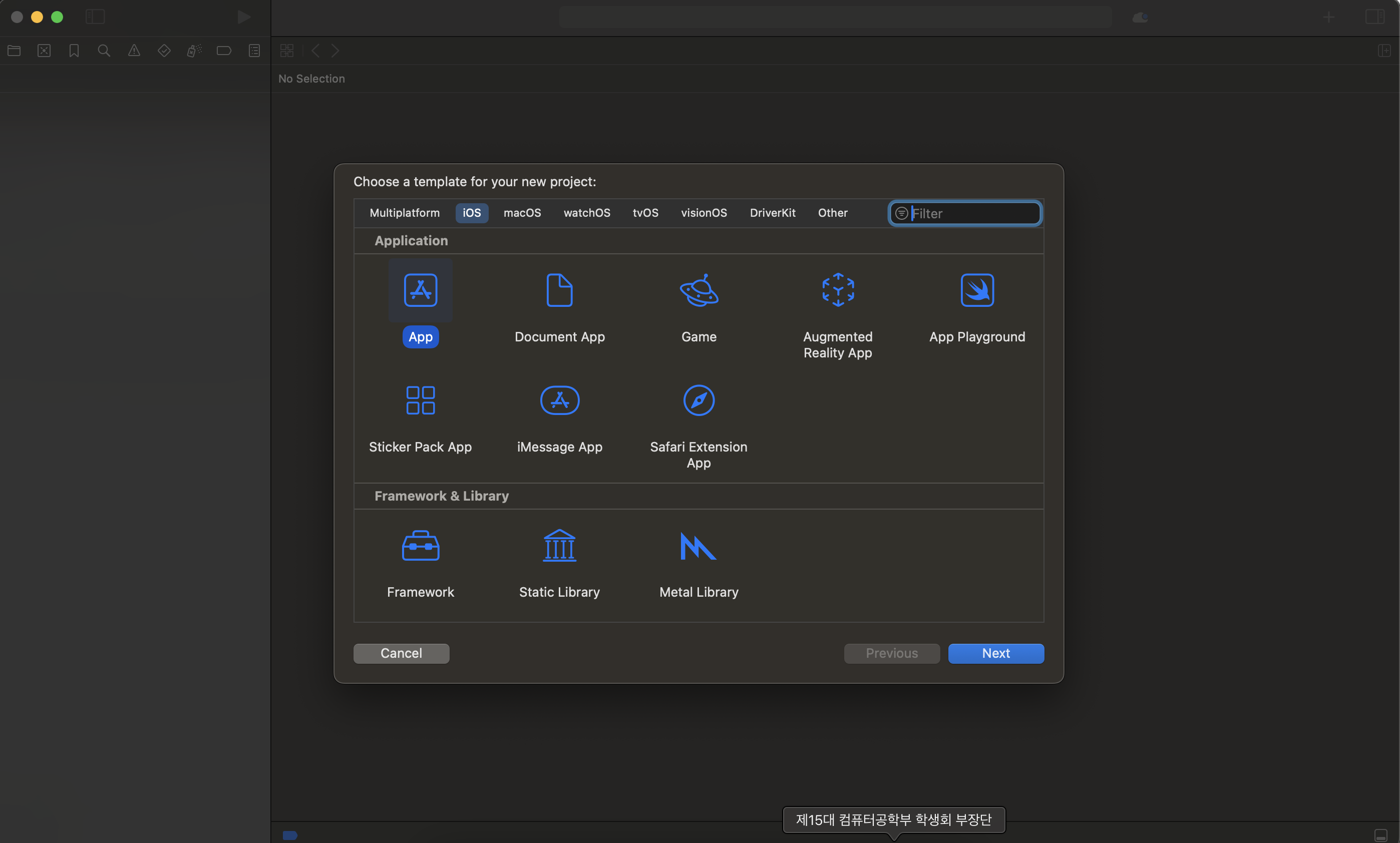
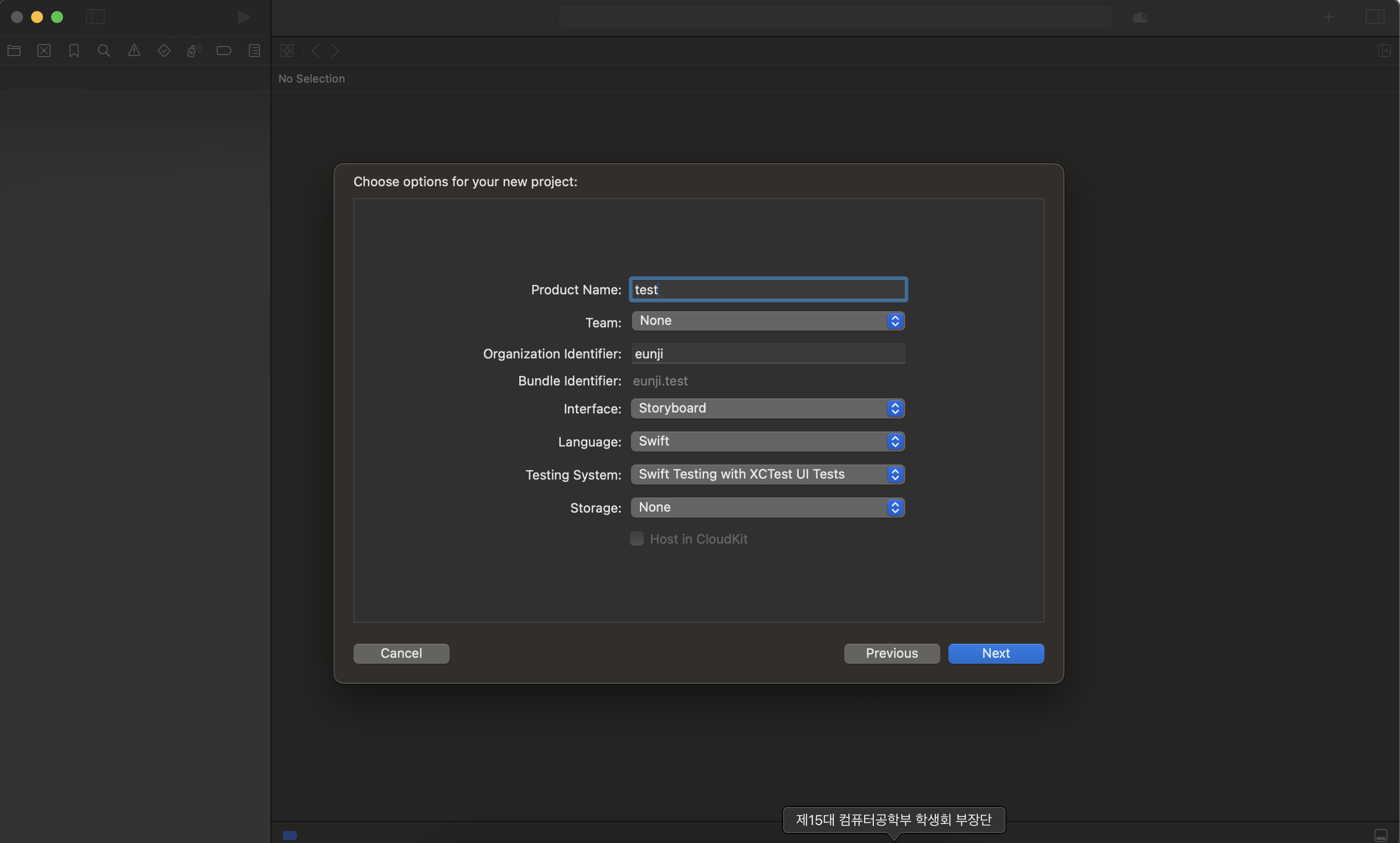
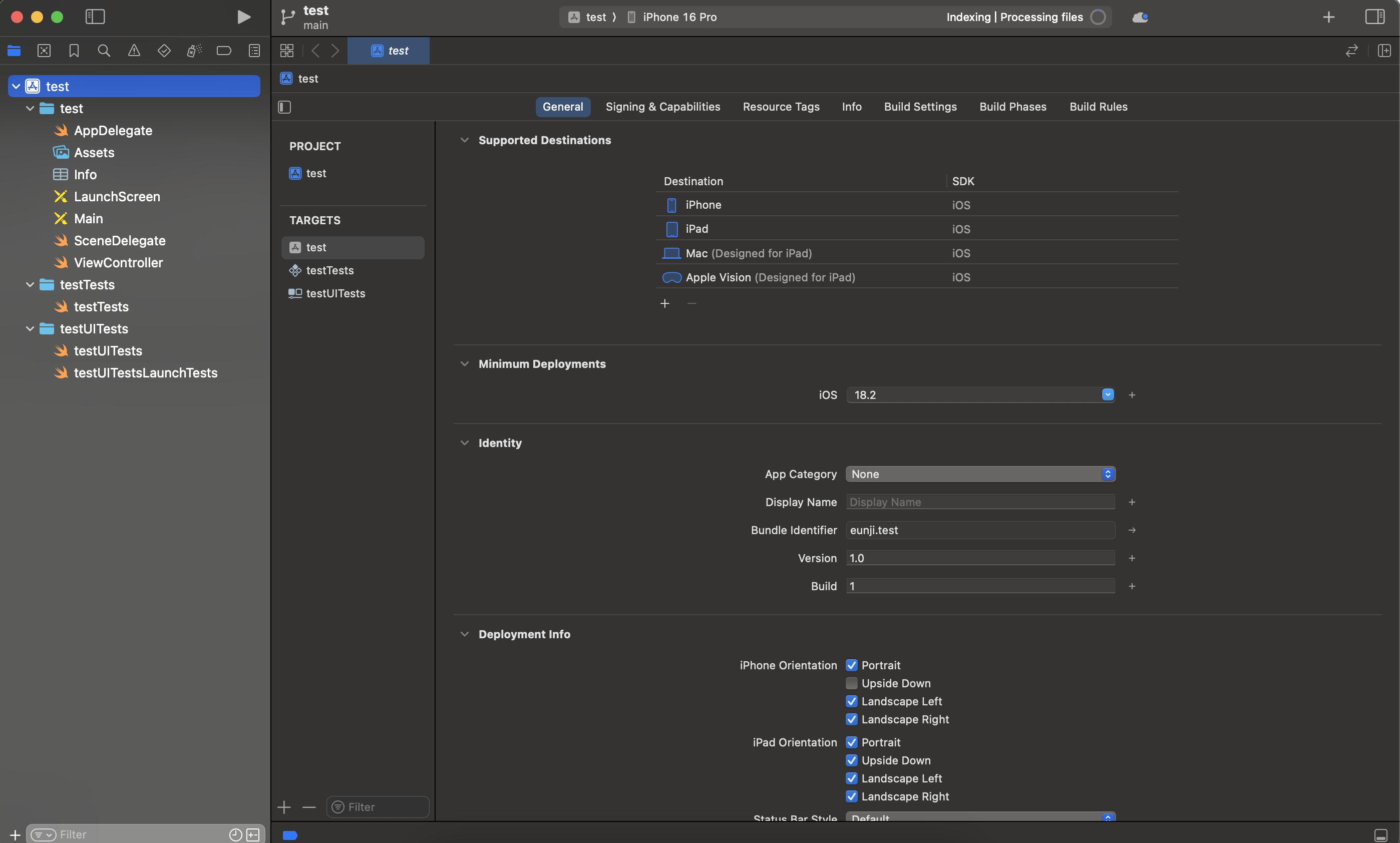
1. 프로젝트 생성
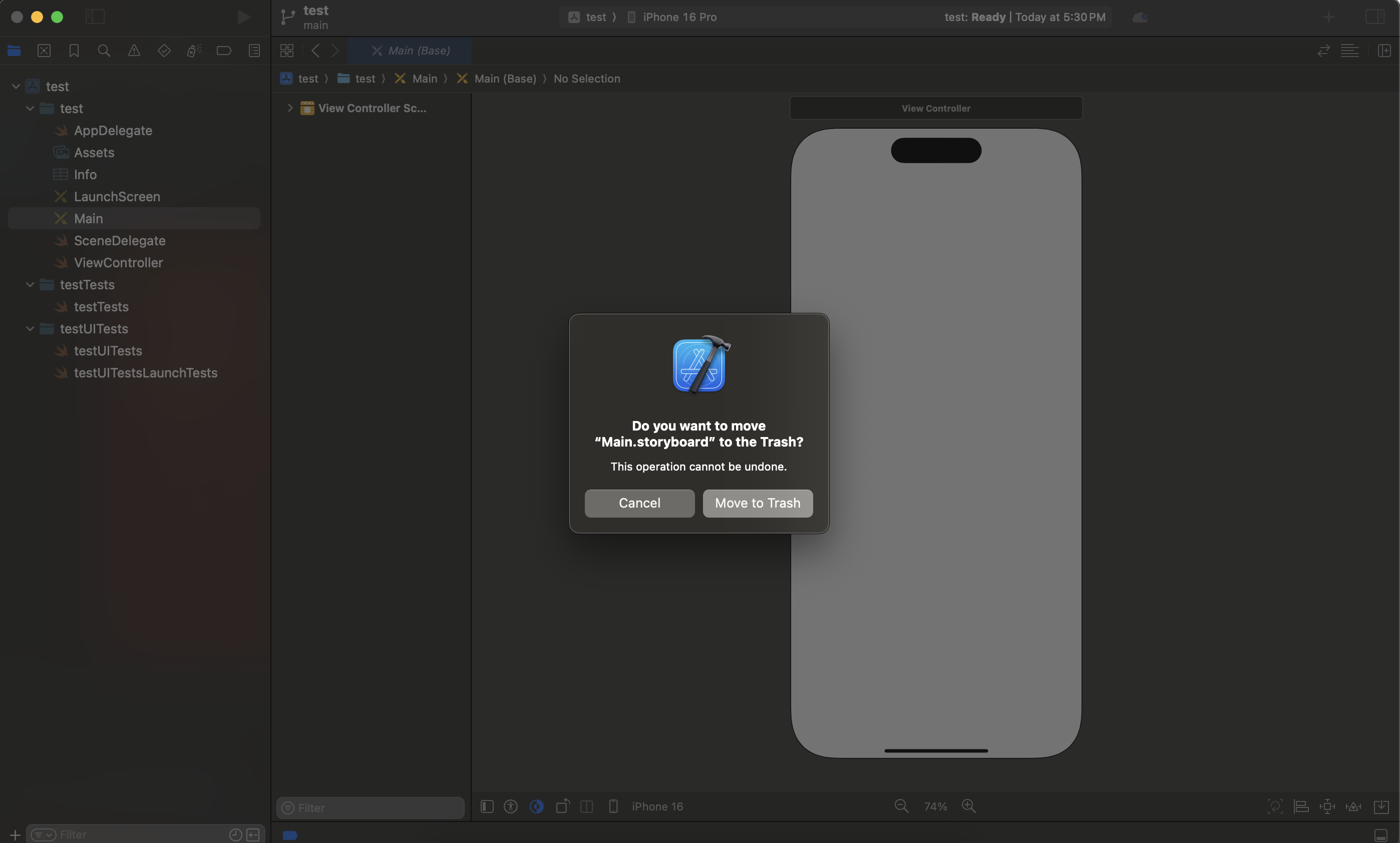
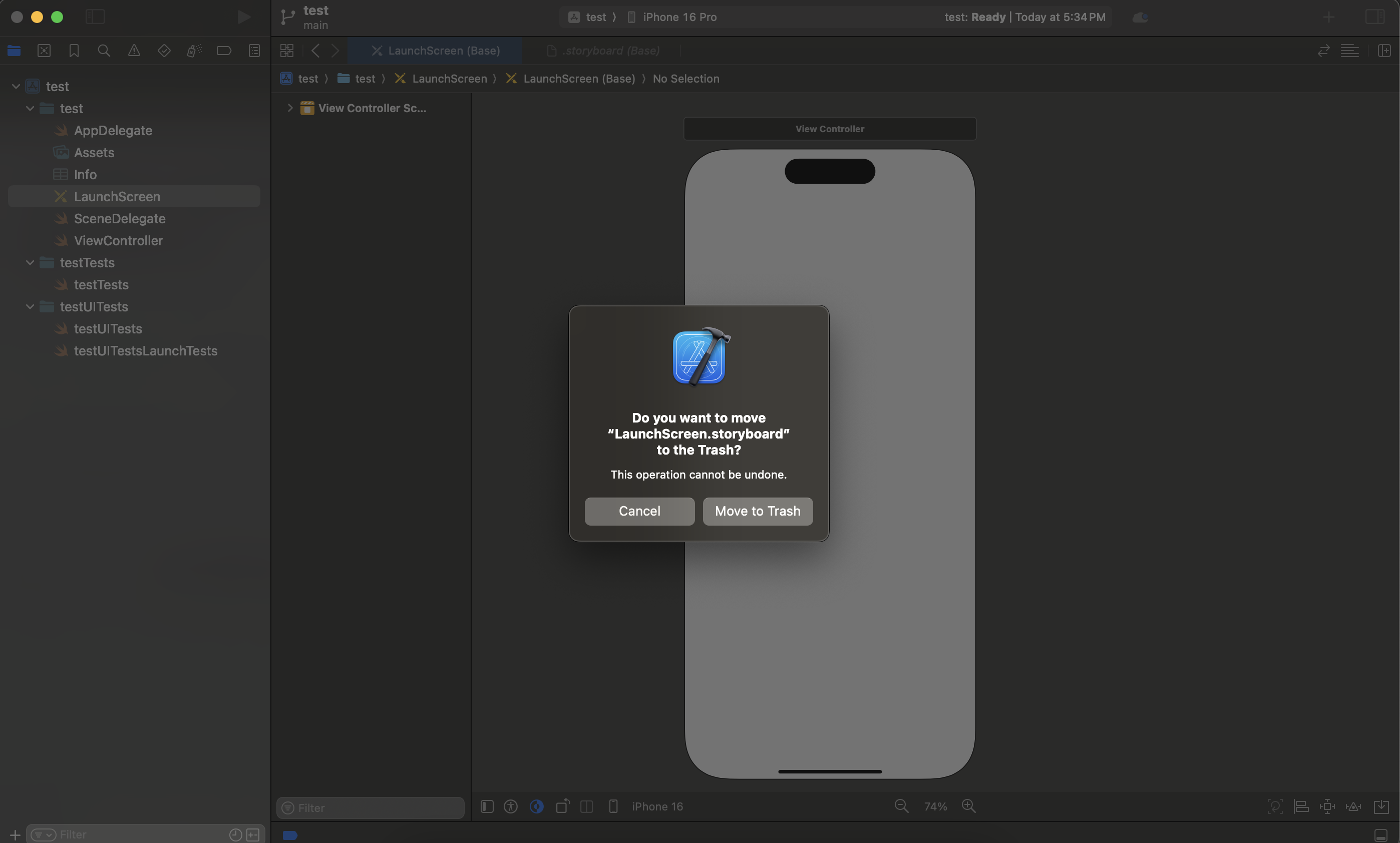
2. 스토리보드 파일 삭제
 |  |
|---|
Main.storyboard, LaunchScreen.storyboard 두 파일을 삭제한다. 스토리보드 없이 코드로만 UI를 구성할 것이기 때문에 필요없다!
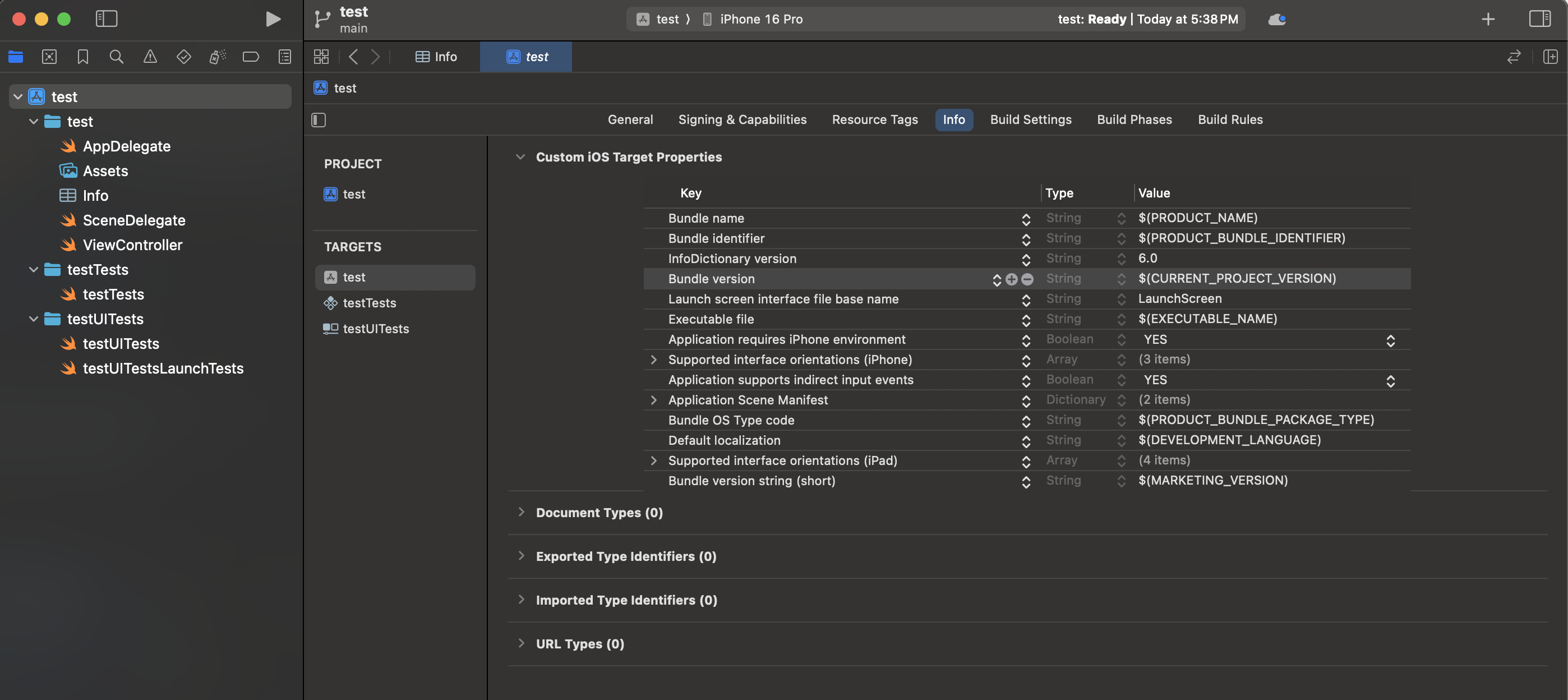
3. Info.plist 설정
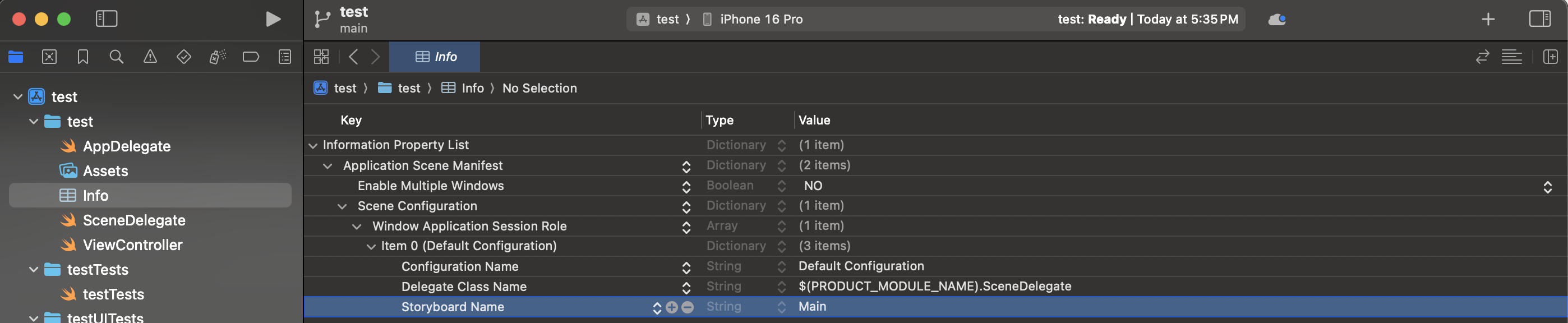
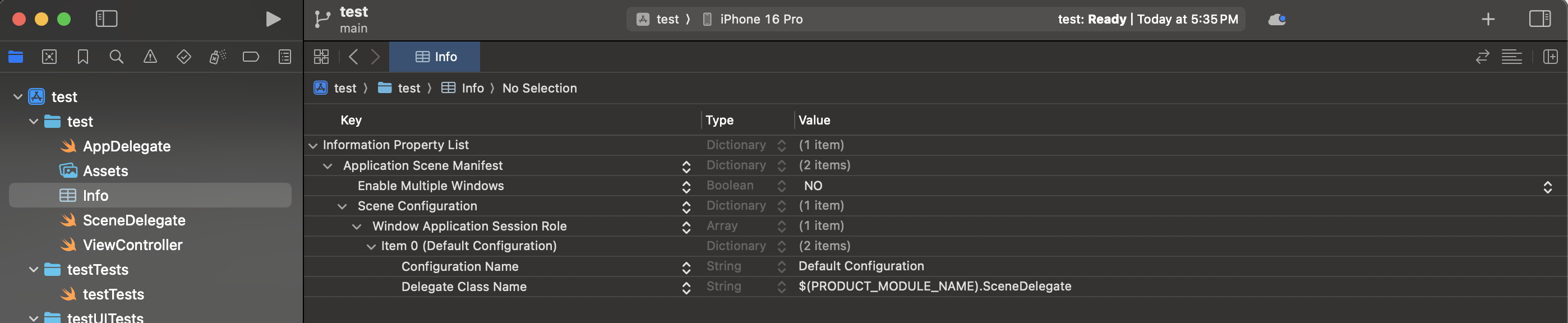 접혀있는 것을 다 펼치고
 Storyboard Name을 과감하게 삭제한다.
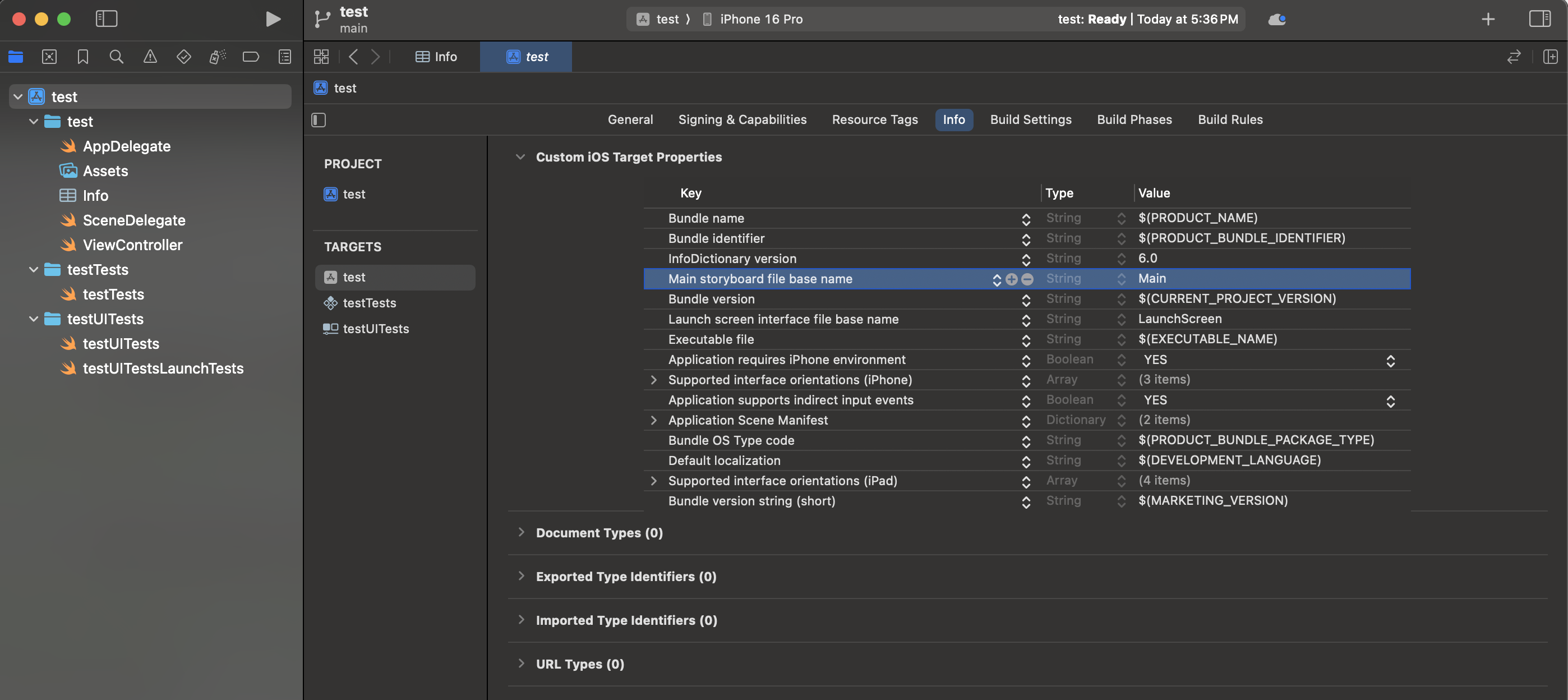
4. 프로젝트 최상단 폴더 > Info
 |  |
|---|
Main storyboard file base name을 찾아서 삭제한다.
 |  |
|---|
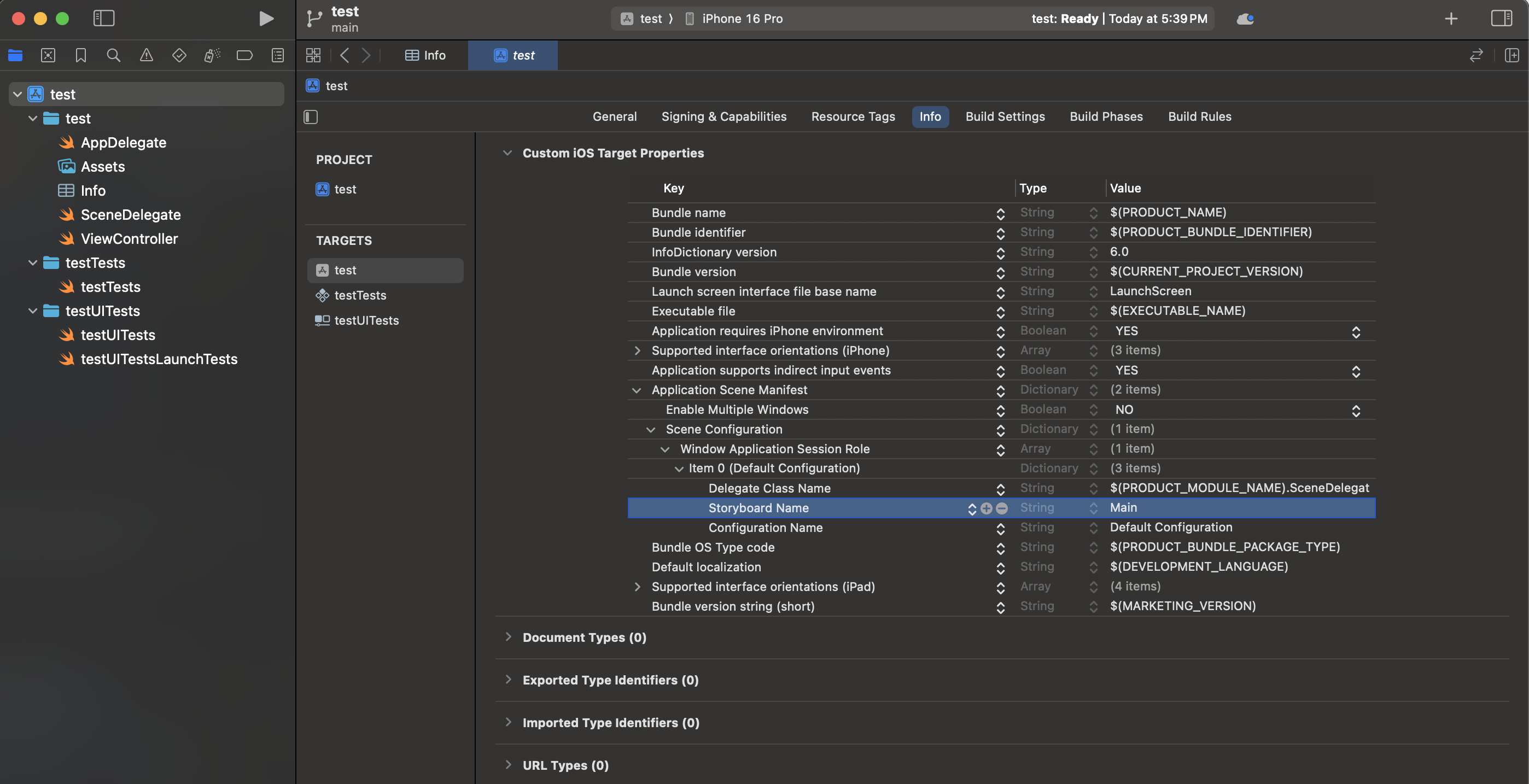
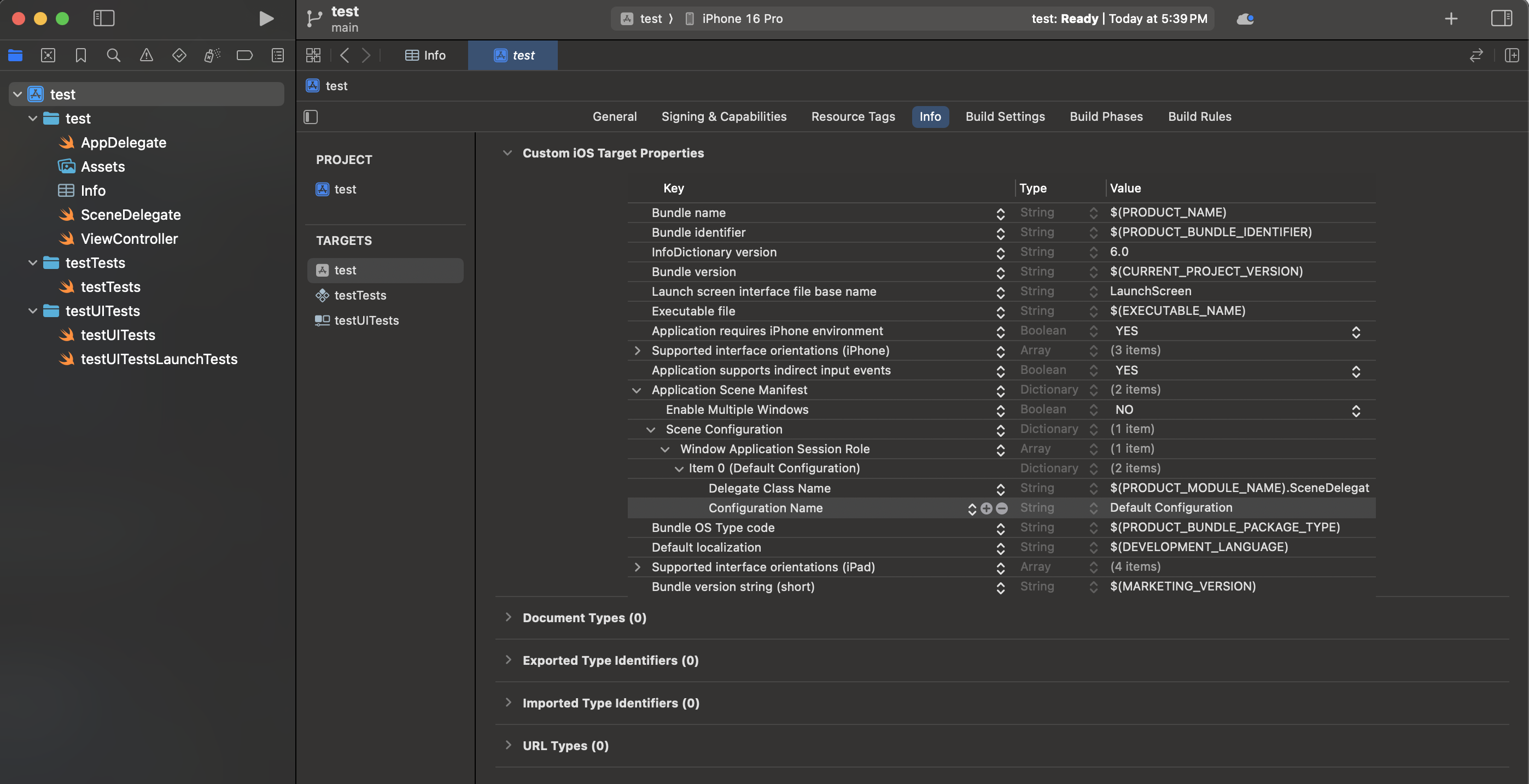
Application Scene Manifest > Scene Configuration > Window Application Session Role > Item 0를 펼쳐보면 Storyboard Name이 있다. Storyboard Name도 삭제한다.
이제 삭제할 건 없다 !
5. SceneDelegate 코드 작성
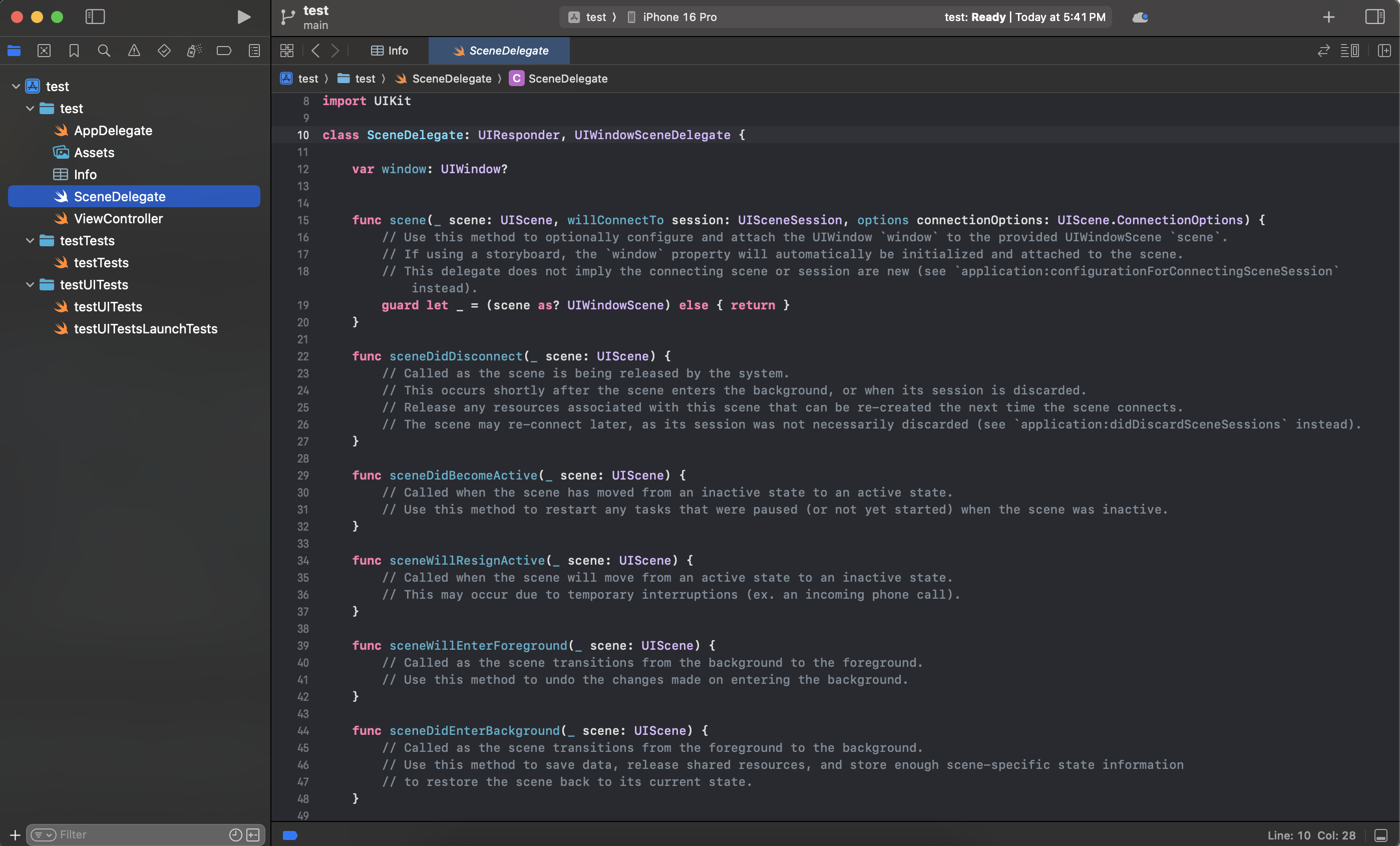
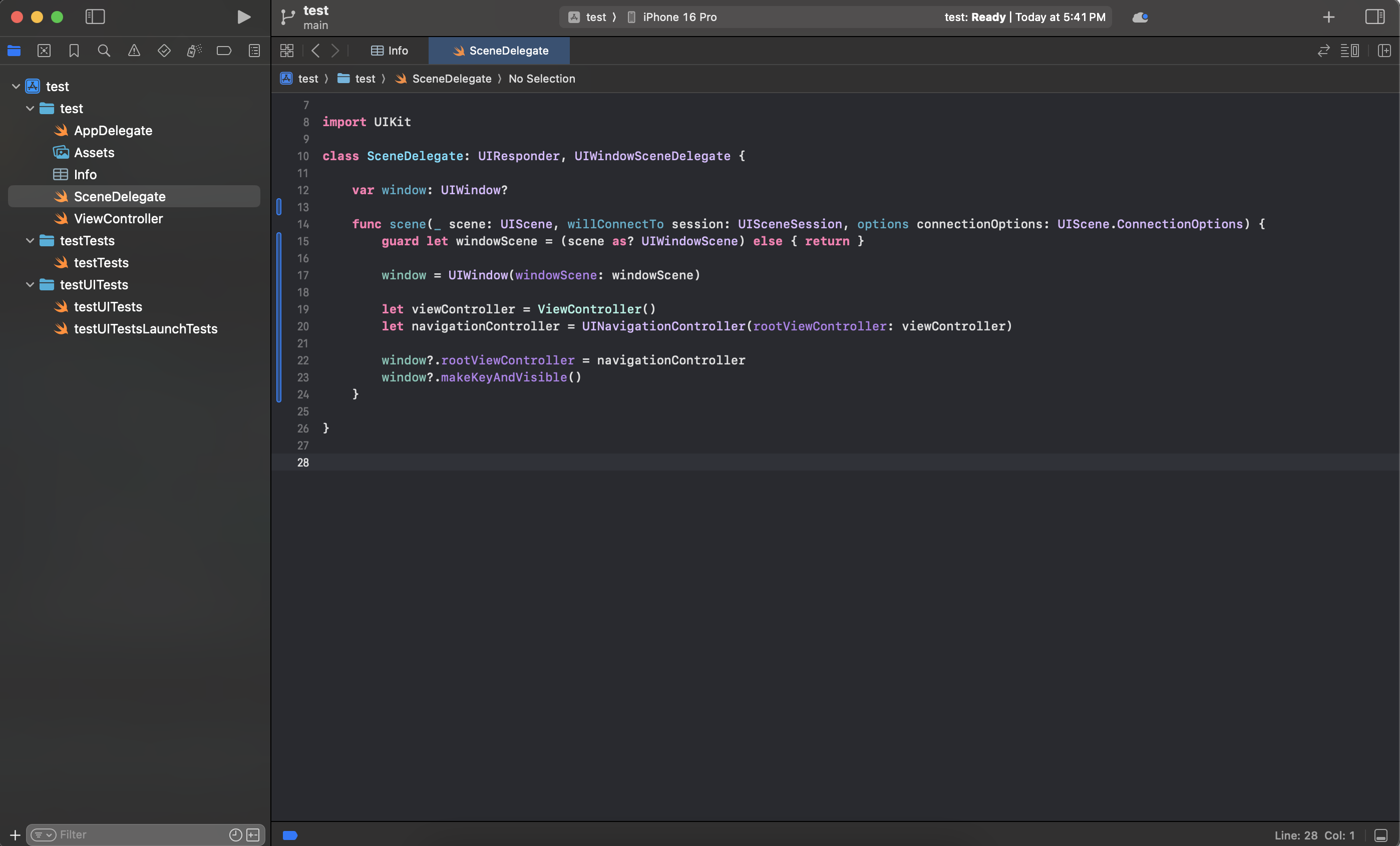
작성한다! 아래 코드는 SceneDelegate.swift에 작성한 코드이다.
import UIKit

class SceneDelegate: UIResponder, UIWindowSceneDelegate {

    var window: UIWindow?

    func scene(_ scene: UIScene, willConnectTo session: UISceneSession, options connectionOptions: UIScene.ConnectionOptions) {
        guard let windowScene = (scene as? UIWindowScene) else { return }

        window = UIWindow(windowScene: windowScene)

        let viewController = ViewController()
        let navigationController = UINavigationController(rootViewController: viewController)

        window?.rootViewController = navigationController
        window?.makeKeyAndVisible()
    }

}
6. 테스트
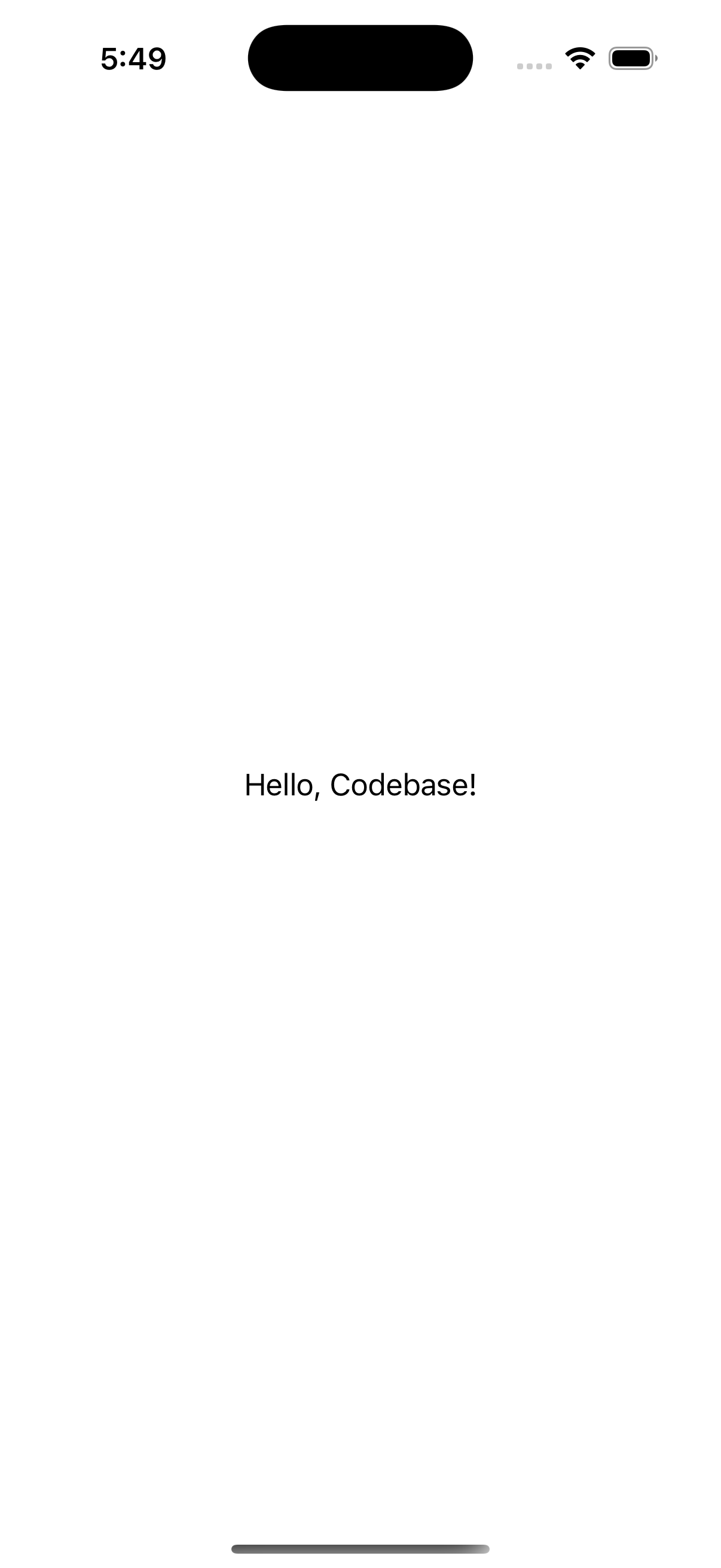
설정이 잘 됐는지 테스트 해보자. 아래 코드를 ViewController.swift에 작성해서 빌드해보자.
import UIKit

class ViewController: UIViewController {
    let label: UILabel = {
        let label = UILabel()
        label.text = "Hello, Codebase!"
        label.textColor = .black
        label.textAlignment = .center
        label.translatesAutoresizingMaskIntoConstraints = false
        return label
    }()

    override func viewDidLoad() {
        super.viewDidLoad()

        view.backgroundColor = .white
        view.addSubview(label)

        NSLayoutConstraint.activate([
            label.centerXAnchor.constraint(equalTo: view.centerXAnchor),
            label.centerYAnchor.constraint(equalTo: view.centerYAnchor)
        ])
    }
}
번외! Sandbox Error
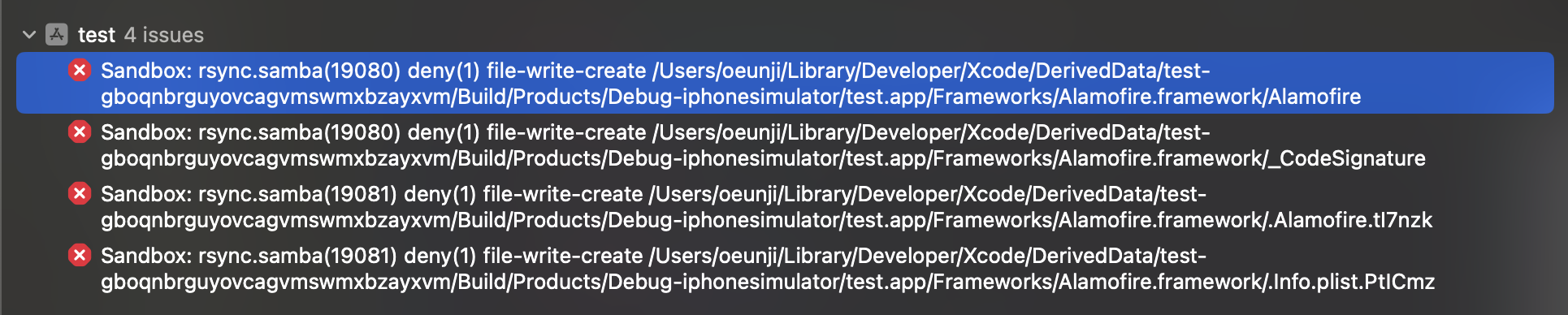 Alamofire를 설치 후 빌드하면 Sandbox 에러가 뜨는 경우가 있다.
 이럴 때는
이럴 때는 프로젝트 최상단 폴더 > Build Settings에서 Sanbox를 검색하면 User Script Sandboxing이 Yes로 설정되어 있을 것이다.
이 설정을 No로 바꿔주면 에러 없이 빌드를 성공할 수 있다.