Welcome Page 만들기
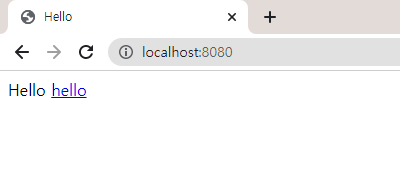
<!-- [main] - [resources] - [static] - [index.html] -->
<!DOCTYPE HTML>
<html>
<head>
    <title>Hello</title>
    <meta http-equiv="Content-Type" content="text/html; charset=UTF-8" />
</head>
<body>
Hello
<a href="/hello">hello</a>
</body>
</html>- 결과값
Thymeleaf 템플릿 엔진
//[main] - [java] - [hello] - [hellospring] - [controller] - [HelloController]
package hello.hellospring.controller;

import org.springframework.stereotype.Controller;
import org.springframework.ui.Model;
import org.springframework.web.bind.annotation.GetMapping;

@Controller
public class HelloController {

	//웹 어플리케이션에서 주소창 뒤에 '/hello'를 치면 이 메서드를 호출
    @GetMapping("hello")
    public String hello(Model model) {
        model.addAttribute("data", "hello!");
        //resources의 tmplates 'hello.html'과 이름이 같음 => 이 파일을 찾도록 return
        return "hello";
    }
}<!-- [main] - [resources] - [templates] - [hello.html] -->
<!DOCTYPE HTML>
<html xmlns:th="http://www.thymeleaf.org">
<head>
<title>Hello</title>
<meta http-equiv="Content-Type" content="text/html; charset=UTF-8" />
</head>
<body>
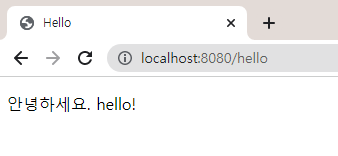
<p th:text="'안녕하세요. ' + ${data}" >안녕하세요. 손님</p>
</body>
</html>- 결과값
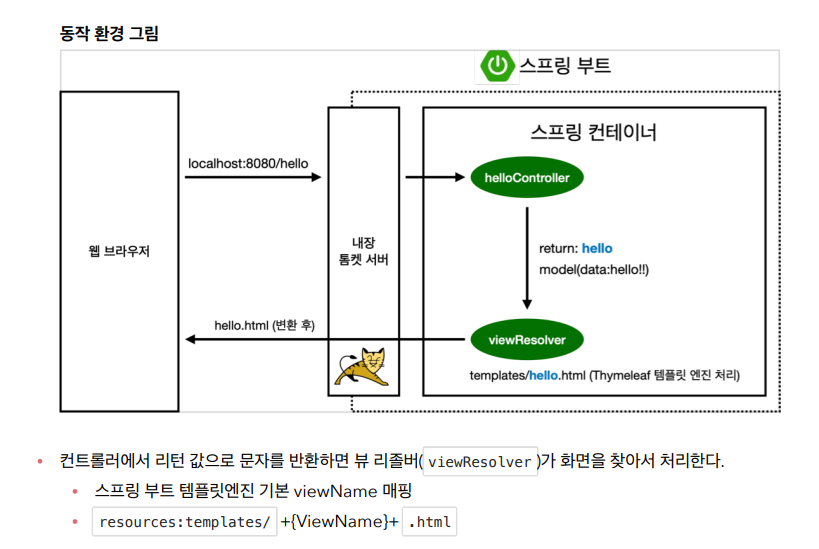
<템플릿 엔진 동작 환경>
윈도우로 빌드하고 실행하기
- 인텔리제이에서 run 실행 중지(중지 안 하고 빌드하면 오류 발생)
- 명령프롬프트(cmd) 실행
- 프로젝트가 설치되어있는 파일로 들어가기
cd project_location
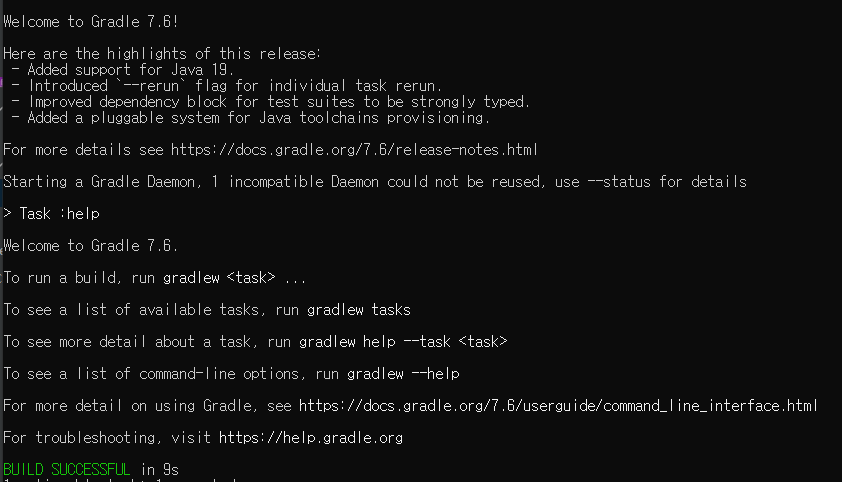
gradlew.bat명령어 입력
- libs 파일에 들어가서 jar파일 설치 되었는지 확인
cd build/libs경로 입력 후dir명령어 실행

- project_name-0.0.1-SNAPSHOT.jar 설치 확인
java -jar project_name-SNAPSHOT.jar명령어 실행- 빌드 성공 시 spring 로고가 찍힘
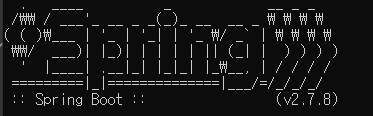
- build 삭제를 원하면 project_location 경로에서
gradlew.bat clean입력

오지는 갓생 살기