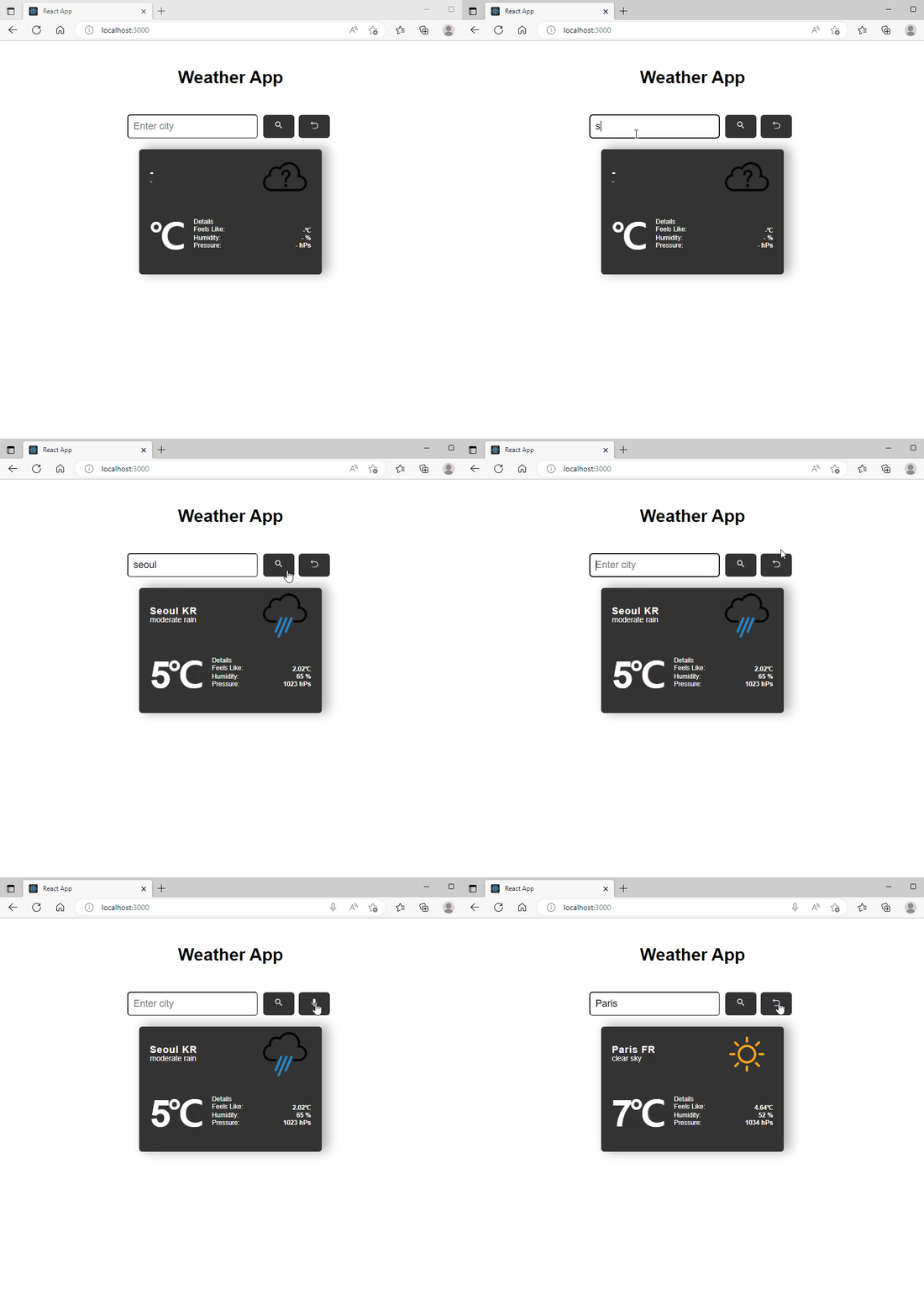
좌측 상단의 마이크 사용여부 (빨간색 원)로 음성 인식중인지 파악이 가능함.
화씨/섭씨 변경을 위해 현재 기온 영역 클릭시 체감온도, 현재 온도의 단위를 변경 해주었다.
<h2 className='weather-temp' onClick={changeTemp}>
  {weather ? (temp ? Math.round(weather.main?.temp - 273.15) : Math.round((weather.main?.temp -273.15)*9 /5 +32)) : ''}
  {temp == true ? <span>℃</span> : <span>℉</span>}
</h2>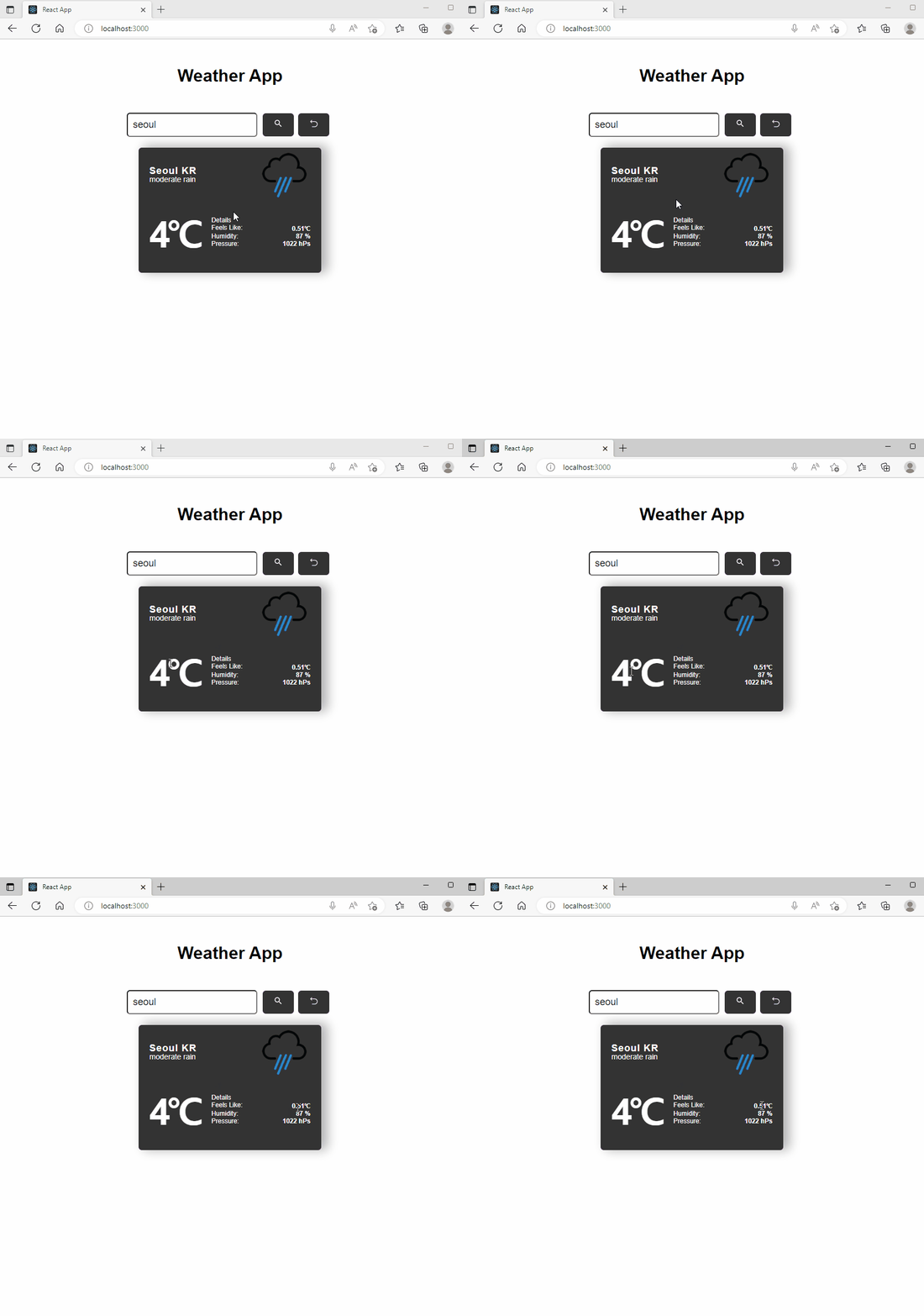
체감온도, 현재온도 영역 모두 값을 클릭하면 섭씨/화씨 영역이 변경된다.
현재 온도 영역은 정수로 표현하기 위하여 Math.floor를 사용하였으며
체감 온도 영역은 소수점 두번째자리까지 표현하기 위해 toFixed(2)로 설정하였다.
react-speech-recognition 사용시 한번에 조율하기 위해
const ChangeMode = (e) => {
  setRecord((record) => !record);
  e.preventDefault();
  };

const startRecord = () => {
  SpeechRecognition.startListening({
  continuous: true,
  language: 'en-US',
 });
};

const stopRecord = SpeechRecognition.stopListening;

...

return(
<button type='button' onClick={record ? startRecord : stopRecord} onContextMenu={ChangeMode}>
  {record ? <MdKeyboardVoice /> : <RxReset />}
</button>
)
음성인식 여부에 따른 설정을 주기 위해 모드 변경, 녹음시, 비녹음시에 따른 값을 설정하였으며
클릭시 확인. 우클릭시 모드변경을 수행하기로 하였음.
우클릭시 메뉴 편집창이 나오지 않도록 기본 기능을 방지하는 e.preventDefault()를 작성.
이 경우 처음에는 한줄로 작성하려 하였으나 작동하지 않아 changeMode에 추가로 작성. (
&&,;모두 받지 않는다!)또한 startRecord, stopRecord 역시 삼항연산자를 이중으로 작성하려 하였으나 오류 발생.
오류 리스트
Expected an assignment or function call and instead saw an expression
SpeechRecognition.startListening / stopListening 작성으로 표현식을 작성할 때 오류사항이 많아 따로 함수로 작성하여 합치게 되었다.
➡ 변수/함수가 아닌 값이 나왔기 때문 Speech~~~Listening; 이 아닌 Listening(); 처리로 이것이 표현식이 아님을 알려주어 해결했다.

게으르지만 기록은 하고싶어!