Ingress (Nginx) - longhorn 대시보드 접속
쿠버네티스 사용시 외부에서 들어오는 요청을 어디로 보낼것인가에 대한 답을 정해주는 역할.
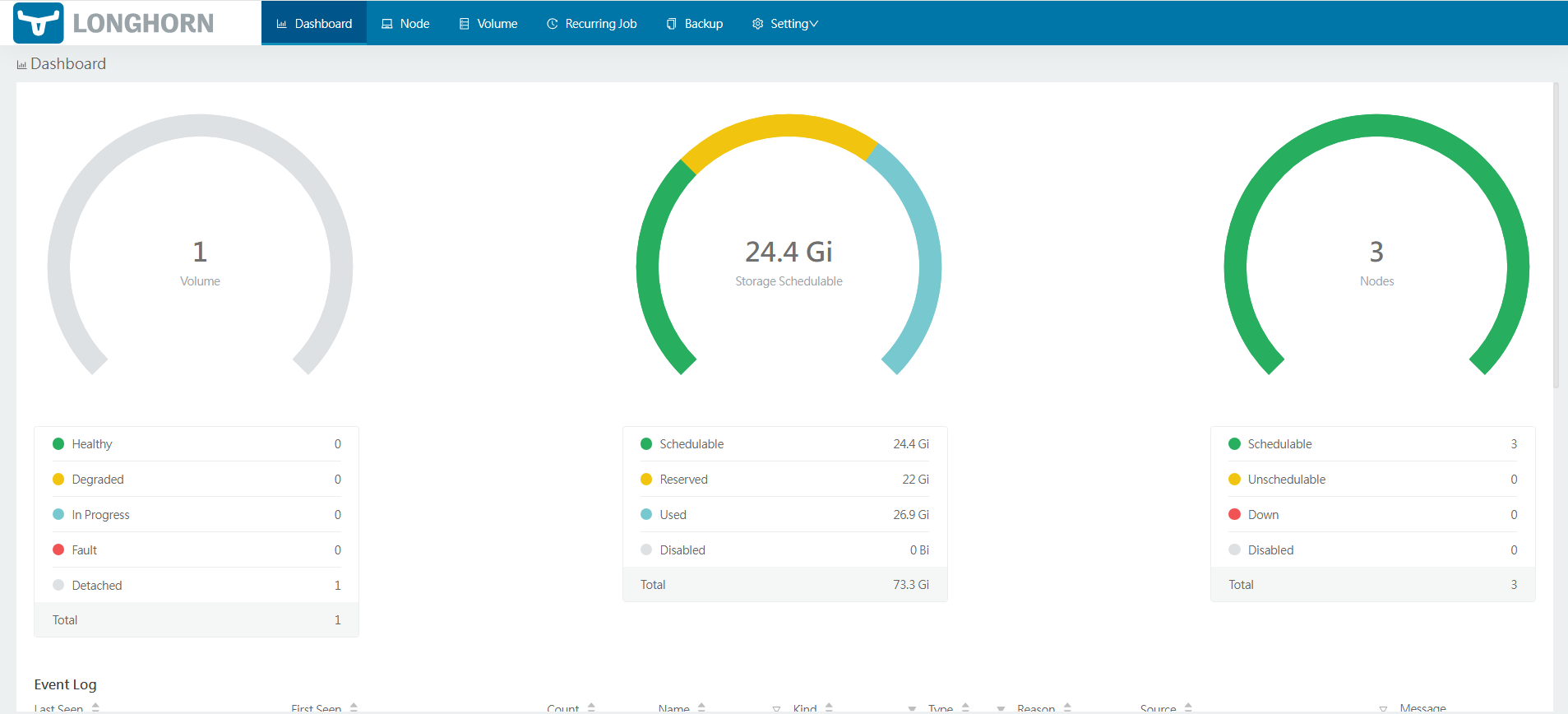
longhorn 대시보드 접속하기.
- 설치
kubectl apply -f https://raw.githubusercontent.com/kubernetes/ingress-nginx/controller-v1.8.2/deploy/static/provider/baremetal/deploy.yaml
1-1. replica 설정
위 명령어로는 pod가 하나만 실행
kubectl scale deployment ingress-nginx-controller -n ingress-nginx --replicas=3- 포트 확인
kubectl get svc -n ingress-nginx ingress-nginx-controller
- haproxy 설정 수정
위의 사진에서 나오는 것처럼 외부의 80포트로 들어오면 32142 내부 번호로 연결이 된다.
아래의 내용을 haproxy 설정에 추가
frontend k8s_http
    bind 10.0.2.10:80  # VIP의 80포트로 접속하면
    mode http
    default_backend ingress_nginx

backend ingress_nginx
    mode http
    balance roundrobin
    # 각 노드(VM)의 실제 IP와 확인한 NodePort를 적습니다.
    server node1 <IP>:32142 check
    server node2 <IP>:32142 check
server node3 <IP>:32142 check- longhorn 설치
kubectl apply -f https://raw.githubusercontent.com/longhorn/longhorn/v1.5.3/deploy/longhorn.yaml- longhorn ingress yml 파일
apiVersion: networking.k8s.io/v1
kind: Ingress
metadata:
  name: longhorn-ingress
  namespace: longhorn-system
  annotations:
    kubernetes.io/ingress.class: nginx
spec:
  ingressClassName: nginx
  rules:
  - http:
      paths:
      - path: /
        pathType: Prefix
        backend:
          service:
            name: longhorn-frontend
            port:
              number: 80
- 이렇게 진행하면 이제 외부에서 포트포워딩이 필요할 경우 따로 설정후
http://:80 으로 접속하면 대시보드 볼 수 있음.

조금씩 앞으로