Linux 서버 한국 시간으로 변경
현재 시간
date
> Tue Jan  3 01:29:56 UTC 2023
현재 타임존
 ls -al /etc/localtime
> /etc/localtime -> /usr/share/zoneinfo/Etc/UTC
타임존을 한국 표준시(KST)로 변경
ln -sf /usr/share/zoneinfo/Asia/Seoul /etc/localtime
> lrwxrwxrwx 1 root root 30 Nov 25 13:53 /etc/localtime -> /usr/share/zoneinfo/Asia/Seoul
변경된 타임존 확인
 ls -al /etc/localtime
> /etc/localtime -> /usr/share/zoneinfo/Asia/Seoul
변경된 현재 시간 확인
date
> Tue Jan  3 10:40:30 KST 2023
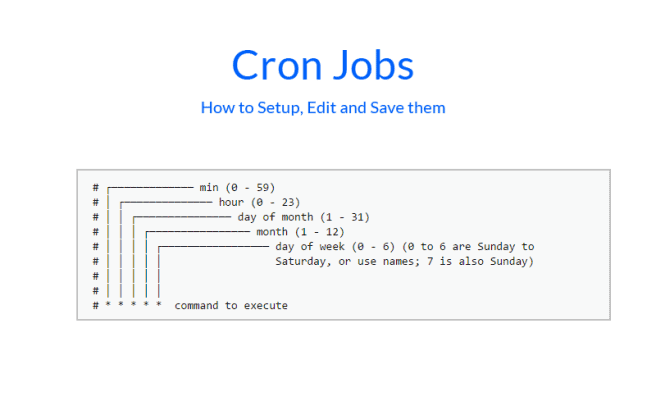
crontab 반영
cron 재시작
sudo service cron restart오류
- Unit crond.service not found
- Error
sudo service crond restart
> Failed to restart crond.service: Unit crond.service not found.

# [solution](https://jisblee.me/board/view/0/2/169)
sudo service cron restart
Reference

AI Engineer