Wrtie 구상 🤔
- velog의 글작성 화면과 똑같이 만들예정
- MarkDown 에디터,뷰어 기능 필요
MDEditor
Toast UI의 마크다운 에디터를 사용하고싶었지만 React 18에서는 지원하지 않기때문에.. @uiw/react-md-editor를 사용하였다.
<Box width={"50vw"} height={"auto"} data-color-mode={colorMode}>
  <MDEditor value={md} onChange={setMd} height={vh} preview="edit" />
</Box>
UI 구성
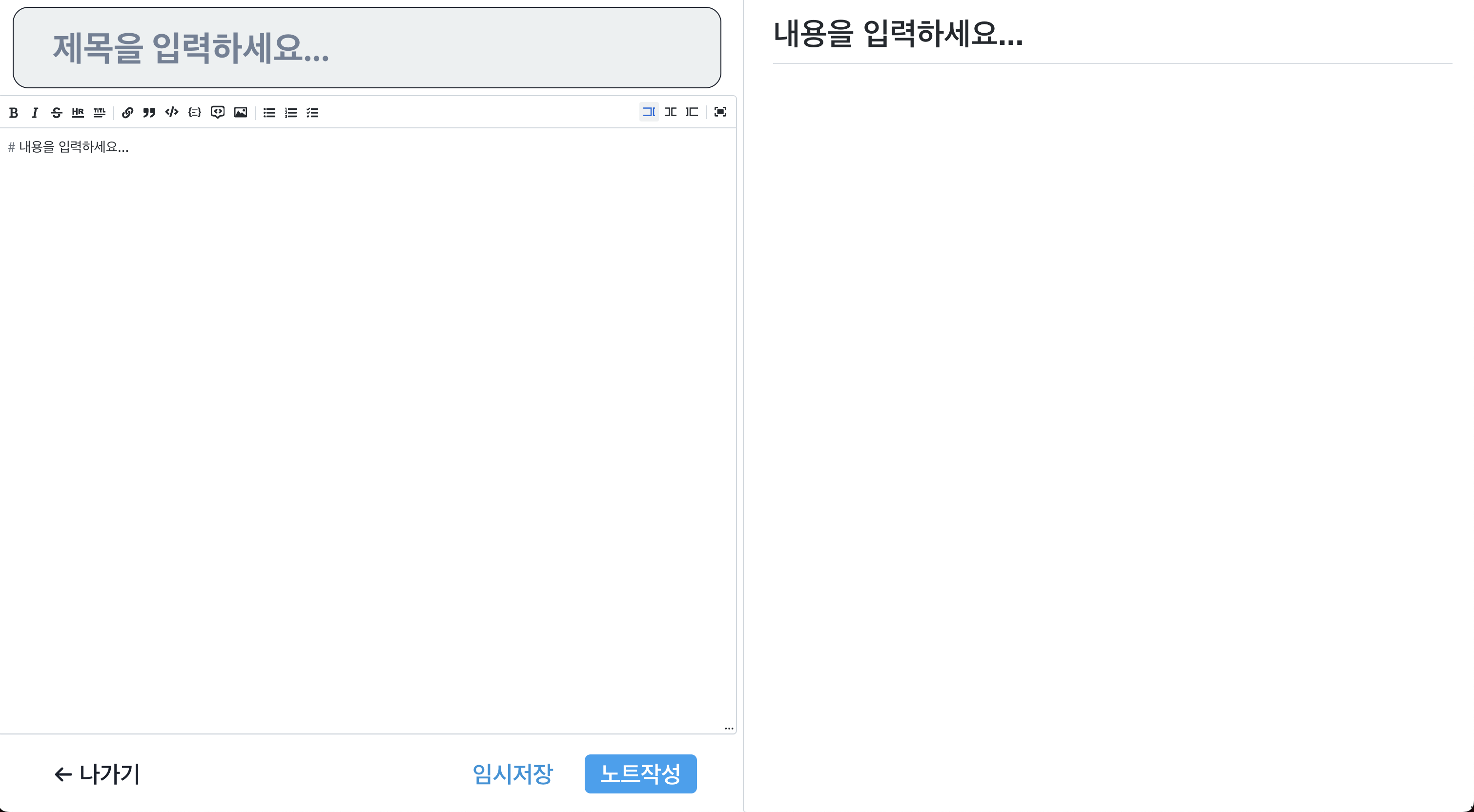
화면 좌측에는 제목 input, edit기능 MDEditor와 버튼들 , 화면 우측에는 preview기능 MDEditor를 배치하였다.
AddModal
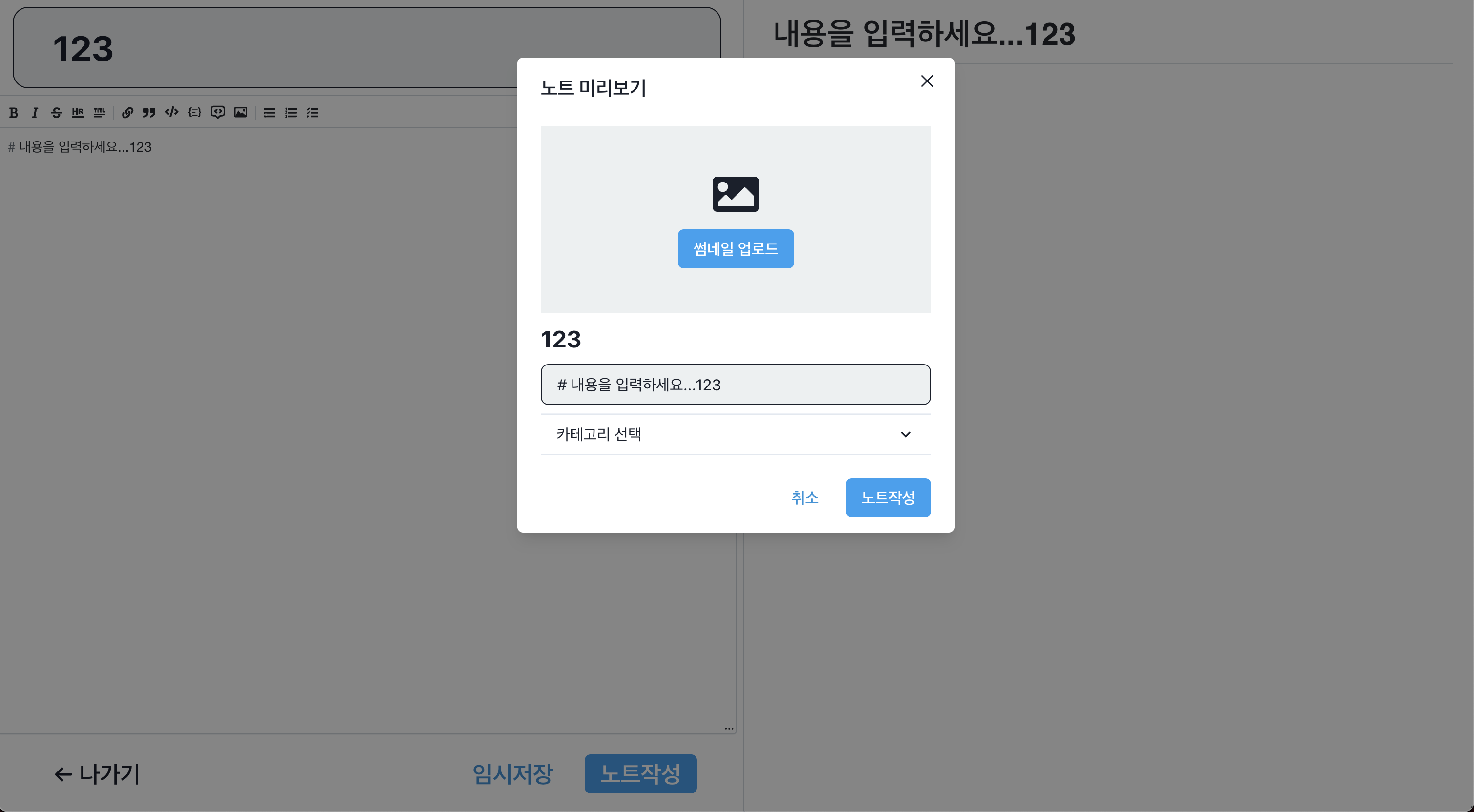
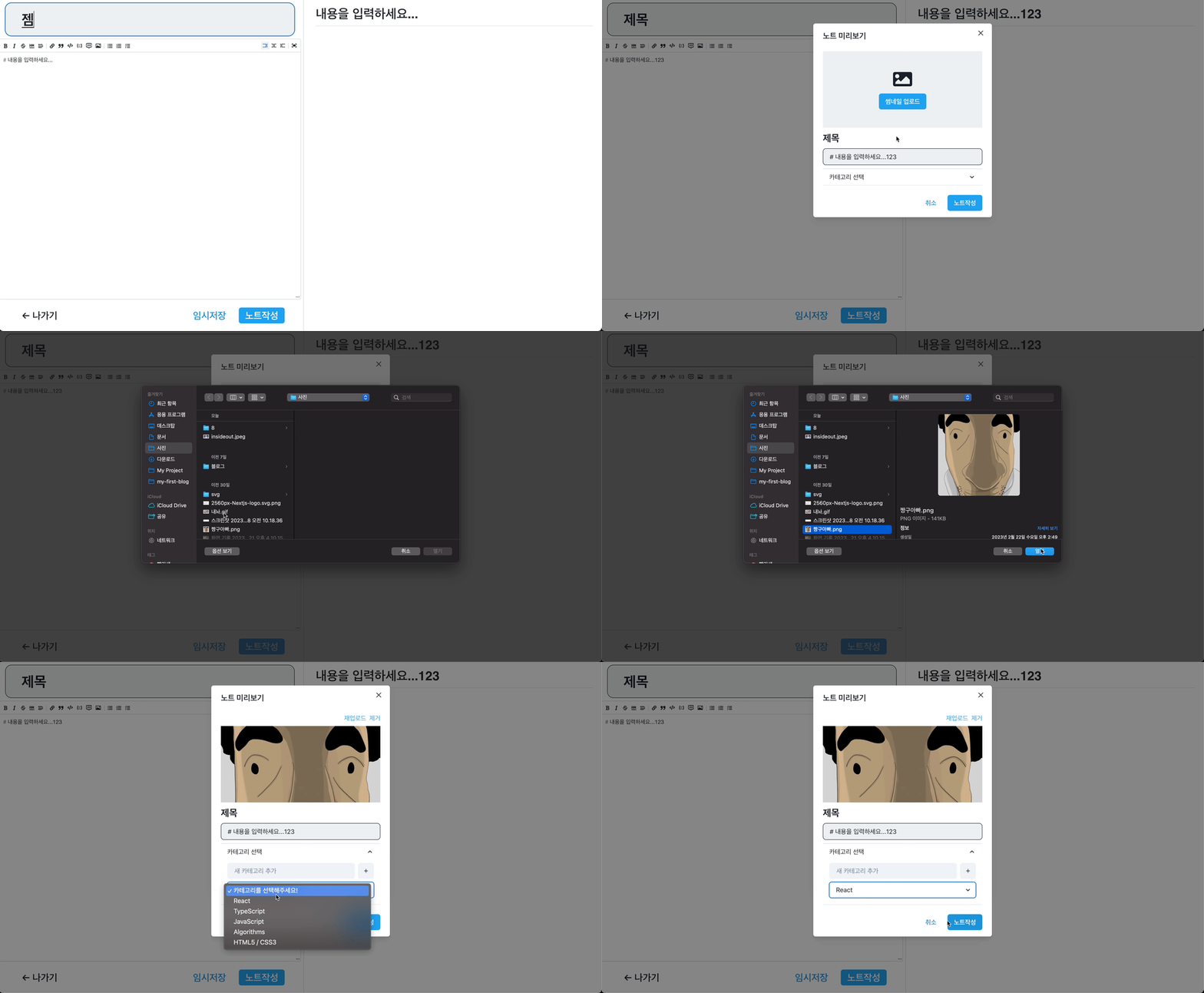
노트작성 버튼을 누르면 AddModal을 연다.
썸네일 업로드
const [thumbnail, setThumbnail] = useState<string | undefined>();
const thumbnailInput = useRef<HTMLInputElement>(null);

const onThumbnailButtonClicked = (e: any) => {
  thumbnailInput?.current?.click();
};


<>
  <Box fontSize={"5xl"}>
    <FaImage />
  </Box>
  <Box>
    <Button
      colorScheme={"twitter"}
      onClick={onThumbnailButtonClicked}
      >
      썸네일 업로드
    </Button>
    <input
      type="file"
      onChange={onFileChange}
      accept="image/*"
      ref={thumbnailInput}
      style={{ display: "none" }}
      />
  </Box>
  </>
file type input은 커스터마이징을 할수없기때문에 ref를 이용하여 나만의 input 태그를 만들어준다.
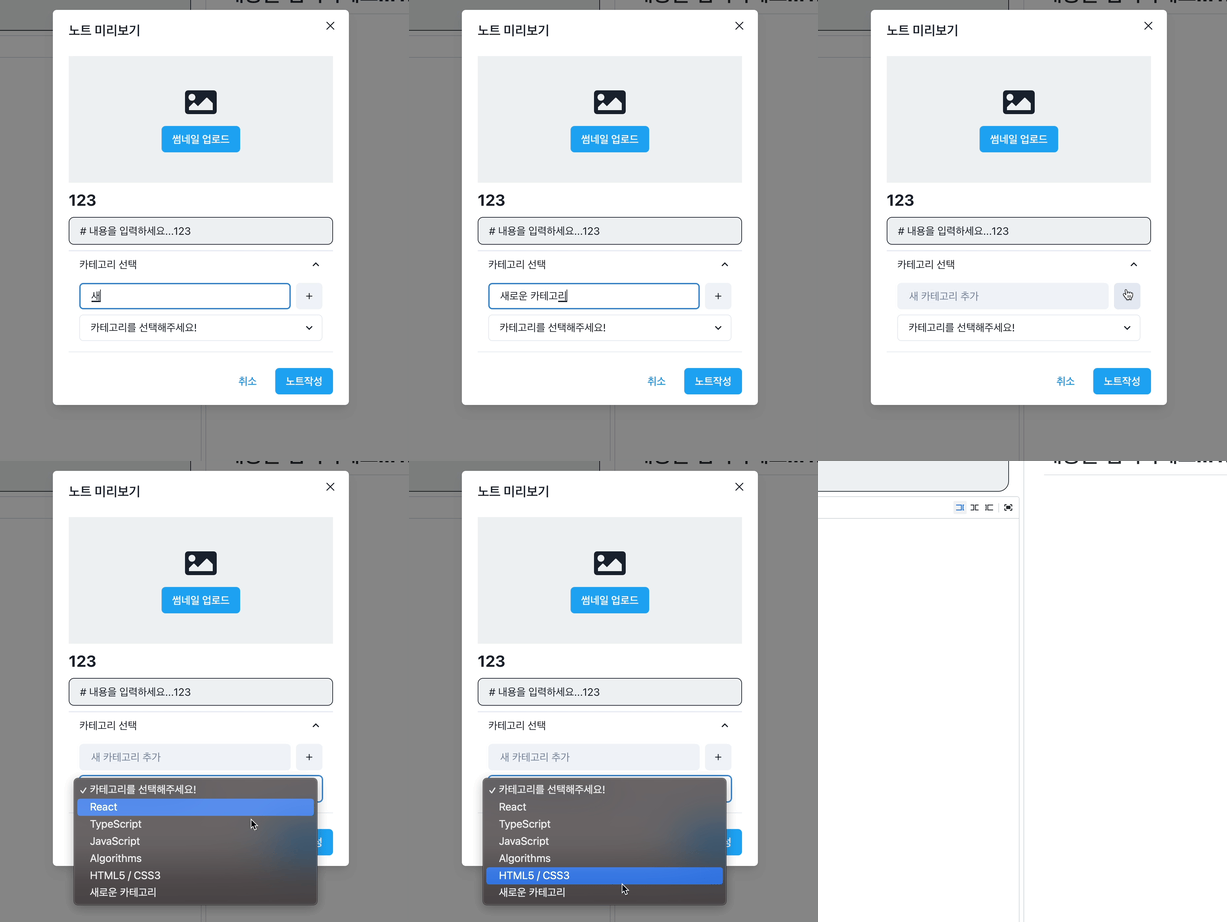
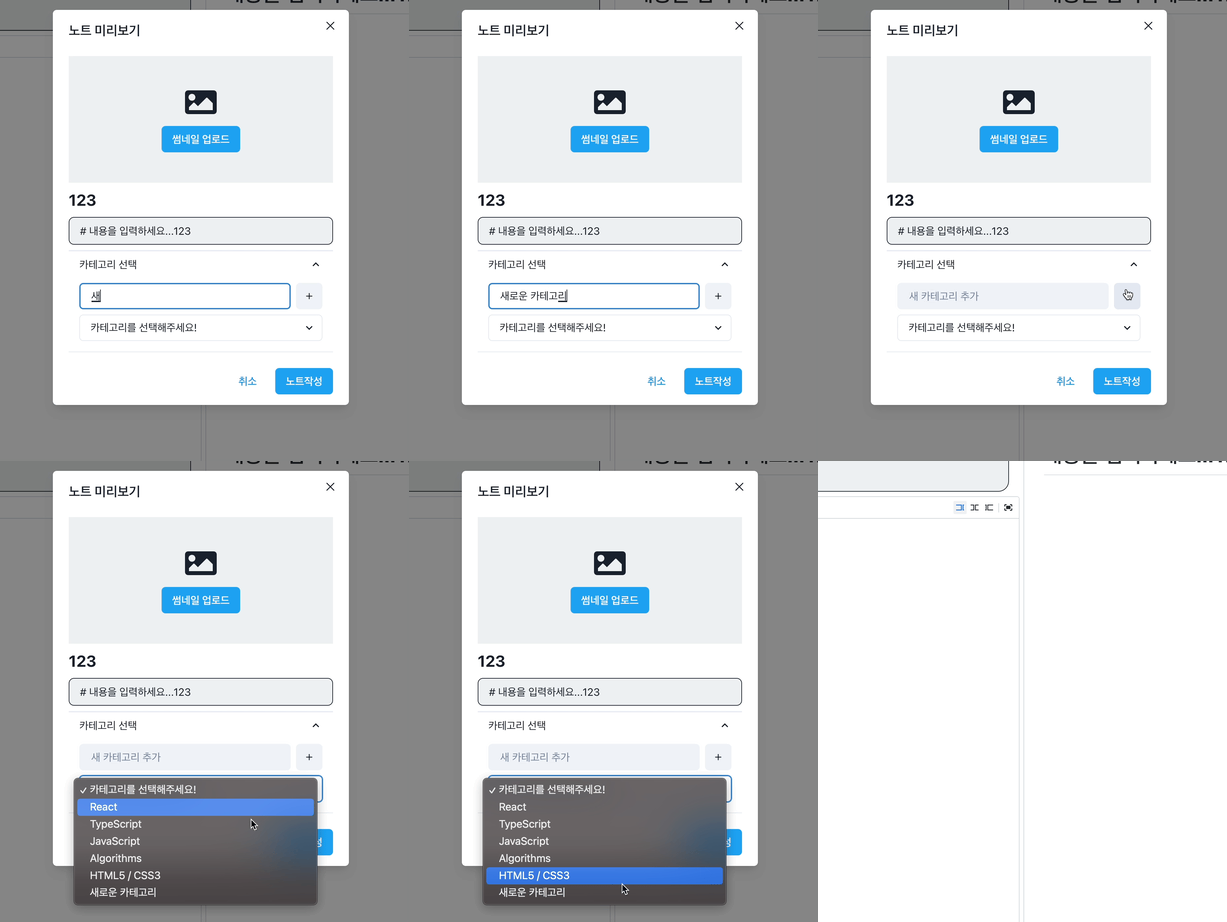
카테고리 가져오기 및 카테고리 추가
- notes 페이지와 같이 카테고리를 불러오고 메뉴를 설정한다.
- 카테고리를 input으로 추가받는다.
글 작성
const onFileChange = ({
  currentTarget: { files },
}: React.FormEvent<HTMLInputElement>) => {
  if (files) {
    const uploadFile = files![0];
    const reader = new FileReader();
    reader.onloadend = (finishEvent) => {
      setThumbnail(finishEvent.target?.result as string);
                   };
    reader.readAsDataURL(uploadFile);
  }
};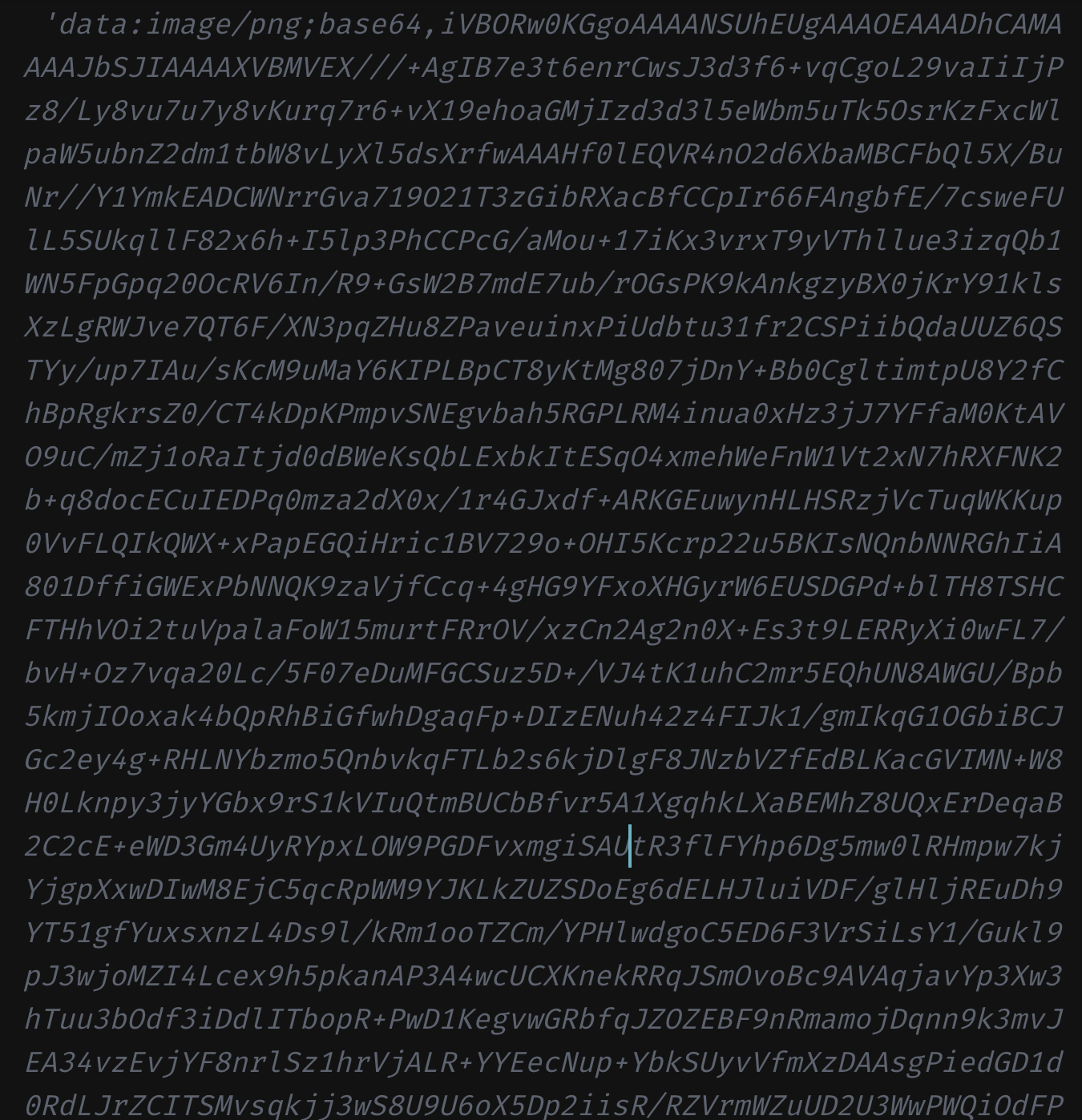
- 썸네일 파일을 그냥 Firestore Database에 올리면 너무나도 길다..
- 하지만 getDownloadURL이라는 파이어베이스에서 제공하는 훌륭한 메소드가 있다.
const onAddButtonClick = async () => {
  if (selectedCategory === undefined || selectedCategory === "") {
    toast({
      title: "카테고리를 설정해주세요!",
      position: "top",
      isClosable: true,
      status: "error",
    });
    return;
  }
  const thumbnailRef = ref(storageService, `notes/${uuidv4()}`);
  let getThumbnailUrl = "";
  if (thumbnail) {
    const response = await uploadString(
      thumbnailRef,
      thumbnail as string,
      "data_url"
    );
    getThumbnailUrl = await getDownloadURL(response.ref);
  }
  await addDoc(collection(dbService, "notes"), {
    md: md,
    title: title,
    category: selectedCategory,
    createdAt: Date.now(),
    thumbnailUrl: getThumbnailUrl,
  });
  setThumbnail(undefined);
  setSelectedCategory(undefined);
  onClose();
  toast({
    title: "노트작성 완료!",
    position: "top",
    isClosable: true,
  });
  navigation(-1);
};- 카테고리가 설정되지않으면 에러 메세지를 보여준다.
- 만약 썸네일 사진을 올렸다면 최적화 한 뒤, 파이어베이스 저장소에 업로드한다.
- notes 문서를 작성한다.
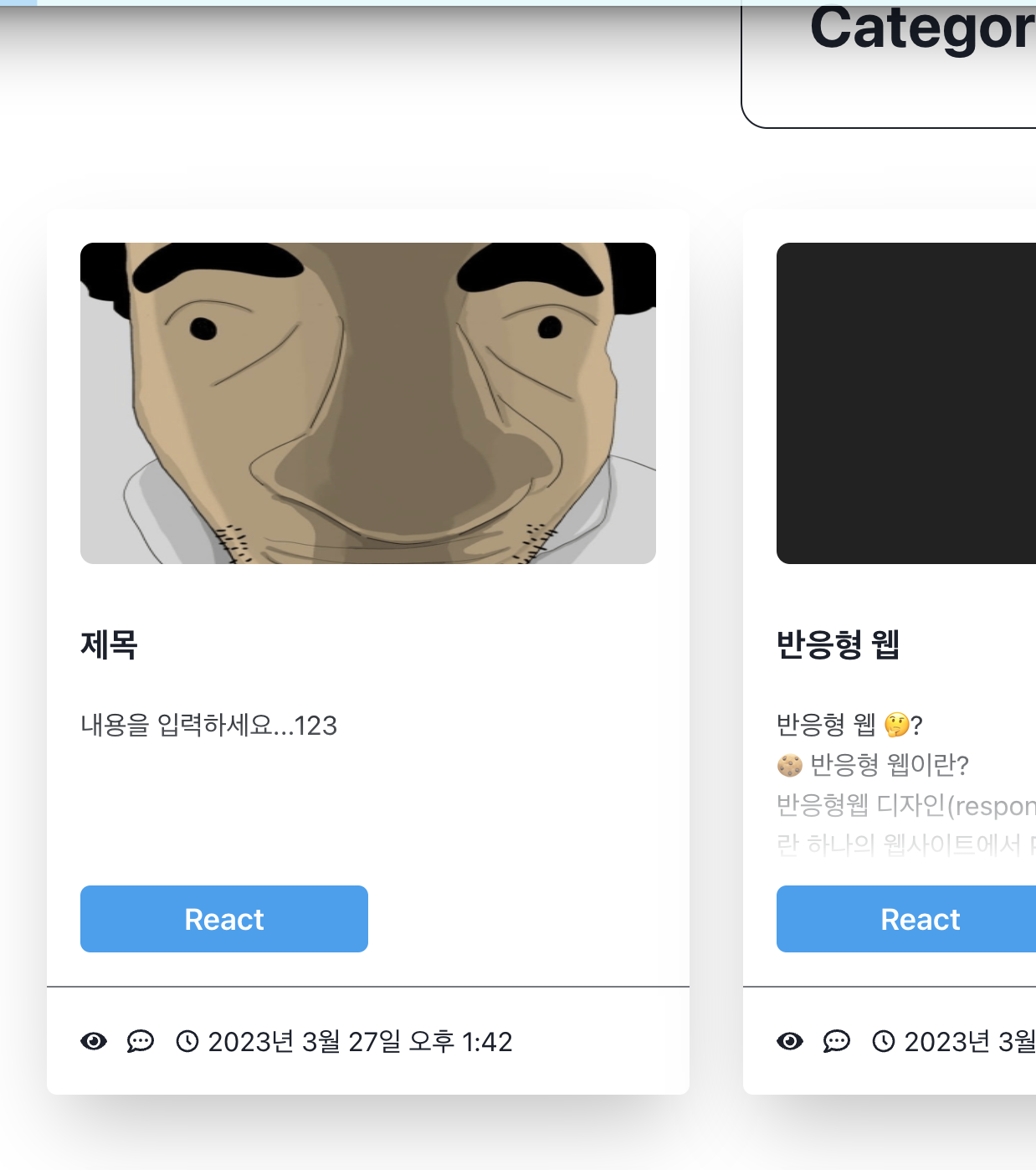
완성