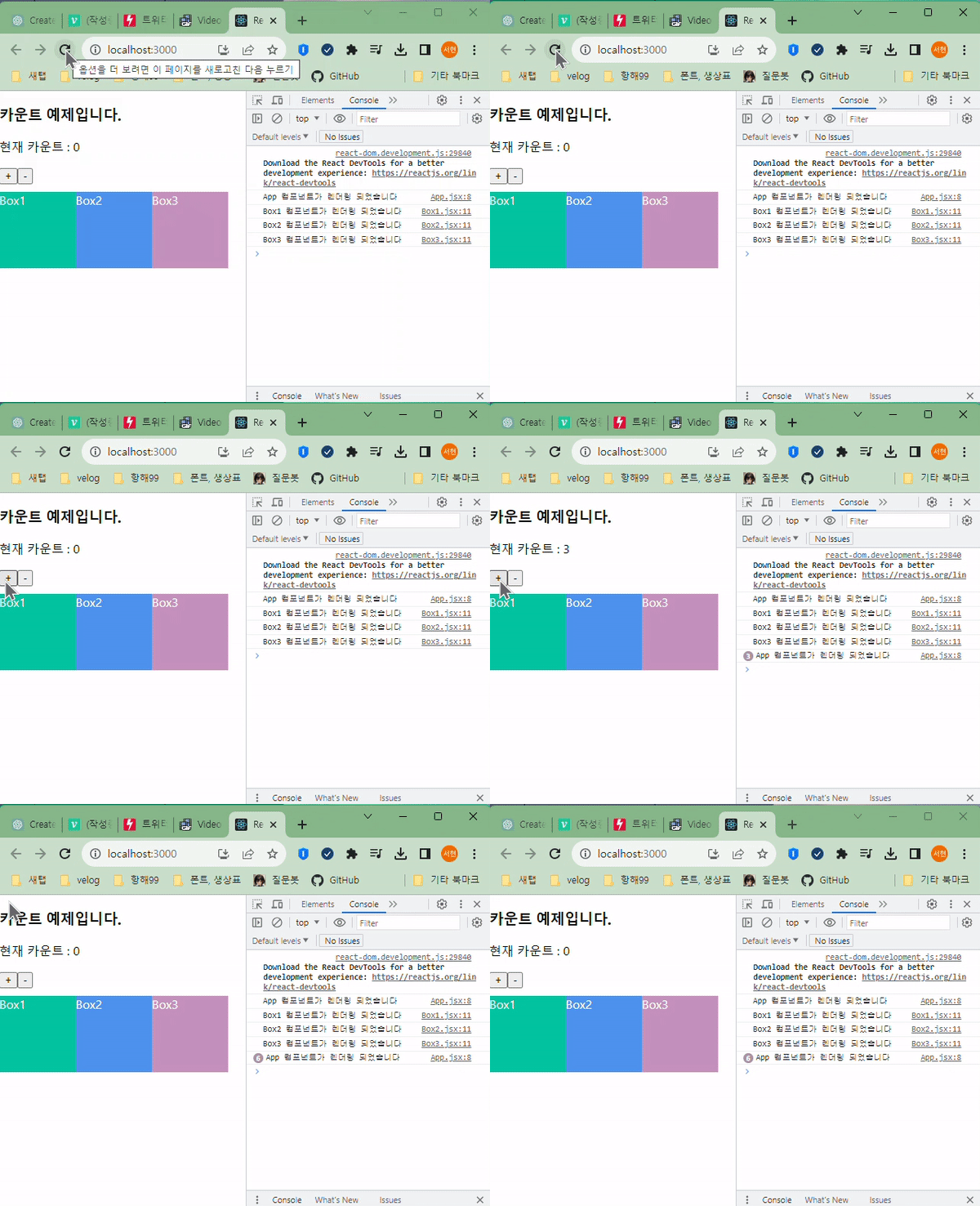
리-렌더링의 발생 조건
- 컴포넌트에서 state가 바뀌었을 때
- 컴포넌트가 내려받은 props가 변경되었을 때
- 부모 컴포넌트가 리-렌더링 된 경우 자식 컴포넌트는 모두 변화
최적화
- memo(React.memo) : 컴포넌트를 캐싱
- useCallback : 함수를 캐싱
- useMemo : 값을 캐싱
💙 memo(React.memo)
- memo
: 부모 컴포넌트가 리렌더링 되면 자식 컴포넌트는 모두 리렌더링 된다. - 자식 컴포넌트가 바뀐게 없는데 렌더링이 되어야 하는 상황 발생
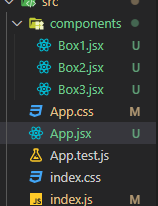
📁App.jsx
import React, { useState } from 'react'
import Box1 from './components/Box1'
import Box2 from './components/Box2'
import Box3 from './components/Box3'


function App() {
  console.log('App 컴포넌트가 렌더링 되었습니다')
  const [count, setCount] = useState(0)

  //1 증가
  const onPlusButtonClickhandler = () => {
    setCount(count + 1)
  }
  //1 감소
  const onMinusButtonClickhandler = () => {
    setCount(count - 1)
  }

  return (
    <div>
      <h3>카운트 예제입니다.</h3>
      <p>현재 카운트 : {count}</p>
      <button onClick={onPlusButtonClickhandler}>+</button>
      <button onClick={onMinusButtonClickhandler}>-</button>
      <div style={{
        display: "flex",
        marginTop: "10px"
      }}>
        <Box1 />
        <Box2 />
        <Box3 />
      </div>
    </div>
  )
}

export default App
📁 components / Box1
import React from 'react'

const style = {
  width: '100px',
      height: '100px',
      backgroundColor: '#01c49f',
      color:"white"
}

function Box1() {
  console.log('Box1 컴포넌트가 렌더링 되었습니다')
  return (
    <div style={style}>Box1</div>
  )
}

export default Box1
📁 components / Box2
import React from 'react'

const style = {
  width: '100px',
      height: '100px',
      backgroundColor: '#4e93ed',
      color:"white"
}

function Box2() {
  console.log('Box2 컴포넌트가 렌더링 되었습니다')
  return (
    <div style={style}>Box2</div>
  )
}

export default Box2
📁 components / Box3
import React from 'react'

const style = {
  width: '100px',
      height: '100px',
      backgroundColor: '#c491be',
      color:"white"
}

function Box3() {
  console.log('Box3 컴포넌트가 렌더링 되었습니다')
  return (
    <div style={style}>Box3</div>
  )
}

export default Box3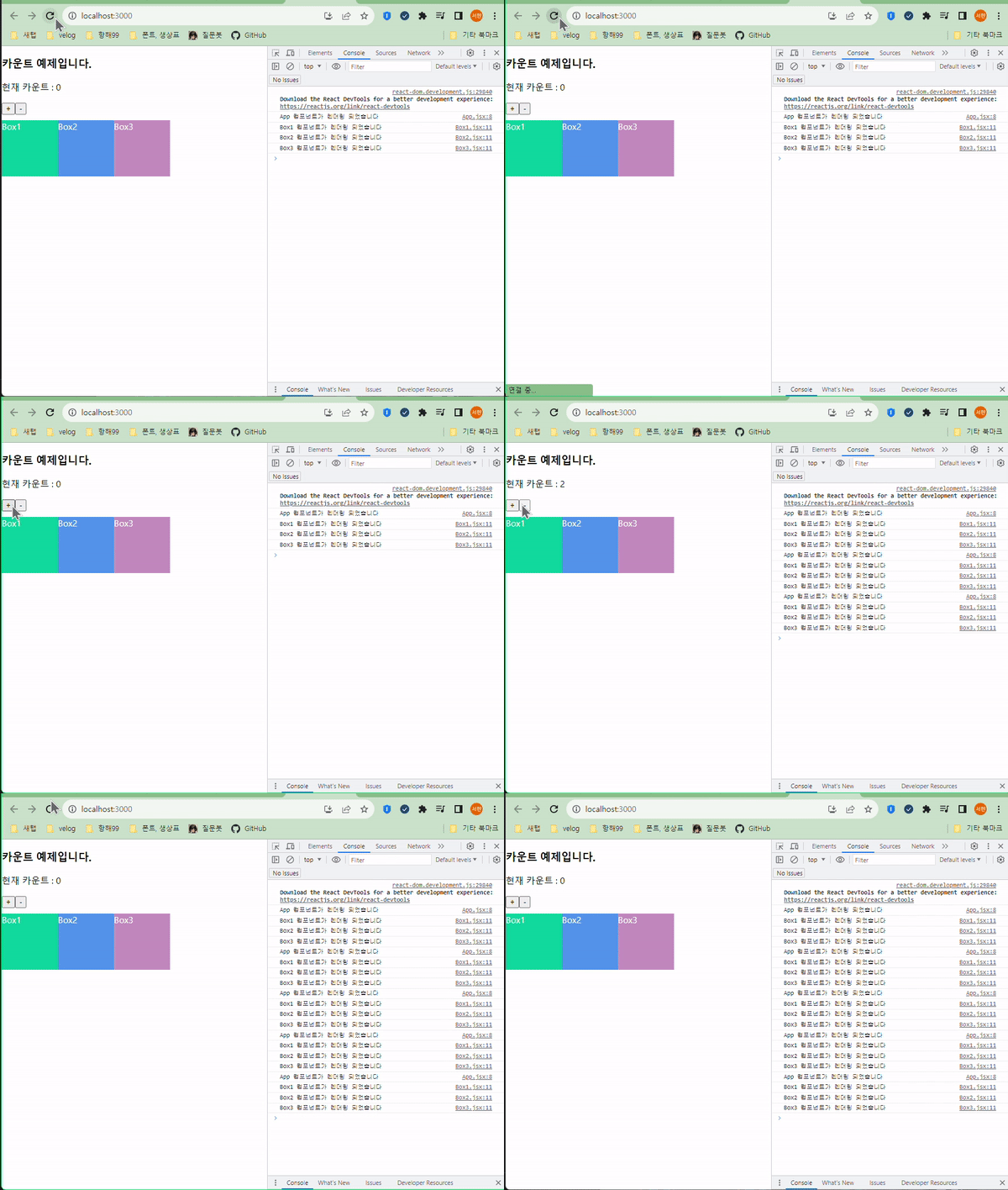
컴포넌트 memoization
- 부모만 바뀌었는데 자식까지 리렌더링 되는 상황을
React.memo로 해결 할 수 있다. React.memo를 이용해서 컴포넌트를 메모리에 저장(캐싱. 임시저장)해두고 필요할 때 갖다 쓴다.- 부모 컴포넌트의
state의 변경으로 인해props가 변경이 일어나지 않는 한 컴포넌트는 리렌더링 되지 않는다.
export default Box1->export default React.memo(Box1)Box1, 2, 3에 모두 적용