💖 패키지 설치
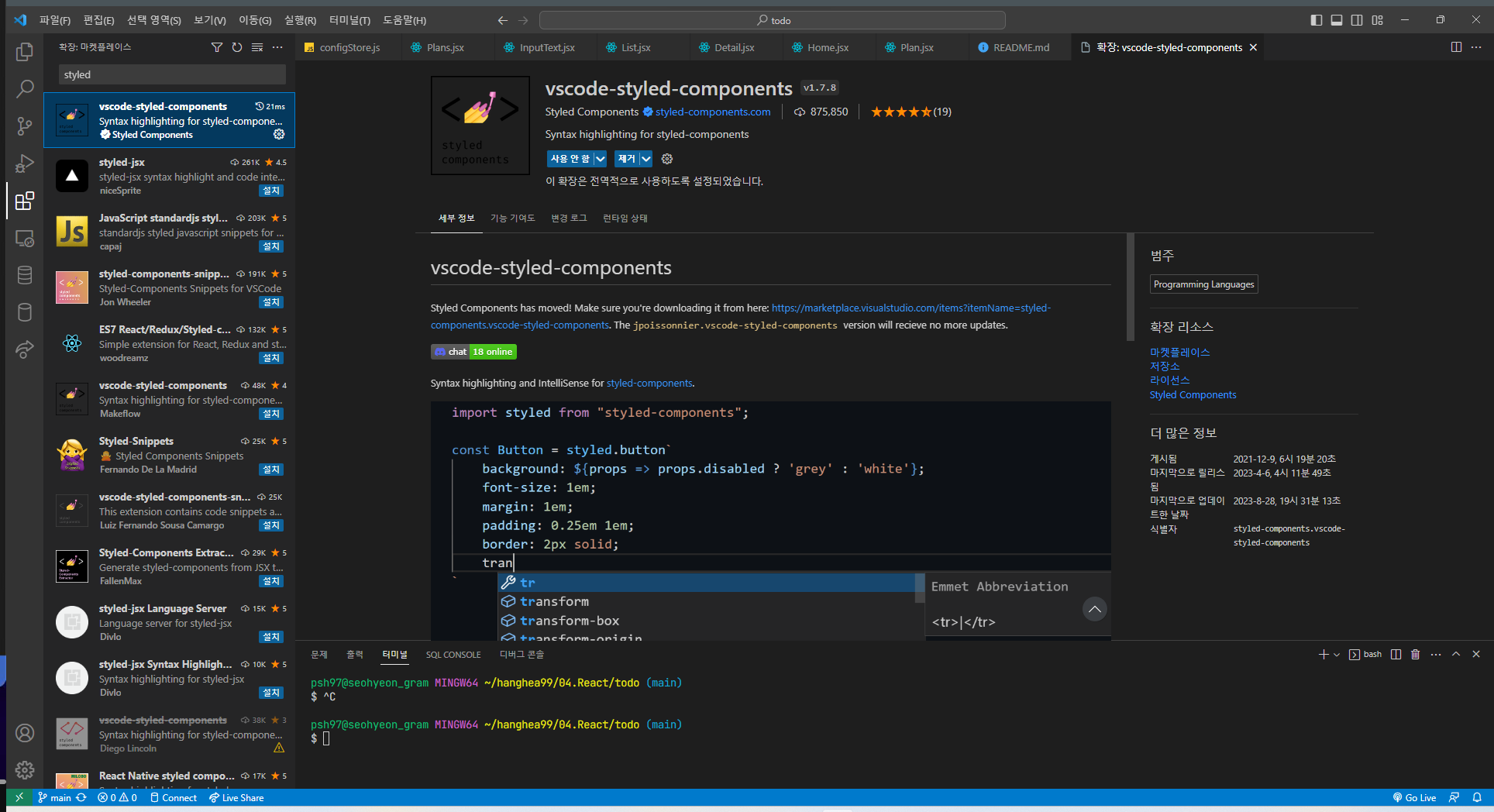
💖 styled-component
- styled-component를 사용하면 if문, 삼항연산자... 을 사용할 수 있다.
- 자식 컴포넌트에게 props를 전달할 수 있다.
import styled from "styled-components"
import './App.css';

const StBos = styled.div`
  width: 100px;
  height: 100px;
  border: 1px solid ${(props) => props.borderColor};
  margin: 20px;
`

function App() {
  return (
    <>
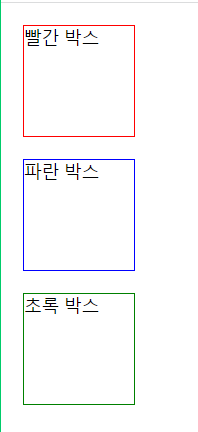
      <StBos borderColor="red">빨간 박스</StBos>
      <StBos borderColor="blue">파란 박스</StBos>
      <StBos borderColor="green">초록 박스</StBos>
    </>
  );
}

export default App;
import styled from "styled-components"
import './App.css';

const StContainer = styled.div`
  display: flex;
`
const boxList = ['red', 'blue', 'green']

const getBoxName = (color) => {
  switch (color) {
    case 'red':
      return "빨간 박스"
    case 'blue':
      return "초록 박스"
    case 'green':
      return "파란 박스"
    default:
      return "검정박스"
  }
}

const StBos = styled.div`
  width: 100px;
  height: 100px;
  border: 1px solid ${(props) => props.borderColor};
  margin: 20px;
  background-color: ${(props) => props.backgroundColor};
`

function App() {
  return (
    <StContainer>
      {
        boxList.map((box) => {
          return <StBos borderColor={box}>{getBoxName(box)}</StBos>
        })
      }
    </StContainer>
  );
}

export default App;