ScrollView
- 브라우저와는 달리 react native 에서는 요소들이 화면을 넘겨도 자동으로 스크롤이 되지 않는다.
- 스크롤을 위해 ScrollView 컴포넌트에 넣어줄 필요가 있다.
prop
- horizontal: 세로스크롤을 설정한다.
- pagingEnabled: 스크롤할때 페이지 단위로 스크롤 되도록 한다.
- showsHorizontalScrollIndicator : 가로 스크롤바를 제거한다.
실습
import { Dimensions, ScrollView, StyleSheet, Text, View } from "react-native";

const { width: SCREEN_WIDTH, height } = Dimensions.get("window");// 현재 윈도우의 크기를 알려주는 API
export default function App() {
  return (
    <View style={styles.container}>
      <View style={styles.city}>
        <Text style={styles.cityName}>Seoul</Text>
      </View>
      <View style={styles.weather}>
        {/* 가로스크롤,페이지단위 스크롤,가로스크롤바 없애기  설정 */}
        <ScrollView horizontal pagingEnabled showsHorizontalScrollIndicator={false}>
          <View style={styles.day}>
            <Text style={styles.temp}>27</Text>
            <Text style={styles.description}>Sunny</Text>
          </View>
          <View style={styles.day}>
            <Text style={styles.temp}>27</Text>
            <Text style={styles.description}>Sunny</Text>
          </View>
          <View style={styles.day}>
            <Text style={styles.temp}>27</Text>
            <Text style={styles.description}>Sunny</Text>
          </View>
          <View style={styles.day}>
            <Text style={styles.temp}>27</Text>
            <Text style={styles.description}>Sunny</Text>
          </View>
        </ScrollView>
      </View>
    </View>
  );
}

const styles = StyleSheet.create({
  container: {
    flex: 1,
    backgroundColor: "tomato",
  },
  city: {
    flex: 1.2,
    justifyContent: "center",
    alignItems: "center",
  },
  cityName: {
    color: "black",
    fontSize: "68",
    fontWeight: 600,
  },
  weather: {
    flex: 3,
  },
  day: {
    width: SCREEN_WIDTH, //Dimentions API로 받은 값으로 day 컴포넌트의 width를 변경
    alignItems: "center",
  },
  temp: {
    margin: 50,
    fontSize: 178,
  },
  description: {
    marginTop: -80,
    fontSize: 60,
  },
});
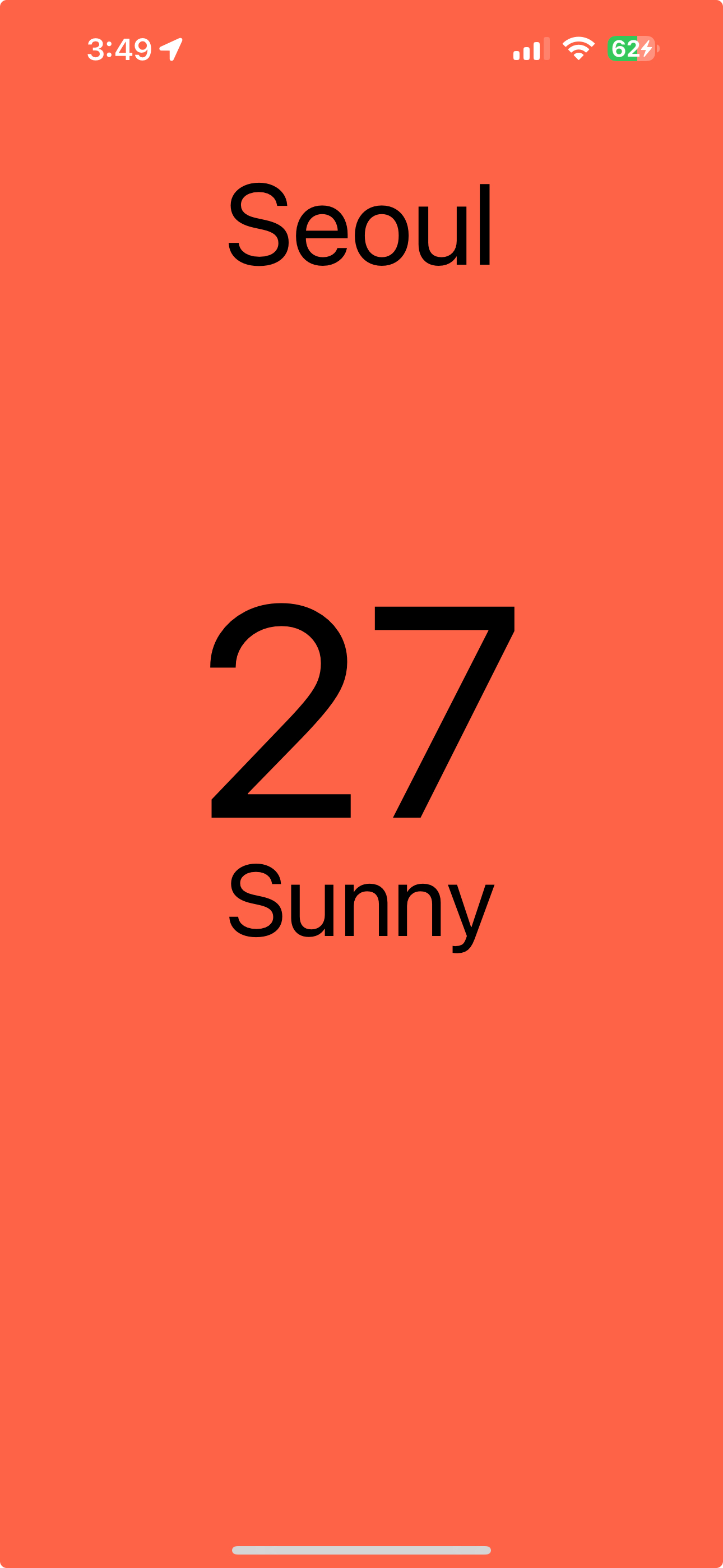
Expo Go 앱 실행 화면

어른 아이