[React] 02. Git Hub 올리기
1. Git 설치
2. Git 저장소 생성
Github 홈페이지 접속
-
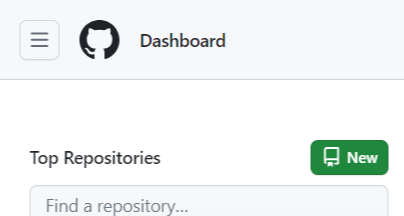
왼쪽 사이드바에
NEW버튼 선택 -
REPOSITORY NAME입력 -
CREATE REPOSITORY클릭 -
생성한
REPOSITORY주소 복사
3. Git vscode 설정
git config --global user.name "유저이름"
git config --global user.email "유저 이메일"
4. Git 파일 준비
git init
git add .
git status
git commit -m
5. Git 파일 업로드
git remote add origin [저장소 주소]
git push -u origin master
프로젝트 업로드 완료
