In this tech blog, we will demystify the components of a computer, focusing on the CPU, GPU, and other essential parts. Understanding these components will help you make informed decisions when purchasing or upgrading your computer.
Central Processing Unit (CPU)

The CPU, or Central Processing Unit, is often referred to as the "brain" of the computer. It is responsible for executing the instructions of a computer program and managing the computer's resources. There are two main types of CPUs: Intel and AMD. Each has its advantages and disadvantages, but both are essential for running applications on your computer.
Graphics Processing Unit (GPU)
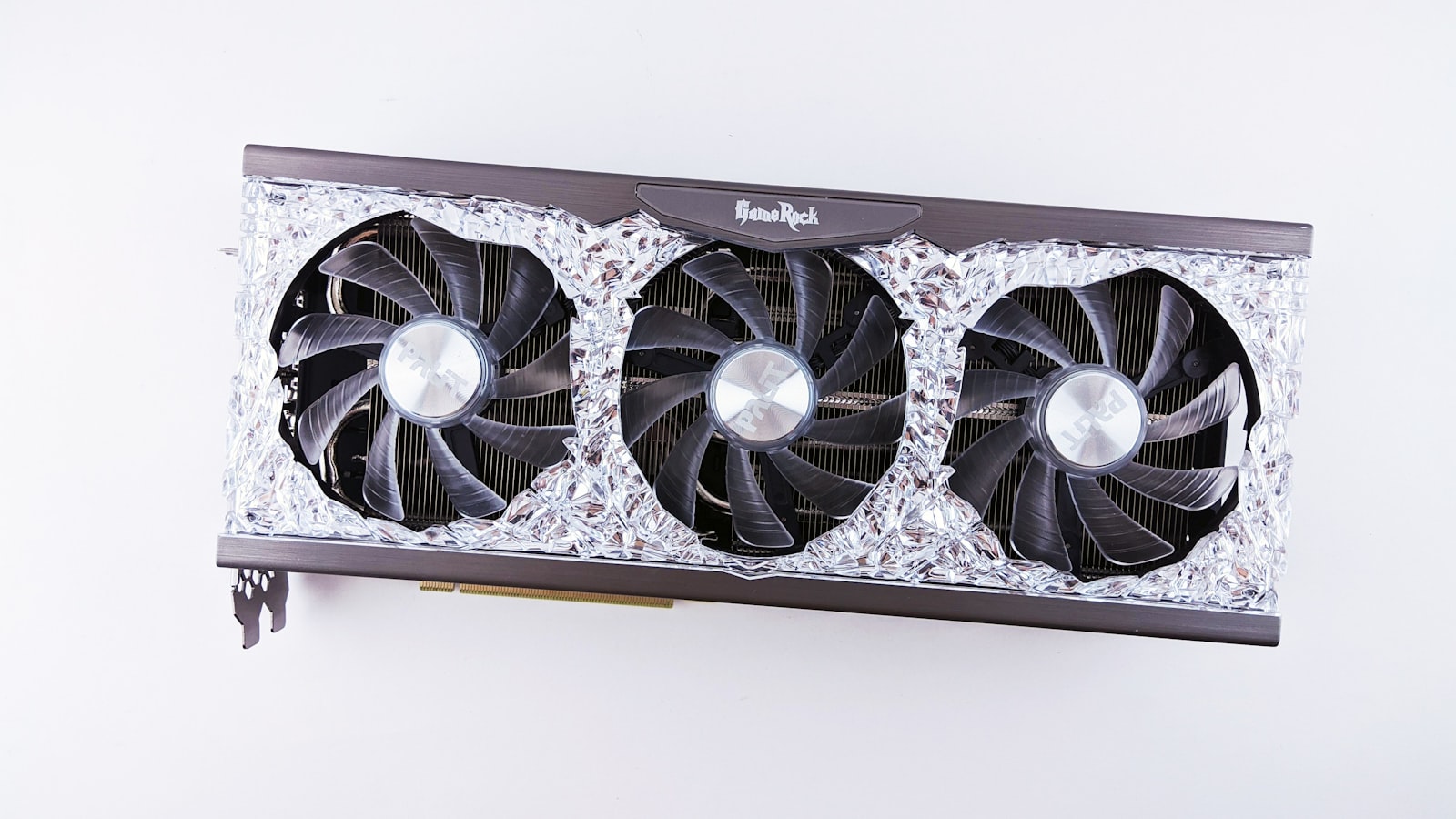
The GPU, or Graphics Processing Unit, is a specialized processor designed to handle graphics and rendering tasks. It is especially important for video editing, gaming, and other tasks that require high-quality visuals. There are two major GPU manufacturers: NVIDIA and AMD. Choosing the right GPU depends on your specific needs and budget.
Random Access Memory (RAM)

RAM (Random Access Memory) is the temporary storage used by your computer to hold data and information. It is crucial for the smooth operation of your computer. The more RAM you have, the more applications and tasks your computer can handle simultaneously. It's important to select the appropriate amount of RAM for your needs to ensure optimal performance.
Storage: Hard Disk Drives (HDD) and Solid State Drives (SSD)

Storage devices are where your computer stores all of its data, including the operating system, applications, and personal files. There are two main types of storage devices: HDD (Hard Disk Drives) and SSD (Solid State Drives). HDDs are less expensive but slower, while SSDs are faster but more costly. Choosing the right storage device depends on your needs and budget.
Motherboard

The motherboard is the main circuit board of your computer. It connects all the other components, allowing them to communicate with one another. When selecting a motherboard, make sure it is compatible with the CPU, GPU, RAM, and other components you plan to use.
In conclusion, understanding the basic components of a computer can help you make informed decisions when purchasing or upgrading your system. By considering your needs and budget, you can choose the right CPU, GPU, RAM, storage, and motherboard to ensure optimal performance.