
github 필수 명령어 정리
github 원격저장소에 폴더/파일 업로드하기
- 업로드할 폴더의 상위 폴더로 이동
상위 폴더에서 git bash 열어줌
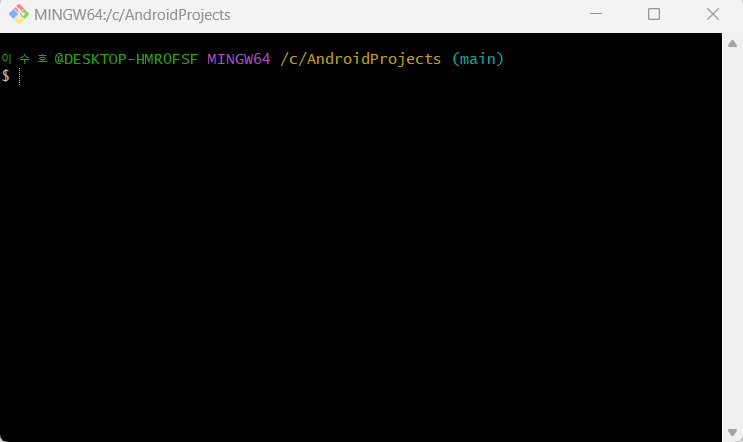
- Git 사용할 수 있도록 폴더를 초기화
$ git init업로드 할 폴더에 git init을 하면, 해당 폴더 내에 '.git' 폴더가 생성되어 나중에 github에서 폴더가 업로드 되어도 클릭이 되지 않는 불상사가 발생한다...!
- 상태 변경이 필요한 파일 있는지 확인
$ git status- add 명령어를 실행하여 tracked 파일로 변경하기
$ git add 폴더이름- commit 명령어 실행하여 폴더 커밋
$ git commit -m "Commit Message"- 로컬 저장소를 원격 저장소와 연결
$ git remote add origin "원격 저장소 주소"- remote -v 명령어를 통해 로컬 저장소와 원격 저장소가 연결되었는지 확인하기
$ git remote -v한번 원격저장소에 연결되었다면, 또다시 git remote add origin 명령어 칠 필요없고, gir remote -v 로 확인해주고 push 하면 됨.
- push 명령어 실행하여 폴더 업로드
$ git push origin main(master)master로 push하게 되면 'There isn't anything to compare' 문구가 뜨면서 push error 발생한다.
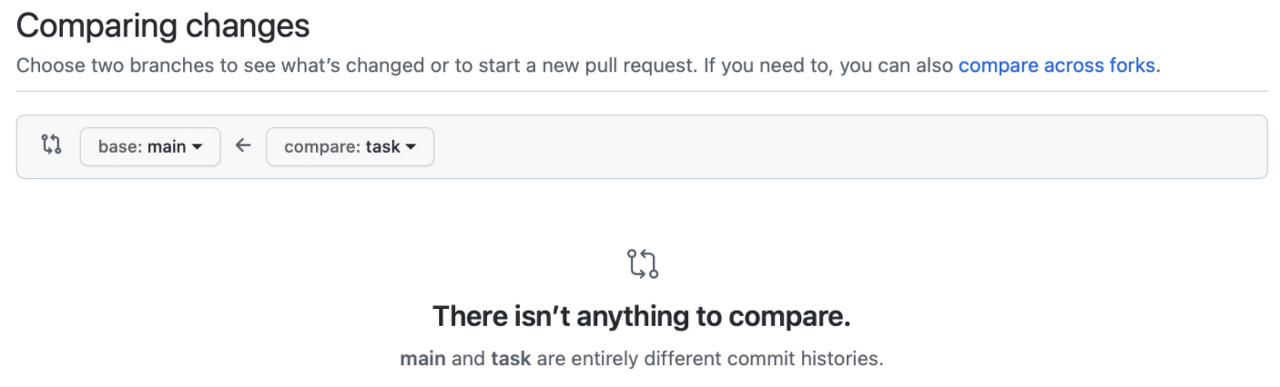
<[Git] There isn’t anything to compare 해결 방법>
$ git checkout master

$ git branch main master -f

$ git checkout main

$ git push origin main -f
github 원격저장소에서 원하는 폴더/파일 삭제하기
- 로컬과 github에서 모두 삭제하기
$ git rm 디렉토리명 또는 파일명

$ git commit -m "delete source"

$ git push- 로컬 디렉토리는 유지하고, github에서만 삭제하기
$ git rm --cached -r {디렉토리명 또는 파일명}

$ git commit -m "delete source"

$ git push
Junior developer