[에러] Deprecated Gradle features were used in this build, making it incompatible with Gradle 8.0.
React Native Error Note
목록 보기
1/3
문제
안드로이드 알람 라이브러리를 설치하다 다음과 같은 에러를 만났다.
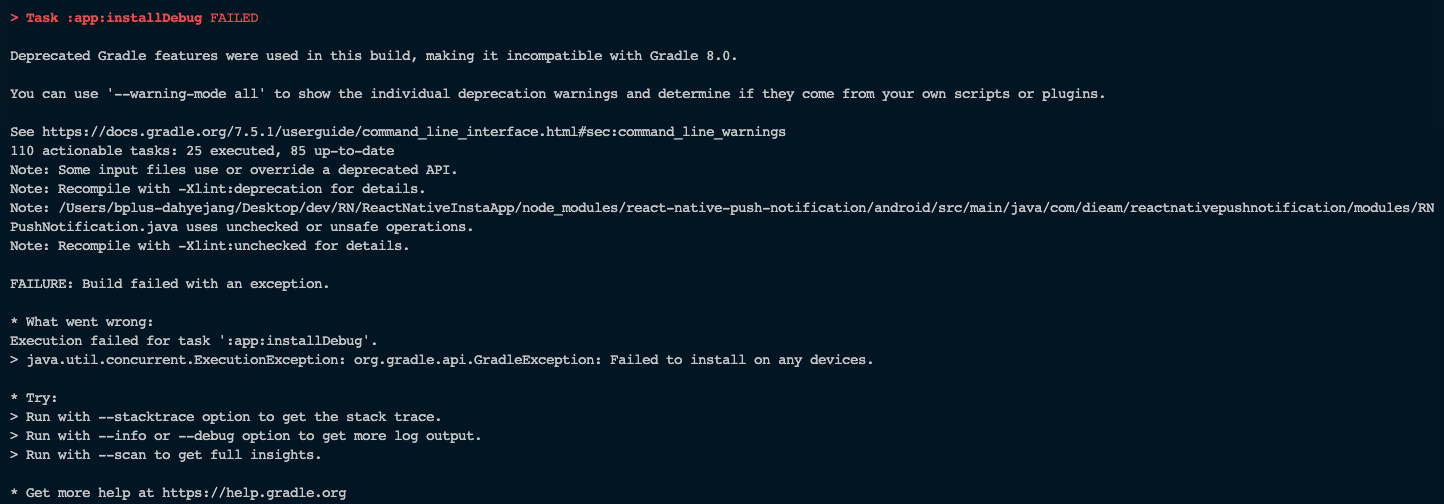
Deprecated Gradle features were used in this build, making it incompatible with Gradle 8.0.

You can use '--warning-mode all' to show the individual deprecation warnings and determine if they come from your own scripts or plugins.

See https://docs.gradle.org/7.5.1/userguide/command_line_interface.html#sec:command_line_warnings
110 actionable tasks: 25 executed, 85 up-to-date
Note: Some input files use or override a deprecated API.
Note: Recompile with -Xlint:deprecation for details.
Note: /Users/bplus-dahyejang/Desktop/dev/RN/ReactNativeInstaApp/node_modules/react-native-push-notification/android/src/main/java/com/dieam/reactnativepushnotification/modules/RNPushNotification.java uses unchecked or unsafe operations.
Note: Recompile with -Xlint:unchecked for details.

FAILURE: Build failed with an exception.

* What went wrong:
Execution failed for task ':app:installDebug'.
> java.util.concurrent.ExecutionException: org.gradle.api.GradleException: Failed to install on any devices.

* Try:
> Run with --stacktrace option to get the stack trace.
> Run with --info or --debug option to get more log output.
> Run with --scan to get full insights.

* Get more help at https://help.gradle.org
시도 1
https://stackoverflow.com/questions/37500205/react-native-appinstalldebug-failed
여기에 나와있는 방법으로
cd android
 ./gradlew clean
 cd ..
입력
또 에러 발생
> Task :app:installDebug FAILED
w: Detected multiple Kotlin daemon sessions at build/kotlin/sessions

Deprecated Gradle features were used in this build, making it incompatible with Gradle 8.0.

You can use '--warning-mode all' to show the individual deprecation warnings and determine if they come from your own scripts or plugins.

See https://docs.gradle.org/7.5.1/userguide/command_line_interface.html#sec:command_line_warnings
110 actionable tasks: 105 executed, 5 up-to-date
Note: Some input files use or override a deprecated API.
Note: Recompile with -Xlint:deprecation for details.
Note: /Users/bplus-dahyejang/Desktop/dev/RN/ReactNativeInstaApp/node_modules/react-native-push-notification/android/src/main/java/com/dieam/reactnativepushnotification/modules/RNPushNotification.java uses unchecked or unsafe operations.
Note: Recompile with -Xlint:unchecked for details.

FAILURE: Build failed with an exception.

* What went wrong:
Execution failed for task ':app:installDebug'.
> java.util.concurrent.ExecutionException: org.gradle.api.GradleException: Failed to install on any devices.

* Try:
> Run with --stacktrace option to get the stack trace.
> Run with --info or --debug option to get more log output.
> Run with --scan to get full insights.

* Get more help at https://help.gradle.org
똑같은 에러고 해결이 안된 것 같다.
해결
검색하다 다른 해결방법 찾음
[해결] Deprecated Gradle features were used in this build, making it incompatible with Gradle 8.0 안드로이드 스튜디오
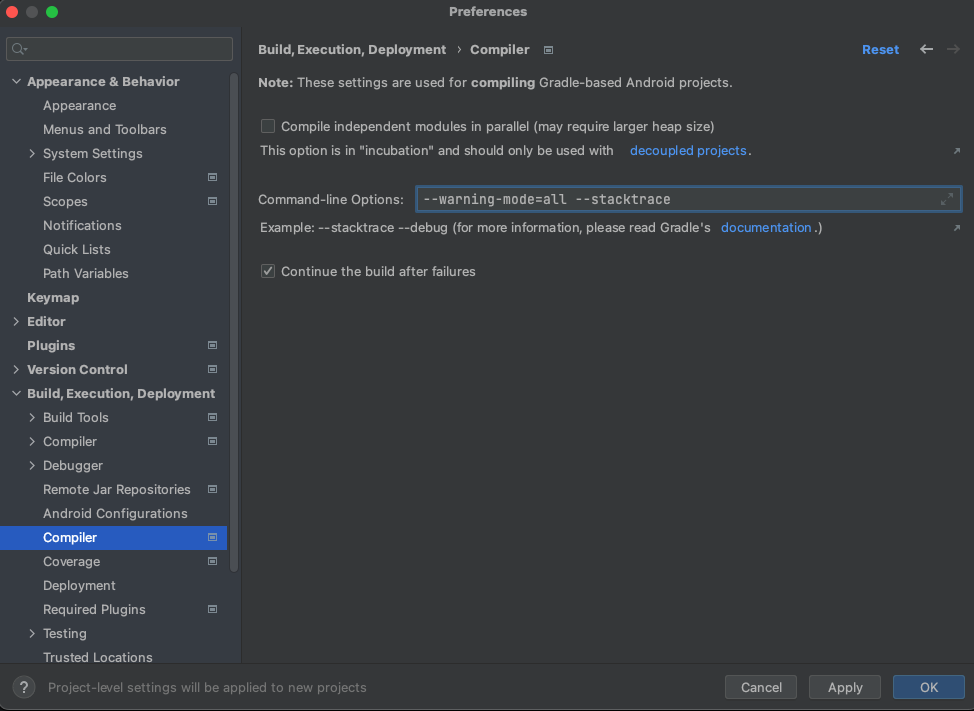
안드로이드 스튜디오의 Preferences > Build, Execution, Deployment -> Compiler 로 들어가면
Command line Options가 있는데 거기에 아래 구문을 넣는다.
--warning-mode=all --stacktrace
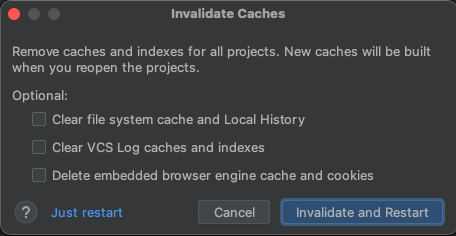
file -> Invalidate Caches / Restart를 누른다
다시 RN vscode로 돌아가 npm run android를 입력하니
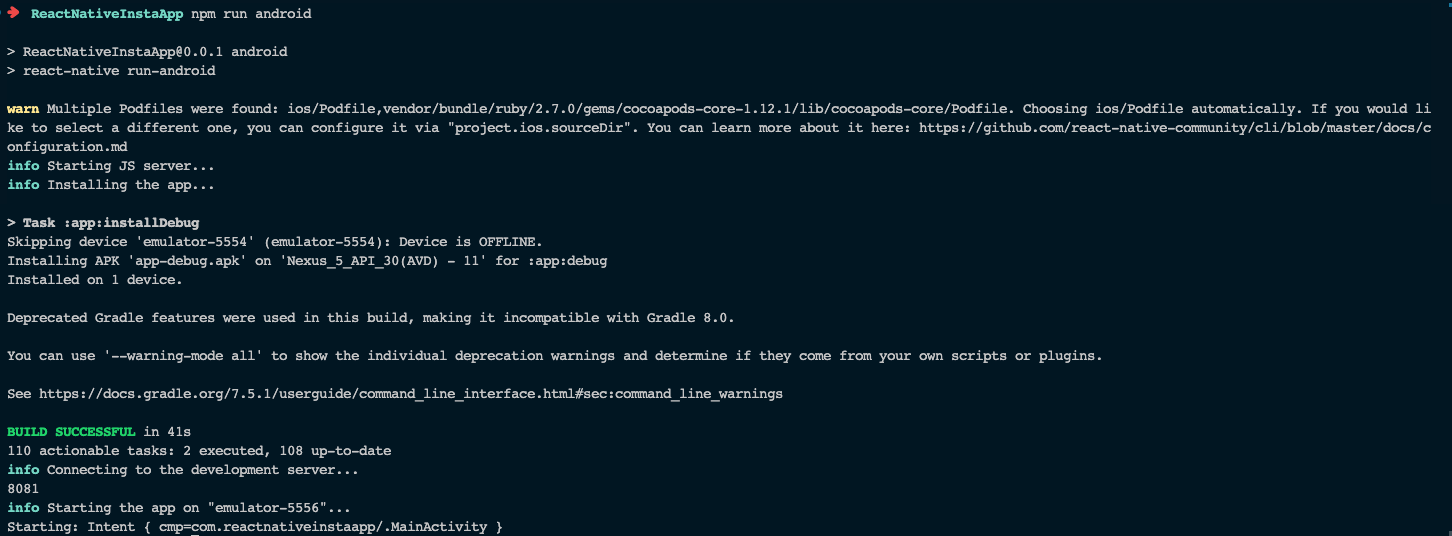
빌드는 됐으나 시뮬레이터에서 오류 발생
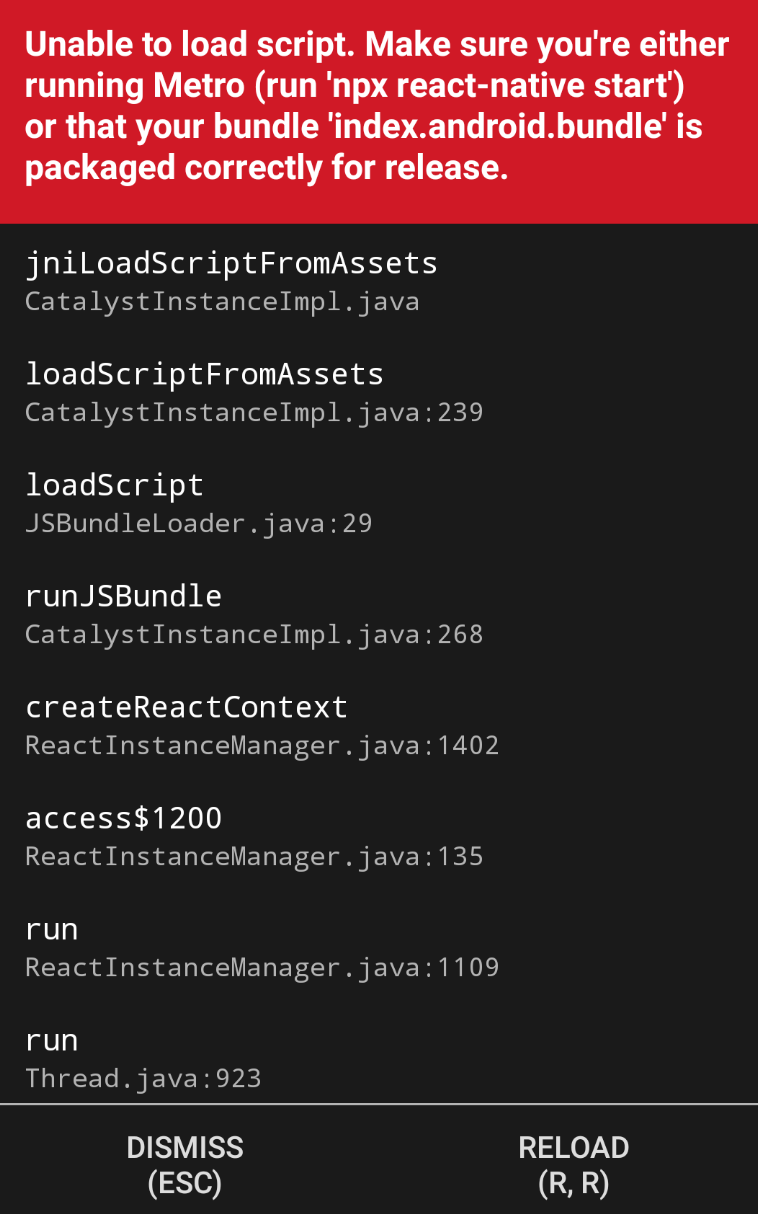
나와있는 것처럼 npx react-native start를 입력하고 a를 누름
정상적으로 빌드 성공!

문제를 해결하고 가치를 제공합니다