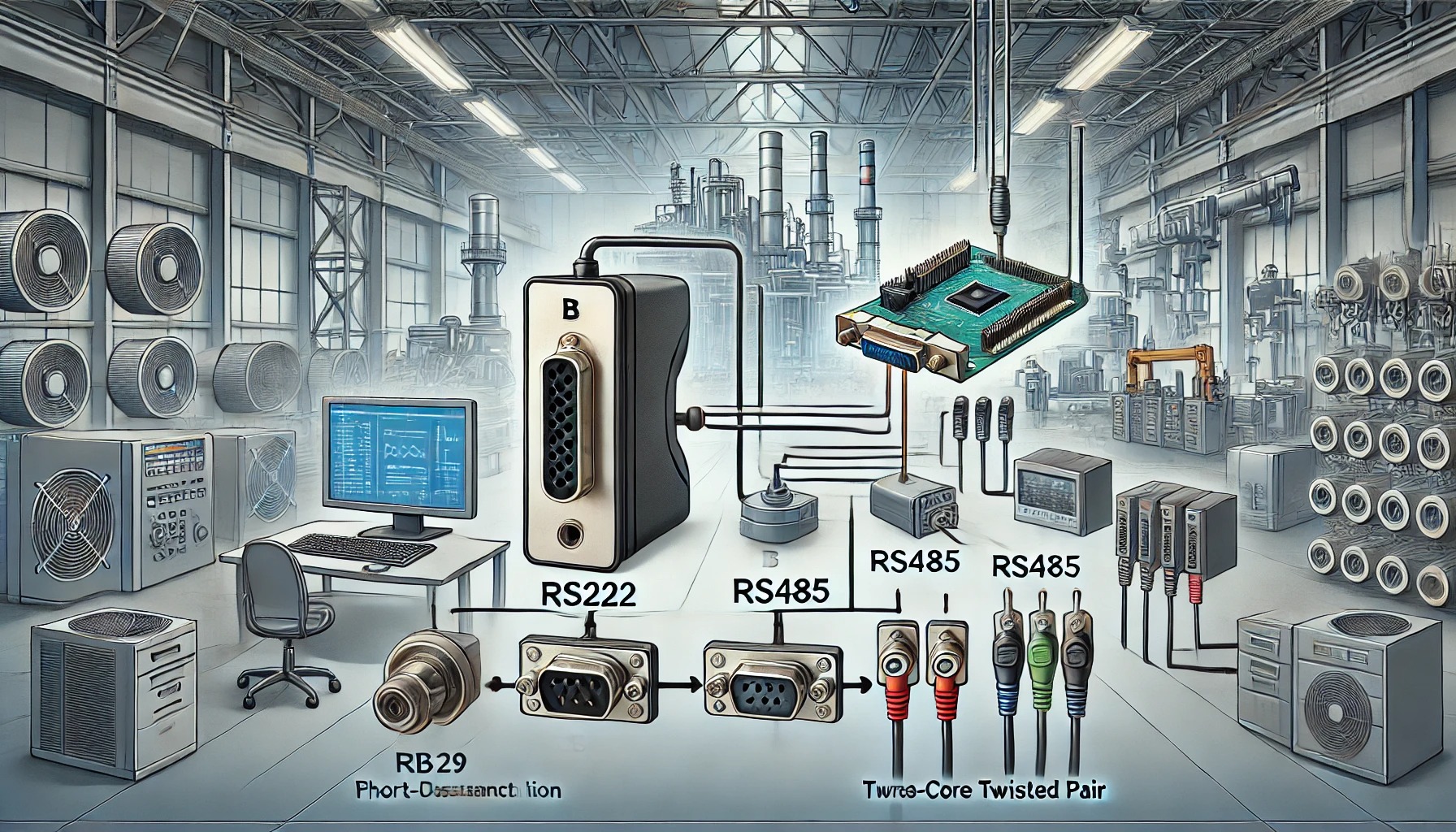
What is RS485?
RS485 is a communication method used mainly in industrial systems. It allows multiple devices to send and receive data over long distances using just two or four wires. Unlike older systems like RS232, RS485
is more reliable in harsh environments where electrical noise can cause problems.This method makes the signal more stable and less likely to be affected by interference
Key Technical Features of RS485
Speed: RS485 supports speeds up to 10 Mbps, depending on the distance.
Distance: Data can travel up to 4,000 feet (1,200 meters) without losing quality.
Voltage Range: It works with voltages between -7V and +12V, with a small voltage difference used to represent data.
Modes: It supports half-duplex (data goes both ways on the same wires) and full-duplex (data goes both ways at the same time using four wires).
Network Capacity and Topology
The network usually follows a daisy-chain layout, where devices are connected one after the other. At both ends of the chain, termination resistors are used to prevent signal reflection, which can cause communication errors.
Why RS485 is Better Than Other Protocols
1. Handles Noise Well
RS485’s differential signals make it resistant to electrical noise, which is common in industrial areas filled with motors, welders, and heavy equipment.
2. Works Over Long Distances
Compared to RS232, which only works up to about 50 feet, RS485 can communicate over thousands of feet, making it ideal for large buildings or factory floors.
3. Supports Many Devices
Unlike point-to-point systems, RS485 allows many devices to share the same communication line, reducing wiring costs and simplifying setup.
Where is RS485 Used?
Manufacturing: Used in machines, sensors, and control systems to keep factories running smoothly.
Energy and Utilities: Found in water treatment plants, power stations, and chemical factories where reliable communication is critical.
Transport Systems: Used in trains, traffic lights, and even airplane cabins for low-speed data sharing.
Installation Tips and Best Practices
1. Choose the Right Cable
Use twisted-pair cables with 120-ohm resistance. Shielded cables are best for areas with a lot of electrical noise.
2. Use Termination Resistors
This helps prevent signal reflections that cause data errors.
3. Proper Grounding
Only ground the cable shield at one point to avoid ground loops, which can damage devices or disrupt signals.
RS485 and Modbus: What’s the Difference?
RS485 is the physical layer, meaning it controls how signals are sent through wires.
Modbus is a protocol, meaning it defines how devices communicate using RS485.
This setup lets different software systems use RS485 hardware to talk to sensors, meters, and controllers.
Master-Slave Setup
In most RS485 systems, one device is the master—this could be a computer, controller, or building system. The master talks to other devices called slaves, which only reply when spoken to. This prevents confusion or data collisions on the line.
Troubleshooting RS485 Systems
Bad Signals: Check for missing termination resistors, broken cables, or interference from nearby power lines.
Wrong Settings: Make sure all devices use the same baud rate, parity, and address.
Wiring Problems: Avoid running communication wires next to high-voltage cables. Keep wiring neat and organized.
Use tools like protocol analyzers or oscilloscopes to check the signal quality if problems continue.
Optimizing RS485 Performance
Keep cable runs short when using high baud rates.
Use interface converters to connect RS485 to USB, Ethernet, or other systems.
Label cables and keep records of device addresses and settings for easy maintenance.
What’s Next for RS485?
While newer technologies like Ethernet and wireless systems are becoming popular, RS485 is still widely used because it’s cheap, reliable, and simple.
Some modern systems combine RS485 with Internet of Things (IoT) technology by using gateways to send RS485 data to the cloud for remote monitoring and control.
Frequently Asked Questions
Q: How many devices can I connect?
A: Up to 32 standard, or 256 with special hardware.
Q: Can RS485 be used with USB or Ethernet?
A: Yes, with the right converters.
Q: What cables should I use?
A: Twisted-pair, 120-ohm impedance cables, preferably shielded.
Conclusion
It offers long-range communication, noise resistance, and support for multiple devices—all on a simple wiring system. Whether you're managing a factory, building, or utility system, RS485 can help you create a stable, cost-effective network for your devices.