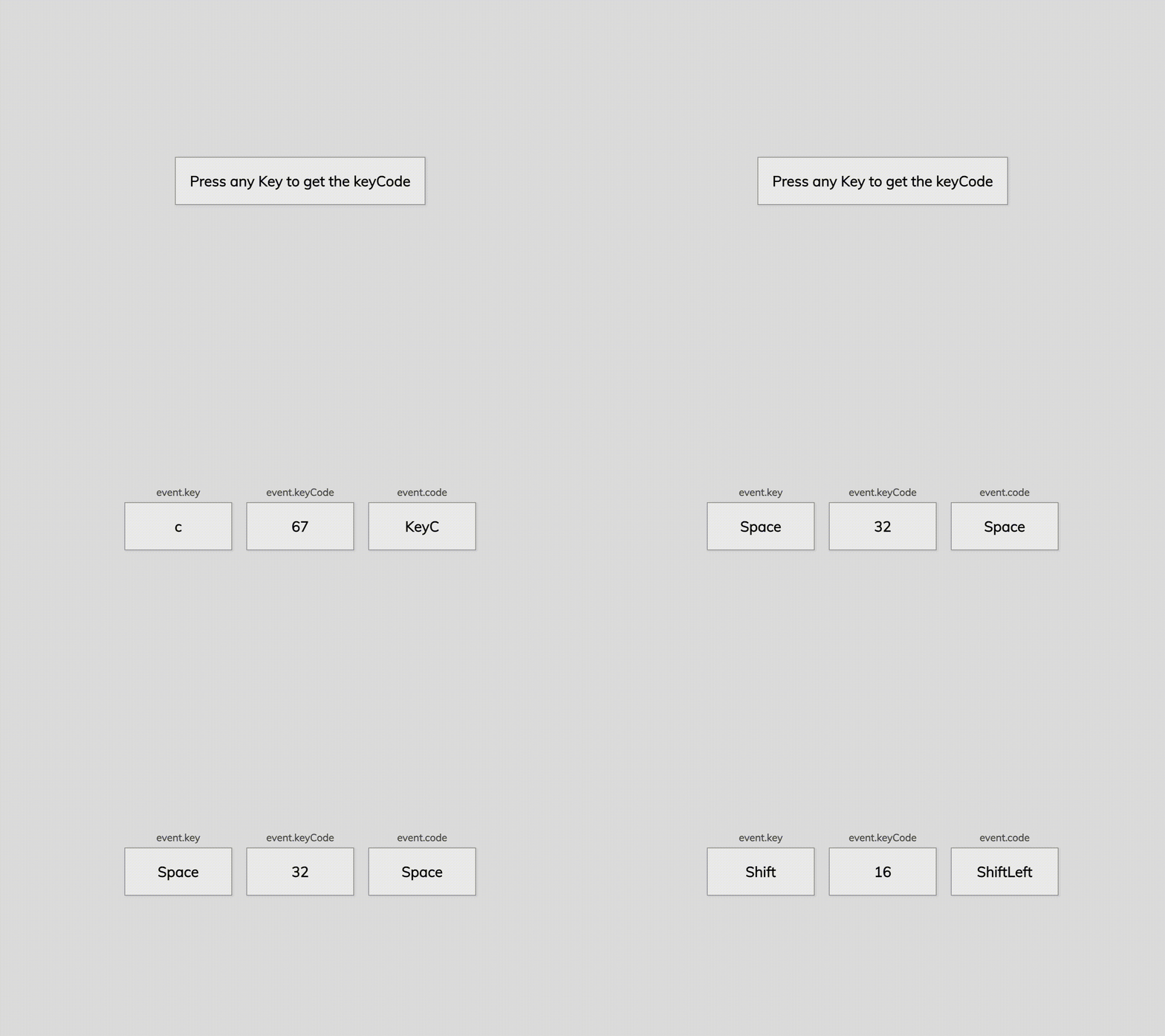
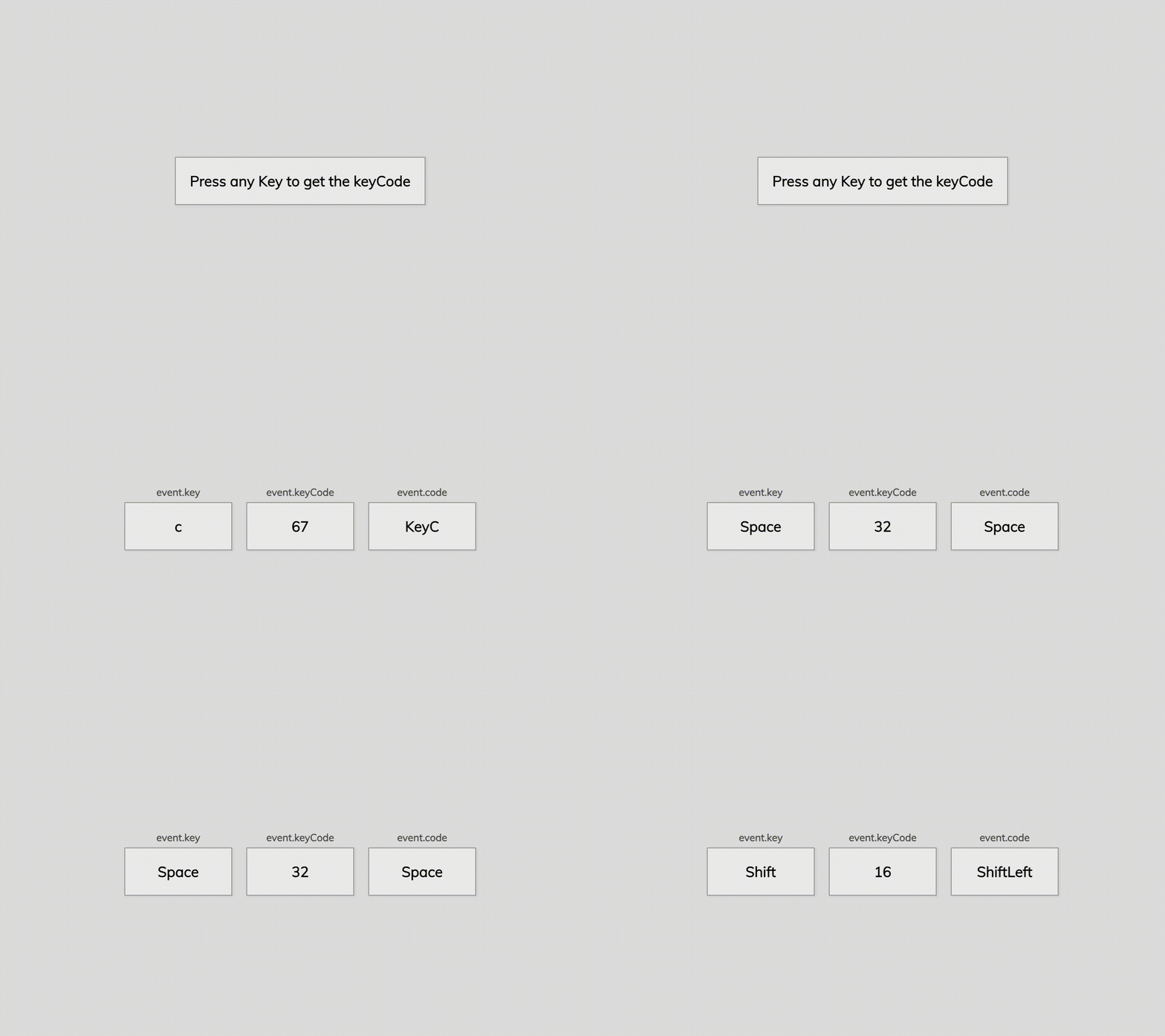
이 프로젝트는 키보드를 누르면 그에 맞는 key, keyCode, code 를 화면에 띄워주는 프로젝트이다.
✨ HTML
처음엔 key, keyCode, code를 나중에 사용할 것 이니 미리 HTML에 올려두자라는 생각을 했는데, 그렇게 하니까 마우스를 누르지 않아도 계속 화면에 저 네모 박스들이 떴다.
동적으로 생성되는 요소들은 JS를 이용하여 처리하는 방법도 고려해보자!
✨ JavaScript
<div class="container">
      <h1 class="title">Press any Key to get the keyCode</h1>
</div>
어떻게 이미 있던 h1 태그를 지우고 새로운 3가지의 태그를 만들어내지 .. 라고 고민을 많이 했는데, 정답은 생각보다 간단했다.
div 속의 html을 그냥 수정하면 되는 것이다!
innerHTML
이 방법을 사용하여 html 부분을 마음대로 수정할 수 있다.
let container = document.querySelector(".container");

window.addEventListener("keydown", (event) => {
  container.innerHTML = `
    <h1 class="title key">${event.key === " " ? "Space" : event.key}</h1>
    <h1 class="title keyCode">${event.keyCode}</h1>
    <h1 class="title code">${event.code}</h1>`;
});