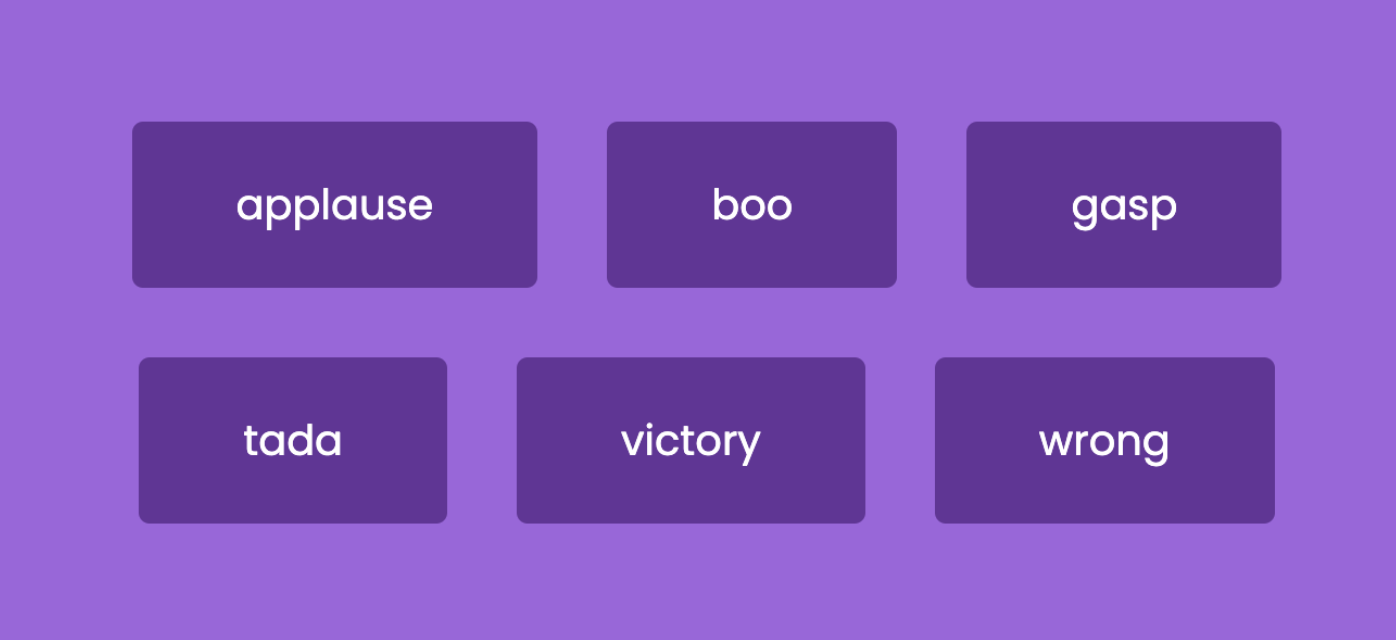
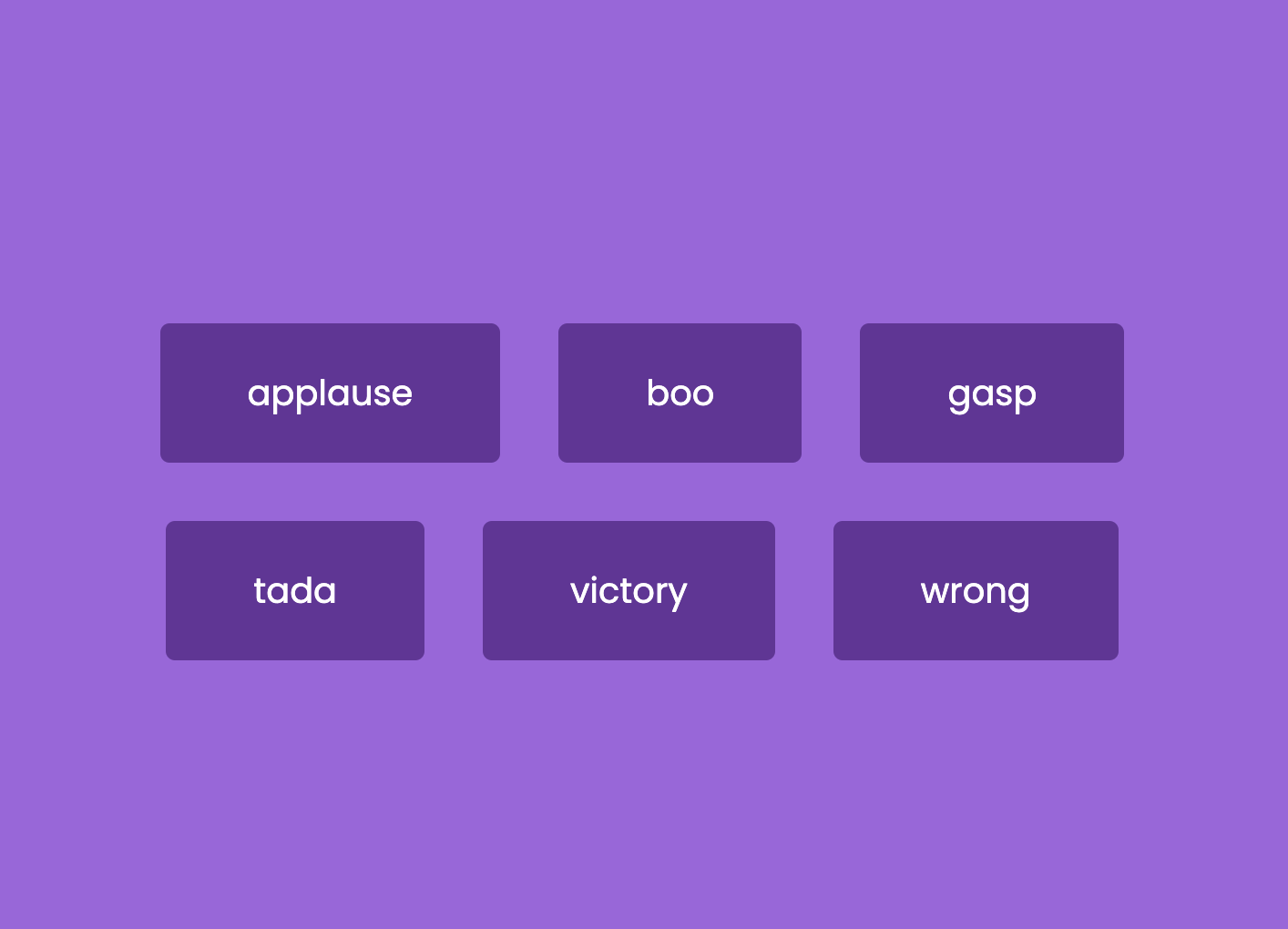
이번 프로젝트 주제는 이 버튼을 누르면 각 버튼에 해당하는 사운드가 출력되는 화면을 만드는 것이다.
✨ HTML
audio 태그
<audio src = 'sound.mp3'>sound</audio>✔️ 코드
<!DOCTYPE html>
<html lang="en">
  <head>
    <meta charset="UTF-8" />
    <meta name="viewport" content="width=device-width, initial-scale=1.0" />
    <title>Sound Board</title>
    <link rel="stylesheet" href="style.css" />
  </head>
  <body>
    <div id="container"></div>

    <audio id="applause" src="sounds/applause.mp3">applause</audio>
    <audio id="boo" src="sounds/boo.mp3">boo</audio>
    <audio id="gasp" src="sounds/gasp.mp3">gasp</audio>
    <audio id="tada" src="sounds/tada.mp3">tada</audio>
    <audio id="victory" src="sounds/victory.mp3">victory</audio>
    <audio id="wrong" src="sounds/wrong.mp3">wrong</audio>
    <script src="main.js"></script>
  </body>
</html>
✨ CSS
font-family: inherit
원래 항상 css 파일을 설정할 때 unset으로 폰트에 대해 초기화를 해준 뒤 :root에 다시 임의로 폰트를 지정해주었는데, 갑자기 이번 프로젝트에서는 폰트가 적용이 안되는 문제가 발생했다.
우선 내가 해결한 방법은
.items {
  font-family: inherit;
 }
폰트가 들어가는 곳에 강제로 상속 받도록 속성을 지정해주는 것이다.
이렇게 진행을 하면 내가 원하는 결과가 나오기는 하지만 이유를 몰라서 한참 찾았다.
그 결과 내 생각에는 원래 HTML 파일에는 .item 이라는 요소가 원래 없다가 자바스크립트 코드 때문에 동적으로 생겨나는 것으로 이런 경우 부모 요소의 상속을 받지 않는 경우가 있다고 한다.
➡️ 그래서 이걸 해결하기 위해 생겨난 요소에 명시적으로 상속받도록 강제를 한 것이다.
✔️ 코드
@import url("https://fonts.googleapis.com/css2?family=Poppins:wght@200;400&display=swap");

* {
  box-sizing: border-box;
}

body {
  margin: unset;
  padding: unset;
  overflow: hidden;
}

:root {
  font-family: "Poppins", sans-serif;
}

body {
  background-color: rgb(161, 100, 223);
  height: 100vh;

  display: flex;
  justify-content: center;
  align-items: center;
}

#container {
  display: flex;
  justify-content: center;
  align-items: center;
  flex-wrap: wrap;
}
.items {
  background-color: rebeccapurple;
  padding: 1.5rem 3rem;
  margin: 1rem;
  border: none;
  border-radius: 5px;

  color: white;
  font-size: 1.2rem;
  font-family: inherit;

  cursor: pointer;
}
.items:hover {
  opacity: 0.9;
}
✨ JavaScript
오디오를 사용해보는 프로젝트가 처음이라 코드를 보고도 한참 헤맸다!! ㅠㅠ
이 프로젝트에서 생각해내야 햐는 로직은 다음과 같다.
- 각 사운드에 맞는 버튼을 만든다.
- HTML에서 만들어놓은
container에 버튼을 넣는다. - 각 버튼에 HTML에 지정해놓은 사운드를 연결한다.
❗️ HTML에 넣은 것들이 꼭 눈에 보이는 요소들이라고 생각하지 말자!!
❗️ 실제로 HTML에 넣어는 놨지만 아직 보이지 않고 실행되지 않는 요소들도 있다 (js 코드에서 동적으로 실행시키기 위해)
❗️ 그냥 나중에라도 필요할 것 같은 중요한 요소를 HTML 안에 때려 박아 놓은 것이다.
즉, HTML에는 프로젝트의 뼈대에 사용할 굵직한 것들을 넣어놓는 것이다.
내가 여기서 헷갈렸던 것은 오디오를 HTML에 넣었는데도 시각적으로 변하는 것이 없어서이다.
하지만 이건 JS 코드를 이용하여 동적으로 버튼을 만든 다음에 그 안에 각 사운드를 연결하기 위해 사용할 source로서 HTML 안에 들어가있는 것이다.
❗️ 누르면 음악이 재생, 중지되므로 이때 필요한 속성은 버튼이 맞당
그치만 처음부터 각 오디오와 버튼을 연결하지 않은 이유는 JS에서 생성하면서 각각 sound와 연결할 수 있도록 동적으로 진행하기 위해서이다.
audio 속성
.play()- 음악 재생.stop()- 재생 중지.currentTime()- 현재 음악 시간 조절
(song.currentTime = 0라면 음악 재생 시간을 초기화)
✔️ 코드
const sounds = ["applause", "boo", "gasp", "tada", "victory", "wrong"];

sounds.forEach((sound) => {
  const button = document.createElement("button");

  button.classList.add("items");
  button.innerText = sound;

  button.addEventListener("click", () => {
    stopSongs();
    document.getElementById(sound).play();
  });

  const container = document.getElementById("container");
  container.appendChild(button);
});

function stopSongs() {
  sounds.forEach((sound) => {
    const song = document.getElementById(sound);
    song.pause();
    song.currentTime = 0;
  });
}

Free soundboard: https://soundeffekte.net/soundboard/