
Ajax 비동기 통신 fetch를 이용해서 데이터를 받아와 화면에 출력
HTML
<form class="search-form">
    <input type="text" class="search" placeholder="City or State">
    <ul class="suggestions">
      <li>Filter for a city</li>
      <li>or a state</li>
    </ul>
  </form>
JS
<script>
// 도시의 정보가 담겨있는 json url
const endpoint = 'https://gist.githubusercontent.com/Miserlou/c5cd8364bf9b2420bb29/raw/2bf258763cdddd704f8ffd3ea9a3e81d25e2c6f6/cities.json';
let cities = [];

fetch(endpoint) // endpoint의 값을 가지고 온다
  .then(res => res.json()) // 그리고 응답을 JSON 형태로 파싱
  .then(data => cities.push(...data))  // 그리고 data값을 cities배열에 넣어준다
  .catch(error => console.log(error)); // 에러가 났을때

function findMatches(wordToMatch, cities) { // input의 value값, cities 배열
  return cities.filter(place => {
    // 도시나 주가 검색된 것과 일치하는지 알아내기 위해
    // 정규표헌식을 생성후 wordToMatch값과 gi라는 매개변수를 전달
    const regexp = new RegExp(wordToMatch, 'gi');

    // place의 city 및 place.state 값이 검색과 일치하는지 확인
    // match는 문자열이 정규식과 매치되는 부분을 검색하는 메서드 이다
    // return 값으로 city와 state의 값이 일치하는걸 반환해준다
    return place.city.match(regexp) || place.state.match(regexp);
  });
};

// 3자리수 마다 콤마 표시 함수
function numberCommas(x) {
  return x.toString().replace(/\B(?=(\d{3})+(?!\d))/g, ',');
}

// input에 값이 입력될때 실행할 함수
function displayMatches() {
  const matchArray = findMatches(this.value, cities);
  const html = matchArray.map(place => {
    const regexp = new RegExp(this.value, 'gi');
    const cityName = place.city.replace(regexp, `<span class="hl">${this.value}</span>`);

    // replace는 패턴에 일치하는 일부 또는 모든 부분이 교체된 새로운 문자열을 반환
    const stateName = place.state.replace(regexp, `<span class="hl">${this.value}</span>`);
    return `
      <li>
        <span class="name">${cityName}, ${stateName}</span>
        <span class="population">${numberCommas(place.population)}</span>
      </li>
    `;
  }).join(''); // 배열의 모든 요소를 연결해 하나의 문자열로 만듬
  suggestions.innerHTML = html;
}

const searchInput = document.querySelector('.search');
const suggestions = document.querySelector('.suggestions');

searchInput.addEventListener('change', displayMatches);
searchInput.addEventListener('keyup', displayMatches);
</script>
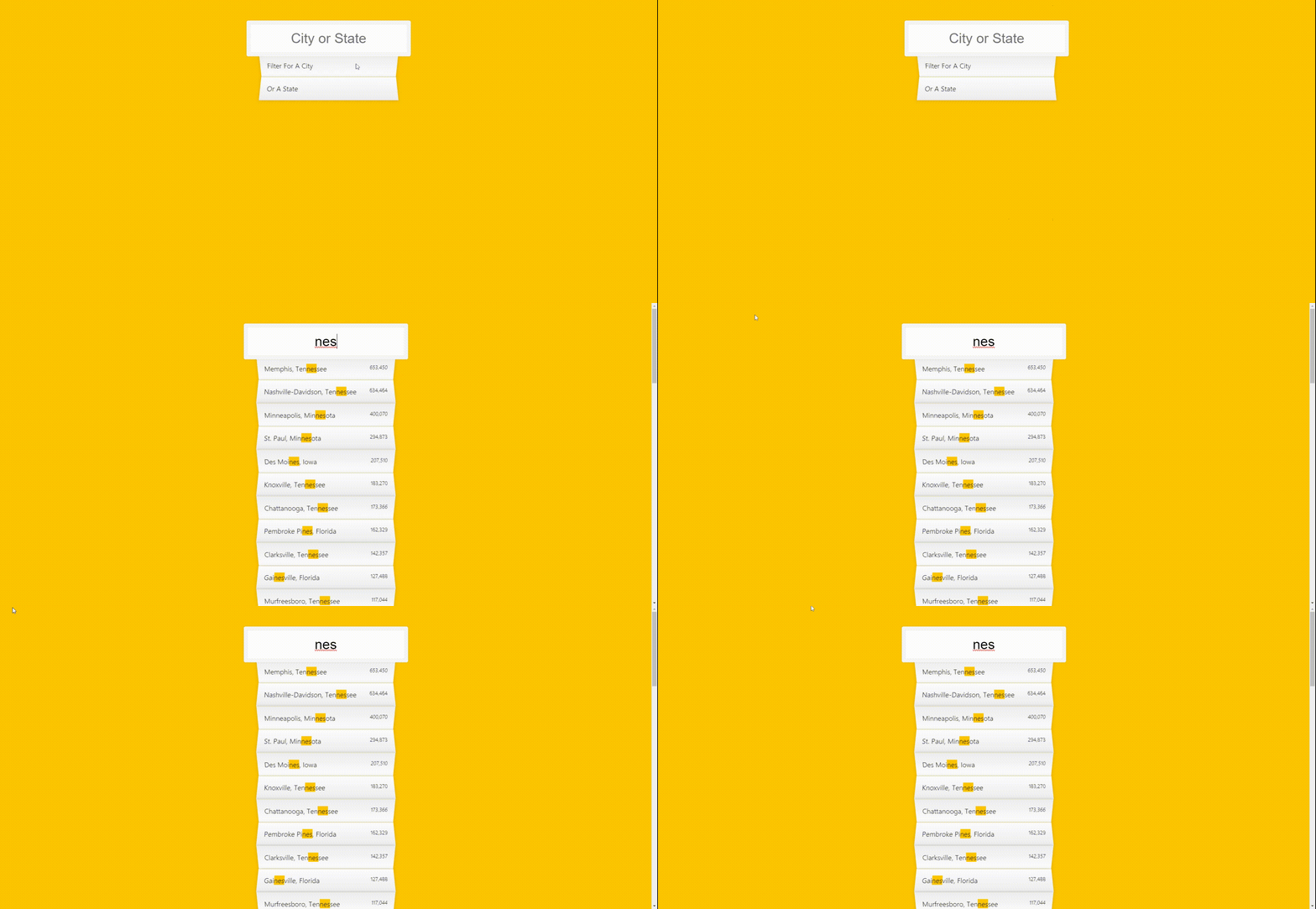
결과

개발자를 꿈 꾸는 퍼블리셔