npm ERR! code ELIFECYCLE
npm ERR! errno 1
npm ERR! ______ start: `react-scripts start`
npm ERR! Exit status 1
npm ERR!
npm ERR! Failed at the  ________ start script.
npm ERR! This is probably not a problem with npm. There is likely additional logging output above.
Terminal에서 npm start했을 때 갑자기 에러가 발생헀다.
stackoverflow 해결방법
Step 1: $ npm cache clean --force
Step 2: $ rm -rf node_modules
rmdir /S /Q node_modules in windows
Step 3: npm install
나는 이 방법으로 해결되지 않았다.
나의 해결 방법
나는 알고보니 노드 버전이 기본 설정으로 v10으로 설정되어 있어서 최슨 npm package들이 작동 안되고 있었다. 그래서 노드 버전을 업데이트하고 기본 설정을 변경하였다.
Step 1: node --version (노드 버전부터 확인한다)
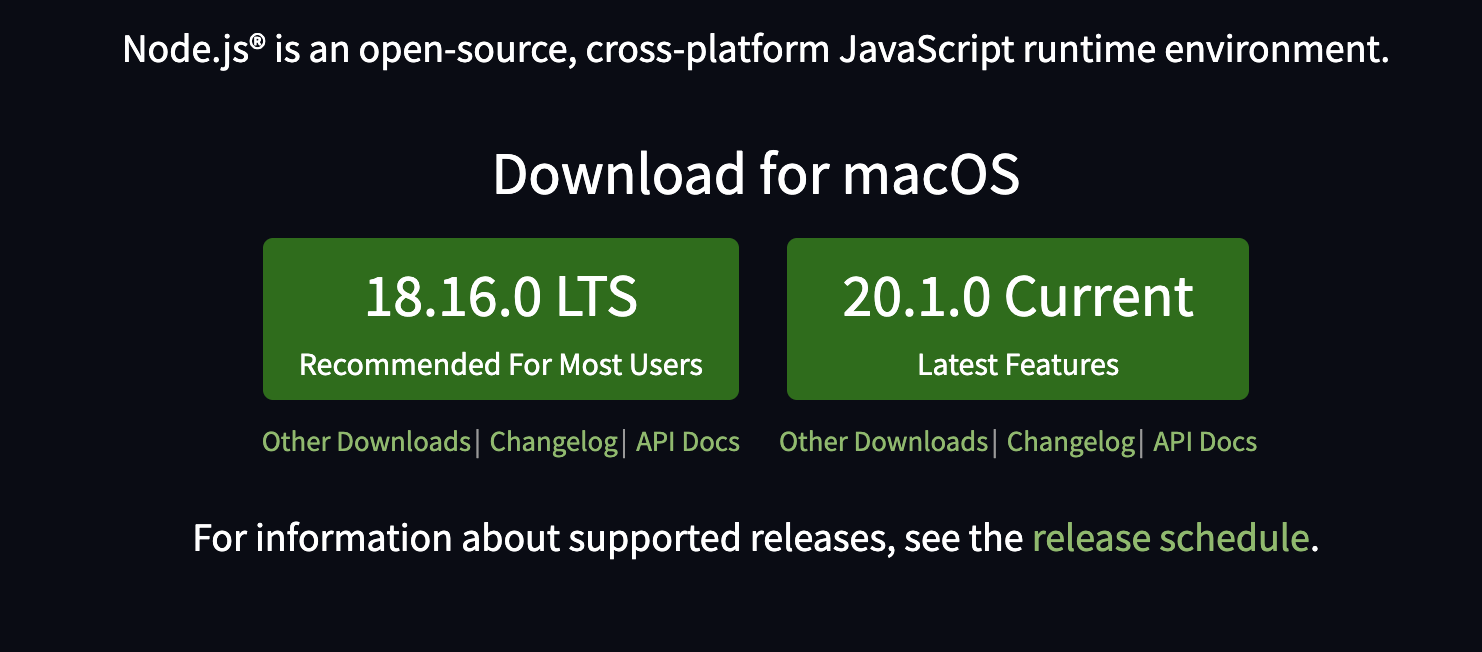
Step 2: 2023.05.16 기준 노드 버전 다운로드
또한 사용하고 싶은 버전이 있으면 nvm install 18.16.0
Step 3: nvm alias default 18.16.0 (버전 기본 설정하기)
Step 4: node --version (노드 버전 확인하기)
이런 방식으로 했더니 해결되었다.
