01 이미지 애니메이션 주기
	const ani1 = gsap.timeline();
      ani1.to("#section1 .parallax__item__img",{rotation:720, scale:0, borderRadius:200})
           .to("#section1 .parallax__item__img",{rotation:0, scale:1, borderRadius:0})

       ScrollTrigger.create({
        animation:ani1,
        trigger:"#section1",
        start:"top top",
        end: "+=2000",
        scrub:true,
        pin:true,
        anticipatePin:1,
        markers:true
       });
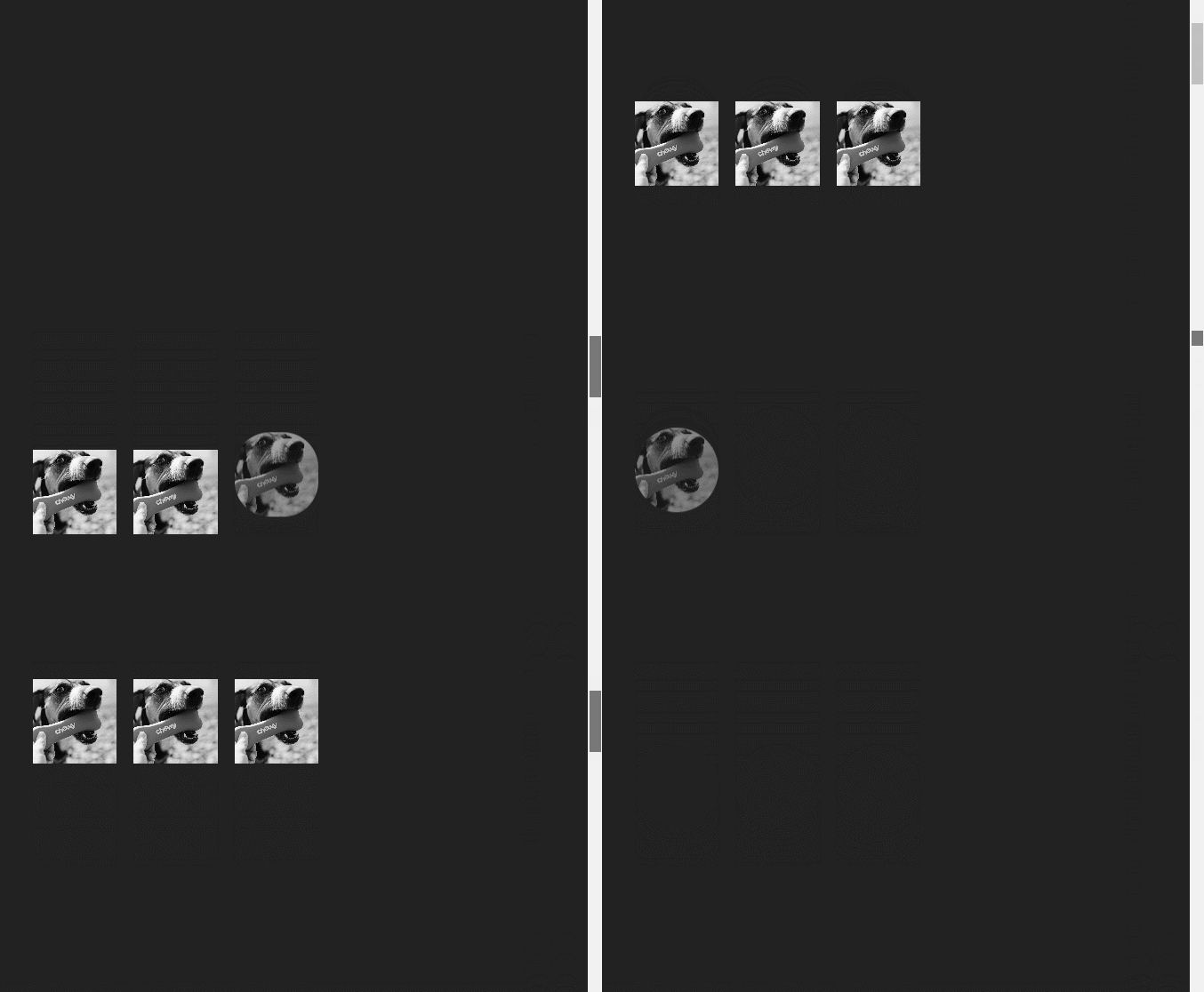
02 이미지를 순차적으로 나오기
       const ani2 = gsap.timeline();
        ani2.from('#section2 .i1', {y:-100, autoAlpha:0, borderRadius: 200})
          .from('#section2 .i2', {y:-100, autoAlpha:0, borderRadius: 200})
          .from('#section2 .i3', {y:-100, autoAlpha:0, borderRadius: 200})

       ScrollTrigger.create({
        animation:ani2,
        trigger:"#section2",
        start:"top top",
        end: "+=2000",
        scrub:true,
        pin:true,
        anticipatePin:1,
        markers:true
       });
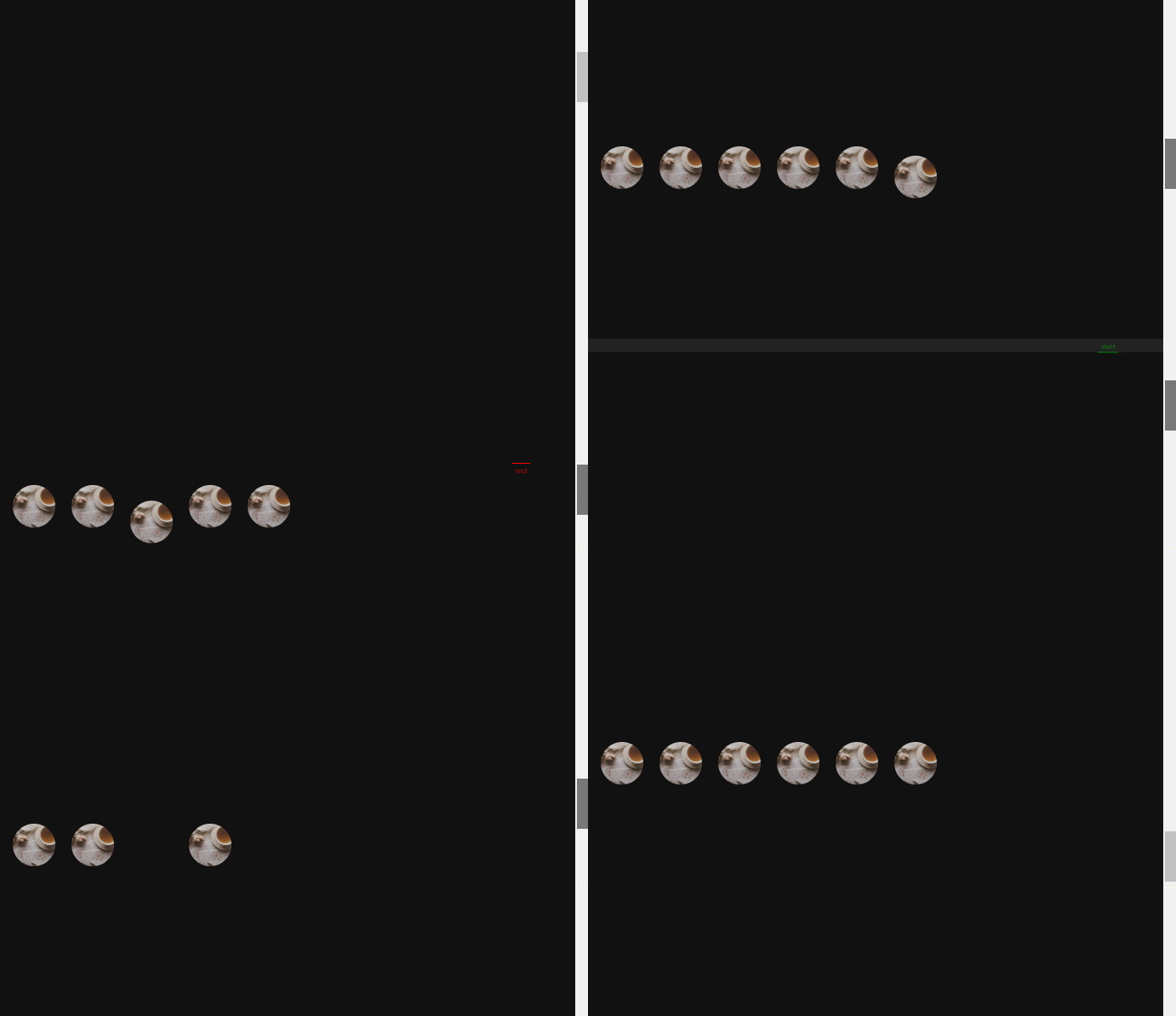
03 이미지 랜덤으로 나오기
const ani3 = gsap.timeline();
        ani3.from('#section3 .parallax__item__img', {
          autoAlpha:0,
          y: -100,
          ease:"back.out(4)",
          // stagger: 0.1
          stagger:{
            amount:3,
            from:"random"
          }
        })

       ScrollTrigger.create({
        animation:ani3,
        trigger:"#section3",
        start:"top top",
        end: "+=3000",
        scrub:true,
        pin:true,
        anticipatePin:1,
        markers:true
       });
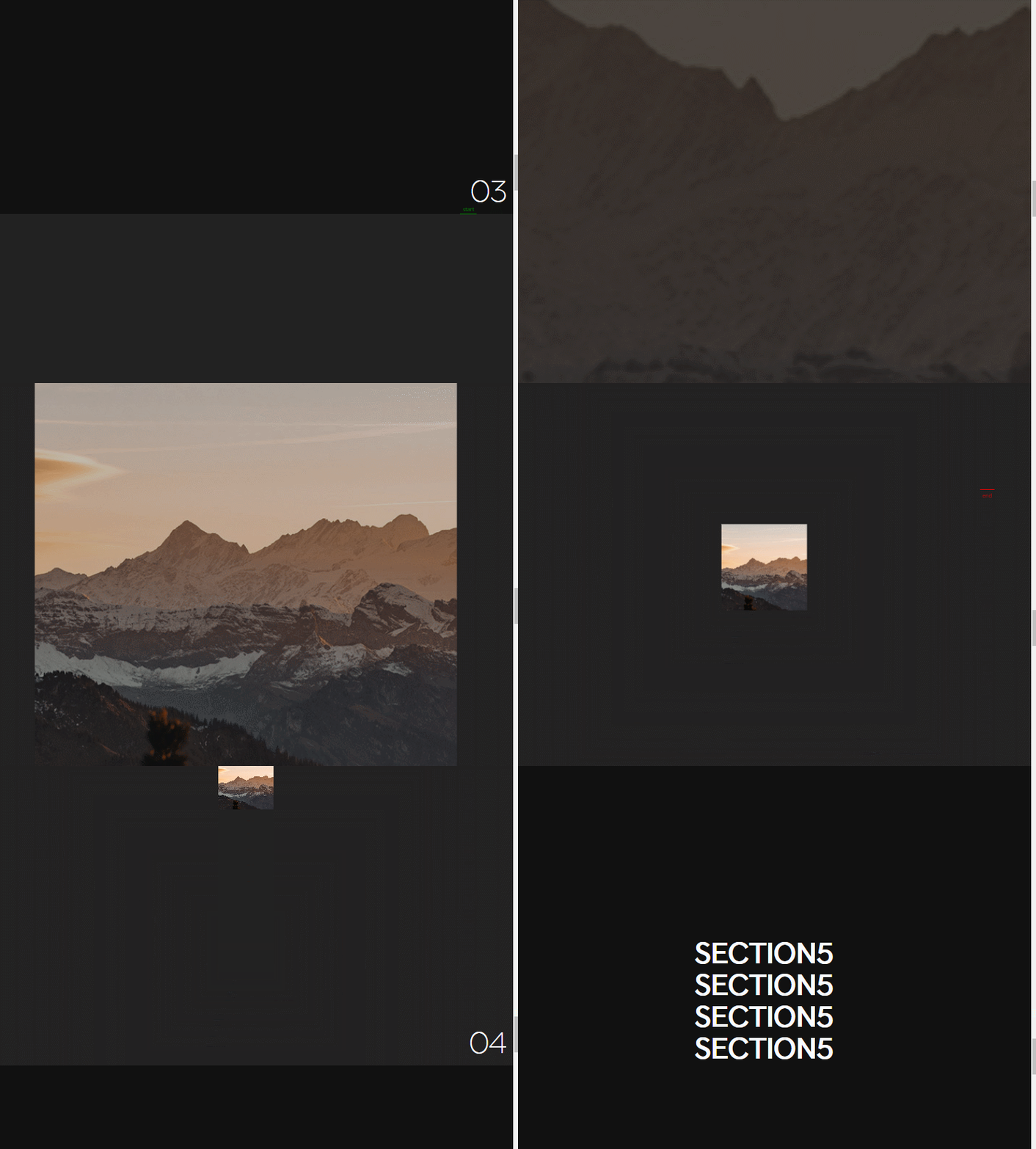
04: 이미지 축소하기
const ani4 = gsap.timeline();
        ani4.from('#section4 .parallax__item__img', {
          autoAlpha:0,
         scale:5,
         width:'100vw',
         height:'100vh'
        });

       ScrollTrigger.create({
        animation:ani4,
        trigger:"#section4",
        start:"top top",
        end: "+=3000",
        scrub:true,
        pin:true,
        anticipatePin:1,
        markers:true
       });
05 : 텍스트 애니메이션
const ani5 = gsap.timeline();
        // ani5.to('#section5 .t1', {xPercent:300}, "text")
        //     .to('#section5 .t2', {xPercent:-300}, "text" )
        //     .to('#section5 .t3', {xPercent:300}, "text")
        //     .to('#section5 .t4', {xPercent:-300}, "text")
        ani5.to('#section5 .t1', {xPercent:300})
            .to('#section5 .t2', {xPercent:-300})
            .to('#section5 .t3', {xPercent:300})
            .to('#section5 .t4', {xPercent:-300})

       ScrollTrigger.create({
        animation:ani5,
        trigger:"#section5",
        start:"top top",
        end: "+=3000",
        scrub:true,
        pin:true,
        anticipatePin:1,
        markers:true
       });
순서대로 실행이 싫으면
끝에 문자를 추가하면 동시에 실행이 된다.

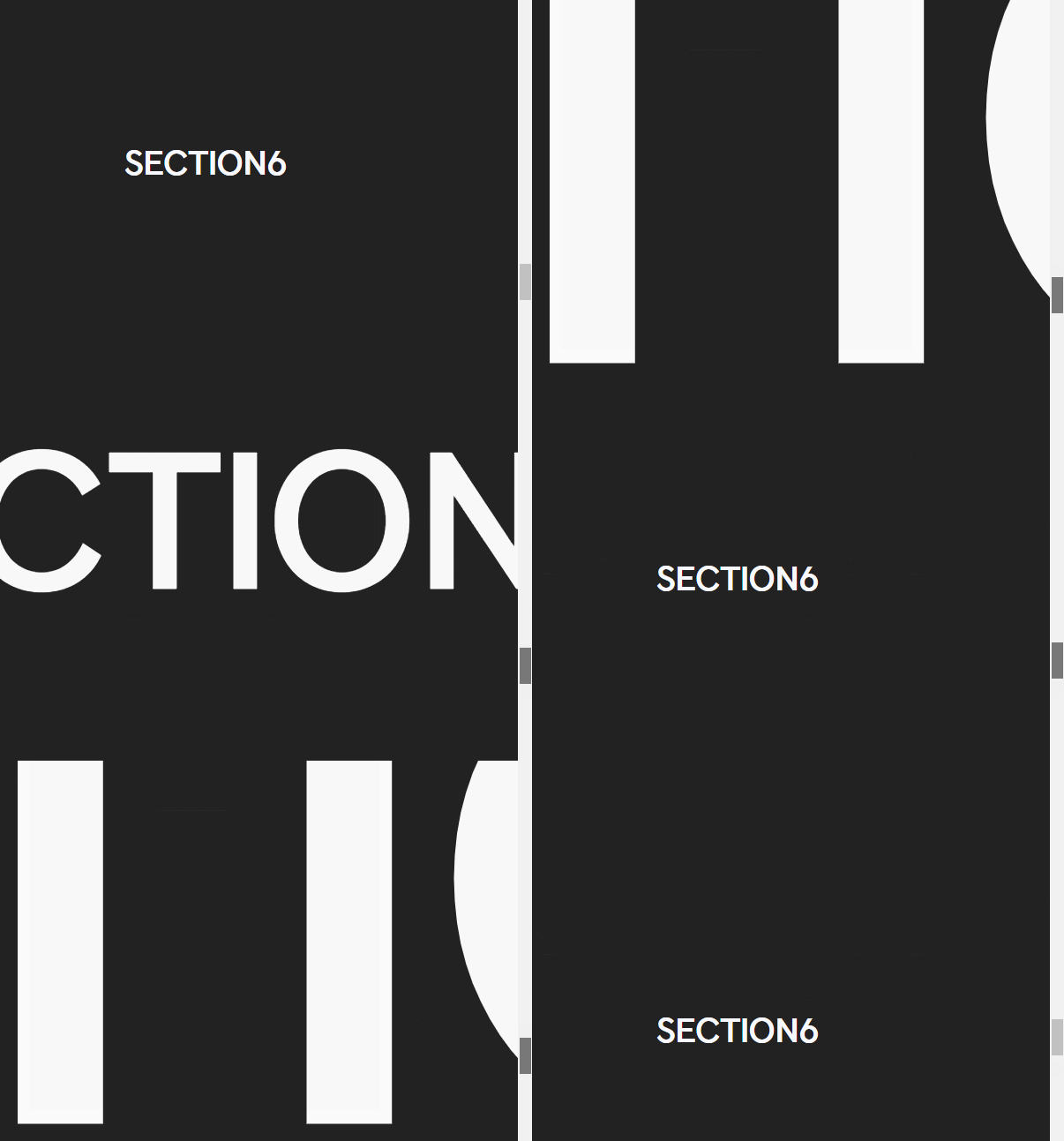
06 : 텍스트 확대하기
const ani6 = gsap.timeline();
            ani6.to('#section6 .parallax__item__text', {scale:60, duration:2})
                .to('#section6 .parallax__item__text', {autoAlpha: 0})

      ScrollTrigger.create({
        animation:ani6,
        trigger:"#section6",
        start:"top top",
        end: "+=4000",
        scrub:true,
        pin:true,
        anticipatePin:1,
        markers:true
       });
07 : 텍스트 제자리 애니메이션
const ani7 = gsap.timeline();
      ani7.from('#section7 .t1', {autoAlpha:0 , duration:1, y:50}, "+=1")
          .from('#section7 .t2', {autoAlpha:0 , duration:1, y:50}, "+=1")
          .from('#section7 .t3', {autoAlpha:0 , duration:1, y:50}, "+=1")
          .from('#section7 .t4', {autoAlpha:0 , duration:1, y:50}, "+=1")
          .from('#section7 .t5', {autoAlpha:0 , duration:1, y:50}, "+=1")
          .from('#section7 .t6', {autoAlpha:0 , duration:1, y:50}, "+=1")
          .from('#section7 .t7', {autoAlpha:0 , duration:1, y:50}, "+=1")

      ScrollTrigger.create({
        animation:ani7,
        trigger:"#section7",
        start:"top top",
        end: "+=6000",
        scrub:true,
        pin:true,
        anticipatePin:1,
        markers:true
       });
끝에 +1 등으로 지연시간을 주면 더 자연스럽다.
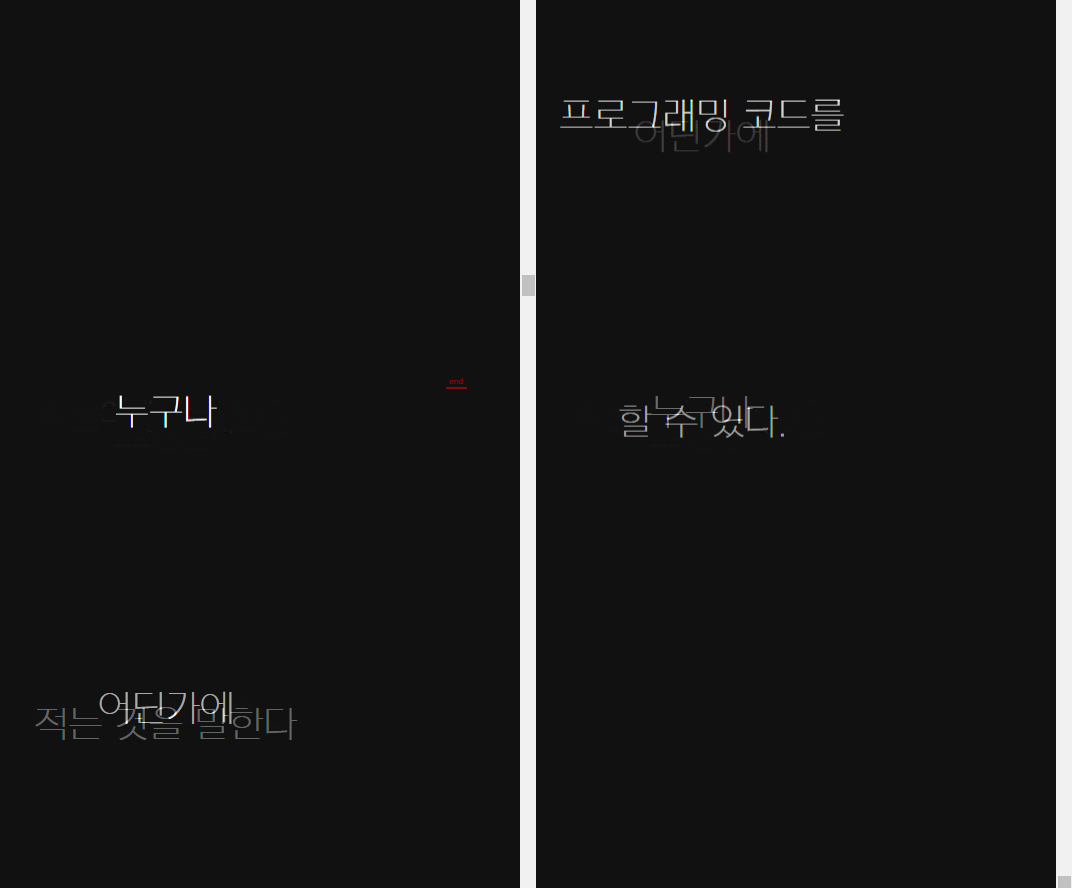
08 : 텍스트 애니메이션
const ani8 = gsap.timeline();
       ani8.from("#section8 .t1", {x: innerWidth *1})
           .from("#section8 .t2", {x: innerWidth *1})
           .from("#section8 .t3", {x: innerWidth *1})
           .from("#section8 .i1", {x: innerWidth *1, rotation: 360, scale:5})

       ScrollTrigger.create({
        animation:ani8,
        trigger:"#section8",
        start:"top top",
        end: "+=6000",
        scrub:true,
        pin:true,
        anticipatePin:1,
        markers:true
       });
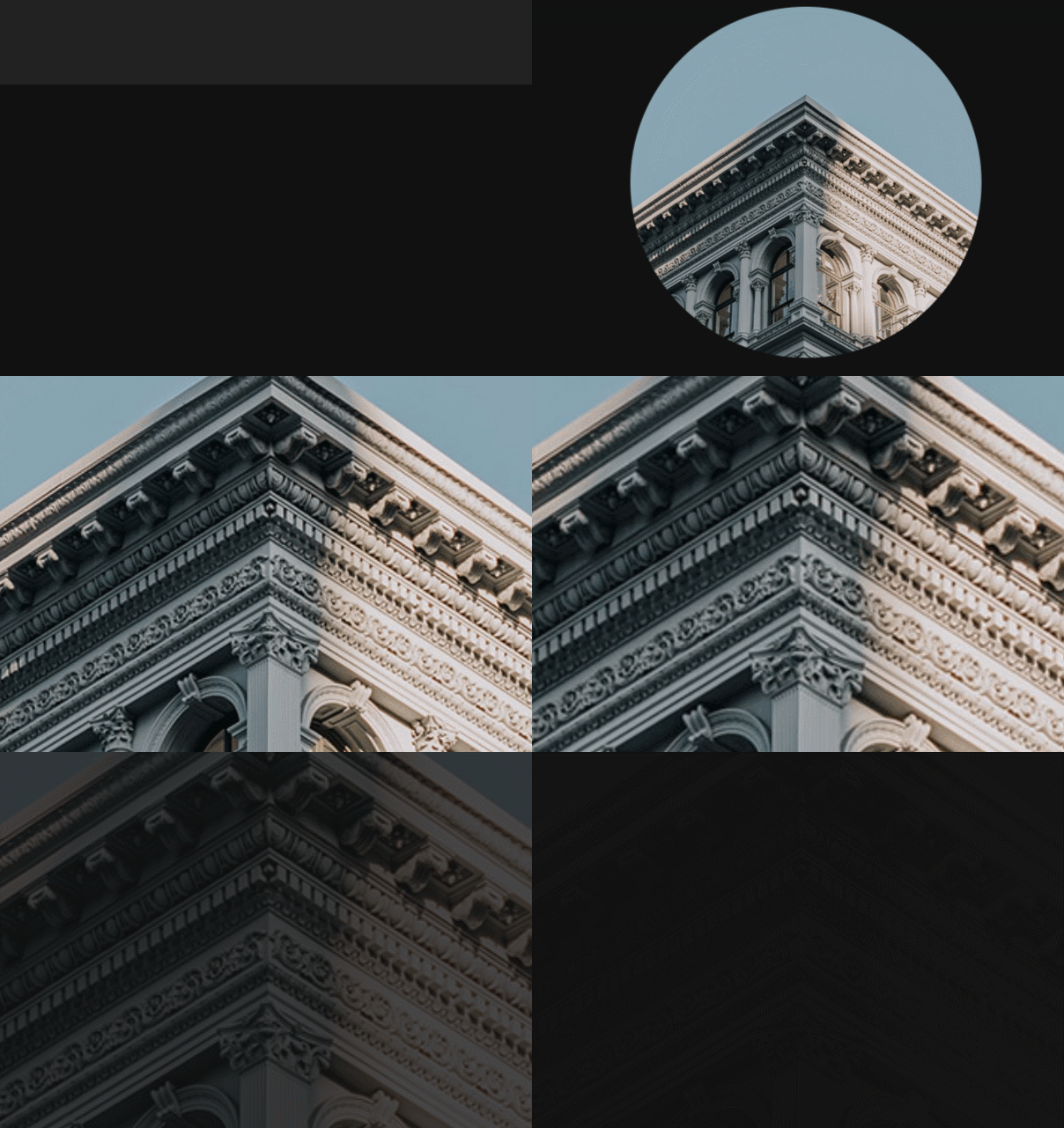
09: 이미지 확대하기
const ani9 = gsap.timeline();
      ani9.to('#section9 .parallax__item__img', {scale:13})
          .to('#section9 .parallax__item__img', {scale:13, autoAlpha:0})

      ScrollTrigger.create({
        animation:ani9,
        trigger:"#section9",
        start:"top top",
        end: "+=6000",
        scrub:true,
        pin:true,
        anticipatePin:1,
        markers:true
       });
lbh_dev