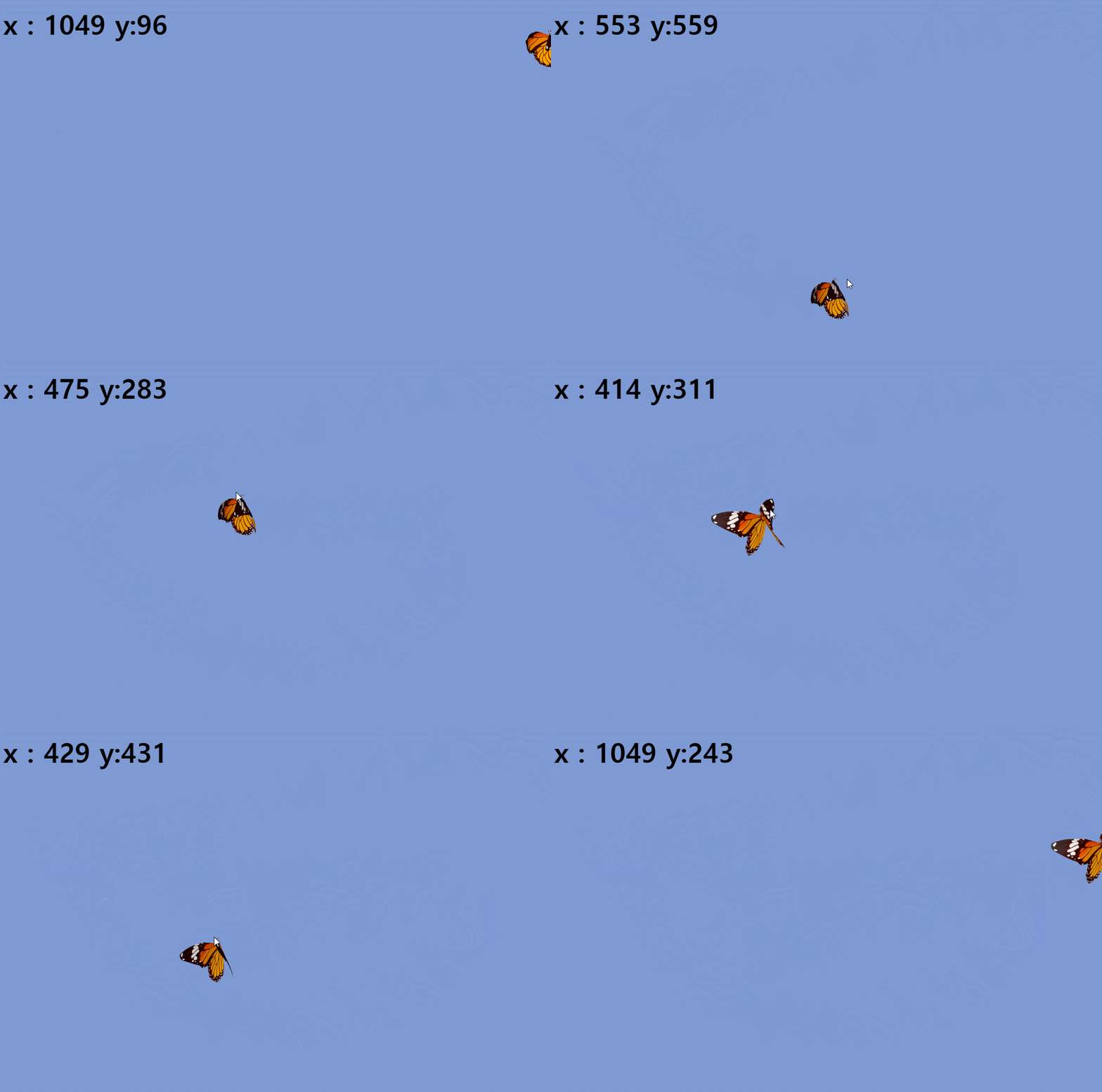
위 gif 처럼 마우스를 따라다니는 모션을 만들어보자.
<h1>test</h1>
  <div class="box">
    <img src="images/butterfly.gif" alt="">
  </div>
body {
background-color: rgb(126, 154, 212);
height: 300vh;
}
h1 {
font-size: 50px;
padding: 20px;
}
.box {
position:absolute;
top:50%;
left:50%;
transform: translate(-50%,-50%);
}
.box img {width:200px;}window.onload = () => {
const h1 = document.querySelector("h1");
const box = document.querySelector('.box');
window.addEventListener("mousemove", (e) => {
h1.innerText = `x : ${e.pageX} y:${e.pageY}`;
box.style.top = e.pageY + 'px';
box.style.left = e.pageX + 'px';
});
};mousemove 기능을 이용하여. e.pageX , e.pageY를 통해 값을 알아낸후 이동시킬 div에 left top 값에 넣어주면 마우스를 따라다니게 된다.

lbh_dev