사용하는 이유
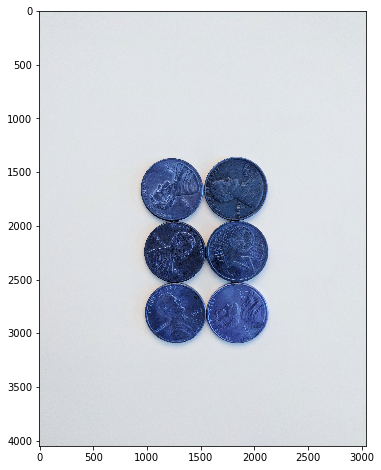
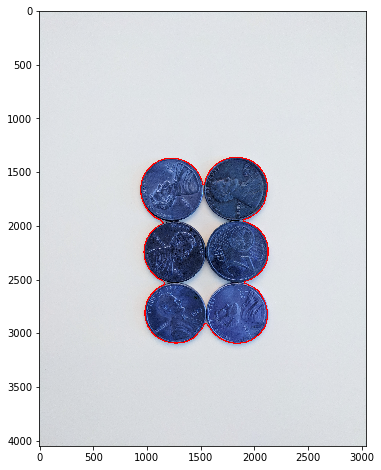
다른 객체이지만, 객체끼리 붙어있거나 겹쳐있다면 컴퓨터는 서로 다른 객체로 인식하기 어렵다.
| 원본 이미지 | 하나의 객체로 인식한 모습 |
|---|
 |  |
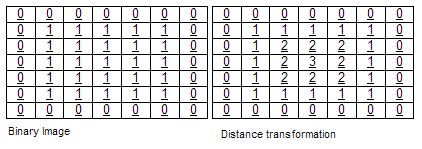
- 이진 이미지에서 외부에서부터 내부로 들어갈수록 픽셀의 값이 커지는 행렬
- 각 픽셀의 값은 가장 가까운 장애 픽셀(일반적으로 가장자리 픽셀) 까지의 거리를 나타냄
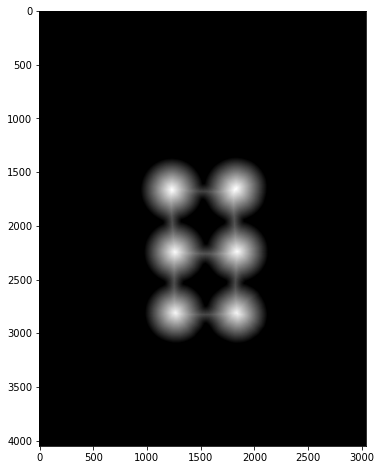
| Distance Transfrom을 활용해 추출한 스켈레톤 이미지 |
|---|
 |
진행과정
- Apply Blur
- Convert to Grayscale
- Apply Threshold
- Noise Removal (Optional)
- Grab Background that you are sure of
- Find Sure Foreground
- Find Unknown Region
- Label Makers of Sure Foreground
- Apply Watershed Algorithm
- Find Contours on Markers
img = cv2.medianBlur(img, 35)
gray = cv2.cvtColor(img, cv2.COLOR_BGR2GRAY)
ret, thresh = cv2.threshold(gray, 0, 255, cv2.THRESH_BINARY_INV + cv2.THRESH_OTSU)
kernel = np.ones((3,3), np.unit8)
opening = cv2.morpholohyEX(thresh, cv2.MORPH_OPEN, kernel, iteration = 2)
sure_bg = cv2.dilate(opening, kernel, iterations=3)
dist_transform = cv2.distanceTransform(opening, cv2.DIST_L2, 5)
ret, sure_fg = cv2.threshold(dist_transform, 0.7 * dist_transform.max(), 255, 0)
sure_fg = np.unit(sure_fg)
unknown = cv2.subtract(sure_bg, sure_fg)
ret, markers = cv2.connectedComponents(sure_fg)
markers = makres + 1
markers[unknown == 255] = 0
markers = cv2.watershed(img, markers)
image, contours, hierarchy = cv2.findContours(markers.copy(), cv2.RETR_CCOMP, cv2.CHAIN_APPROX_SIMPLE)
for i in range(len(contours)):
if hierarchy[0][i][3] == -1:
cv2.drawContours(sep_coins, contours, i, (255, 0, 0), 10)
설명
- 전처리된 이미지에서 배경과 전경을 분리하고, 배경에서 전경을 제거해 Unknown 지역을 구분한다.
- 마킹작업을 진행하고, Unknown 지역을 제거해 Watershed 알고리즘에서 사용할 시드로 사용
결과
| sure_bg | sure_fg | unknown | marking |
|---|
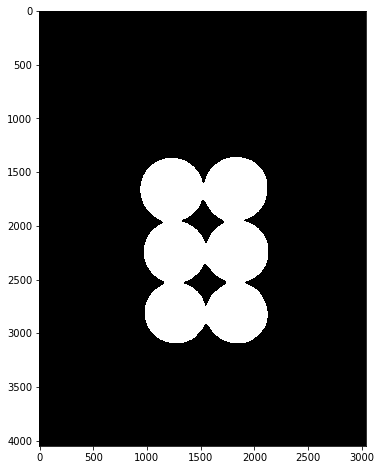 | 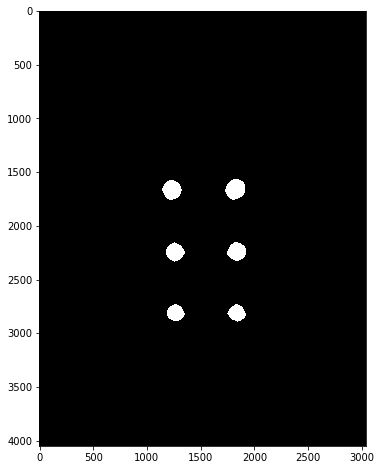 |  | 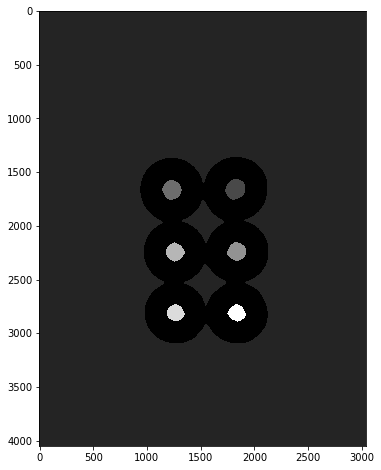 |
| watreshed | result |
|---|
 | 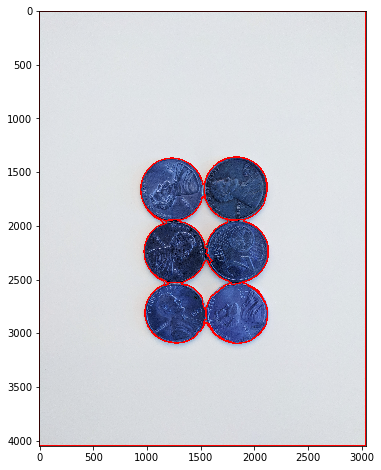 |
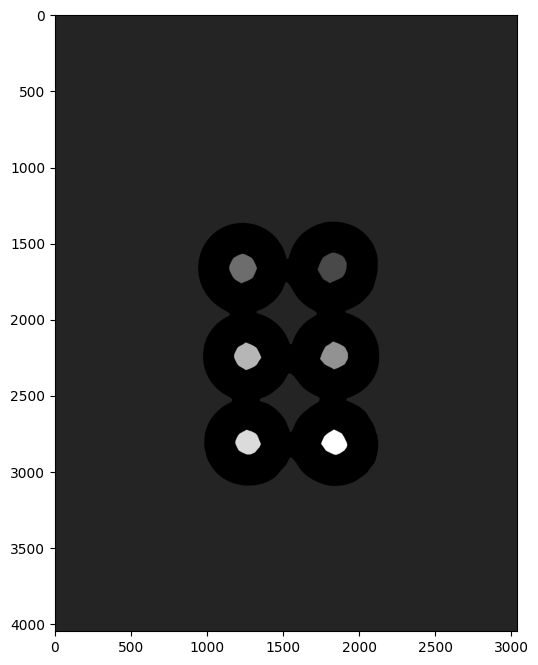
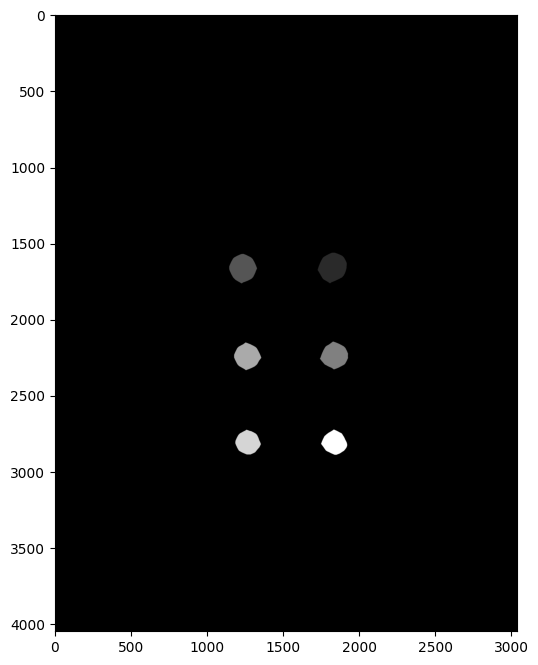
Unknow Region을 빼줘야 하는이유
| Unknown Region O | Unknown Region X |
|---|
 |  |
Custom Seed 사용하기
Custom Seed
- Distance Transform처럼 알고리즘에 의해 seed를 선택하는것이 아니라 사용자가 직접 seed를 선택
n_markers = 10

current_marker = 1
marks_update = False

def mouse_callback(event, x, y, flags, param):
	global marks_update

    if event == cv2.Event_LBUTTONDONW:
    	cv2.circle(marker_image, (x, y), 10, (curret_marker), -1)

        cv2.circle(road_copy, (x, y), 10, colors[current_marker], -1)
        marks_updated = True


cv2.nameWindow('Road Image')
cv2.setMouseCallback('Road Image', mouse_callback)

while True:
	cv2.imshow('Watershed segments', segments)
    cv2.imshow('Road Image', road_copy)

    k = cv2.waitKey(1)

    if k == 27:
    	break
    elif k == ord('c'):
    	road_copy = road.copy()
        marker_image = np.zeros(road.shape[0:2], dtyp=np.int32)
        segments = np.zeros(road.shape,dtype=np.uint8)