정적컨텐츠 : 컨텐츠 그대로 반환 ( jsp,html)
- 컨트롤러에서 html 파일정보를 확인 -> 없으면 2번 단계로 내려감
- resources : statics / file-name.html /
해당파일을 statics에서 찾은 후 해당 html 파일을 렌더링
MVC 템플릿 엔진 : 동적
Model - View - Controller
View : 오로지 그리는 역할 ( 렌더링 )
Model , Controller : 내부 로직 처리 역할
RequestParam
default = false
파라미터 줄지말지 boolean 값
	@GetMapping("/hello-mvc")
	public String helloMvc(@RequestParam(value = "name") String name ,Model model) {

		model.addAttribute("name",name);

		return "hello-spring";

	}

http://localhost:8080/hello-mvc?name=spring

? 뒤의 파라미터 name = spring 이 model에 add 되고

return 되는 view 페이지로 렌더링 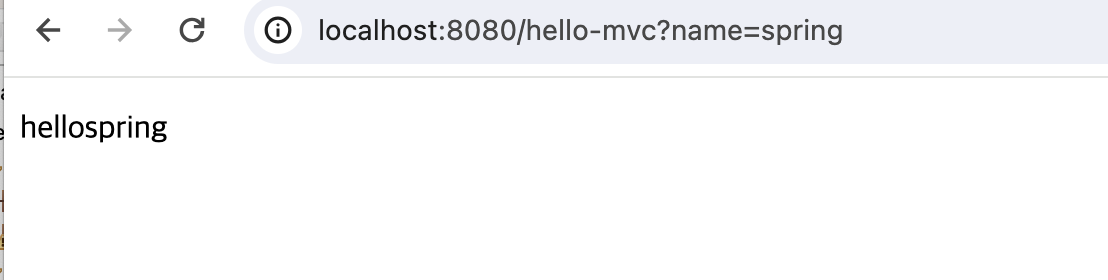API : @ResponseBody
http 프로토콜 body 부분에 직접 넣어주기
view에 뿌려주는게 아님
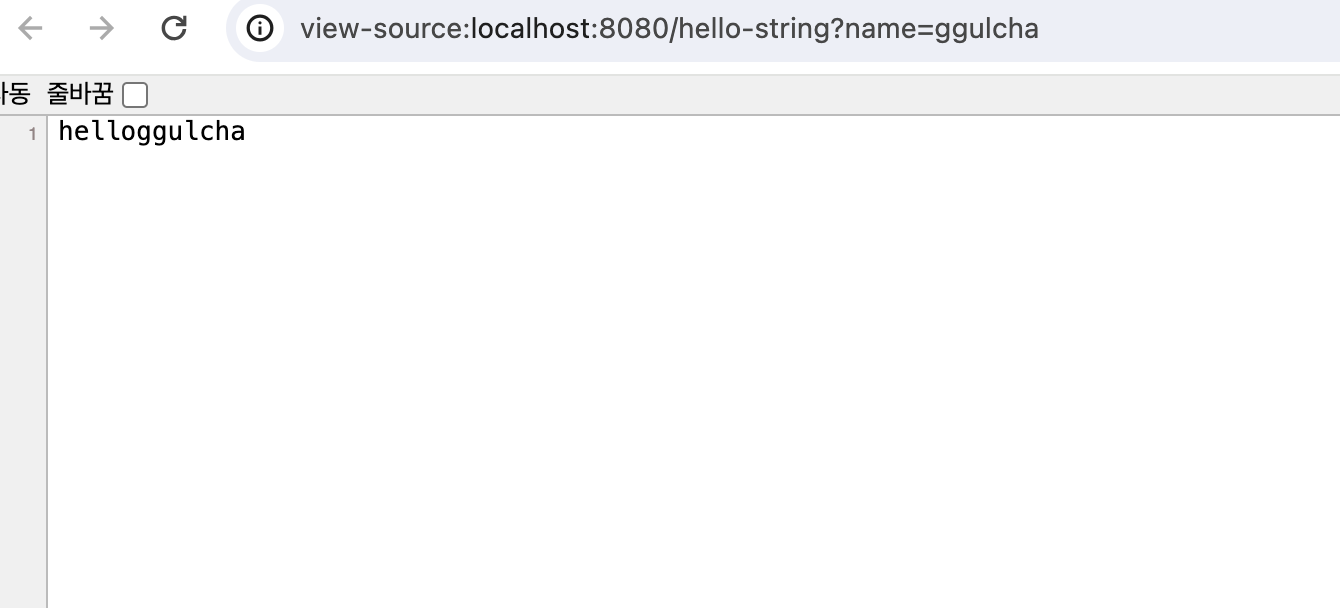
	@GetMapping("/hello-string")
	@ResponseBody
	public String helloString(@RequestParam(value = "name") String name ) {

			return "hello"+name;

		}
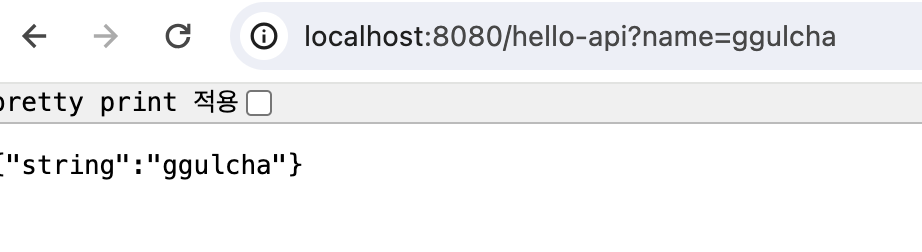
JSON 방식 ( getter , setter )
객체를 주고 받는 API 방식 최근에는 xml -> json 방식으로 통일
Hello 클레스 정의 후 return
viewResolver 가 아닌 HttpMessageConverter가 동작하게 됨
기본 문자처리 : StringMessageConverter
객체 처리 : JsonMessageConverter
@GetMapping("/hello-api")
	@ResponseBody
	public Hello helloapi(@RequestParam(value = "name") String name ) {

		Hello hl = new Hello();
		hl.setString(name);
		return hl;

	}


	public static class Hello {
		private String name;

		public String getString() {
			return name;

		}

		public void setString(String name) {
			this.name = name;

		}
	}
파라미터 2개 단순히 받기
	@GetMapping("/hello-api")
	@ResponseBody
	public Hello helloapi(@RequestParam("name")String name,
						  @RequestParam("email")String email ) {

		Hello hl = new Hello();
		hl.setName(name);
		hl.setEmail(email);
		return hl;

	}