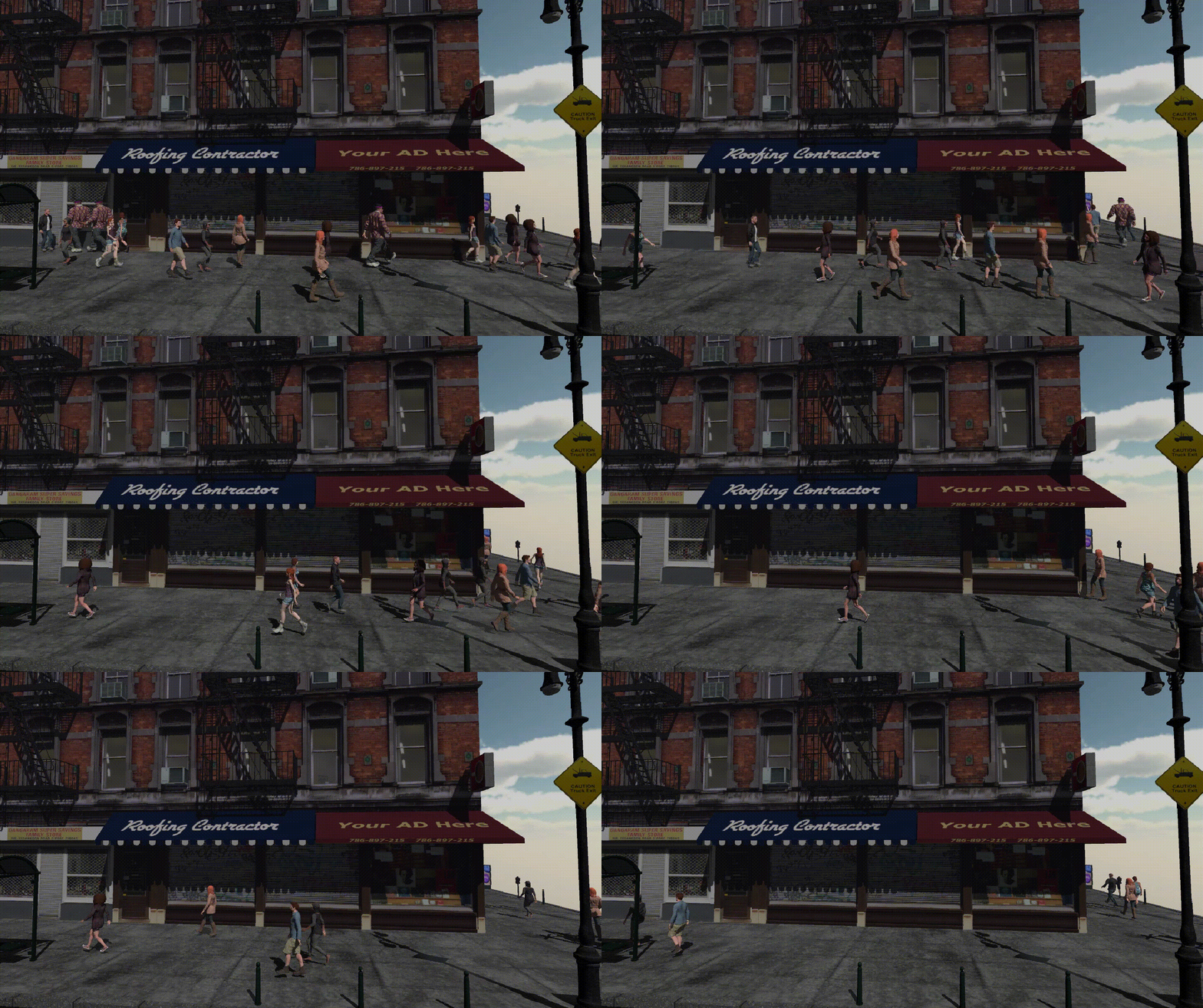
도시 군중 생성하기 Part1(Creating a City Crowd)
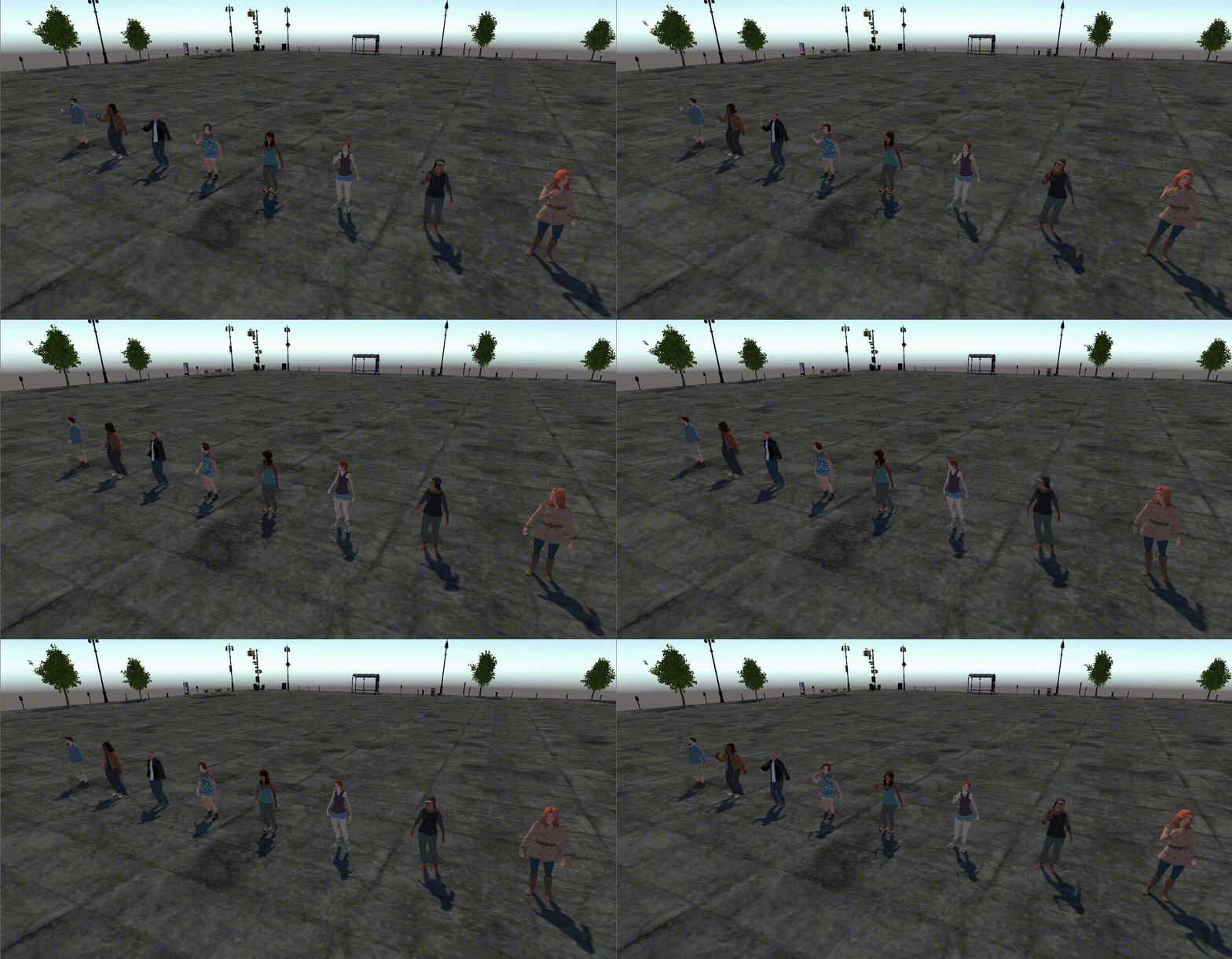
먼저 Animator 와 NavMeshAgent를 가지고 있는 캐릭터들을 생성해 주었다.
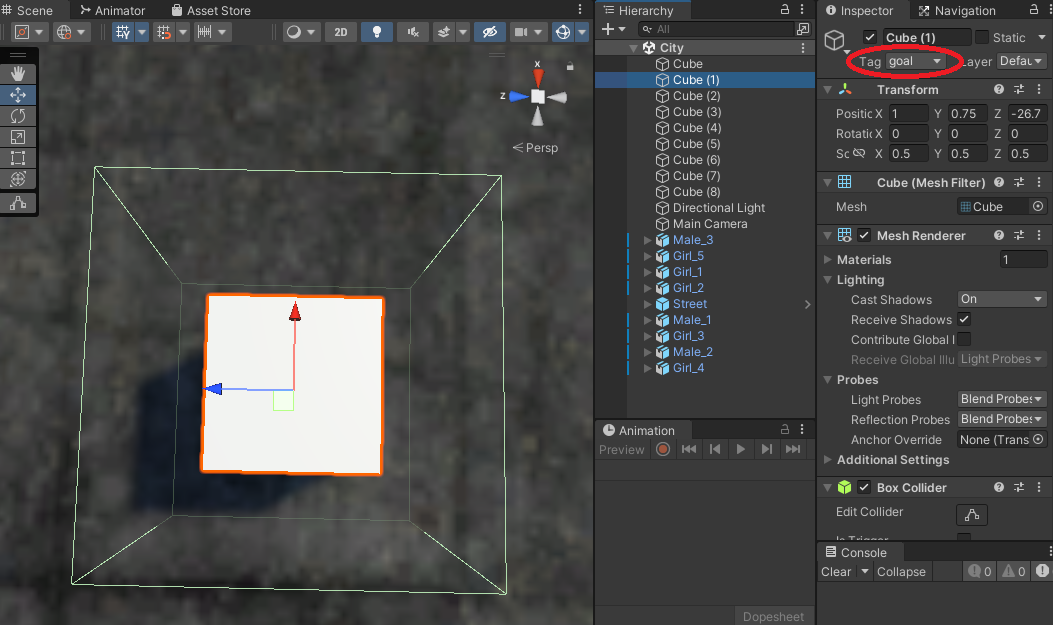
위에서 했던 것처럼 맵을 Bake 해주고 Goal을 여러개 생성한다.
이때 각 Goal에 "goal" 태그도 같이 달아준다.
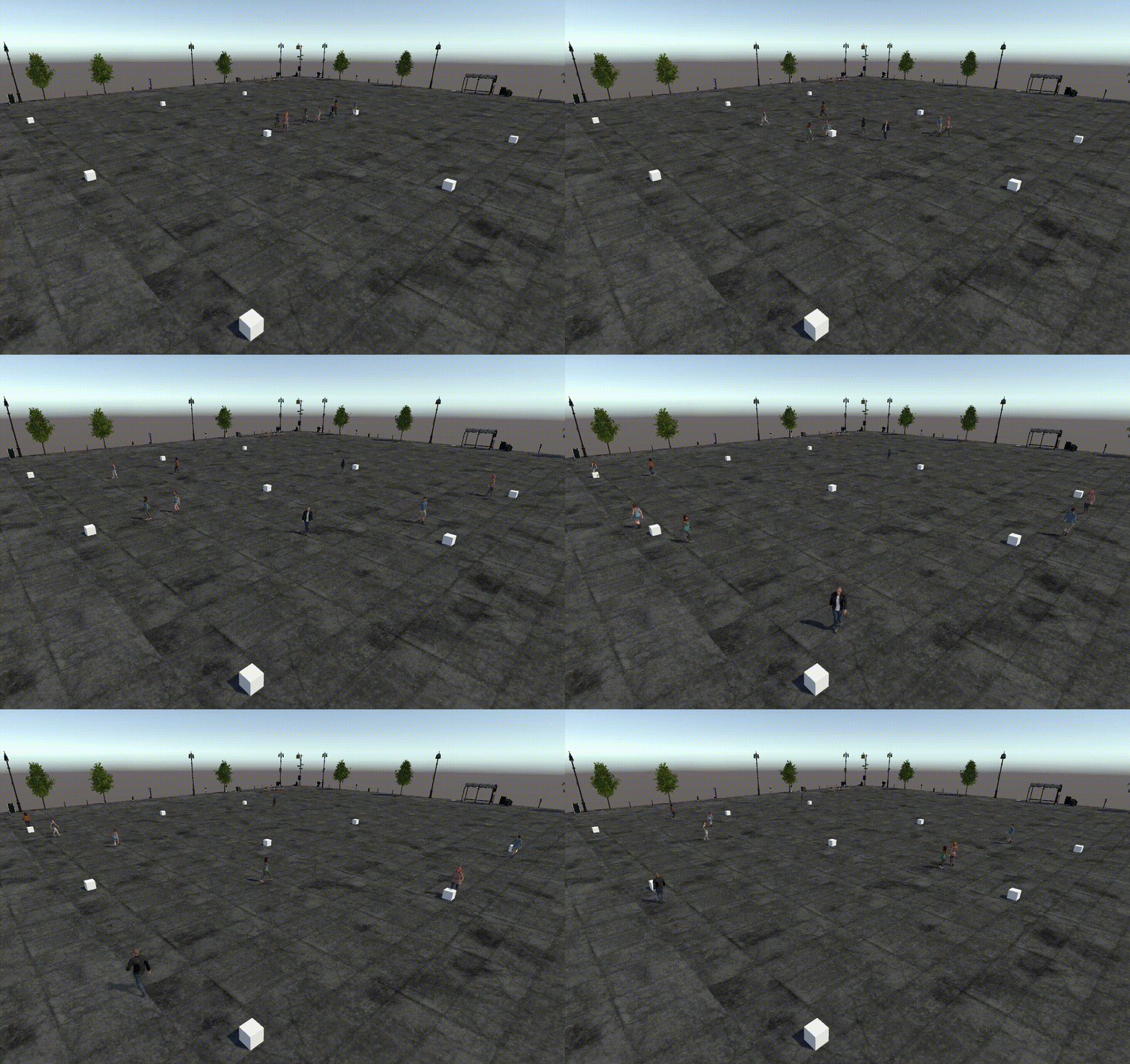
그 다음 Character에 공통으로
    void Start()
    {
        // 초기 goal 설정
        agent = GetComponent<NavMeshAgent>();
        goalLocations = GameObject.FindGameObjectsWithTag("goal");
        int i = Random.Range(0, goalLocations.Length);
        agent.SetDestination(goalLocations[i].transform.position);

        // 걷기 애니메이션 설정
        animator = GetComponent<Animator>();
        animator.SetTrigger("isWalking");
    }

    void Update()
    {
    	// 현재 목적지에 거의 근접했을때
        if (agent.remainingDistance < 1)
        {
        	// 새로운 목적지로 이동
            int i = Random.Range(0, goalLocations.Length);
            agent.SetDestination(goalLocations[i].transform.position);
        }
    }
위의 코드를 넣어 주면 FindGameObjectsWithTag 로 goal들을 가져오고 그 중 랜덤으로 선택해서 목적지로 사용하고 목적지에 도착한 후엔 다른 목적지로 이동하게 된다.
도시 군중 생성하기 Part2(Creating a City Crowd)
위의 맵을 조금 더 도시 느낌이 들게 만들고 Bake를 다시 해주었다.
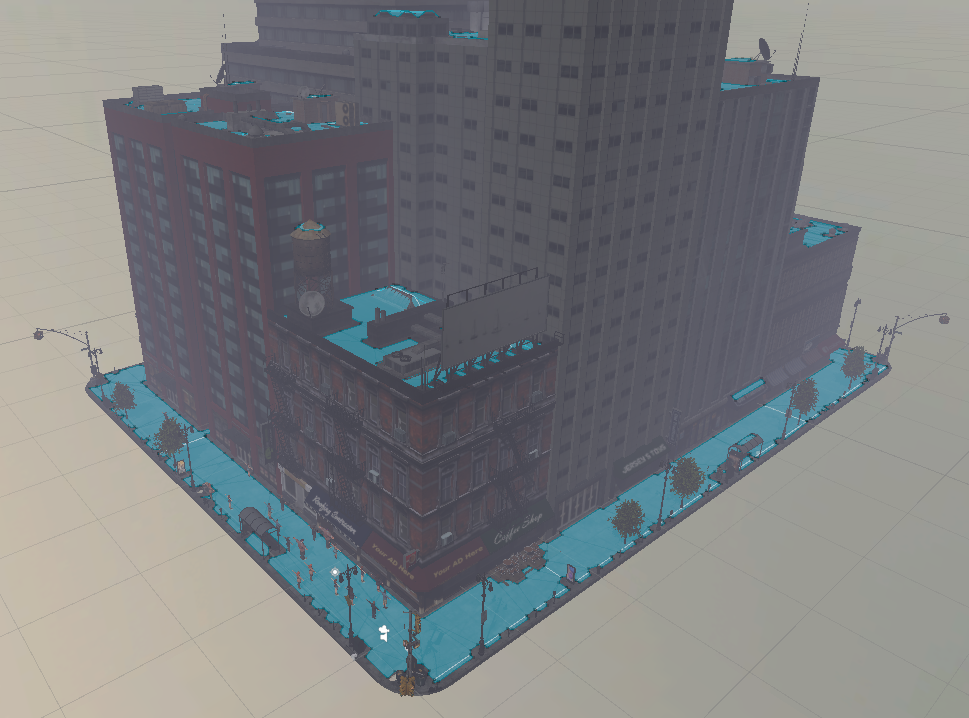
그 다음 아무곳에나 있던 Goal을 길의 모서리 부분에 배치해준 다음 실행하면 다음과 같이 된다.
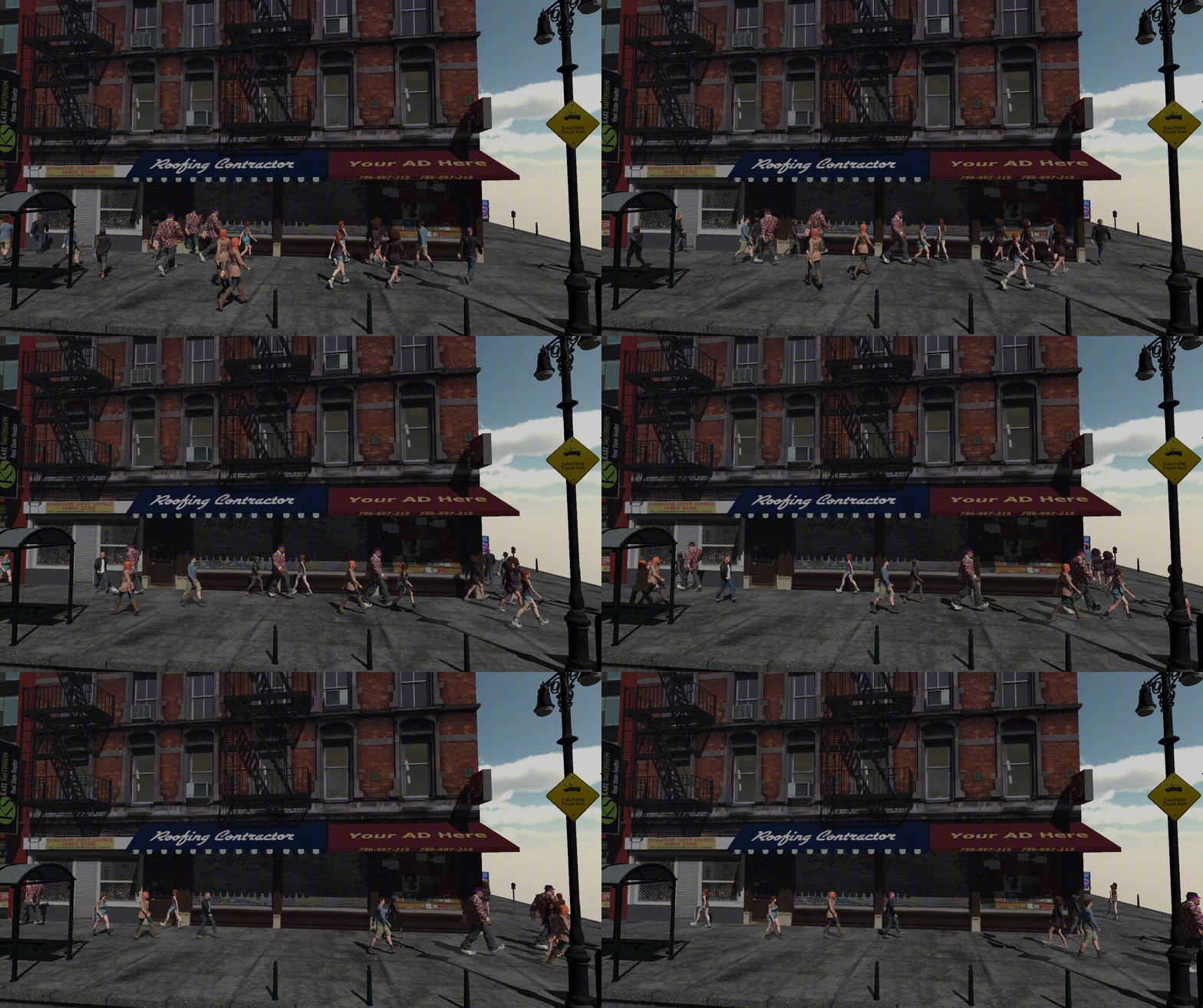
그럴듯해 보이지만 모두의 속도와 발걸음이 똑같아서 부자연스러운면이 있다.
이를 해결해주기 위해 다음과 같이 Agent 들의 초기 스피드 등을 다르게 설정해주었다.
    void Start()
    {
        // 초기 goal 설정
        agent = GetComponent<NavMeshAgent>();
        goalLocations = GameObject.FindGameObjectsWithTag("goal");
        int i = Random.Range(0, goalLocations.Length);
        agent.SetDestination(goalLocations[i].transform.position);

        // 추가된 부분 1
        // 초기 속도 설정(기본 속도의 절반 ~ 2배의 속도를 랜덤으로 적용)
        float speedMultiple = Random.Range(0.5f, 2f);
        agent.speed *= speedMultiple;

        // 걷기 애니메이션 설정
        animator = GetComponent<Animator>();
        animator.SetTrigger("isWalking");

        // 추가된 부분 2
        // 애니메이터 속도 동기화
        animator.SetFloat("speedMult", speedMultiple);

        // 추가된 부분 3
        // 애니메이션 시작 위치 랜덤 설정
        animator.SetFloat("wOffset", Random.Range(0.0f, 1.0f));
    }

    void Update()
    {
        if (agent.remainingDistance < 1)
        {
            int i = Random.Range(0, goalLocations.Length);
            agent.SetDestination(goalLocations[i].transform.position);
        }
    }
그 다음 Walking Animation 설정을
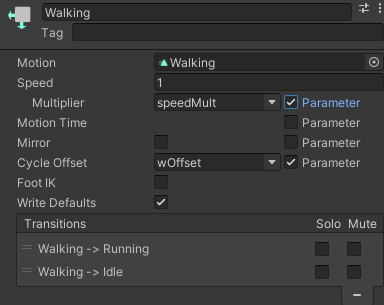
위와 같이 해주면 Agent 들이 랜덤하게 자연스럽게 움직인다!
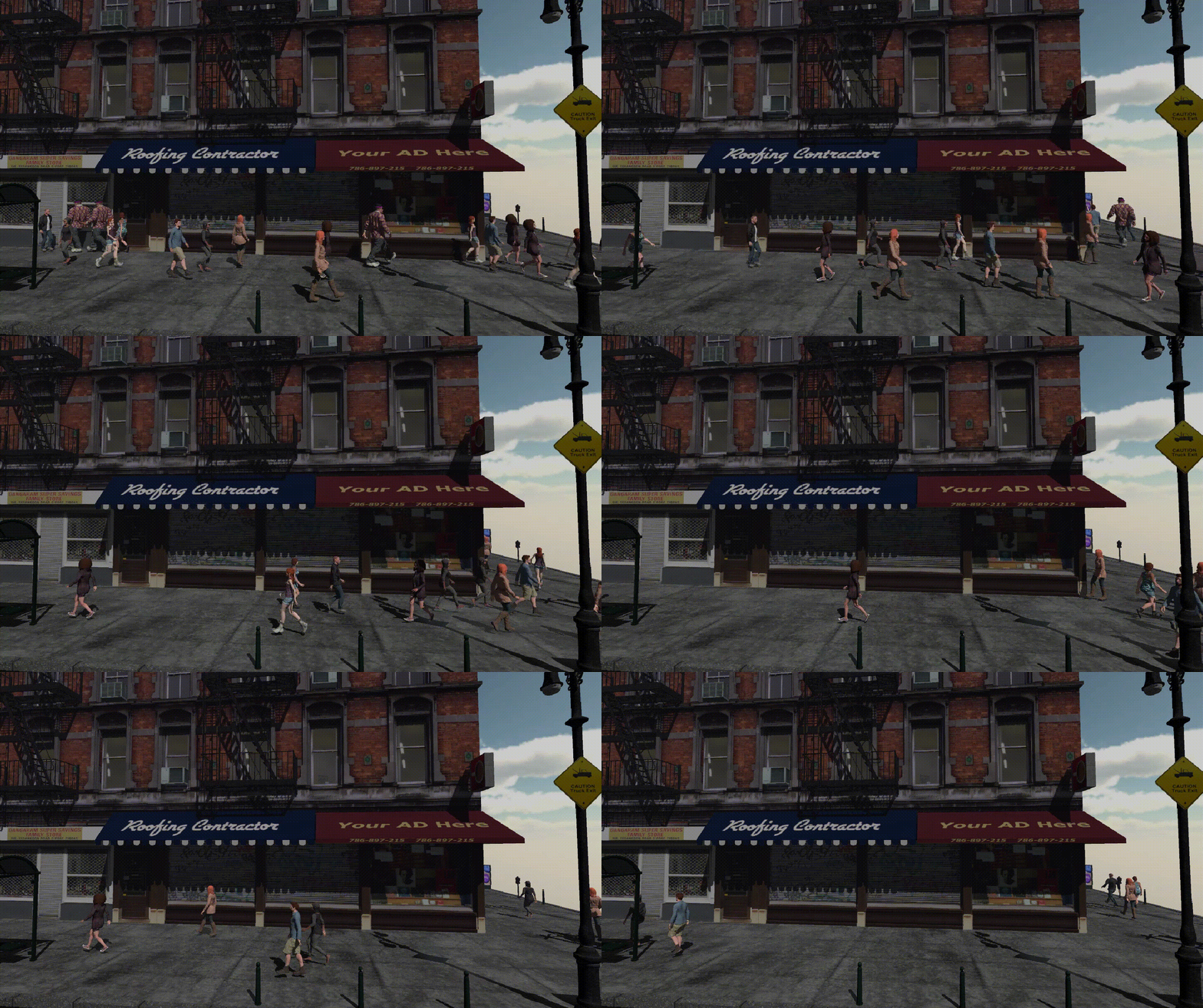
응애