디스코드 클론코딩을 하면서 사용한 Firebase Cloudstore 에 대해 정리가 필요할 것 같아 블로그를 작성
참조 - https://firebase.google.com/docs/firestore?hl=ko
Cloud Firestore 란?
Cloud Firestore는 모바일 앱 개발을 위한 Firebase의 최신 데이터베이스로서 실시간 데이터베이스의 성공을 바탕으로 더욱 직관적인 새로운 데이터 모델을 이며, 실시간 데이터베이스보다 풍부하고 빠른 쿼리와 원활한 확장성을 제공한다
데이터베이스 만들기
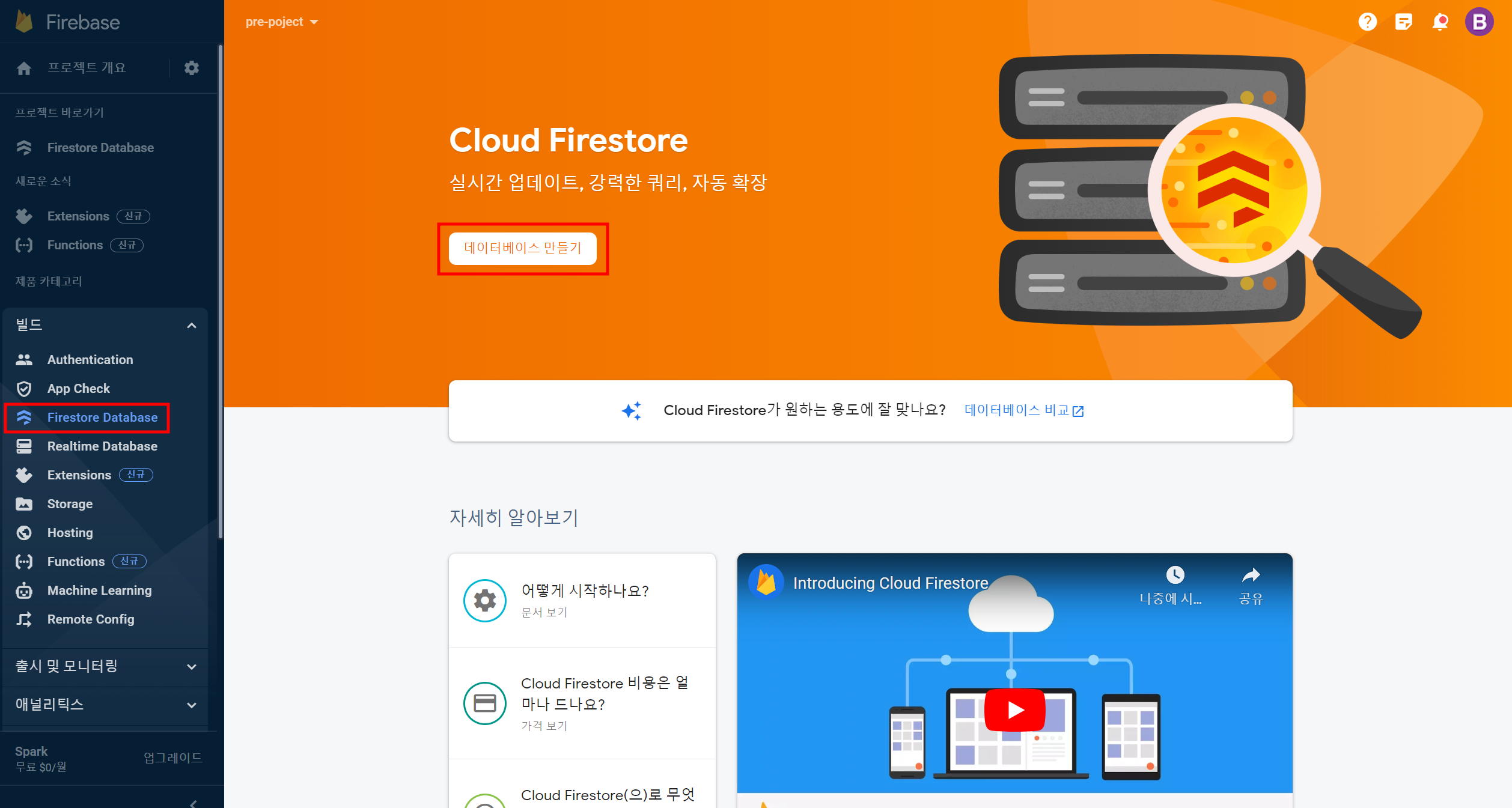
- Firebase Database 메뉴를 클릭하여 데이터베이스 만들기 버튼 클릭
- 테스트 모드에서 시작 선택 후 다음

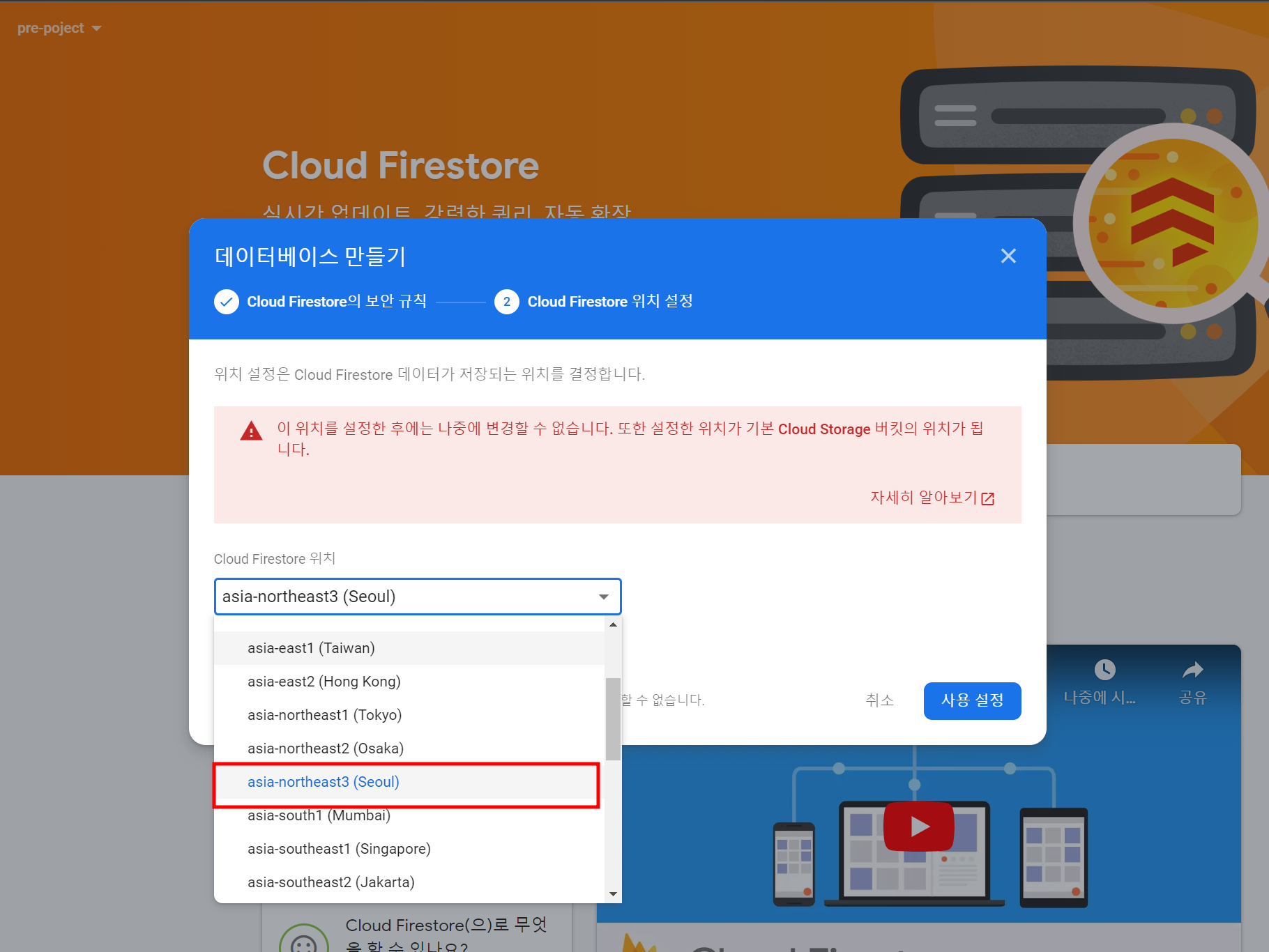
- asia-northeast3(seoul) 클릭
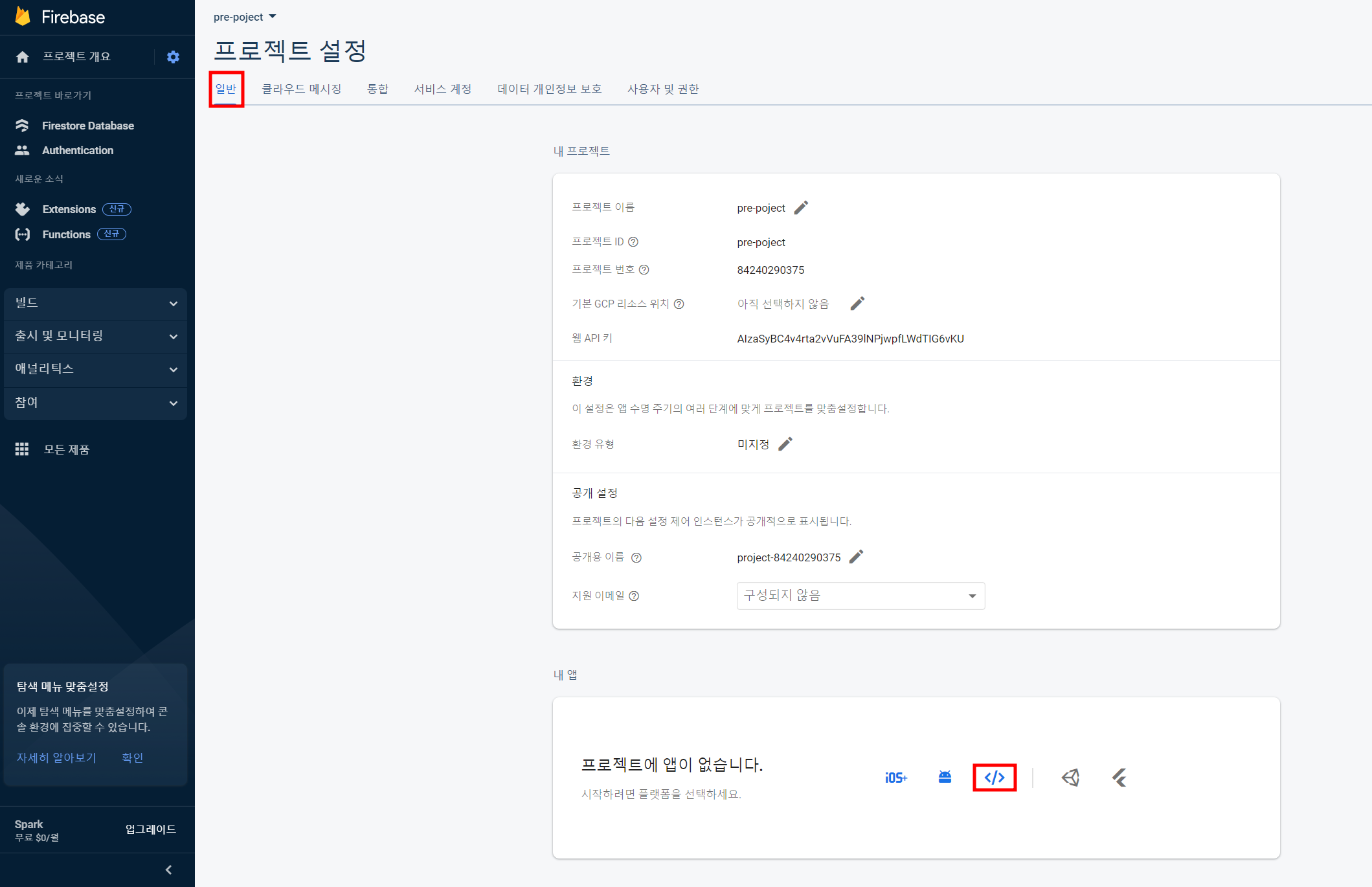
npm 설치 및 개발환경 설정
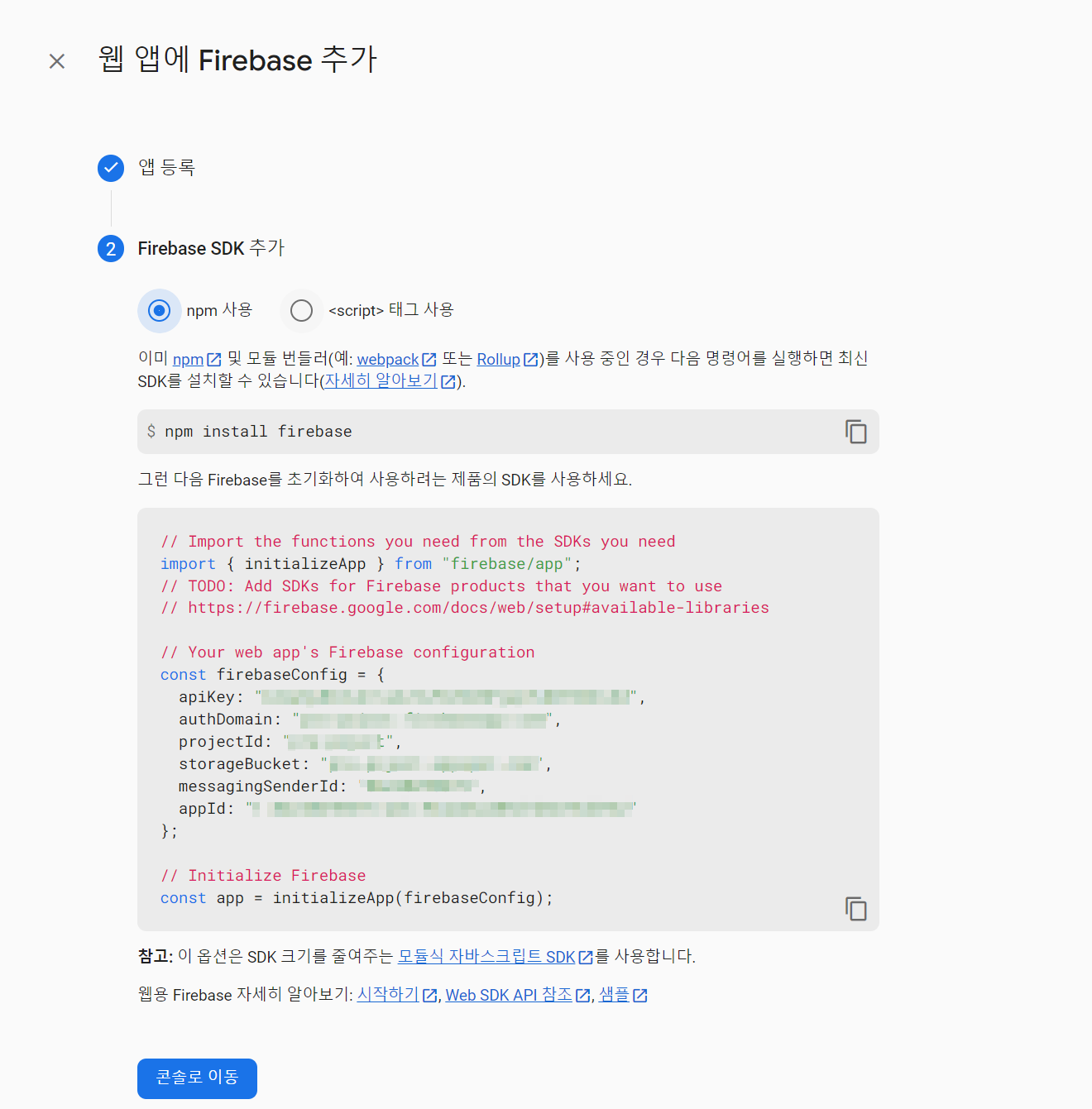
npm install firebase@9.21.0 --save// firebase.ts
import { initializeApp } from "firebase/app";
import { getFirestore } from "firebase/firestore";
const firebaseConfig = {
apiKey: ...,
authDomain: ...,
projectId: ...,
storageBucket: ...,
messagingSenderId: ...,
appId: ...,
};
// Initialize Firebase
const app = initializeApp(firebaseConfig);
// Initialize Cloud Firestore and get a reference to the service
const db = getFirestore(app);
export { app, db };데이터 관리
collection - 컬렉션에 대한 참조
collection(firestore, path, ...pathSegments)
collection(db, "channels")
collection(db, "channels", channelId, "messages")
doc - 특정 컬렉션 내 단일 문서 참조
- 특정 컬렉션 내의 문서에 대한 참조를 가져온다
- 문서는 컬렉션 내에서 데이터를 저장하는 단위이다
doc(collection(db, "channels"), 'channel1')query - 컬렉션 내 여러 문서 가져오기
- 조건에 따라 컬렉션 내에서 문서를 가져온다
- 조건에 따라 매칭된 여러 문서를 반환한다
query(collection(db, "channels")getDoc - 문서 가져오기
- 문서를 가져오며 가져온 결과는 Promise 객체로 반환된다
getDoc(doc(collection(db, "channels"), 'channel1'))addDoc - 데이터 추가
addDoc(reference, data)
  const addChannel = async () => {
    const newChannel = prompt("채널명을 입력해주세요");
     try{
       if (newChannel && (newChannel as string).length > 0) {
        await addDoc(collection(db, "channels"), {
          channelName: newChannel,
        });
      } catch(error) {
      	console.error("Error adding document: ", error);
      }
   }
  };
setDoc - 데이터 업데이트
- 문서에 데이터를 저장하거나 기존 데이터를 업데이트한다
- 문서가 존재하지 않으면 새로운 문서를 생성하고, 이미 존재하는 경우 데이터를 업데이트한다
setDoc(doc(collection(db, 'channels'), 'channel1'), {
	channelName : newChannel
})
updateDoc - 필드 업데이트
- 문서의 특정 필드를 업데이트한다
- 업데이트할 필드와 값을 포함하는 객체를 전달한다
updateDoc(doc(collection(db, 'channels'), 'channel1'), {
	channelName : newChannel
})
deleteDoc - 데이터 삭제
deleteDoc(doc(db, "channels", channelId));onSnapshot - 실시간 변경 데이터 수신 리스너
- 실시간으로 문서 또는 쿼리의 변경 사항을 수신하는 리스너를 등록한다
- 변경 사항이 발생할 때마다 호출되며, 데이터의 변경 내용을 처리한다
const useCollection = (data: string) => {
  const [documents, setDocuments] = useState<Channel[]>([]);

  useEffect(() => {
    onSnapshot(query(collection(db, data)), (snapshot) => {
      const results: Channel[] = [];
      snapshot.docs.forEach((doc) => {
        results.push({
          id: doc.id,
          channel: doc.data(),
        });
      });

      setDocuments(results);
    });
  }, []);
  return { documents };
};

FE