1. 내 정보 조회
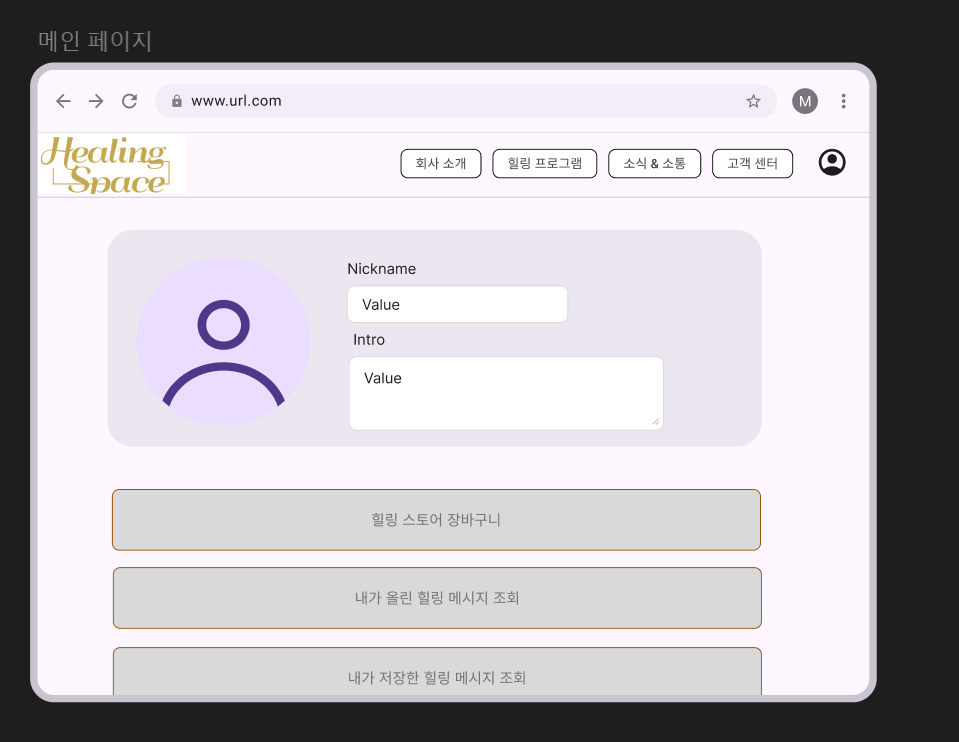
위 피그마 디자인은 내가 초안으로 그린 디자인 화면이다.
위 화면에서 가장 위의 카드 내부에
1. 프로필 사진
2. 사용자 ID
3. 인트로 (짧은 자기 소개)
이렇게 3개가 들어갈 정보를 DTO에 포함하여 반환한다.
2. Trouble Solving
간단한 프로세스이기에 아무런 오류없이 바로 성공하였다.
3. 구현
3.1 Controller
  /**
     * 내 정보 조회 API
     * @param request 사용자 요청
     * @return 프로필 조회 DTO
     */
    @Operation(summary = " 내 정보 조회 API ", description = "")
    @GetMapping("/myinfo")
    private ResponseEntity<MyInformationResponse> getMyInfo(HttpServletRequest request){

        MyInformationResponse myInformationResponse = mypageService.getMyInfo(request);

        return ResponseEntity.ok(myInformationResponse);
    }
필요한 정보는 DTO에 담아서 반환한다.
사용자 request만 담아서 바로 서비스로 보낸다.
3.2 Service
3.2.1 Interface
/**
     * 내 정보 조회 메서드
     * @param request 사용자 요청
     * @return 프로필 정보 DTO
     */
    MyInformationResponse getMyInfo(HttpServletRequest request);
3.2.2 Implements
 /**
     * 내 프로필 조회 메서드
     * @param request 사용자 요청
     * @return 프로필 조회 DTO
     */
    @Override
    public MyInformationResponse getMyInfo(HttpServletRequest request) {

        /* 사용자 고유번호 조회 */
        Long userNumber = jwtService.extractUserNumberFromRequest(request);

        /* 프로필 정보 조회 */
        MyInformationResponse myInformationResponse = memberMapper.getMyInfo(userNumber);

        return myInformationResponse;
    }
사용자 고유 번호를 조회한 후
바로 SQL로 보내어 필요한 정보를 DTO에 담아온다.
3.3 Mapper
3.3.1 Mapper
 /**
     * 사용자 고유 번호로 프로필 정보 조회
     * @param userNumber 사용자 고유 번호
     * @return 프로필 정보 DTO(이미지 경로,사용자 id, 인트로 )
     */
    MyInformationResponse getMyInfo(Long userNumber);
3.3.2 XML
<!-- 내 프로필 조회 -->
    <select id="getMyInfo" resultType="website.server.Domain.MyPage.DTO.Response.mypage.MyInformationResponse">
        SELECT
            profile_image_path,
            nickname,
            intro
        FROM
            member
        WHERE
            userNumber = #{userNumber}
    </select>
userNumber를 통해 member테이블에서 위 3개의 정보를 빼와서 DTO에 담아 반환한다.
4. 결과
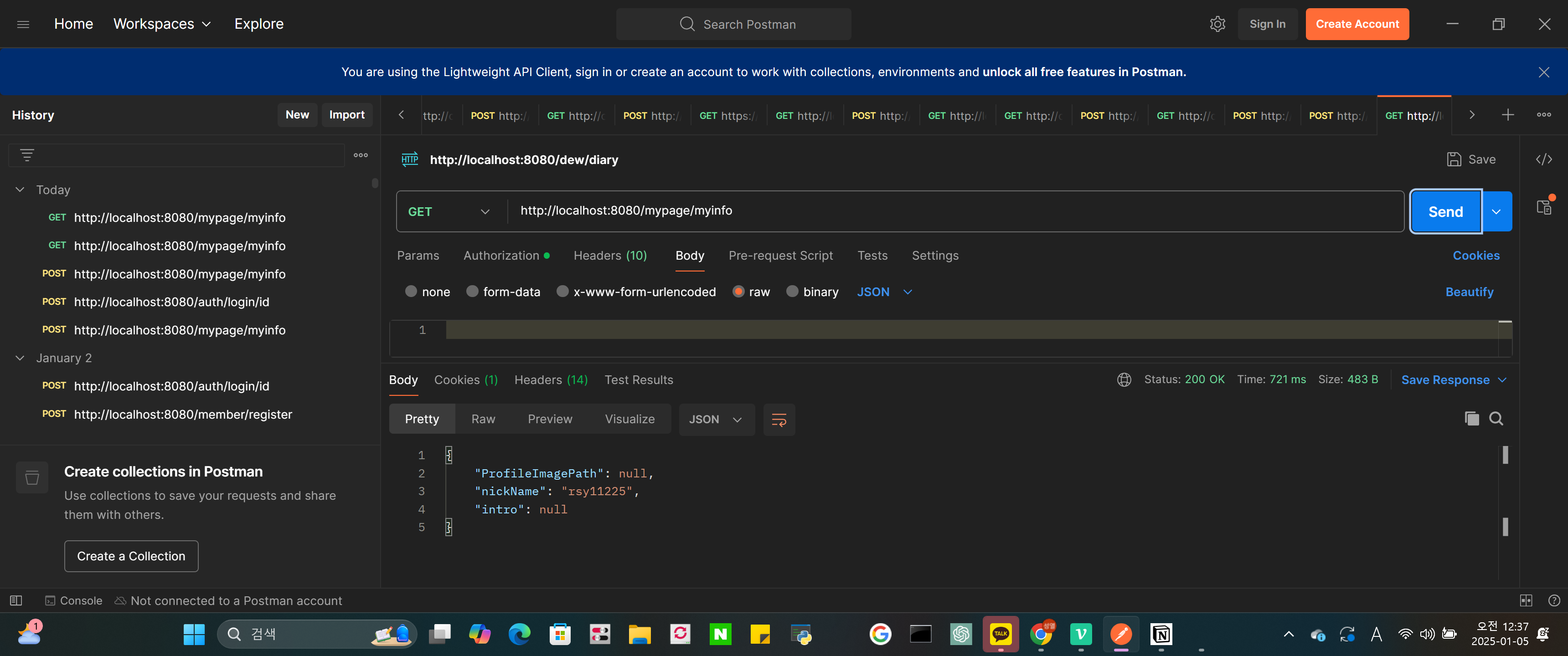
성공이다.
아직 넣은 프로필 정보는 없어서 null이 뜨긴 한다.
내가 있는 그 조직에서 가장 성실하기만 하자