1. 프로젝트 생성
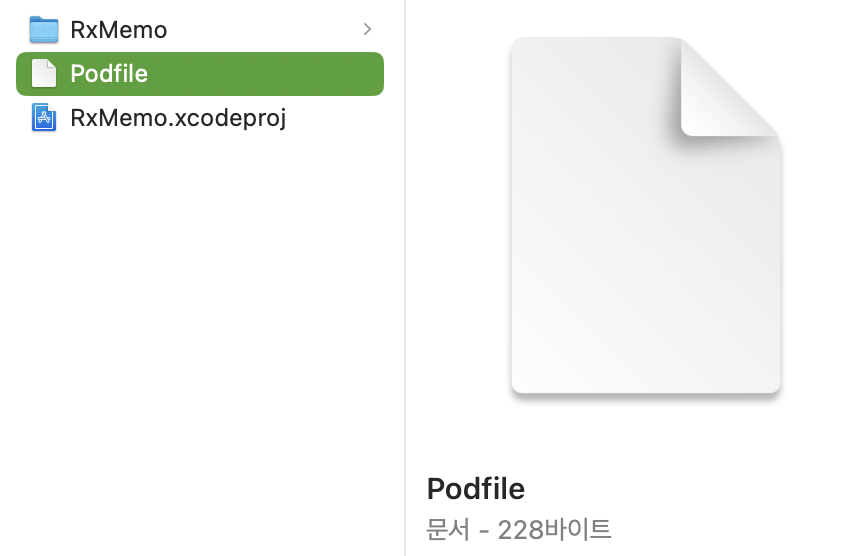
2. Podfile 추가
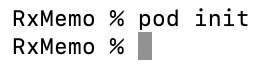
- 프로젝트 폴더 내에서 콘솔에
pod init입력
3. Podfile에 라이브러리 작성
# Uncomment the next line to define a global platform for your project
# platform :ios, '9.0'

target 'RxMemo' do
  # Comment the next line if you don't want to use dynamic frameworks
  use_frameworks!

  # Pods for RxMemo
pod 'RxSwift', "6.2.0"
pod 'RxCocoa'
pod 'Action'
pod 'NSObject+Rx'
pod 'RxDataSources'
pod 'RxCoreData'

endRxSwift,RxCocoa는 필수
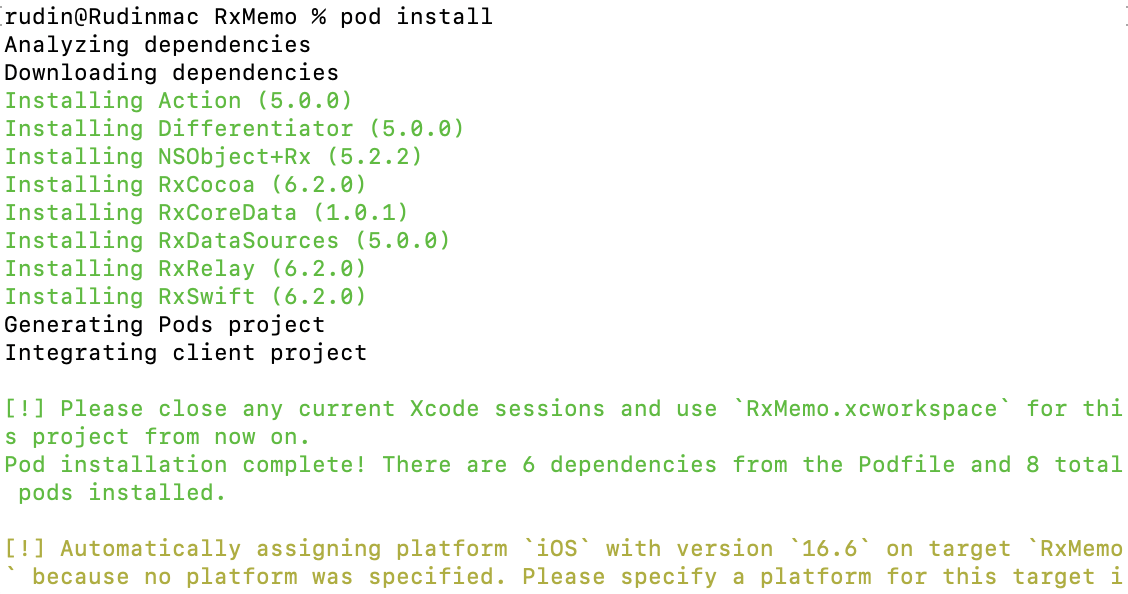
4. Podfile 설치
pod install
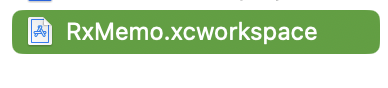
5. xcworkspace파일 실행
6. 빌드하여 오류 확인
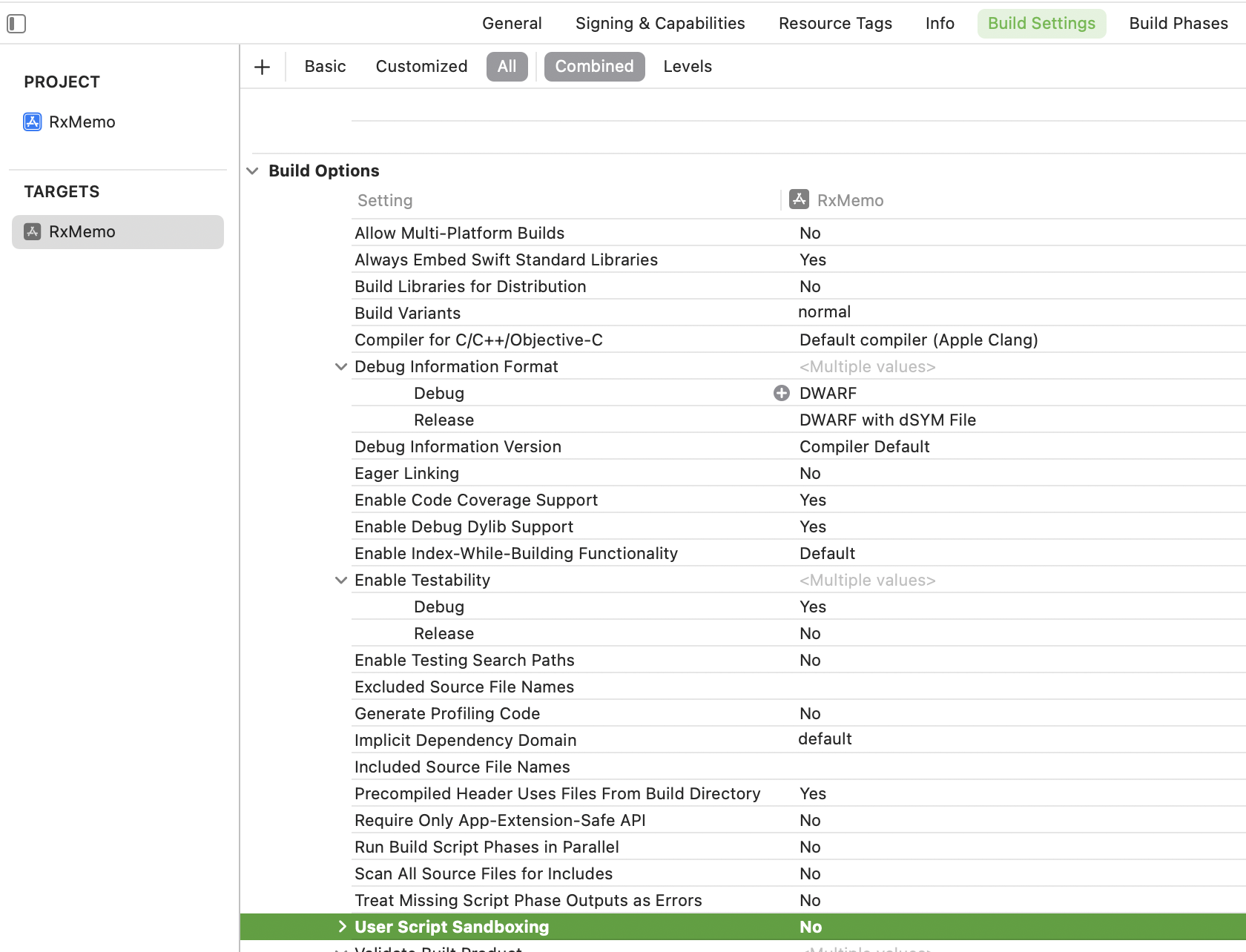
- Sandbox: rsync~ 오류는 프로젝트 빌드 설정에서 User Script Sandboxing을 No로 변경해주면 된다.


성장하기 위한 기록